

Dance clips stop the scroll when motion looks fluid and cinematic. Van Gogh Studio has dance-related Video Effects such as Pole Dance and other social-viral dance templates in Video Effects—upload a photo and apply the effect. You can also prompt a dance scene in Text/Image to Video, or drive body motion more tightly with Mimic Motion.
This guide shows both paths: fast template dances and custom prompted choreography, plus tips that keep limbs and fabric looking natural.
What You Can Make
- Photo-to-dance clips via Social Viral dance templates in Video Effects
- Custom dance scenes from text prompts (outfit, venue, camera, lighting)
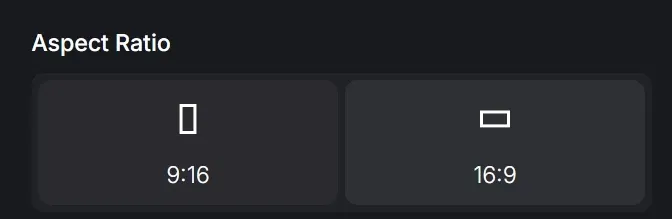
- Vertical 9:16 exports for TikTok / Reels / Shorts
- Motion-guided performances when you have a reference dance video (Mimic Motion)
There is no separate “dancing girl app”—use Video Effects for template dances or Text/Image to Video for full prompt control.
How to Create Dance Videos with Video Effects
Step 1: Open Video Effects and Pick a Dance Template
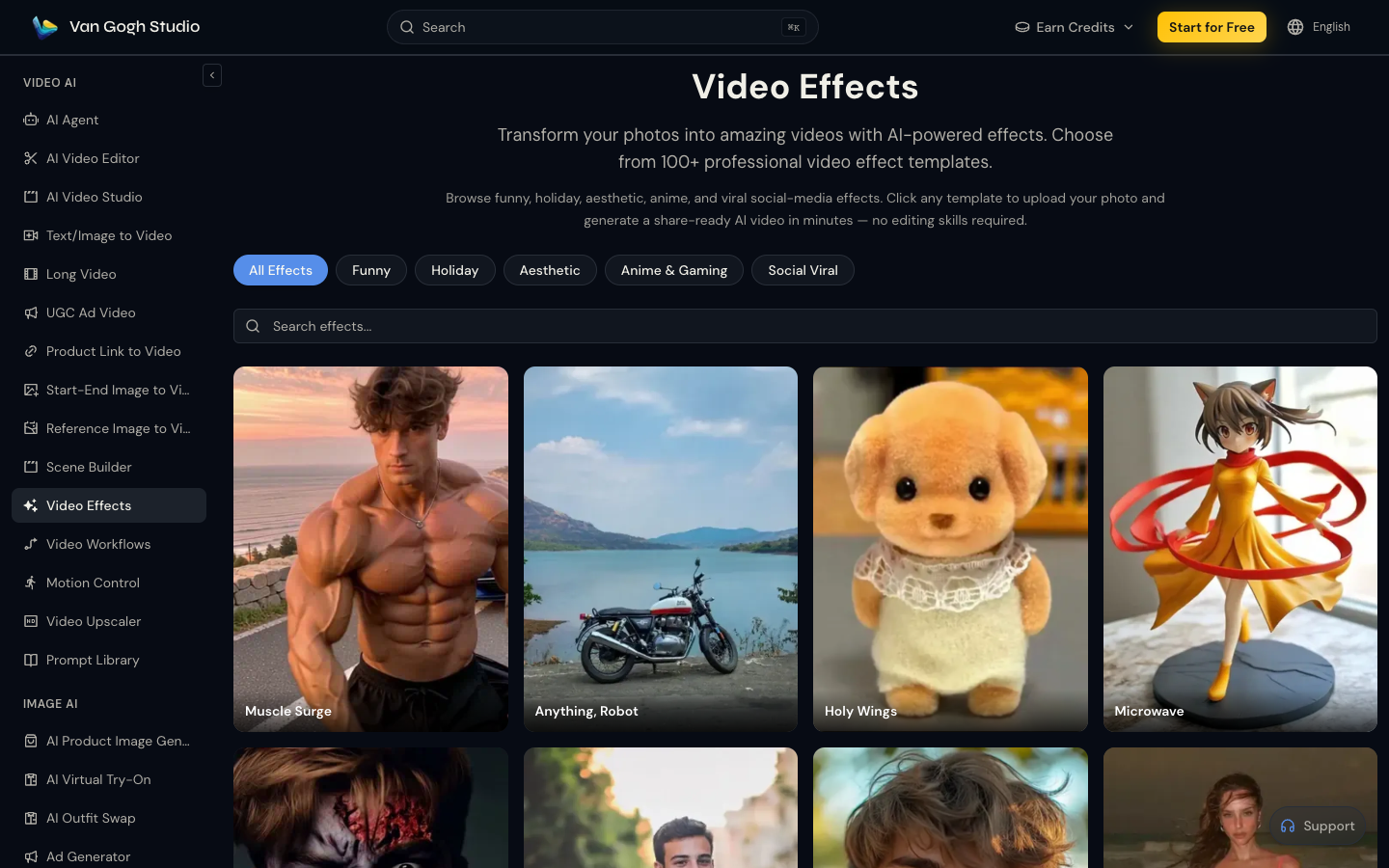
Go to Video Effects. Filter Social Viral or search for dance. Open a dance template that matches your vibe.
Step 2: Upload Your Photo and Set Quality
Upload a clear full-body or waist-up photo (JPG/PNG/WebP). Confirm resolution and duration on the effect page.
| Input quality | Result quality | Fix if weak |
|---|---|---|
| Full-body, sharp, even light | Best limb coherence | — |
| Waist-up selfie | OK for upper-body grooves | Step back; recapture full body |
| Busy crowd background | Motion artifacts | Use plain wall / studio photo |
| Heavy filters / beauty blur | Waxy skin in motion | Upload a cleaner original |
Step 3: Generate and Download
Generate, preview, then download when ready. Iterate with a different photo if hands or feet warp.
Step 4: Optional — Prompt a Custom Dance Scene
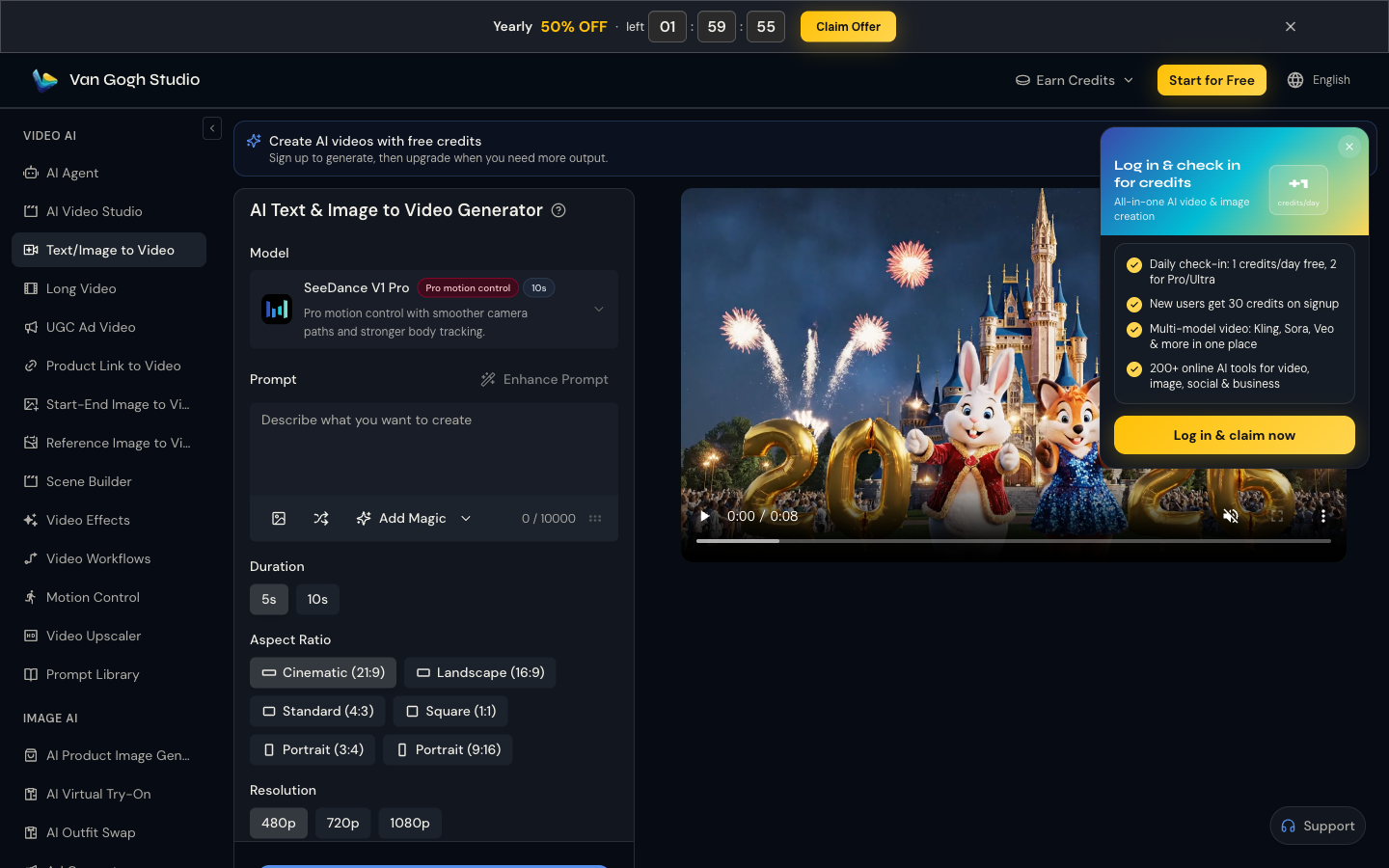
For looks outside the template list, open Text/Image to Video and describe the dancer, choreography, venue, and camera.
Example: Cinematic shot of a woman dancing energetically on a neon club floor, fluid motion, realistic fabric movement, shallow depth of field, 9:16, photorealistic.
Step 5: Optional — Drive Motion with Mimic Motion
When you need choreography that follows a real dance reference, use Mimic Motion with a suitable character image and motion driver, then export for social or stitch into a longer edit.
Tips for Realistic Dance Motion
- Prefer full-body source photos for template effects—cropped ankles confuse footwork.
- Name the dance energy, not every move (“energetic hip-hop groove” > listing 12 steps).
- Keep wardrobe simple (solid colors, clear silhouette) to reduce fabric tear artifacts.
- Add music in post. Sync a trending audio after download for higher completion.
- Lead with motion in the first second. Social algorithms reward immediate movement.
Common Mistakes
- Using seated portraits for full-body dance templates
- Prompting copyrighted choreography or celebrity dancers by name
- Mixing anime style words with “photorealistic”
- Ignoring platform dress and safety policies for dance content
Use Cases
- Music visualizers and short hooks for social stories
- Virtual idol / digital persona dance loops
- High-energy openers before a product or CTA shot (UGC Ad Video)
- Channel intros paired with AI Avatar speaking segments
Related Tools
- Video Effects — template dance motion
- Text/Image to Video — custom choreography prompts
- Mimic Motion — tighter motion guidance from a reference
- AI Avatar — talking segments alongside dance clips
- AI Video Studio — broader creative workspace
- AI Agent — multi-beat music promo structure
Final Thoughts
Start with a dance template in Video Effects, or write a custom scene in Text/Image to Video. Open Van Gogh Studio and ship the next high-energy clip without a studio shoot.
FAQs
Do I need a dance template, or can I prompt freely?
Both work. Templates in Video Effects are fastest for photo-to-dance. Text/Image to Video is better for custom venues and styling.
What photo works best?
A sharp, well-lit full-body photo with a simple background. Avoid extreme poses that already distort limbs.
Can I match a specific song’s choreography?
You can style energy to a genre and sync audio in post. For closer body tracking from a reference performance, try Mimic Motion—still follow music and platform rights rules.
What aspect ratio should I export?
Use 9:16 for TikTok, Reels, and Shorts. Use 16:9 for YouTube music videos or website heroes.
Create AI videos free
Try Van Gogh Studio free — text-to-video, image-to-video, and 300+ models in one place. Free credits on signup, no credit card required.
Try Free Video Generator


