

High-quality B-roll is the visual glue that keeps viewers watching—cutaways, close-ups, and atmosphere shots between your main talking points. You do not need a second camera crew: Van Gogh Studio can generate cinematic B-roll from a prompt in Text/Image to Video.
This guide defines AI B-roll, walks the Van Gogh Studio workflow, and gives prompt patterns you can drop into YouTube, ads, and documentary-style edits the same day.
What Is AI B-roll?
B-roll is supplemental footage cut against your main shot (A-roll)—cityscapes, product close-ups, hands-at-work details, weather, and motion that add context. With Text/Image to Video you describe the shot and generate HD clips without a B-camera.
Treat AI B-roll as a library asset: generate once, reuse across episodes, ads, and Shorts hooks.
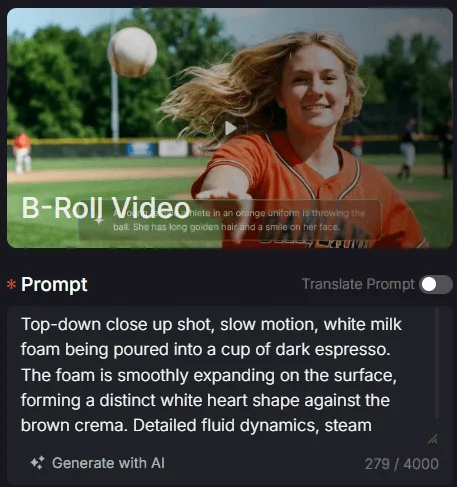
How to Create Cinematic B-roll on Van Gogh Studio
Step 1: Open Text/Image to Video and Write a Detailed Shot Prompt
Go to AI Text & Image to Video. Describe texture, lighting, camera move, and subject.
Example: Top-down close-up, slow motion, white milk foam poured into dark espresso, detailed fluid dynamics, steam rising, warm atmosphere, 4K, photorealistic.
Optionally upload a reference still. Use Enhance Prompt if you want richer wording.
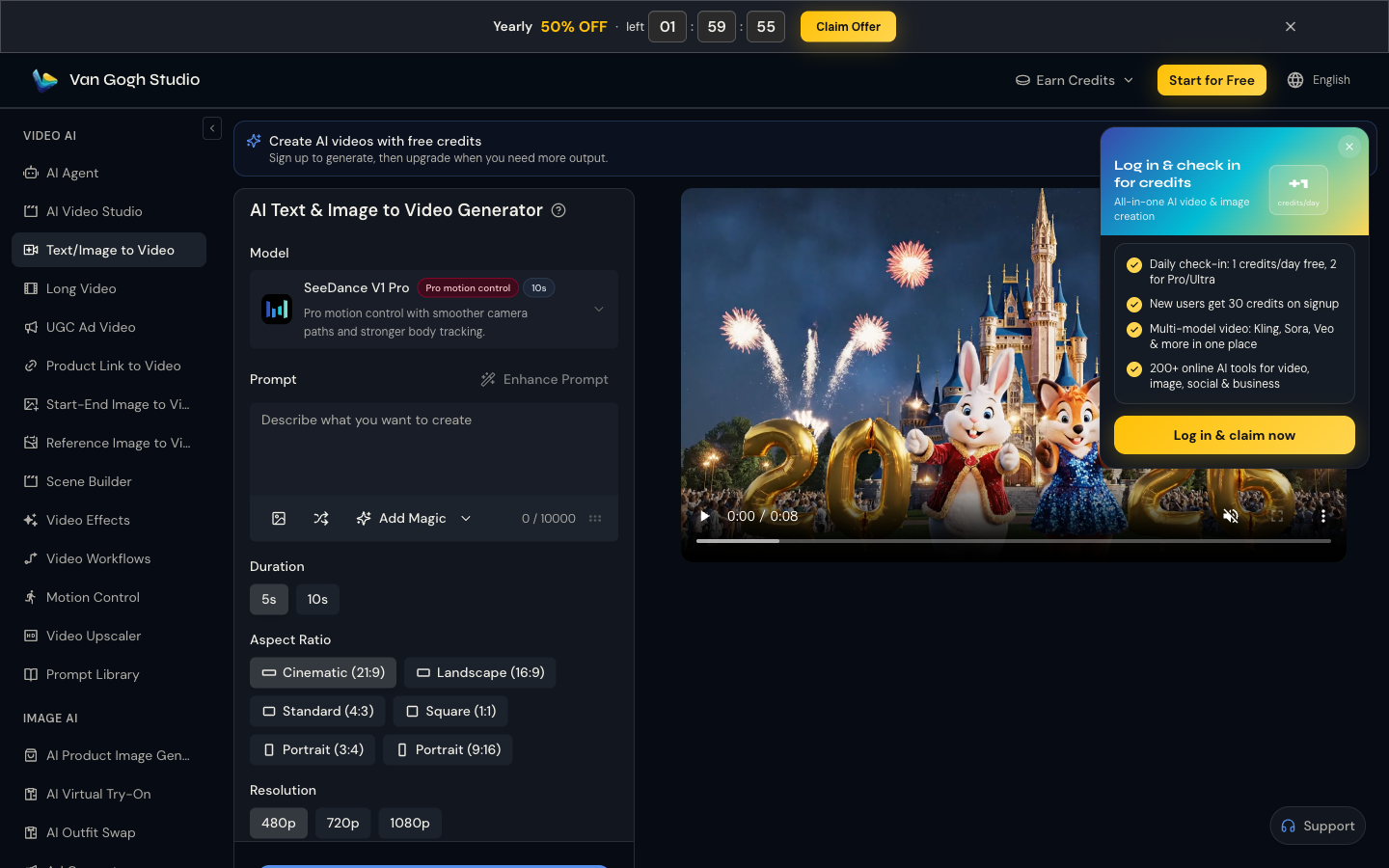
Step 2: Set Duration, Aspect Ratio, and Resolution
| Edit destination | Aspect ratio | Duration | Prompt focus |
|---|---|---|---|
| YouTube long-form | 16:9 | 5–10s | Slow pans, establishing shots |
| Shorts / Reels | 9:16 | 5s | Macro details, single motion |
| Paid social ads | 9:16 | 5s | Product texture + benefit cue |
| Podcast / interview cover | 16:9 | 5–10s | Soft atmosphere, bokeh |
Match the ratio to the edit you will drop the clip into.
Step 3: Generate and Drop Into Your Edit
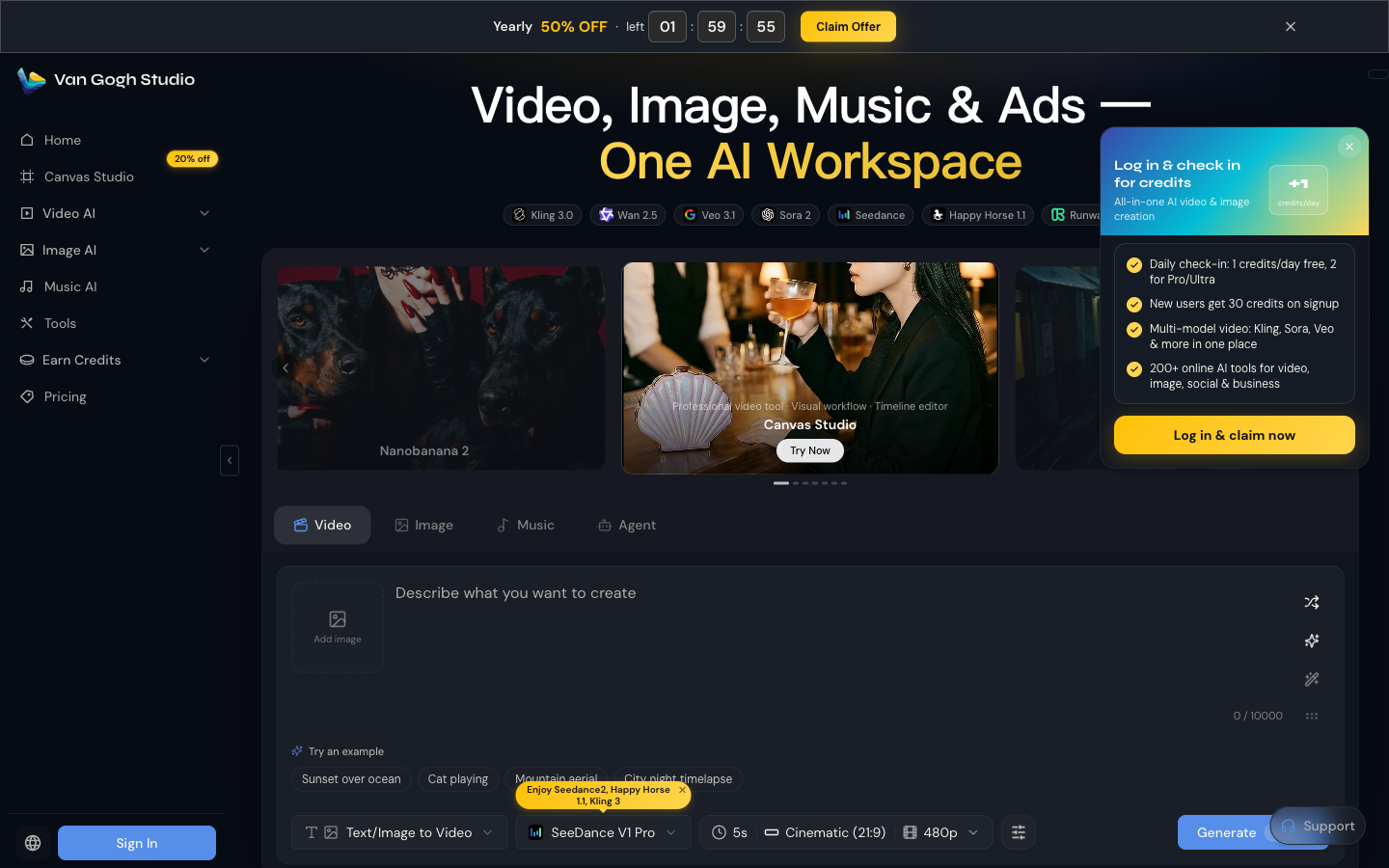
Click Generate (or use the home Video bar). Download the clip and place it as a cutaway in your editor. For a multi-scene story that already includes B-roll-style beats, build the full narrative in Long Video instead of stitching only in an external NLE.
Prompt Tips for Usable B-roll
- One subject, one motion. “Steam rising from coffee” beats “busy café full of people walking.”
- Name the lens feel. Macro, shallow depth of field, aerial, handheld—editors cut these differently.
- Lock a color mood. Warm tungsten, cool overcast, neon night—consistency across a pack of clips matters.
- Generate in packs of 5. Same theme, varied angles, so your timeline never reuses the identical move.
- Keep logos honest. Don’t invent brand marks you don’t have rights to show.
Common Mistakes
- Writing novel-length prompts that confuse the model
- Generating 16:9 for a 9:16 channel (or the reverse)
- Using B-roll that contradicts the script’s location or season
- Overusing the same clip until viewers notice the loop
Use Cases
- Documentary-style cutaways and environmental plates
- Vlog talking-head breaks with dynamic inserts
- Ad product close-ups—pair with UGC Ad Video when you need a presenter-style hero shot
- Course and webinar visuals that illustrate abstract ideas
- Real-estate and travel atmosphere layers beside Long Video narratives
Related Tools
- Text/Image to Video — primary B-roll generation
- Long Video — multi-scene stories that weave B-roll into a full narrative
- Video Effects — template-based motion looks
- AI Avatar — talking-head A-roll when you need a presenter
- AI Agent — brief-to-structured video with paced visuals
- AI Video Studio — broader generation workspace
Final Thoughts
Generate the cutaways you need in Text/Image to Video, keep ratios consistent with your main edit, and ship faster without a second camera. Start on Van Gogh Studio.
FAQs
Is AI B-roll legal to monetize?
You can generally monetize original AI-generated footage you create, but you remain responsible for trademarks, likeness rights, and platform policies. Avoid recreating copyrighted characters or real private property deceptively.
How long should each B-roll clip be?
5 seconds is the sweet spot for most cuts. Generate 10s only when you need a longer atmospheric hold.
Should I generate vertical and horizontal separately?
Yes—matching aspect ratio at generation time looks cleaner than heavy cropping later, especially for macros.
Can I build a whole video from B-roll alone?
Yes for faceless channels—or combine B-roll with AI Avatar narration and structure the arc in Long Video or AI Agent.
Create AI videos free
Try Van Gogh Studio free — text-to-video, image-to-video, and 300+ models in one place. Free credits on signup, no credit card required.
Try Free Video Generator


