

Property video is now expected in listings—but hiring a crew for every home is rarely practical. Van Gogh Studio lets agents and marketers turn listing photos or a written description into shareable tours with Text/Image to Video or multi-scene Long Video, without waiting on a shoot day.
This guide covers what you can build, a practical room-by-room workflow, settings that keep a brand look consistent, and how to publish for MLS sites versus Reels.
What You Can Build

- Photo-to-video walkthroughs — pan/tilt motion over kitchen, living room, or exterior shots
- Text-prompted exteriors — describe curb appeal when photos are limited
- Longer listing stories — multi-scene narratives with consistent style via Long Video
- Platform-ready ratios — 9:16 for Reels/TikTok or 16:9 for YouTube and websites
- Campaign variants — same home, different hooks (luxury, family, investment)
How to Create Real Estate Videos on Van Gogh Studio
Step 1: Animate Listing Photos with Text/Image to Video
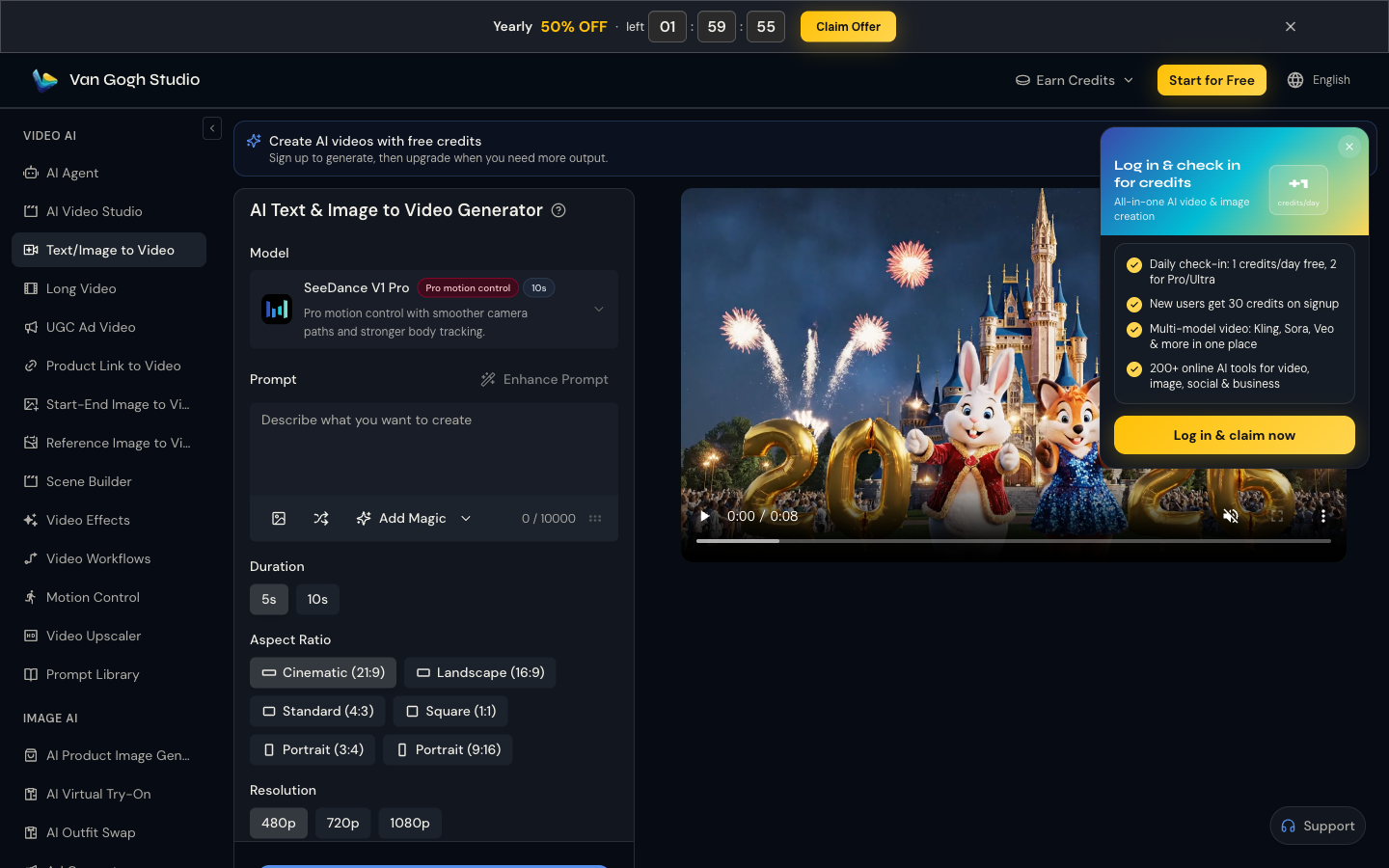
Open Text & Image to Video. Upload a clear property photo, then describe the camera move and mood.
Example: Slow cinematic push through a bright modern living room, soft natural light from floor-to-ceiling windows, subtle camera pan, real estate listing style, photorealistic.

Step 2: Set Duration, Aspect Ratio, and Resolution
| Use case | Aspect ratio | Duration start | Notes |
|---|---|---|---|
| Instagram Reels / TikTok | 9:16 | 5–10s per room | Vertical tours and open-house teasers |
| Listing page / YouTube | 16:9 | 5–10s clips or Long Video | Embed on brokerage sites |
| Story ads | 9:16 | 5s hook of exterior | Lead with curb appeal |
| Agent personal brand | 9:16 | 10s host + B-roll | Pair with AI Avatar intro |
Keep settings consistent across rooms so a carousel of clips feels cohesive.
Step 3: Generate Room Clips and Share
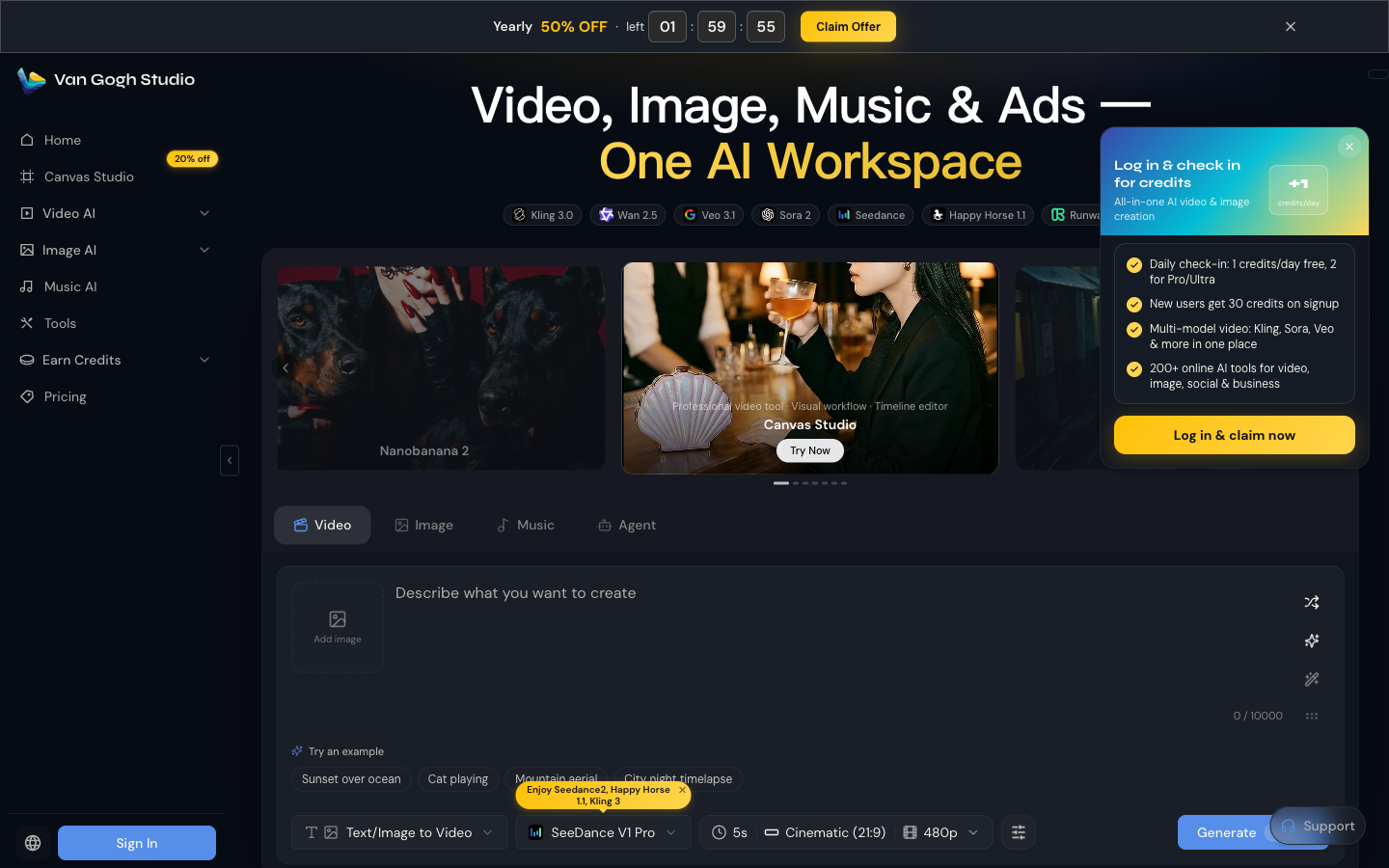
Click Generate on the tool page—or use the home Video tab with Text/Image to Video—then download when the job finishes. Pair clips in your usual editor or post room-by-room on social.
Step 4 (Optional): Multi-Room Tours with Long Video
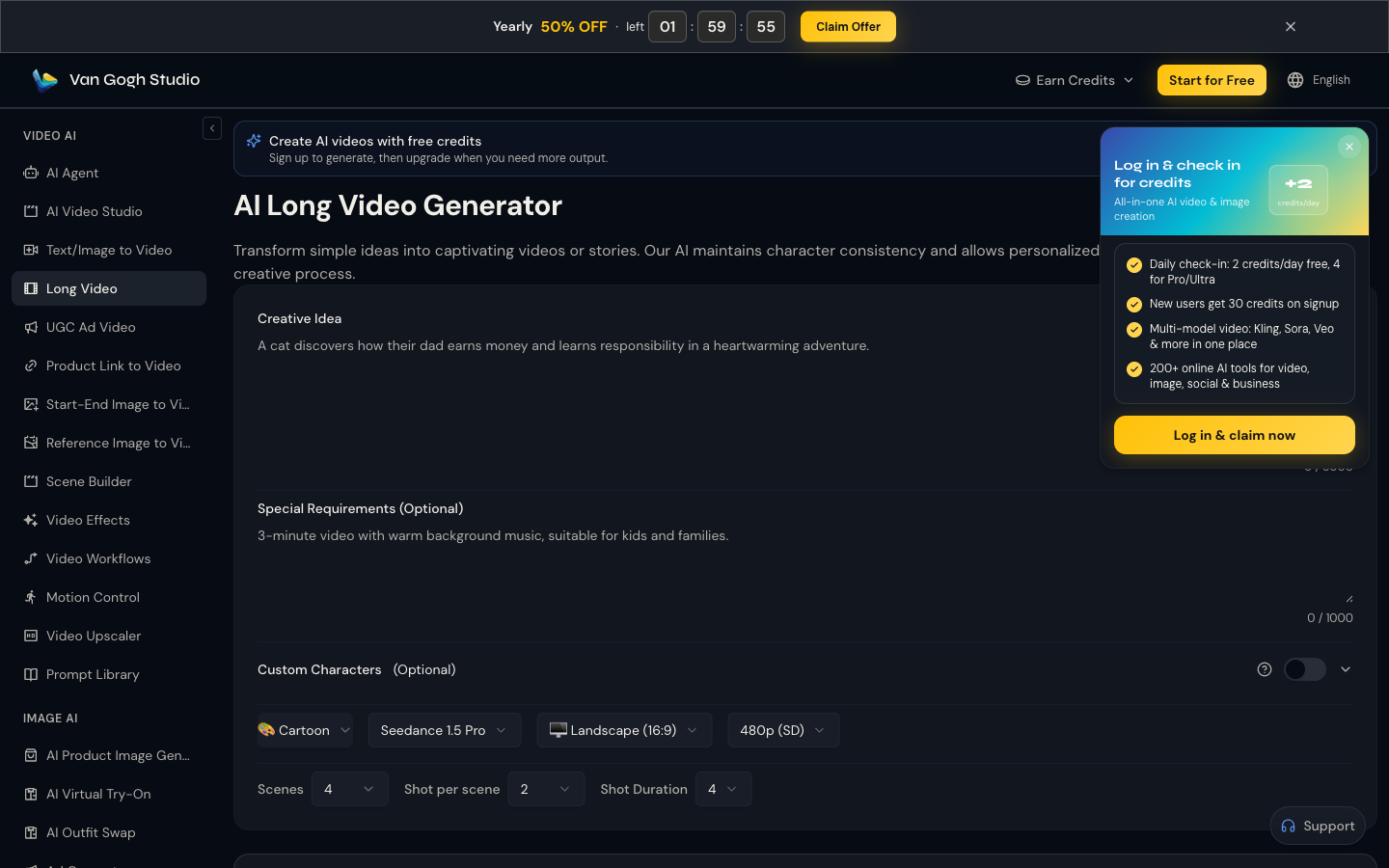
For a full listing story (arrival → kitchen → backyard), open Long Video. Enter the property narrative under Creative Idea, add tone notes under Special Requirements (calm music, luxury feel), set style / model / ratio, then generate multi-scene output.
Tips for Listing-Ready Results
- Start with your best stills. Bright, leveled, decluttered MLS photos outperform phone snaps with lens distortion.
- One camera verb per prompt. “Slow push” or “gentle pan” beats stacking five moves.
- Keep staging honest. AI motion should enhance the real room—not invent a pool that isn’t there.
- Batch by lighting. Morning exteriors and warm interior lamps in separate clips look more intentional.
- Add agent CTA in post. Price, open-house time, and booking link belong in captions or end cards.
Common Mistakes
- Mixing 9:16 and 16:9 randomly across the same listing carousel
- Over-dramatic “horror movie” camera language on family homes
- Generating from watermarked portal screenshots
- Skipping a wide exterior hero shot—buyers need curb context first
Target Users
- Real estate agents and brokers refreshing listing media weekly
- Property managers showcasing rentals on Instagram and Facebook
- Marketing teams A/B testing thumbnail-style exterior motion clips
- New-home builders needing consistent community amenity videos
Related Tools
- Text/Image to Video — room and exterior motion
- Long Video — full listing narratives
- AI Avatar — on-camera agent-style intros without a film day
- UGC Ad Video — testimonial-style open-house ads
- AI Agent — brief-to-structured tour when you want pacing handled for you
- AI Video Studio — general production workspace
Summary
Start with your best stills in Text/Image to Video, set the right ratio, and generate. Need a longer tour? Use Long Video. Open Van Gogh Studio and turn the next listing into motion without a film crew.
FAQs
Can AI replace a drone or full walkthrough shoot?
For many listings, AI photo-to-video covers social teasers and listing-page motion. Luxury or complex properties may still benefit from a real walkthrough—use AI to fill the weekly content gap.
Should I use 9:16 or 16:9?
Use 9:16 for Reels/TikTok prospecting and 16:9 for website embeds and YouTube. Generate both from the same stills when the listing is high priority.
How do I keep rooms looking consistent?
Reuse the same model, resolution, and camera language (“slow cinematic pan, soft natural light”) across every room clip.
Can I add a talking agent intro?
Yes—generate an intro with AI Avatar, then cut to AI property B-roll from Text/Image to Video or Long Video.
Create AI videos free
Try Van Gogh Studio free — text-to-video, image-to-video, and 300+ models in one place. Free credits on signup, no credit card required.
Try Free Video Generator


