

Anniversary videos turn cherished memories into a living narrative—whether it is your first year together or a golden celebration. With Van Gogh Studio you can animate a favorite couple photo or script a short romantic story without a film crew.
This guide walks through creating beautiful anniversary videos with AI using Text/Image to Video (ideal for photo-based clips) and Long Video for multi-scene love stories.
What is an Anniversary Video?
An anniversary video is a short cinematic piece that commemorates a relationship milestone. On Van Gogh Studio you can:
- Use Image to Video / Text & Image to Video to animate a couple photo with natural motion
- Guide mood and camera style with a romantic prompt
- Export in ratios ready for a party screen (16:9) or Instagram Reels (9:16)
Key Features for Romantic Storytelling
- Image + text prompting — upload a photo and describe movement, lighting, and atmosphere
- Model choice — pick motion-focused models (for example SeeDance) for smoother camera paths
- Duration & resolution — 5s/10s clips at up to 1080p for gifts and social posts
- Long Video — multi-scene anniversary films with consistent characters when one clip is not enough
How to Create a Beautiful Anniversary Video in 3 Steps
Step 1: Open Text/Image to Video and Add Your Couple Photo
Open AI Text & Image to Video or Image to Video. Click the image upload control next to the prompt, add a clear couple photo (JPG/PNG/WEBP), then describe the romantic motion you want.
Example: A cinematic, romantic video of the couple walking through a sun-drenched garden, soft lens flare, gentle breeze, realistic movements, hyper-detailed.

Step 2: Set Duration, Aspect Ratio, and Resolution
Choose Duration (5s or 10s), Aspect Ratio (Portrait 9:16 for Reels/TikTok, Landscape 16:9 for a party display), and Resolution. Keep the model set to one that fits romantic motion; use Enhance Prompt if you want richer wording.
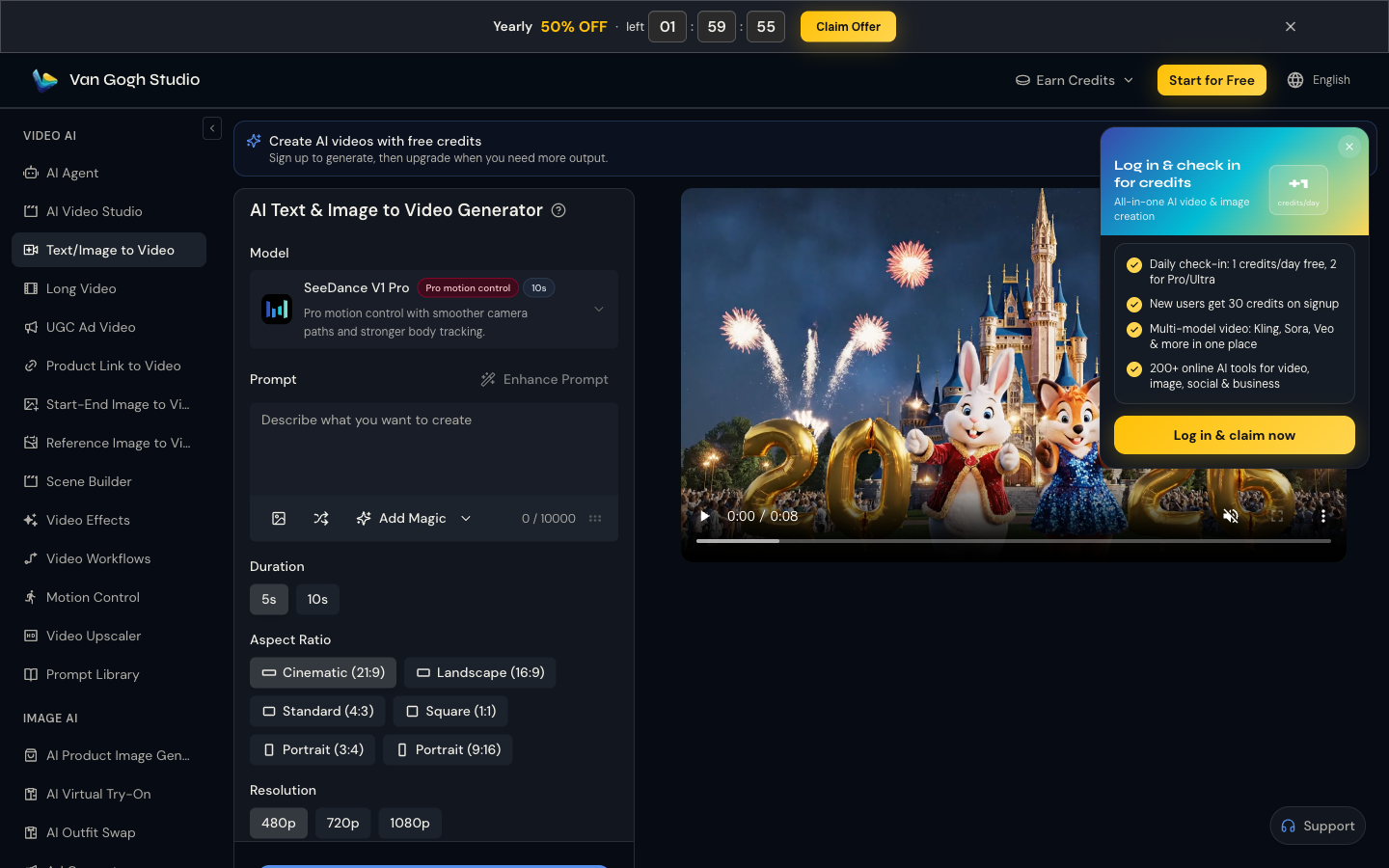
Step 3: Generate and Download
From the dedicated generator page—or the home Video tab with mode Text/Image to Video—confirm your settings on the bottom bar and click Generate. Sign in to use credits if asked. When the anniversary clip finishes, preview it, then download or share.
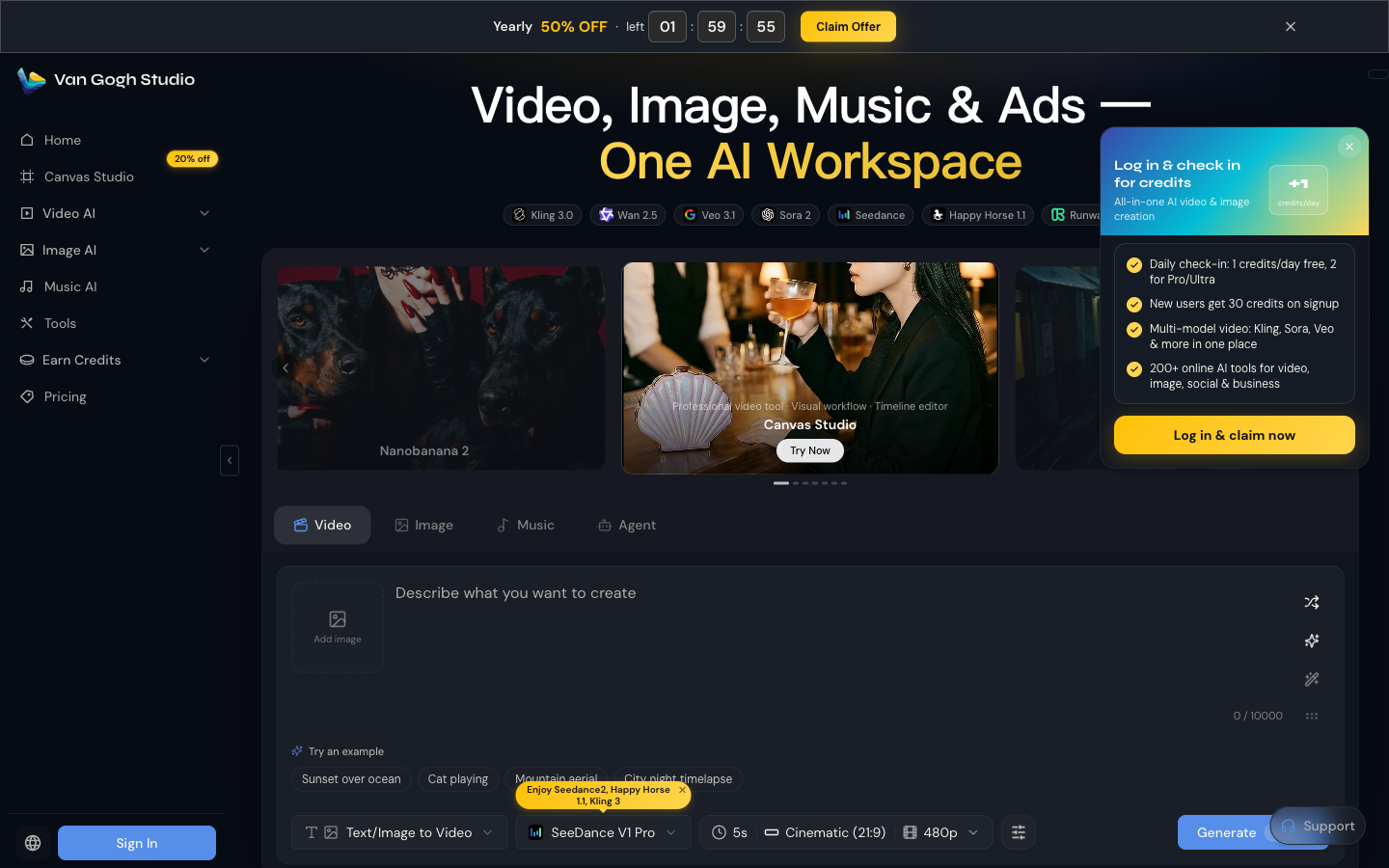
Optional: Tell a Longer Love Story with Long Video
For a look-back montage (first date → wedding → today), use Long Video. Put the arc in Creative Idea, add tone notes under Special Requirements (warm music, romantic pacing), set style and scene count, then generate a multi-shot anniversary film.
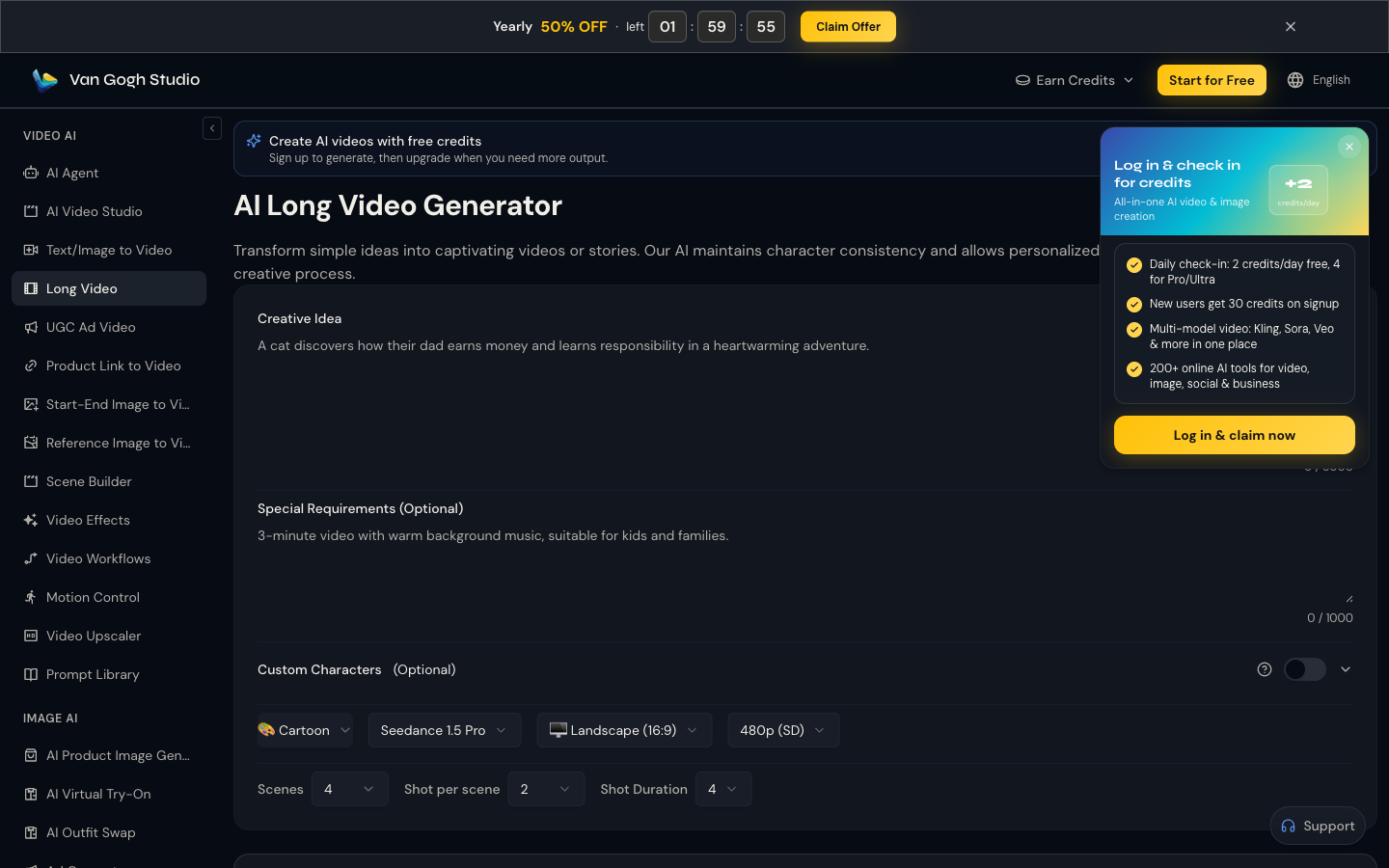
More Ways to Celebrate on Van Gogh Studio
- Short social clips — Text/Image to Video
- Photo-first motion — Image to Video
- Longer narratives — Long Video
- Guided workflows — AI Agent
Final Thoughts
A beautiful anniversary video is a digital keepsake, not just a file. With Van Gogh Studio you can go from a couple photo or a short story prompt to a shareable clip in minutes. Visit Van Gogh Studio and turn your milestone into something cinematic.
Create AI videos free
Try Van Gogh Studio free — text-to-video, image-to-video, and 300+ models in one place. Free credits on signup, no credit card required.
Try Free Video Generator


