

I tested Haiper AI to see whether its text-to-video and image-to-video tools deliver usable short clips — or just polished demos that fall apart on real creative briefs.
In this Haiper AI review, I’ll share what it does well, where short duration and prompt control hold it back, who it fits best, and why I would choose Van Gogh Studio when I need a broader path from idea to publish-ready video.
Quick Verdict
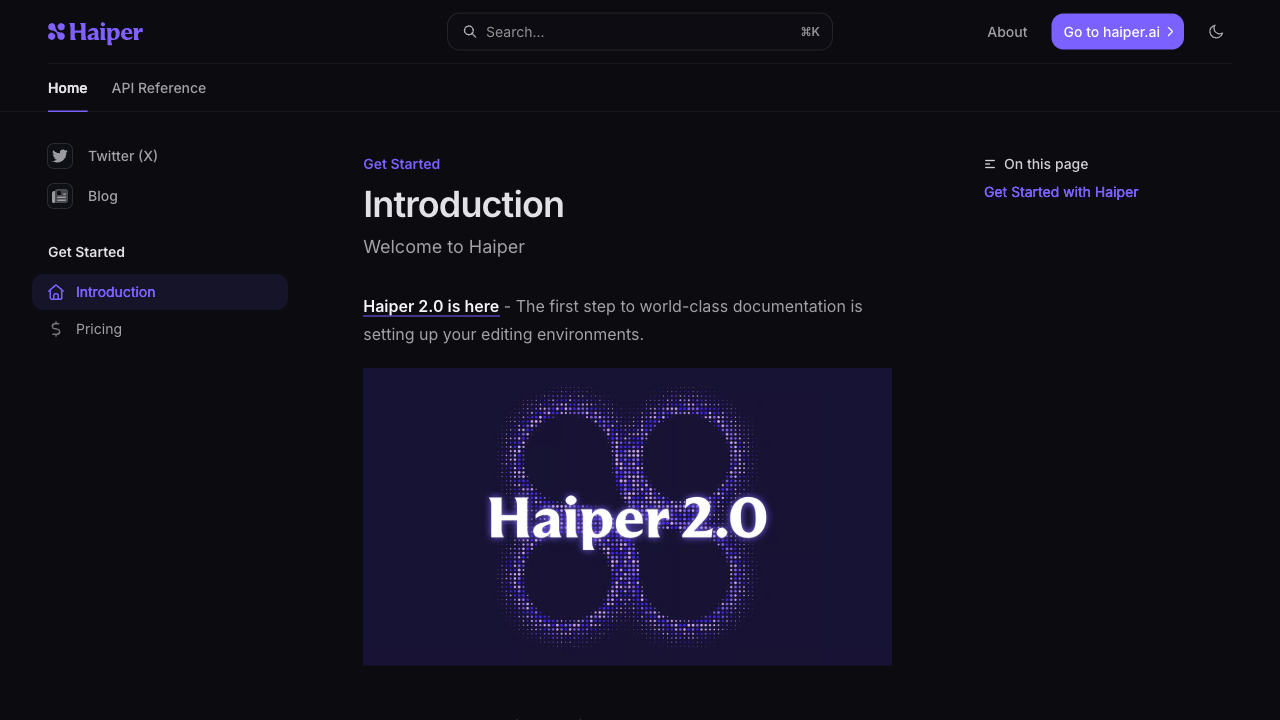
Haiper AI is a strong AI video generator if your main goal is short motion clips from text or still images. The interface is approachable, image-to-video can look fluid on simple subjects, and extras like extend, enhance, and keyframe conditioning help with light creative experiments.
It is a weaker choice when you need longer scenes, tight multi-step prompt control, product ads, UGC campaigns, or a finish path beyond a few-second clip. For a fuller production workflow, I prefer Van Gogh Studio.
| Review Point | My Take |
|---|---|
| Best for | Short text/image-to-video clips and casual motion tests |
| Not best for | Long scenes, product ads, UGC campaigns, or multi-scene stories |
| Strongest feature | Approachable image-to-video with fluid motion on simple subjects |
| Biggest limitation | Very short clip length and weaker complex-prompt handling |
| Learning curve | Easy for beginners and casual creators |
| My verdict | Solid for short motion drafts; limited as a full video studio |
What Is Haiper AI?
Haiper AI is an AI video platform focused on generating short clips from text prompts or still images. The company traces back to talent with DeepMind, TikTok, and research-lab backgrounds, and the product sits in the same generative-video category as tools such as Kling and Runway.
Its biggest value is getting a moving clip quickly without a timeline editor. You upload an image or write a prompt, set a short duration, and generate. That makes Haiper useful for concept tests, social experiments, and simple subject motion.
Compared with open-ended AI video studios, Haiper feels clip-first. It is less about assembling publish-ready campaigns and more about turning one idea or still into a few seconds of motion.
Key Features I Reviewed
Haiper’s feature set is organized around short generative clips and light post-generation helpers.
Image to Video
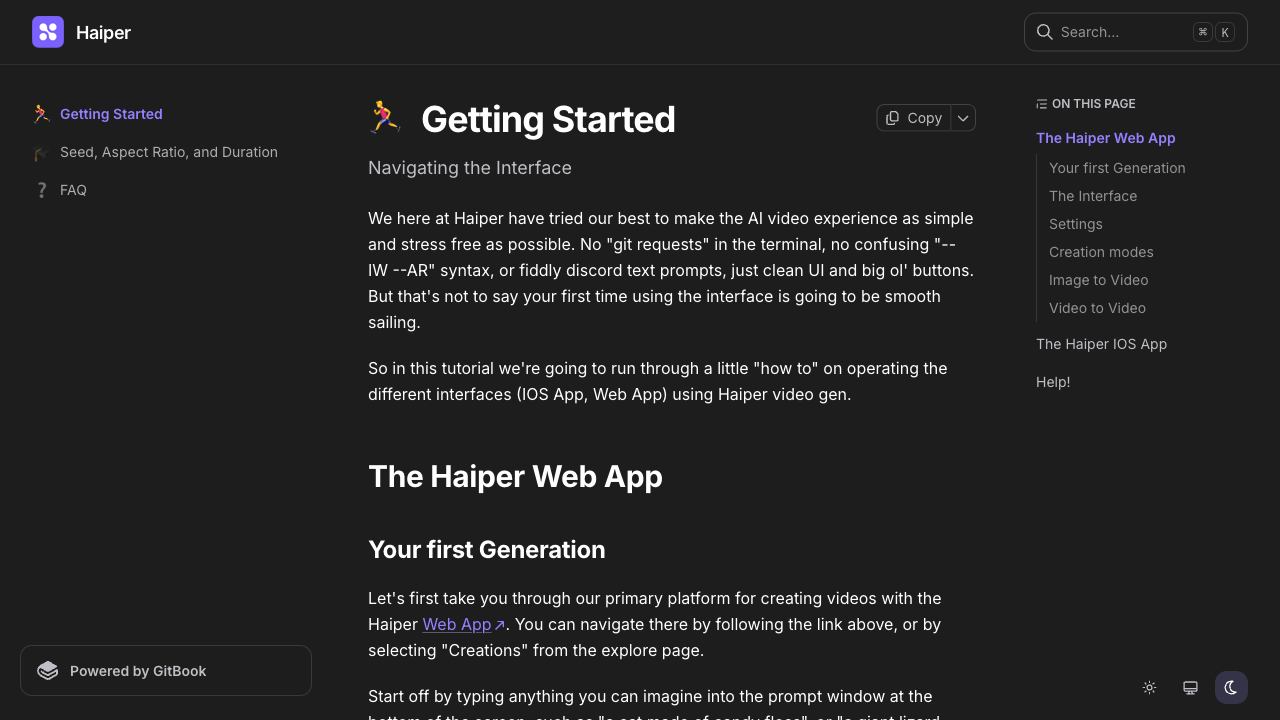
Image to video is where I spent most of my testing time. A clear still gives Haiper a stronger visual anchor than text alone, and simple motion prompts — a subject walking out of frame, a soft camera drift — often look fluid.
In one dog walk-out test, motion looked natural once it started, but the clip sat nearly still for about two seconds of a four-second render. That wastes a large share of a short output. Faces and close human interactions were less consistent; a hug prompt matched the request but looked stiff and emotionally flat.
Text to Video
Text to video lets you describe a scene and generate without a starting image. It works best with straightforward prompts. Complex multi-clause instructions were harder for the model to follow cleanly in my tests.
I would use it for rough visual exploration — atmosphere, simple action, or a quick style check — not for precise campaign storyboards.
Keyframe Conditioning and Model Options
Haiper offers keyframe conditioning so you can upload additional images as timeline anchors. That is useful when you want more control over how a clip evolves between stills.
Model version choice also matters. Newer model options generally felt more capable than older ones for subject motion, though results still depend heavily on prompt simplicity and starting-frame quality.
Extend, Enhance, and Supporting Tools
Extend duration can add frames to a short clip. Video enhancer aims to sharpen blurry footage and reduce noise. Haiper also includes text-to-image for generating stills before you animate them.
These helpers make the platform more useful than a single generate button, but they do not turn a short clip into a finished multi-scene video.
Pros and Cons
What I Liked
- Beginner-friendly dashboard for text and image inputs
- Image-to-video can look fluid on simple subjects and clear stills
- Keyframe conditioning adds useful motion control for short clips
- Extend and enhance tools help refine short generations
- Free tier is enough to test core text and image workflows
What Held It Back
- Clip length stays very short, often around a few seconds
- Complex prompts are harder to follow cleanly
- Some clips waste early seconds with little motion
- Human expressions and close interactions can look unnatural
- Not strong enough for ads, product storytelling, or publish-ready assembly
Create Full Videos with Van Gogh Studio Free
Where Haiper AI Falls Short
Haiper’s limits show up when a short motion draft needs to become a finished video with structure, pacing, captions, and a clear publishing goal.
Short Clip Length Caps Everything
Haiper is built for brief generations. That is fine for a motion sketch. It becomes a hard limit when you need product demos, explainers, story beats, or social ads with a hook, middle, and CTA.
Even when motion looks good, you may only get a fragment of the idea. Extending helps a little, but it is not the same as a multi-scene production path.
Complex Prompts Break Down
Haiper handled simple instructions better than dense creative briefs. A clear “person walks forward in a park” style prompt outperformed long cinematic descriptions packed with wardrobe, lighting, crowd detail, and camera language.
If your workflow depends on precise direction, you will spend more time regenerating than refining.
Not Built for Marketing Output
Performance ads, ecommerce creatives, UGC video ads, and brand campaigns need hooks, product focus, variations, and platform-native pacing. Haiper’s short generative clips can support early visual tests, but they rarely feel campaign-ready on their own.
When the job is to sell through visuals rather than demo motion, the workflow feels incomplete.
How I Reviewed Haiper AI
I reviewed Haiper as a short-form AI video generator, not as a full editing suite.
Main areas I considered:
- Video quality — whether motion looked stable, natural, and usable
- Prompt adherence — whether outputs matched simple and complex instructions
- Workflow efficiency — whether text/image inputs led to useful drafts quickly
- Creative control — whether keyframes, seeds, and settings improved results
- Output readiness — whether clips felt close to publishable or only exploratory
- Use-case coverage — social tests, concept drafts, product motion, ads, stories
- Business value — whether creators or marketers could ship finished video faster
Is Haiper AI Right for You?
Haiper is a strong fit if you want short AI motion clips from text or stills and care more about quick visual experiments than finished production. I would recommend it for casual social tests, concept exploration, and simple subject animation when the starting image is sharp and the prompt stays simple.
It is also useful if you want a lightweight generate path without learning a timeline editor. The free tier makes it easy to validate whether the look fits your idea.
Haiper is less ideal if you need longer videos, reliable complex-prompt control, product ads, ecommerce creatives, or a workspace that continues into editing, captions, avatars, and campaign assembly. In those cases, a broader AI video studio is the better starting point.
In short: Haiper is right for users who want short motion drafts. It is less ideal for users who need finished videos.
Real Use Cases
| Use Case | My Take |
|---|---|
| Casual social motion clips | Strong fit — short, shareable generations from prompts or stills |
| Image animation tests | Good fit when the still is sharp and the motion ask is simple |
| Concept exploration | Useful for rough visual ideas before a fuller production pass |
| Product motion drafts | Mixed fit — can hint at motion, weaker for polished product storytelling |
| Human interaction scenes | Limited fit — expressions and closeness can look unnatural |
| Paid ads / UGC campaigns | Weak fit — clip length and finish path are too thin |
| Multi-scene stories | Not the right tool; use a fuller AI video studio |
Haiper AI vs Van Gogh Studio
| Dimension | Haiper AI | Van Gogh Studio |
|---|---|---|
| Main workflow | Short text/image-to-video clips | Full AI video generation, editing, and publish-ready workflows |
| Clip length | Very short generative clips | Broader short-to-longer production paths |
| Text / image to video | Core product strength for draft motion | Stronger text to video and image to video coverage |
| Creative range | Narrower clip-first focus | Broader coverage across ads, explainers, social, and story videos |
| Marketing output | Better for motion tests than campaign creatives | Stronger with UGC ad video and campaign-ready workflows |
| Editing flexibility | Light extend/enhance helpers | Stronger follow-up refinement with the AI video editor |
| Best fit | Creators who want fast short motion drafts | Creators and marketers who need finished AI videos, not only clips |
Why Van Gogh Studio Is a Better Haiper AI Alternative

Haiper is useful for short generative motion. Van Gogh Studio is stronger when I want multi-model generation, editing, talking avatars, and a clearer finish path in one place.
Broader AI Video Generation, Not Only Short Clips

Van Gogh Studio gives me more starting points: text to video for concepting, image to video for product stills, and multi-model access when I want different motion styles. Models such as Veo 3.1, Kling 3.0, and Seedance 2.5 matter when one look is not enough.
That is the clearest gap versus Haiper. Haiper can animate a short moment; Van Gogh Studio can explore different visual directions for the same brief.
Post-Ready Videos With Van Gogh Studio Agent

Van Gogh Studio Agent gives a stronger end-to-end production advantage. Instead of stopping at a few-second draft, it is designed to create structured, production-ready videos with less manual assembly.
I can start from an idea, text, image, or URL, and the Agent can help handle structure, pacing, visuals, and sound. That makes it more suitable when I want a finished result instead of a short clip that still needs another tool.
Create Videos with Van Gogh Studio Agent
Stronger Editing After Generation
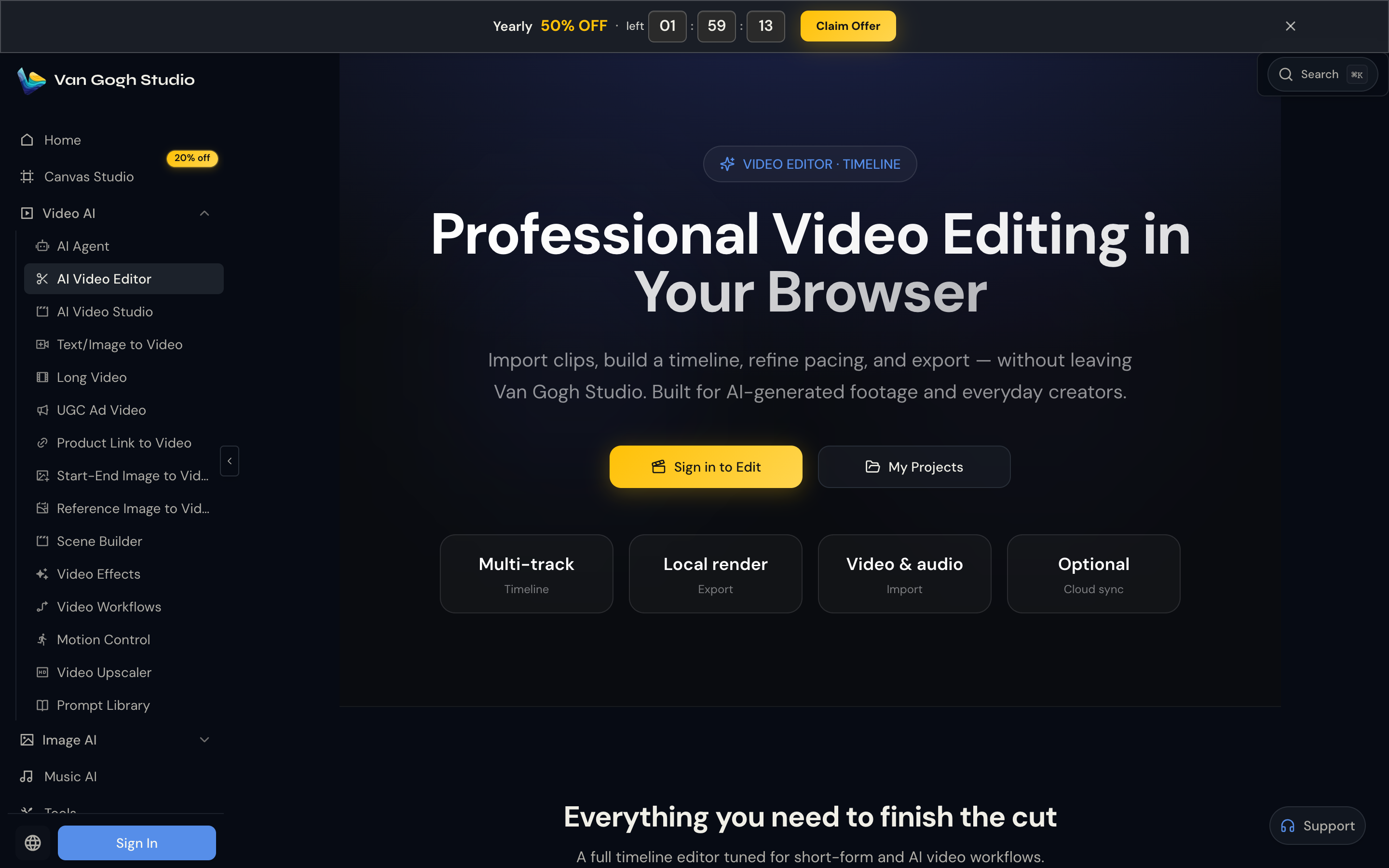
Haiper’s extend and enhance tools help a little. Van Gogh Studio’s AI video editor is more useful when the problem is the look of the shot — backgrounds, objects, mood, style, or camera feel — not only a slightly longer clip.
Stronger Marketing and Commerce Workflows
For ads, launches, and product promos, I need hooks, variations, pacing, and channel-ready formats. Van Gogh Studio’s marketing and product-video workflows — including UGC ad video and link to video — are built for that campaign output, not just a motion sketch.
Final Verdict: Is Haiper AI Worth Using?
Haiper AI is approachable, useful for short text/image-to-video drafts, and capable of fluid motion when the prompt and still stay simple. For casual concept tests and social experiments, that is genuinely valuable.
Production depth is the main issue. Haiper is not a strong choice for longer scenes, complex prompt control, product ads, ecommerce visuals, UGC-style campaigns, or publish-ready assembly.
Use Haiper when a short motion draft is the job. For a broader AI video workflow, I would choose Van Gogh Studio. It combines multi-model video generation, editing, Agent-led publish-ready workflows, and campaign tools in one place — so you can explore, sell, and create without switching platforms when the brief turns into real video.
Haiper AI Review FAQs
Is Haiper AI good for beginners?
Yes. The dashboard is easy to understand, and the text/image-to-video path is approachable for first-time users who want short motion clips without learning a timeline editor.
How long are Haiper AI videos?
Haiper focuses on very short generative clips. That works for motion tests and social experiments, but it is a hard limit for product demos, explainers, and multi-scene stories.
What is the biggest drawback of Haiper AI?
For me, the biggest drawback is short clip length combined with weaker complex-prompt handling. If you need campaign variation, product motion, or finished stories, you will likely outgrow it.
What is the best Haiper AI alternative?
If you want more than short motion drafts, Van Gogh Studio is the better alternative. It covers text to video, image to video, editing, UGC ads, and Agent-led publish-ready videos in one workspace.
Create AI videos free
Try Van Gogh Studio free — text-to-video, image-to-video, and 300+ models in one place. Free credits on signup, no credit card required.
Try Free Video Generator


