

I tried Google Flow to see whether its AI filmmaking workflow — built around Veo, Imagen, and Gemini — really helps creators move from idea to cinematic scenes without stitching tools together.
In this Google Flow review, I’ll share what it does well, where consistency and campaign flexibility still fall short, who it fits best, and why I would choose Van Gogh Studio when I need a broader path from concept to publish-ready video.
Quick Verdict
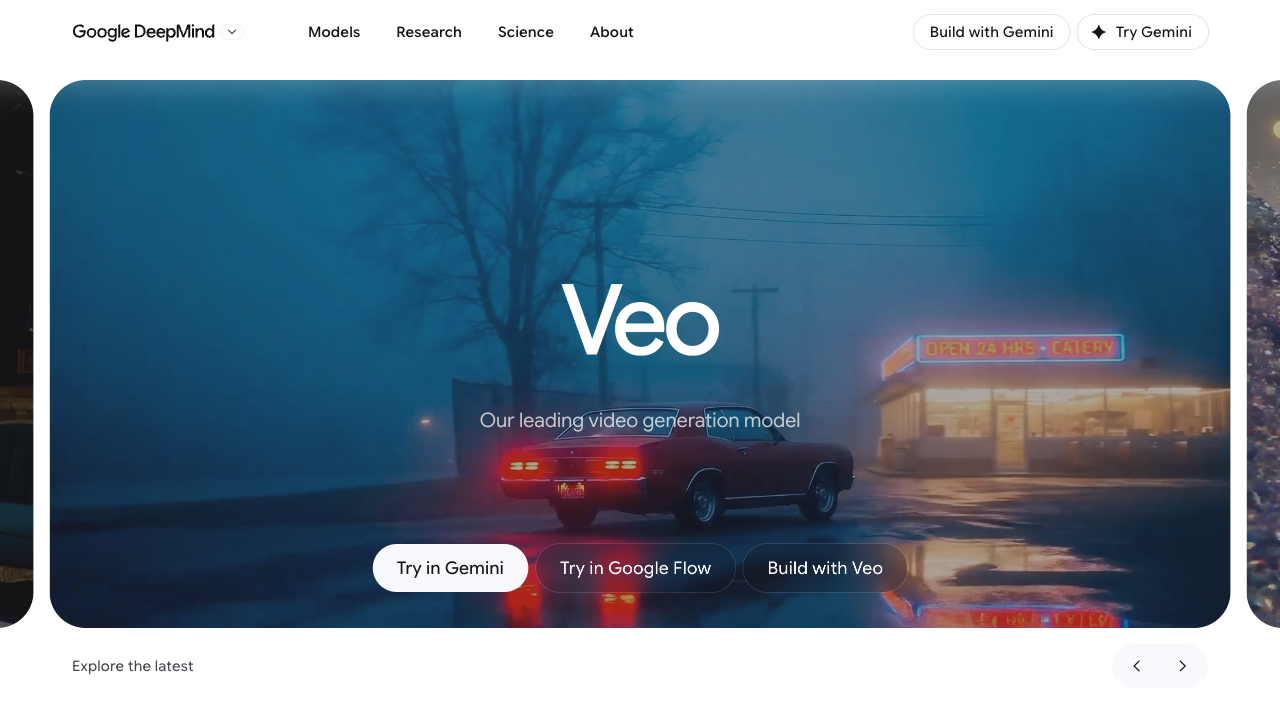
Google Flow is a strong AI filmmaking tool if your main goal is cinematic storytelling: scene composition, camera direction, iterative refinement, and Veo-powered clips with richer motion and atmosphere. Combining video, image ingredients, and natural-language edits in one workspace makes it feel closer to a creative studio than a one-shot generator.
It is a weaker choice when you need multi-model flexibility, fast marketing variations, ecommerce creatives, talking-avatar workflows, or a direct path to finished campaign formats. Flow is excellent for cinematic exploration inside Google’s stack; for a fuller production workflow across styles and publishing tasks, I prefer Van Gogh Studio.
| Review Point | My Take |
|---|---|
| Best for | Cinematic scenes, storyboards, iterative AI filmmaking, and Veo-led storytelling |
| Not best for | Multi-model comparison, UGC ads, ecommerce creatives, or avatar-led marketing |
| Strongest feature | Unified Flow workspace for generation, scene building, and natural-language edits |
| Biggest limitation | Google-model-centric; marketing and multi-style production still need more tooling |
| Learning curve | Approachable for creatives; advanced scene control takes practice |
| My verdict | Excellent for cinematic AI storytelling; limited as a full campaign studio |
What Is Google Flow?
Google Flow is Google’s AI filmmaking and creative studio experience, introduced around Google I/O 2025 and designed around Google’s generative models — especially Veo for video, Imagen for visual ingredients, and Gemini for intent, prompting, and iterative control.
Its biggest value is workflow continuity. Instead of generating isolated clips in one place and editing somewhere else, Flow is built for creating, refining, extending, and composing scenes inside one creative environment.
Compared with open-ended multi-model video platforms, Flow feels more like a directed filmmaking canvas: camera language, ingredients, frames-to-video, scenebuilder tools, and conversational edits matter as much as the first generation.
Key Features I Reviewed
Flow’s feature set is organized around cinematic production: generation, scene control, ingredients, and iterative refinement.
All-in-One Creative Workflow
One of Flow’s clearest advantages is staying in one place for images, video clips, and scene composition. That reduces the usual break in creative momentum when tools are split across apps.
I could move from an idea to a composed scene without switching contexts, which made multi-step storytelling projects feel smoother than one-off generators that stop after a short clip.
Cinematic Video Generation With Audio
Flow’s Veo-powered generation is designed for film-like motion, physics, pacing, and — depending on plan and model access — synchronized audio such as ambience, effects, or dialogue.
This matters for storytelling content. The clips often feel more “constructed” than random motion, which helps concept films, mood pieces, and narrative drafts feel closer to something you could publish after polish.
Natural Language Editing and Control
Editing in Flow feels intuitive when you can describe what you want to change — remove an object, adjust an element, or refine a scene — without digging through complex layers.
This helps beginners and speeds iteration when you want to test creative directions quickly. Results still vary by prompt clarity and scene complexity; demanding edits may need retries.
Scene, Camera, and Ingredients Control
Flow’s filmmaking identity shows up in camera controls, scene extension, frames-to-video, and ingredient-style asset management. You can guide how a scene evolves instead of accepting a single static output.
That control is useful for cinematic or narrative-driven work. It also means Flow can feel heavier than a simple text-to-video button when you only need a quick social draft.
Iterative Creative Process
Flow is clearly designed for refinement rather than one-shot generation. You can build on previous results, extend shots, and improve outputs step by step.
That makes the experience feel closer to a real creative workflow — and closer to how filmmakers actually iterate.
Pros and Cons
What I Liked
- Strong cinematic look and storytelling-oriented workflow
- Unified space for images, video, and scene composition
- Useful camera, frames, ingredients, and scenebuilder controls
- Natural-language edits speed creative iteration
- Veo + Imagen + Gemini stack feels coherent for filmmaking tasks
- Better for multi-step refinement than one-off clip generators
What Held It Back
- Mostly centered on Google’s model ecosystem
- Motion and scene consistency can still slip in demanding prompts
- Less direct for UGC ads, ecommerce creatives, and avatar marketing
- Subscription / usage limits can constrain heavy experimentation
- Not the fastest path when you need many campaign variations
- Publish-ready marketing assembly still needs more surrounding tools
Create Full Videos with Van Gogh Studio Free
Where Google Flow Falls Short
Flow’s limits show up when cinematic generation has to become multi-format production.
Model Flexibility Is Narrower
Flow’s strength is Google’s stack. If you want to compare Veo 3.1 against Kling 3.0, Seedance 2.5, or other motion styles for the same brief, a multi-model studio is more practical.
Demanding Motion and Consistency Still Need Retries
In tougher prompts — complex physics, crowded scenes, strict continuity — results can look strong at first and then show weaker realism or scene logic than you hoped. Flow has a strong foundation, but it does not always deliver a perfect top-tier pass on hard briefs.
Marketing and Commerce Workflows Are Not the Core Product
Performance ads, product close-ups, UGC video ads, and channel-ready campaign formats usually need hooks, variations, offer flow, and platform-native pacing. Flow is built more for cinematic storytelling than for high-volume marketing production.
How I Reviewed Google Flow
I reviewed Flow as an AI filmmaking workspace, not only as a Veo front end. I focused on whether it could help creators move from concept to composed scenes that feel usable.
Main areas I considered:
- Cinematic quality — whether motion, lighting, and atmosphere felt film-like
- Workflow continuity — whether image, video, and scene tools stayed connected
- Creative control — camera, ingredients, frames, and natural-language edits
- Consistency — whether subjects and scenes held together across iterations
- Output readiness — whether results felt close to publishable or still needed assembly
- Use-case coverage — storytelling, social, education, marketing, and product work
Real Use Cases
| Use Case | My Take |
|---|---|
| Short films and storyboards | Strong fit — scenebuilding and cinematic direction are the point |
| Concept and mood videos | Strong fit — atmosphere and camera language help early creative work |
| Social storytelling clips | Good fit when the clip needs cinematic energy |
| Education visuals | Decent fit for visual explanations; not a training-avatar specialist |
| Product ads | Mixed to weak — can look beautiful, but campaign structure is not the core |
| UGC / ecommerce creatives | Weak fit — not built around conversion-focused ad workflows |
| Multi-model A/B testing | Weak fit — Google-stack focus limits model comparison |
Google Flow vs Van Gogh Studio
| Dimension | Google Flow | Van Gogh Studio |
|---|---|---|
| Main workflow | AI filmmaking studio around Veo, Imagen, and Gemini | Full AI video generation, editing, and publish-ready workflows |
| Model approach | Google-model-centric cinematic stack | Multi-model access including Veo 3.1, Kling 3.0, and Seedance 2.5 |
| Scene control | Strong frames, ingredients, camera, and scenebuilder tools | Strong via Agent structuring plus model choice and editing |
| Marketing output | Better for cinematic concepts than campaign creatives | Stronger with UGC ad video and campaign-ready workflows |
| Avatar / presenter video | Not the core product | Stronger photo-to-talking flow via AI avatar |
| Editing flexibility | Natural-language and scene iteration inside Flow | Stronger follow-up refinement with the AI video editor |
| Best fit | Creators focused on cinematic AI storytelling | Creators and marketers who need finished videos across many styles |
Why Van Gogh Studio Is a Better Google Flow Alternative for Finished Production

Google Flow is useful when the job is cinematic AI filmmaking inside Google’s ecosystem. Van Gogh Studio is stronger when I want flexible model choice, editing, talking avatars, and campaign formats in one place.
Post-Ready Videos With Van Gogh Studio Agent

Van Gogh Studio Agent gives a stronger end-to-end production advantage. Instead of iterating cinematic clips and then assembling everything elsewhere, it is designed to create structured, production-ready videos with less manual stitching.
I can start from an idea, text, image, or URL, and the Agent can help handle structure, pacing, visuals, and sound. That makes it more suitable when I want a finished result for real publishing tasks — including UGC ads, story videos, anime videos, music videos, and news-style videos.
Create Videos with Van Gogh Studio Agent
Multi-Model Flexibility Beyond One Stack
Van Gogh Studio gives me more starting points: text to video for concepting, image to video for product stills, and multi-model access when one look is not enough.
That matters when Flow’s cinematic default is not the right fit for the brief. I can test Veo 3.1 beside Kling 3.0 and Seedance 2.5 in the same workspace and keep the winner.
Avatar Videos and Marketing Workflows

With Van Gogh Studio’s AI avatar video generator, I can turn one photo into a lip-synced talking avatar without filming. That covers presenter-led explainers and creator-style clips that Flow is not primarily built to produce.
For ads, launches, and product promos, Van Gogh Studio’s marketing workflows are built for campaign output — hooks, variations, pacing, and channel-ready formats — via link to video and UGC ad video.
Final Verdict: Is Google Flow Worth Using?
Google Flow is worth using if you care about cinematic AI storytelling, iterative scene building, and Google’s Veo-led filmmaking stack. For concept films, mood pieces, and narrative drafts, the workflow advantage is real.
Creative flexibility outside that stack is the main issue. Flow is not the strongest choice when you need multi-model comparison, ecommerce creatives, UGC-style campaigns, avatar marketing, or a faster path from brief to finished commercial video.
For a broader AI video workflow, I would choose Van Gogh Studio. It combines multi-model generation, editing, Agent-led publish-ready workflows, avatars, and campaign tools in one place — so you can explore cinematic ideas and still finish ads, social clips, and product videos without staying locked into one ecosystem.
Google Flow Review FAQs
What is Google Flow?
Google Flow is Google’s AI filmmaking and creative studio experience, designed around models such as Veo, Imagen, and Gemini for generating, refining, and composing cinematic scenes.
Is Google Flow good for beginners?
Yes for creative experimentation. Natural-language edits and guided scene tools help, but advanced camera, frames, and ingredient workflows take practice.
What is the biggest drawback of Google Flow?
For me, the biggest drawback is narrow production flexibility beyond Google’s cinematic stack. Marketing variations, multi-model testing, and avatar-led campaign work usually need a broader studio.
What is the best Google Flow alternative?
If you want cinematic generation plus a complete AI video workflow, Van Gogh Studio is the better alternative. It covers multi-model video generation including Veo 3.1, AI avatar, editing, UGC ads, and longer story videos in one workspace.
Can I use Veo-related models on Van Gogh Studio?
Yes. You can explore Veo 3.1 and other leading video models inside AI Video Studio when you want to compare looks or finish publish-ready work.
Create AI videos free
Try Van Gogh Studio free — text-to-video, image-to-video, and 300+ models in one place. Free credits on signup, no credit card required.
Try Free Video Generator


