

I tested FlexClip to see whether its AI features actually reduce editing work — or just speed up tasks inside a familiar online timeline.
In this FlexClip review, I’ll share what it does well, where the traditional editor identity still defines the product, who it fits best, and why I would choose Van Gogh Studio when I need stronger visual transformation and a clearer path to publish-ready AI video.
Quick Verdict
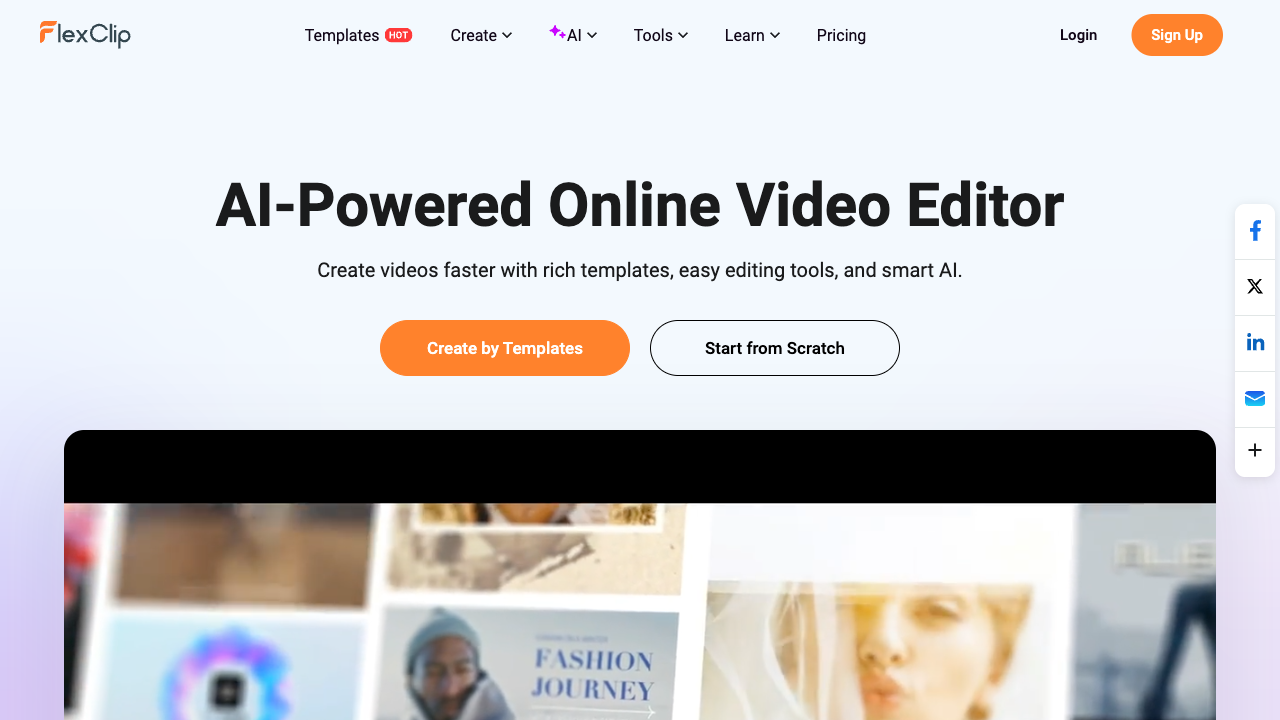
FlexClip is a useful online video editor if your main goal is browser-based editing with AI assists: auto cut, subtitles, background removal, voiceovers, translation, templates, and long-video-to-shorts. It lowers the barrier for beginners who already have footage or media to assemble.
It is a weaker choice when you need generative AI video from scratch, prompt-based scene transformation, cinematic multi-model generation, or campaign workflows that finish ads for you. FlexClip is best understood as a traditional online editor with AI shortcuts — not a full generative AI video studio. For that broader path, I prefer Van Gogh Studio.
| Review Point | My Take |
|---|---|
| Best for | Quick AI-assisted edits, captions, trims, background cleanup, voiceovers, social shorts |
| Not best for | Generative AI video from scratch, complex product ads, or deep creative scene control |
| Strongest feature | Beginner-friendly browser editor with practical AI assist tools |
| Biggest limitation | AI helps with tasks; final structure and polish still depend on manual editing |
| Learning curve | Easy for beginners and small teams |
| My verdict | Solid traditional online editor; limited as a generative AI studio |
What Is FlexClip?
FlexClip is an AI-assisted online video maker and editor for creating browser-based videos with templates, timeline tools, stock assets, and AI shortcuts.
Its most useful pieces are auto edit, AI auto cut, auto subtitles, background removal, AI voice tools, translation, and long-video-to-shorts. These features make FlexClip practical for post-production and packaging — especially when you already have talking footage, photos, or a longer recording to repurpose.
That positioning matters. FlexClip is not primarily a text-to-video or image-to-video generator. It is closer to CapCut-style online editing: assemble media, clean it up, caption it, and export. AI assists speed up repetitive tasks. They do not replace creative direction.
Key Features I Reviewed
FlexClip’s feature set is organized around editing assists inside a traditional browser timeline.
AI Auto Editing From Media
FlexClip can auto-compose a video from uploaded photos and clips. It matches assets with effects, animations, and theme-fitting text.
This helps with simple event recaps, family videos, general promos, and fast social content. I would still review order, wording, pacing, and template choices before calling the result finished. Auto assembly is a draft accelerator, not a creative director.
AI Auto Cut for Faster Cleanup
Auto cut can detect unwanted sections and filler words, then remove them. This is one of FlexClip’s most practical editing features because trimming talking footage manually is tedious.
It fits interviews, tutorials, webinars, educational clips, and creator videos. I would not export without checking the cuts. AI trimming can remove pauses that are useful for rhythm or clarity, and abrupt jumps still need human judgment.
Auto Subtitles and Subtitle Editing
Auto subtitles generate captions you can split, merge, style, align, and adjust. Subtitle translation and common export formats make localization more approachable.
Captions matter for TikTok, Reels, Shorts, tutorials, product explainers, and ads. This is a strong everyday editing feature because FlexClip treats captions as editable video elements, not just a transcript dump.
AI Background Removal and Scene Replacement
Background removal can isolate a subject and replace the backdrop with colors, stock visuals, AI images, or other scenes.
This is useful for product promos and tutorials. Lighting, edges, product focus, and final scene design still need review. Removing a background is only one part of visual polish — it does not automatically create a branded scene.
AI Voiceovers, Dubbing, and Translation
AI voice and translation tools help generate narration, translate audio, create localized subtitles, and produce dubbed tracks.
These tools make FlexClip more useful as an editing workspace. For polished brand videos, I would still review tone, pronunciation, timing, and emotional fit. Adding narration is easy; making it feel on-brand still takes care.
Templates, Stock Assets, and Social Repurposing
Templates, stock media, and long-video-to-shorts tools support packaging existing content for social feeds. That is a real time-saver for educators, small businesses, and marketers who already shoot or record material.
The limit is originality. Template-led assembly can look fine for casual updates and feel generic for paid ads or distinctive brand work.
Pros and Cons
What I Liked
- Easy browser-based editor for beginners and small teams
- AI auto cut helps remove filler and tighten talking footage
- Auto subtitles are editable and useful for social videos
- Background removal, voiceovers, and translation cover common cleanup tasks
- Long-video-to-shorts helps repurpose existing content
- Templates and stock assets speed up simple projects
What Held It Back
- AI edits still need human review before publishing
- Auto-generated structure can feel generic
- Stronger at task-level editing than full creative direction
- Not a generative AI video platform for text/image-to-video scenes
- Product ads and brand campaigns still need stronger visual control
- Final pacing, hooks, and message clarity remain manual work
Create Full Videos with Van Gogh Studio Free
Where FlexClip Falls Short
FlexClip falls short when the project needs more than isolated AI editing shortcuts.
Traditional Editor First, Generative Studio Second
FlexClip assumes you have media to edit. If you start from an idea, product URL, or still image and need generative scenes, you are outside its sweet spot. That is not a bug — it is the product category — but it matters when people expect “AI video generator” results.
Too Much Final Editing Work Remains
Auto edit, cut, caption, translate, and remove backgrounds do not automatically create a finished story. Structure, pacing, hook, visuals, music, and CTA still need judgment.
A video can have clean captions and trimmed pauses and still feel flat if the message and visual flow are weak.
Auto Editing Can Feel Generic
Auto-composed videos can feel template-heavy when the project needs sharper creative direction. For simple recaps, that is fine. For product launches, paid ads, or client work, scene logic and brand emphasis need more control.
Background Removal Is Only Part of Visual Polish
Isolating a person or object saves time. Edges, lighting, shadows, placement, and brand design still decide whether the final video looks professional.
Better at Packaging Assets Than Producing Campaigns
FlexClip is strongest when you already have footage, images, scripts, or a long video to repurpose. If you begin with a marketing goal or ad concept, scattered editing tools are not the same as a campaign production path.
How I Reviewed FlexClip
I reviewed FlexClip as an editor with AI assists, not as a generative model platform.
Main areas I considered:
- Editing speed — whether AI cut, captions, and cleanup reduced real timeline work
- Output polish — whether results felt ready for social or still needed manual repair
- Creative control — whether users could shape story and brand beyond templates
- Generative gap — whether the tool could create scenes without source footage
- Use-case coverage — tutorials, social shorts, product promos, localization, ads
- Business value — whether beginners and small teams could ship usable videos faster
Is FlexClip Right for You?
FlexClip is a strong fit if you already have footage or media and need a simple online editor with AI assists. I would recommend it for talking-head cleanup, classroom or tutorial packaging, captions, basic promos, and turning long recordings into shorts.
It is also useful if your team does not want desktop software. The browser workflow is approachable for educators, small businesses, and marketers who need practical edits more than generative spectacle.
FlexClip is less ideal if you want text-to-video, image-to-video, multi-model cinematic generation, prompt-based scene transformation, or campaign creatives that start from a brief instead of a timeline. In those cases, a generative AI video generator or AI video editor with stronger visual controls is the better starting point.
In short: FlexClip is right for users who need to edit and package. It is less ideal for users who need to generate and transform.
Real Use Cases
| Use Case | My Take |
|---|---|
| Social media captions | Strong fit — auto subtitles and styling save time |
| Talking-head cleanup | Strong fit — auto cut tightens interviews and tutorials |
| Presentation / education videos | Good fit for captions, voiceovers, and simple packaging |
| Long video to shorts | Good fit for repurposing existing recordings |
| Localized videos | Useful, but tone and timing still need review |
| Product promo editing | Mixed fit — cleanup helps; product story needs more work |
| Generative AI ads from scratch | Weak fit — not the core product category |
FlexClip vs Van Gogh Studio
| Dimension | FlexClip | Van Gogh Studio |
|---|---|---|
| Main workflow | Traditional online editor with AI assists | Full AI video generation, editing, and publish-ready workflows |
| Best starting point | Existing footage, photos, and recordings | Idea, text, image, URL, or footage |
| AI role | Speeds up captions, cuts, cleanup, voice, shorts | Generates scenes and transforms visuals, then finishes |
| Visual editing | Timeline tools, templates, background removal | Stronger prompt-based refinement with the AI video editor |
| Generative video | Limited vs dedicated AI generators | Broader text to video and image to video coverage |
| Marketing output | Helpful for assembling and polishing assets | Stronger with UGC ad video and campaign-ready workflows |
| Best fit | Beginners packaging simple videos in a browser | Creators and marketers who need finished AI videos, not only timeline cleanup |
Why Van Gogh Studio Is a Better FlexClip Alternative

FlexClip is useful for timeline help. Van Gogh Studio is stronger when I need generative creation, prompt-based visual edits, and a clearer path to publish-ready output.
Edit the Shot Itself, Not Only the Timeline
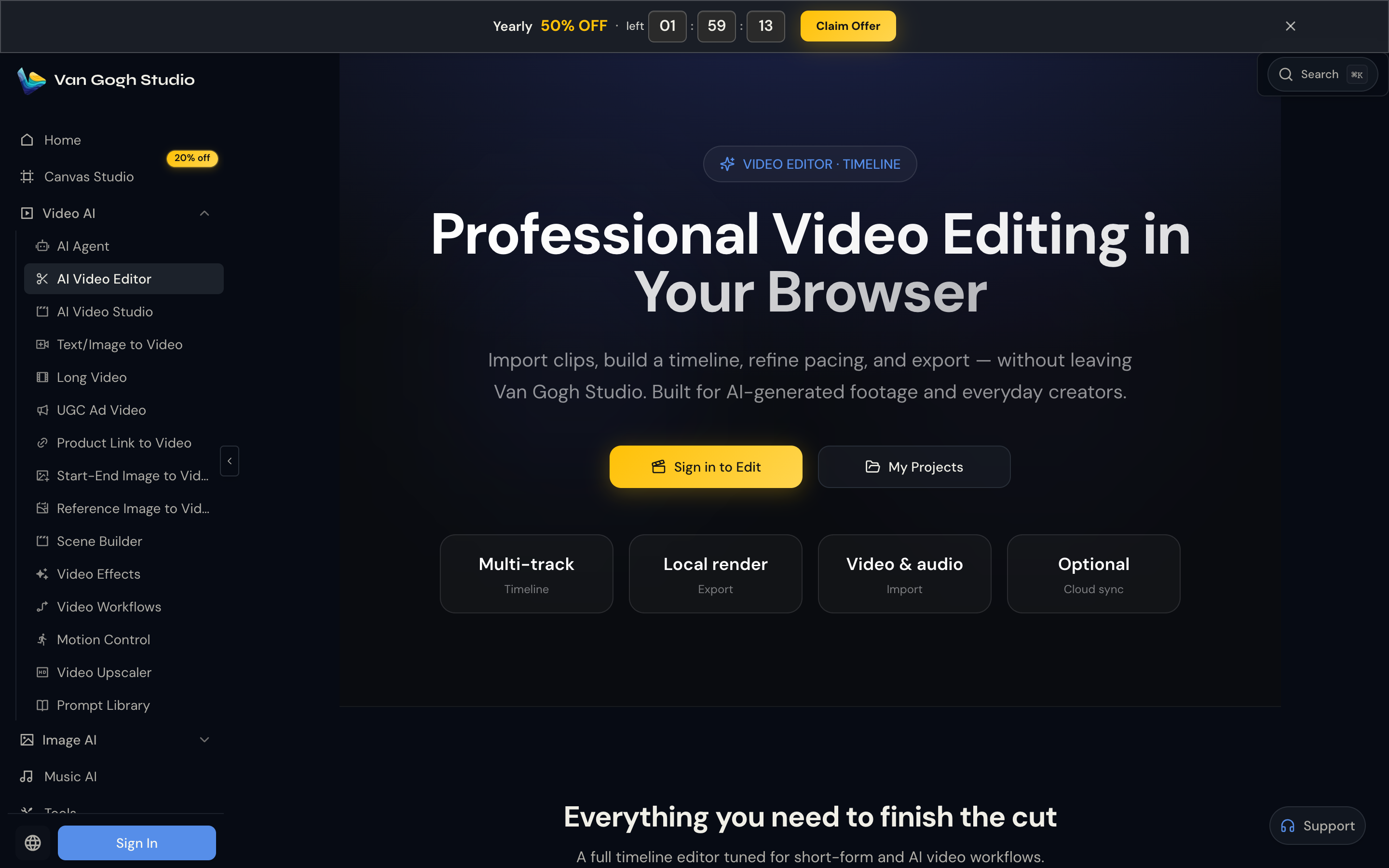
FlexClip helps trim, caption, and prepare clips. Van Gogh Studio’s AI video editor is more useful when the problem is the look of the shot — backgrounds, objects, mood, style, or camera feel — not only the timeline around it.
That matters for product demos, ads, and social posts where the scene itself needs to look intentional.
Generate Scenes When You Do Not Have Footage

Van Gogh Studio gives me starting points FlexClip does not center on: text to video, image to video, and multi-model access with options such as Veo 3.1, Kling 3.0, and Seedance 2.5.
If the project begins with an idea or product still instead of a recording, that generative layer is the real upgrade.
Avatar and Agent Paths for Finished Output

With AI avatar, I can create presenter clips without filming. With Van Gogh Studio Agent, I get more help on structure, pacing, captions, and publish-ready assembly — the layer FlexClip still leaves to manual editing.

Create Videos with Van Gogh Studio Agent
Stronger Marketing and Product Workflows
For ads, launches, and product promos, I need hooks, variations, and channel-ready formats. Van Gogh Studio’s marketing and product-video workflows — including UGC ad video and link to video — are built for that campaign output, not just packaging existing clips.
Final Verdict: Is FlexClip Worth Using?
FlexClip is worth using if you want a beginner-friendly online video editor with practical AI assists. Trimming footage, adding subtitles, removing backgrounds, creating voiceovers, translating content, and repurposing long videos into shorts are genuine strengths.
Its biggest limitation is category, not a missing button. FlexClip improves pieces of the editing workflow. It does not replace generative AI video creation or fully solve creative direction for ads and brand campaigns.
Use FlexClip for quick AI-assisted editing and packaging. Use Van Gogh Studio when you need stronger prompt-based visual editing plus publish-ready AI video generation in one place.
FlexClip Review FAQs
Is FlexClip good for AI video editing?
Yes for task-level editing. FlexClip is useful for captions, trimming, background cleanup, voiceovers, and short-form repurposing. For stronger visual transformation and generative scenes, Van Gogh Studio is the better choice.
Is FlexClip an AI video generator?
Not in the generative-model sense. FlexClip is primarily a traditional online editor with AI assists. It packages and cleans media more than it invents cinematic scenes from text or images.
What is the biggest drawback of FlexClip?
For me, the biggest drawback is that AI helps with editing tasks while final creative direction still depends on the user. Structure, hooks, brand polish, and generative scene creation are outside its strongest lane.
What is the best FlexClip alternative?
If you want timeline cleanup plus generative AI video and prompt-based editing, Van Gogh Studio is the better alternative. It covers AI video editing, text to video, image to video, AI avatar, UGC ads, and Agent-led publish-ready videos in one workspace.
Create AI videos free
Try Van Gogh Studio free — text-to-video, image-to-video, and 300+ models in one place. Free credits on signup, no credit card required.
Try Free Video Generator


