

I tested Dzine AI because it promises more visual control than a basic prompt-to-video tool. I wanted to see how far its style transfer, character lock, frame editing, and hands-on video tools actually go for real projects.
In this Dzine AI review, I’ll share what it does well, where asset control stops short of finished production, who it fits best, and why I would choose Van Gogh Studio when I need a clearer path from idea to publish-ready video.
Quick Verdict
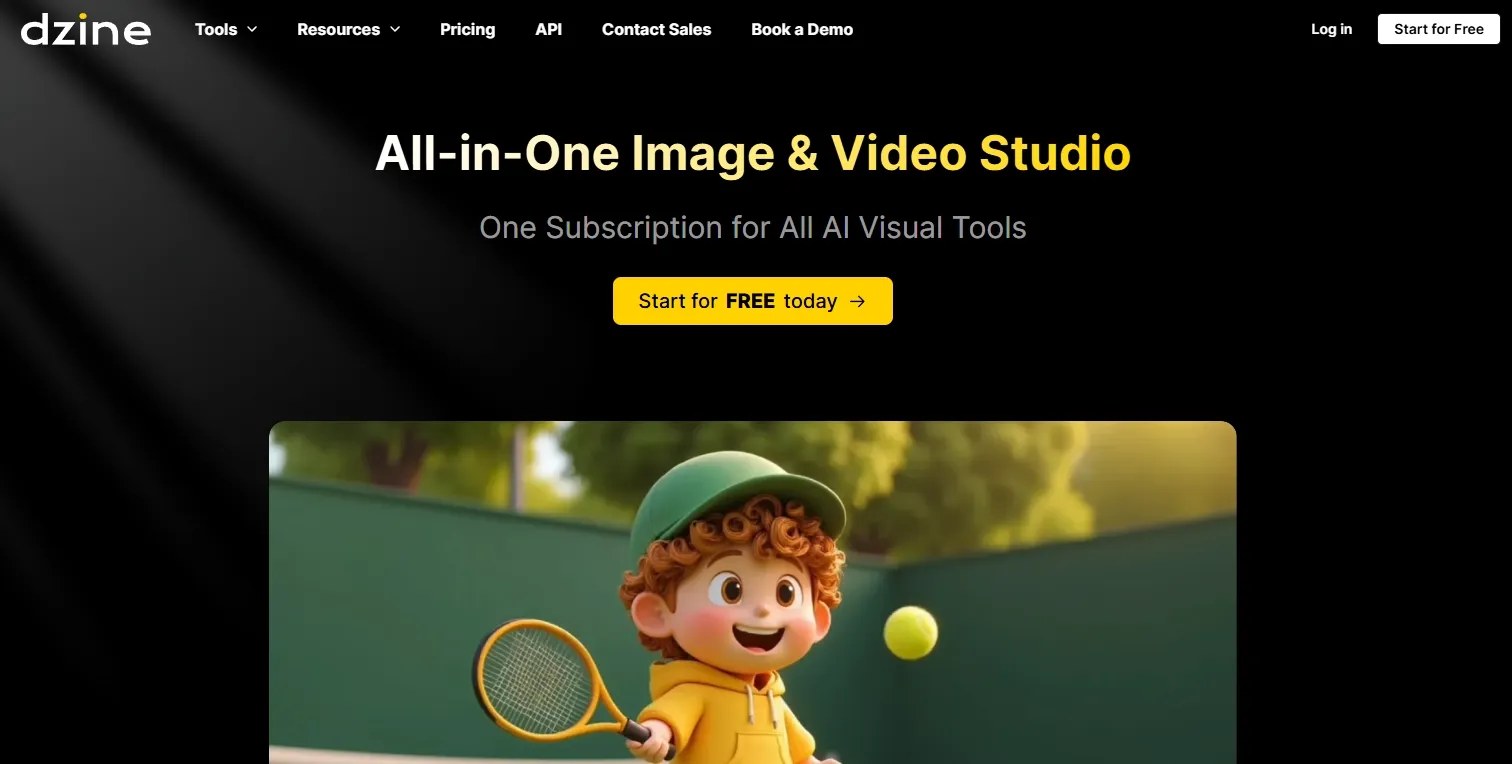
Dzine AI is a strong fit if your main goal is controlled video styling: restyle footage, preserve character identity, fix frame details, and prepare design-led visual assets. Hands-on control is the clearest reason to use it.
It is a weaker choice when you need complete ads, longer brand stories, or a workflow that handles hooks, pacing, captions, and final assembly for you. Dzine AI feels more like a visual refinement layer than a full AI video studio. For that broader path, I prefer Van Gogh Studio.
| Review Point | My Take |
|---|---|
| Best for | Stylized short clips, character-led scenes, and controlled video edits |
| Not best for | Complete ads, longer brand stories, or ready-to-publish campaign videos |
| Strongest feature | AI video style transfer with hands-on visual control |
| Biggest limitation | Strong on assets; weak on full video structure and finish |
| Learning curve | Approachable at first; consistent results take more review |
| My verdict | Excellent for visual control; limited as a full production workflow |
What Is Dzine AI?
Dzine AI is built for controlled AI video generation and editing. Instead of hiding everything behind one prompt box, it focuses on video style transfer, generative fill and inpainting for frames, face swap, sketch-to-life planning, and multi-model logic.
The workflow is more hands-on than a simple generator. Users guide the footage, subject, frame area, style direction, and editing layer. That appeals to design-led creators and agencies who care about visual precision.
That positioning matters. Dzine AI helps you refine how a clip looks. It does not automatically decide what the video should say, how scenes should order, or how the final piece should convert.
Key Features I Reviewed
Dzine AI’s feature set is organized around visual control: style, identity, and local correction.
AI Video Style Transfer
Style transfer is Dzine AI’s most central feature. It lets you take existing footage and restyle it into a stronger artistic direction when the motion is already useful but the look feels too plain.
I found it strongest for creator clips, fashion-style edits, and short music-video ideas. A normal phone clip can feel more intentional after a style pass.
The limitation is clear: style improves the surface of a clip. It does not create the hook, scene rhythm, or final message.
Character Consistency Lock
Character consistency lock helps keep the same person, outfit, or character identity recognizable across project frames. That is practical for recurring hosts, brand mascots, and character-driven shorts.
When a video depends on the same face or look appearing more than once, this feature gives continuity that plain prompt workflows often lose. It is one of the reasons Dzine AI feels more guided than a one-shot generator.
Generative Fill and Inpainting
Generative fill and inpainting help when a frame is close but not finished. I used them as correction tools for changing a specific visible detail without restarting the whole asset.
This is useful for product scenes, presenter outfits, and small prop changes. Narrow edits worked cleaner than broad rewrite attempts. Local correction has real value — it is still not a substitute for full scene direction.
AI Face Swap
Face swap is best reviewed as a personalization and localization feature, not a novelty. It can help creator ads, regional campaign versions, and presenter-style shorts where different people need to appear in a similar format.
Face replacement does not carry the whole performance. Expression, timing, scene quality, and message clarity still decide whether the result feels natural — especially for UGC video ads.
Sketch-to-Life Video Planning
Sketch-to-life helps with early direction. Creators who think in layouts before prompts can move from a rough scene idea into a clearer visual plan.
I liked this most as a planning feature. It gave a more concrete starting point before committing to a full video direction.
Multi-Model Logic Integration
Multi-model logic connects style, canvas logic, and video transformation instead of hiding every choice behind one prompt. The workflow feels more deliberate.
The tradeoff is setup time. Detailed control rewards patient users and slows creators who need the fastest path from idea to finished video.
Pros and Cons
What I Liked
- Strong control over video style and frame details
- Useful character consistency for recurring people or mascots
- Helpful inpainting and local frame correction
- Good fit for design-led creators and agencies
- Face swap helps with content variations
What Held It Back
- Complete videos still need manual assembly
- Longer stories take extra planning outside the tool
- Revisions can increase credit pressure
- Less direct for campaign-ready video production
- Workflow focuses more on assets than full video structure
Create Full Videos with Van Gogh Studio Free
Where Dzine AI Falls Short
Dzine AI works well when I need to control the visual layer of a video. The gap appears when I need the entire video to work as a finished piece.
Assets Over Finished Videos
Restyling, character lock, and frame edits help prepare material. A complete marketing video still needs a clear hook, scene order, pacing, captions, music, and a CTA. Dzine AI leaves too much of that assembly to the user.
Slower Path for Campaign Output
When the goal is a ready-to-post ad or brand story, hands-on control becomes friction. Design-led refinement is valuable — but not always the fastest route to publish.
Credit and Revision Pressure
Precise visual work often needs retries. That can be fine for premium creative, and painful when you need volume, speed, or predictable turnaround.
Not a Structure-First Workflow
Dzine AI does not guide message structure as strongly as an agent-led or campaign-oriented studio. If your bottleneck is “what should the video say and in what order,” visual tools alone will not solve it.
How I Reviewed Dzine AI
I reviewed Dzine AI as a creator who needs usable video assets, not just interesting demos.
Main areas I considered:
- Visual control — whether style, character identity, and frame edits stayed coherent
- Production fit — whether the workflow helped with social clips, product assets, and short campaign materials
- Finish readiness — whether outputs still needed heavy assembly before publishing
- Workflow cost — revisions, credits, and time-to-usable result
- Business value — whether hands-on control saved time or created more work
Is Dzine AI Right for You?
Dzine AI is a strong fit if you care about visual precision: restyling footage, locking character identity, cleaning frames, and preparing design-led assets. Agencies and creators who enjoy hands-on control will get the most value.
It is less ideal if you want a direct path to finished marketing videos, social campaigns, or multi-scene stories. If your priority is publish-ready structure rather than pixel-level styling, a broader workflow will feel better.
In short: Dzine AI is right for users who want to control how a clip looks. It is less ideal for users who need the whole video finished for them.
Real Use Cases
| Use Case | My Take |
|---|---|
| Restyling supporting footage | Strong fit — style transfer upgrades plain motion clips |
| Character-led short scenes | Strong fit when identity continuity matters |
| Frame-level cleanup | Good fit for narrow inpainting and detail fixes |
| Presenter / face variations | Mixed fit — useful for localization, still needs performance review |
| Product launch teasers | Mixed fit — good for look tests, weaker for full messaging |
| Social feed variations | Good for visual experiments before a finished edit |
| Complete campaign videos | Weak fit alone — structure and CTA still need another workflow |
Dzine AI vs Van Gogh Studio
| Dimension | Dzine AI | Van Gogh Studio |
|---|---|---|
| Main strength | Visual control, style transfer, and frame editing | Full AI video creation, editing, and publish-ready workflows |
| Best workflow | Restyle footage, adjust frames, prepare video assets | Create, refine, and publish complete videos |
| Story structure | User controls scene order and final assembly | Agent-led help with hooks, pacing, captions, and scene flow |
| Editing depth | Strong local video edits such as inpainting | Broader refinement with the AI video editor |
| Marketing fit | Useful for short visual assets and variations | Stronger with UGC ad video and campaign-ready content |
| Best fit | Design-led creators who want hands-on visual control | Creators and marketers who need finished AI videos, not only styled assets |
Why Van Gogh Studio Is a Better Dzine AI Alternative

Dzine AI is useful for controlling parts of a video. Van Gogh Studio is stronger when I want generation, structure, editing, and campaign output in one place.
Multiple Leading Video Models in One Place

After testing Dzine AI, I prefer Van Gogh Studio when I want room to choose the right model for the job. I can start from text to video, image to video, or reference to video, then compare directions with models such as Veo 3.1, Kling 3.0, and Seedance 2.5.
That matters when style alone is not enough. Some projects need stronger motion, some need cleaner product fidelity, and some need better consistency across scenes.
Post-Ready Videos With Van Gogh Studio Agent

Van Gogh Studio Agent is the feature I value most when I want a finished video instead of separate styled assets. I can give it an idea, asset, or link, and it helps build structure, pacing, music, captions, and scenes with less manual assembly.
That is the shift Dzine AI does not make as clearly: from refining material to shipping a complete result.
Create Videos with Van Gogh Studio Agent
Editing and Campaign Paths After Generation
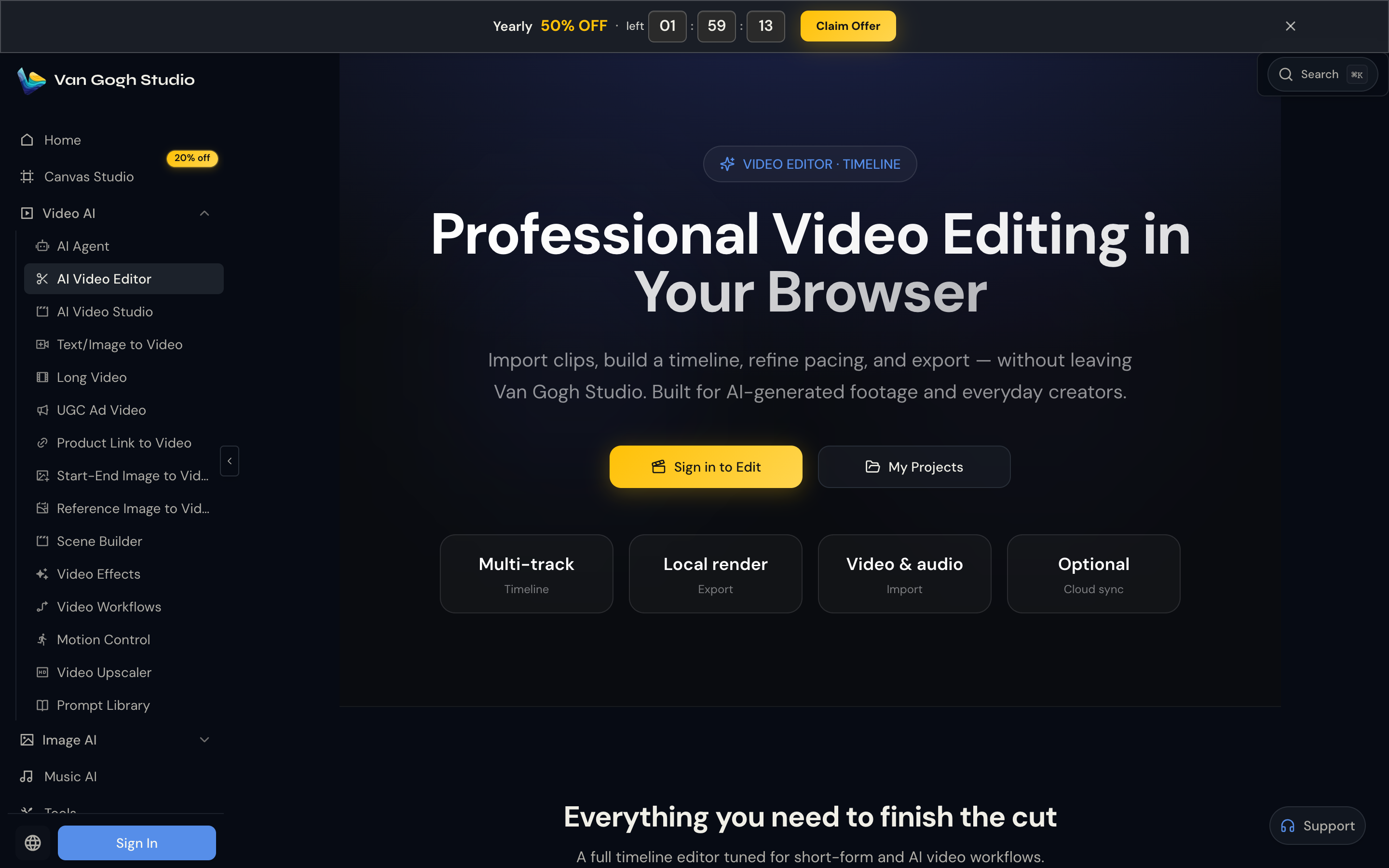
Van Gogh Studio’s AI video editor keeps refinement inside the same workflow. For ads and product promos, UGC ad video and link to video paths also keep hooks, product context, and channel formats closer to the creation process.
Final Verdict: Is Dzine AI Worth Using?
Dzine AI is worth using if you want hands-on control over stylized video assets. Style transfer, character consistency, inpainting, and face swap help when the look of a clip is the bottleneck.
I would not choose it as my main workflow for finished marketing videos. For social videos, product promos, UGC ads, and campaign content, I choose Van Gogh Studio because it connects generation, editing, Agent-driven creation, and campaign workflows more smoothly.
My final take is simple: Dzine AI is useful for controlled video edits; Van Gogh Studio is better when I want to create, refine, and publish a complete video in one place.
Dzine AI Review FAQs
What is Dzine AI best for?
Dzine AI is best for controlled visual work: video style transfer, character consistency, frame-level edits, face swap variations, and design-led short clips.
Is Dzine AI good for marketing videos?
It can help prepare stylized assets and visual variations for marketing. For complete campaign videos with hooks, pacing, captions, and CTAs, you will usually need a broader finish workflow.
What is the biggest drawback of Dzine AI?
For me, the biggest drawback is that strong visual control does not equal a finished video workflow. Structure, message, and final assembly still fall largely on the user.
What is the best Dzine AI alternative?
If you want visual generation plus a complete AI video workflow, Van Gogh Studio is the better alternative. It covers multi-model video generation, AI video editing, AI avatar, UGC ads, and Agent-led publish-ready videos in one workspace.
Create AI videos free
Try Van Gogh Studio free — text-to-video, image-to-video, and 300+ models in one place. Free credits on signup, no credit card required.
Try Free Video Generator


