

I tested DomoAI to see whether its stylized AI video tools — especially video-to-video, anime looks, and character animation — are useful for real creative work or mainly for short experiments.
In this DomoAI review, I’ll share what it does well, where short-clip consistency becomes the ceiling, who it fits best, and why I would choose Van Gogh Studio when I need a clearer path from idea to publish-ready video.
Quick Verdict
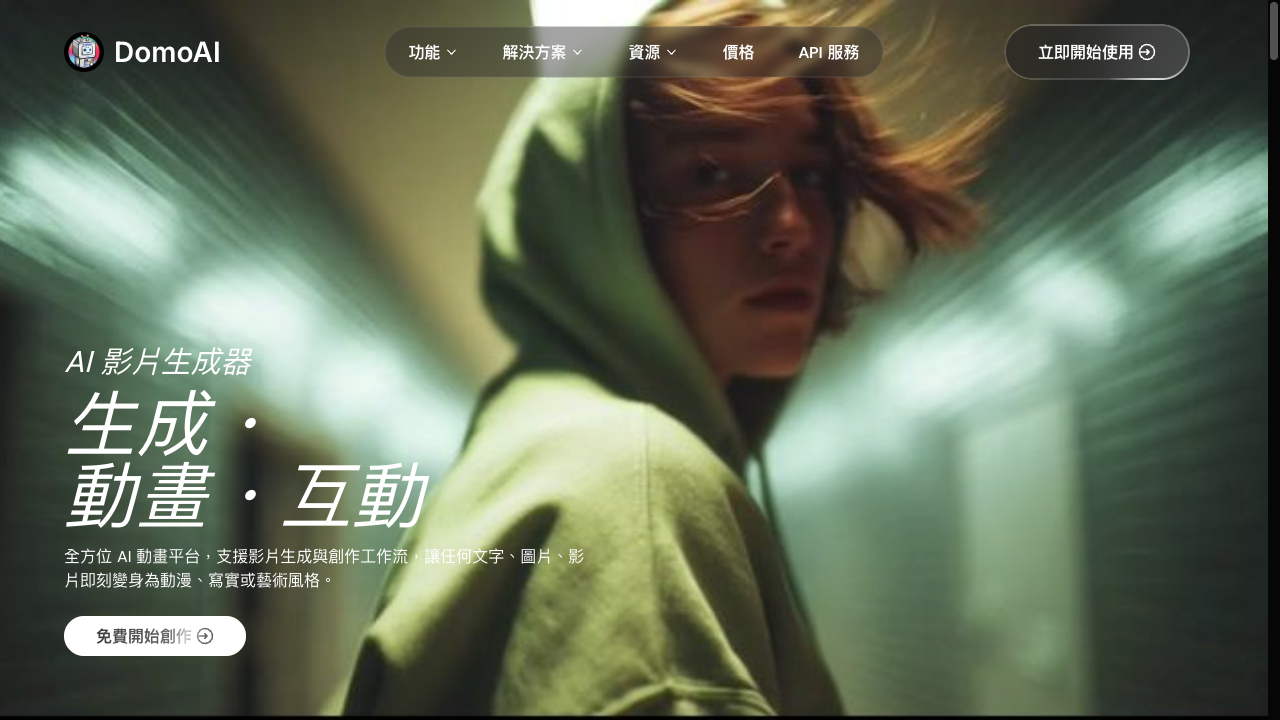
DomoAI is a useful AI video generator if your main goal is stylized short clips: anime-inspired transforms, video restyling, character animation, and quick visual exploration. Style transfer and expressive looks are the clearest reasons to open it.
It is a weaker choice when you need longer multi-scene structure, consistent campaign output, polished product ads, or a workflow that finishes the video for you. DomoAI feels strongest as a clip generator, not a full production studio. For that broader path, I prefer Van Gogh Studio.
| Review Point | My Take |
|---|---|
| Best for | Anime-style clips, video restyling, character animation, short social experiments |
| Not best for | Long stories, structured ad campaigns, or polished multi-scene production |
| Strongest feature | Video-to-video style transfer and stylized animation |
| Biggest limitation | Works better as a clip tool than a finish workflow |
| Learning curve | Easy to start; clean source assets improve results a lot |
| My verdict | Fun and useful for stylized shorts; limited as a complete studio |
What Is DomoAI?
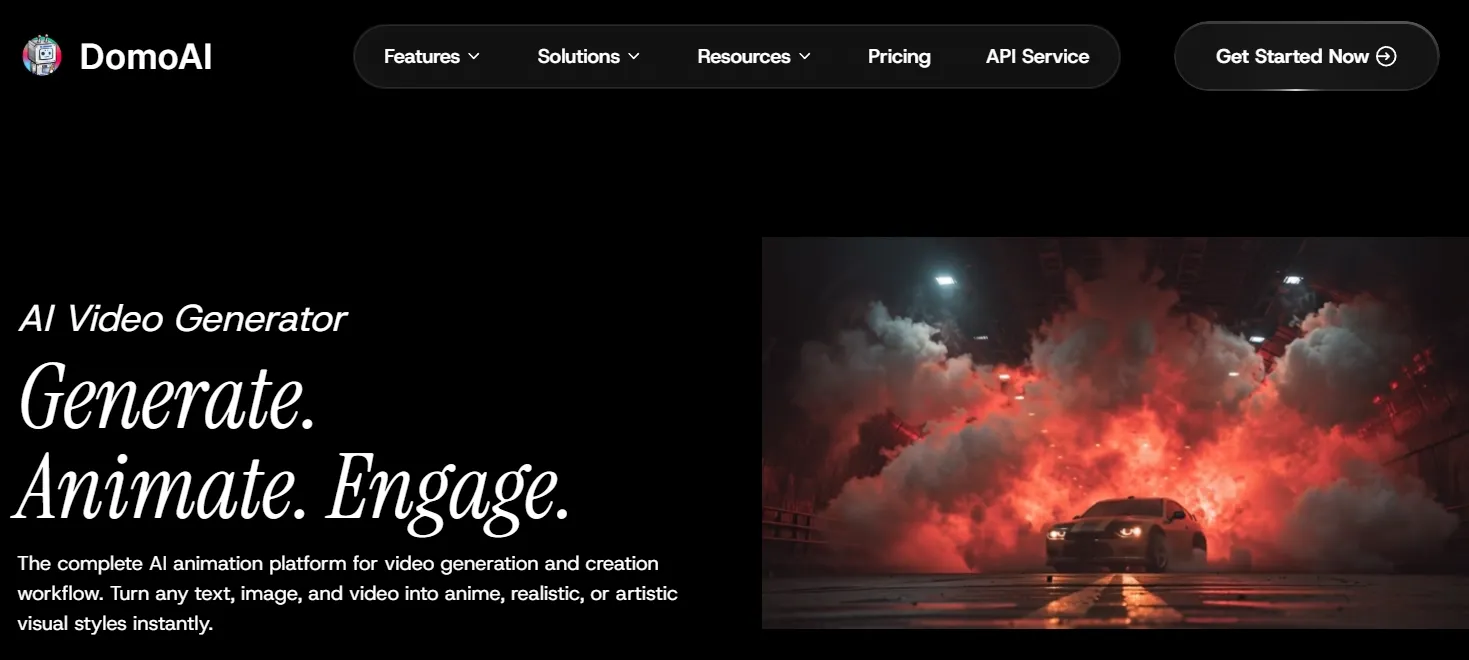
DomoAI is an AI creative platform focused on stylized video generation and animation. Its tools turn text, images, and existing footage into animated, anime-inspired, realistic, or artistic clips.
In practice, DomoAI sits closer to a style-first generator than to a presenter studio or a traditional editor. It is most useful when the goal is to transform footage, animate characters, or explore a visual direction quickly.
That positioning matters. DomoAI can make a clip look energetic and expressive. It does not automatically give you structure, captions, product messaging, or campaign-ready pacing.
Key Features I Reviewed
DomoAI’s feature set is organized around short stylized creation: restyle, animate, and experiment.
Video to Video Style Transfer
Video-to-video is the part that feels closest to DomoAI’s identity. It takes an existing clip and gives it a new visual style.
I found this useful for anime, cartoon, and artistic transformations. The workflow is approachable, and results often look more expressive than the plain source footage.
Consistency is the limit. In busier scenes, faces, hands, and background details can shift from frame to frame. Simpler clips hold up better. Treat style transfer as a strong first pass, not a guaranteed final render.
Image to Video Animation
Image-to-video brings still portraits, characters, and illustrations into motion. It fits creator-style assets and character-led ideas better than precise commercial product presentation.
For quick visual movement, it helps. For exact pacing, product angles, or carefully planned motion, you will spend more time reviewing and regenerating.
Text to Video Generation
Text to video is useful for early mood checks — rough direction, atmosphere, or animated concepts. It is less predictable than workflows based on source images or existing footage.
When a video needs a specific shot list or subject sequence, expect closer review. For more controlled generation paths, I often move to text to video inside a broader multi-model workspace.
Frame to Video
Frame-to-video adds more structure than a single prompt by guiding motion with visual references. It works best when source frames are visually related. Large visual jumps make transitions less stable.
For short storytelling moments, this has value. It does not replace a fuller workflow for narrative videos.
Talking Avatars and Lip Sync
DomoAI’s talking avatar and lip-sync tools help with short presenter-style or character-led clips. They keep the process accessible for users who do not want to film themselves.
Performance depth is limited. Emotional nuance, facial expression, and body language remain thinner than dedicated avatar platforms. For professional talking-head content, I would preview carefully — or use a stronger AI avatar path when the face is the whole message.
Character Animation and Anime-Style Creation
Character animation and anime-style video are DomoAI’s clearest creative appeal. Fan edits, stylized social clips, and expressive character moments are where the product feels most at home.
For users exploring anime-style video, DomoAI is a useful starting point. The tradeoff is familiar: style does not solve structure. A clip can look interesting and still need consistency, pacing, and editing before it is ready to publish.
Pros and Cons
What I Liked
- Easy to start for stylized short clips
- Strong video-to-video and anime-inspired looks
- Multiple creation modes: text, image, video, frame, avatar
- Helpful for creative exploration and character motion
- Good fit for short social experiments
What Held It Back
- Short-clip focus makes longer projects harder
- Consistency varies, especially in busy scenes
- Limited directing control for exact timing and continuity
- Repeated generations can add cost and friction
- Not a full production workflow for finished ads or stories
Create Full Videos with Van Gogh Studio Free
Where DomoAI Falls Short
DomoAI works best as a fast creative exploration tool. The gap appears when a project needs to become a complete video.
Clip Generator, Not Finish Workflow
A single stylized clip can look interesting. A finished video also needs structure, pacing, scene order, consistent characters, voice, captions, and final polish. DomoAI leaves too much of that to you.
Consistency Across Scenes
Style transfer and character animation can drift between generations. That is annoying for one-off experiments and expensive for series or branded content.
Weak Campaign Structure
Product ads, launches, and UGC video ads need hooks, offer flow, and channel-ready formats. DomoAI helps with visual style more than marketing structure.
Limited Control for Directed Stories
Projects that need exact gestures, repeated character continuity, or multi-scene narrative expose DomoAI’s control limits. Fun motion is not the same as directed storytelling.
How I Reviewed DomoAI
I reviewed DomoAI as a creator who wants usable short videos, not just feature demos.
Main areas I considered:
- Stylized quality — whether anime and restyle outputs looked expressive enough for social use
- Consistency — whether faces, hands, and details held across frames
- Workflow efficiency — whether creation felt faster than traditional animation tools
- Creative control — whether I could direct motion beyond style presets
- Output readiness — whether clips felt publish-ready or still needed assembly
- Use-case coverage — social, character stories, product concepts, explainers
Is DomoAI Right for You?
DomoAI is a strong fit if you want stylized shorts, anime transforms, character animation, and quick visual drafts. Creators who think in looks and vibes will get value faster than teams who think in campaign briefs.
It is less ideal if you need polished product videos, multi-scene brand stories, training modules, or repeatable ad variations. In those cases, you will outgrow a clip-first workflow.
In short: DomoAI is right for users who want expressive short visuals. It is less ideal for users who need finished production systems.
Real Use Cases
| Use Case | My Take |
|---|---|
| Anime-style creator clips | Strong fit — style transfer and character looks shine |
| Video restyling / transforms | Strong fit when source motion is already usable |
| Character story moments | Good fit for short expressive scenes |
| Talking avatar explainers | Mixed fit — fine for casual clips, thinner for pro presenters |
| Product promo concepts | Mixed fit — helpful for stylized drafts, weaker for polish |
| Full ad campaigns | Weak fit alone — needs stronger structure and finishing |
| Long multi-scene stories | Limited fit — short-clip focus becomes a ceiling |
DomoAI vs Van Gogh Studio
| Dimension | DomoAI | Van Gogh Studio |
|---|---|---|
| Main workflow | Stylized short clips and animation | Full AI video generation, editing, and publish-ready workflows |
| Style transfer | Core strength for anime and restyling | Available via effects and multi-model generation paths |
| Creative range | Strong on look; thinner on finish | Broader coverage across ads, explainers, social, and story videos |
| Consistency tools | Better on simple clips than complex sequences | Stronger reference-based and workflow-based options |
| Marketing output | Useful for experimental visual ads | Stronger with UGC ad video and campaign-ready workflows |
| Editing flexibility | Limited after clip generation | Stronger refinement with the AI video editor |
| Best fit | Creators exploring stylized shorts | Creators and marketers who need finished AI videos, not only clips |
Why Van Gogh Studio Is a Better DomoAI Alternative

DomoAI is useful for stylized clips. Van Gogh Studio is stronger when I want those looks inside a real production path — compare models, finish the edit, and publish without juggling separate tools.
Broader AI Video Generation, Not Only Style Passes

Van Gogh Studio gives me more starting points: text to video, image to video, and reference to video when consistency matters. Models such as Veo 3.1, Kling 3.0, and Seedance 2.5 matter when one stylized engine is not enough.
That comparison step is practical. DomoAI may win on a specific anime look. Another model may win on product fidelity or motion stability. Having both options in one workspace is faster than opening multiple tabs.
Post-Ready Videos With Van Gogh Studio Agent

Van Gogh Studio Agent covers the gap DomoAI leaves open: structure, pacing, captions, music, and a clearer path from idea to a shareable video. That is the difference between collecting pretty clips and shipping something complete.
Create Videos with Van Gogh Studio Agent
Avatar, Editing, and Campaign Paths in One Place

With Van Gogh Studio I can add presenter scenes via AI avatar, refine shots in the AI video editor, and move into UGC ad video when a stylized draft needs to sell. DomoAI helps create the look; Van Gogh Studio helps finish the job.
Final Verdict: Is DomoAI Worth Using?
DomoAI is worth using for stylized short-format creation. Anime transforms, video restyling, character animation, and quick visual exploration are real strengths.
It is less ideal as a complete production workflow. Consistency, longer structure, marketing formats, and final polish still fall largely on the user.
For me, DomoAI works best as a lightweight creative clip generator. Van Gogh Studio is the stronger choice when I want to generate, edit, refine, and publish complete videos in one place.
DomoAI Review FAQs
What is DomoAI used for?
DomoAI is used for stylized AI video generation: video-to-video style transfer, image-to-video animation, character animation, talking avatars, lip sync, and anime-inspired clips.
Is DomoAI good for beginners?
Yes for short creative experiments. Beginners can get expressive looks quickly. It is less ideal if you need a guided path all the way to a polished, publish-ready video.
What is the biggest drawback of DomoAI?
For me, the biggest drawback is short-clip focus plus uneven consistency. The tool creates interesting fragments more easily than finished, structured videos.
What is the best DomoAI alternative?
If you want stylized generation plus a complete AI video workflow, Van Gogh Studio is the better alternative. It covers multi-model video generation, AI avatar, editing, UGC ads, and Agent-led publish-ready videos in one workspace.
Create AI videos free
Try Van Gogh Studio free — text-to-video, image-to-video, and 300+ models in one place. Free credits on signup, no credit card required.
Try Free Video Generator


