

I tested DeepAI to see whether its low-cost image and video tools are useful for real creative work — or mainly a budget starter that you outgrow quickly.
In this DeepAI review, I’ll share what it does well, where quality and model choice become the ceiling, who it fits best, and why I would choose Van Gogh Studio when I need stronger outputs and a clearer path to publish-ready video.
Quick Verdict
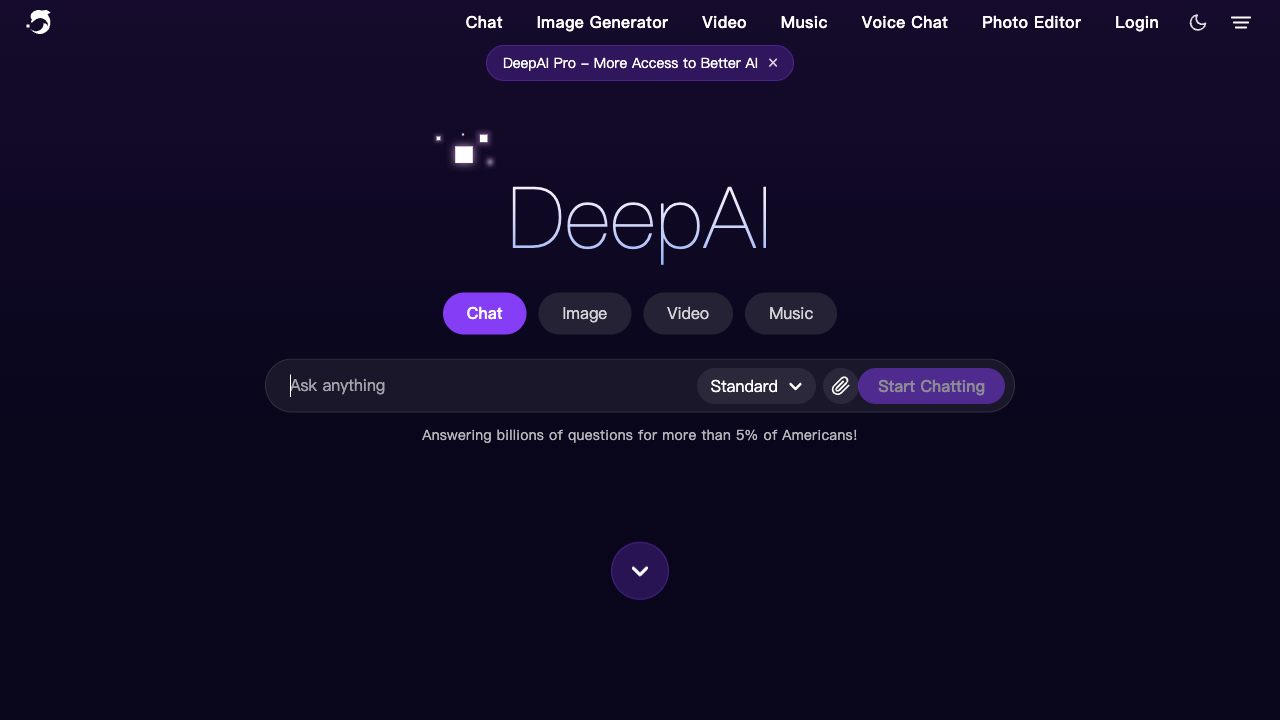
DeepAI is a useful budget AI image generator and light video tool if your main goal is fast, low-cost drafts: stylized stills, simple clips, chat-assisted ideas, and casual experiments. Access is easy, pricing is approachable, and generation is quick.
It is a weaker choice when you need professional image quality, multi-model comparison, cinematic video, ads, or a finish workflow. DeepAI feels strongest as an entry-level generator, not a production studio. For that broader path, I prefer Van Gogh Studio.
| Review Point | My Take |
|---|---|
| Best for | Budget AI image drafts, simple video experiments, beginners testing generative tools |
| Not best for | Professional stills, cinematic video, ads, or multi-model production |
| Strongest feature | Low-cost access to image, video, and chat tools in one place |
| Biggest limitation | Average visual quality and limited model choice |
| Learning curve | Easy for beginners |
| My verdict | Good starter; limited for professional creative work |
What Is DeepAI?
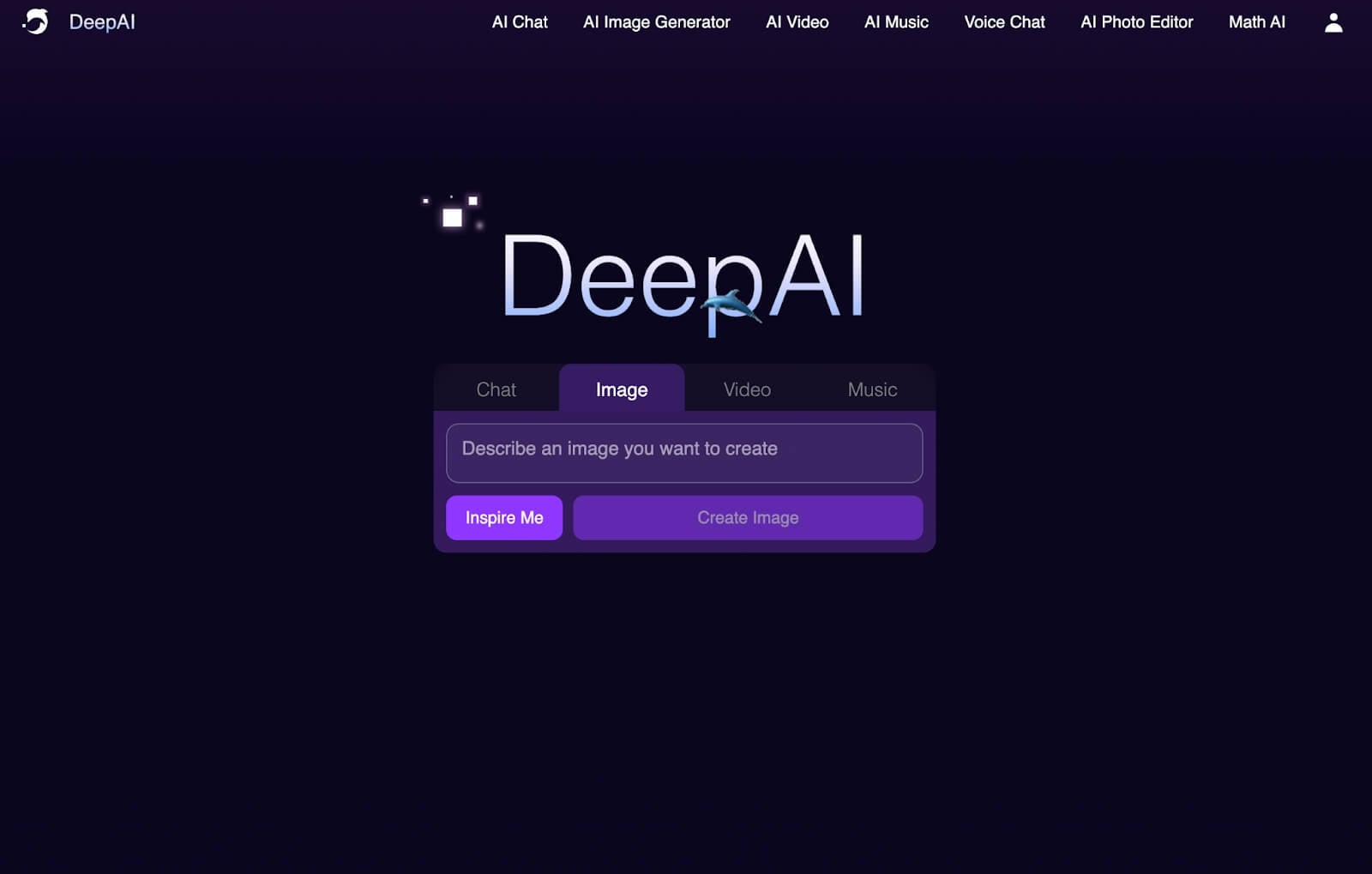
DeepAI is a budget generative AI platform with chat, image generation, video generation, light editing, and music tools. It is designed to be approachable: pick a style, write a prompt, and generate without a heavy creative setup.
Its biggest value is cost and simplicity. Teams and hobbyists who want to experiment with AI media without committing to expensive subscriptions will find the pricing model appealing.
Compared with multi-model studios, DeepAI feels thinner. Fewer model options, a basic interface, and mid-tier output quality mean it works better for drafts than for finished brand or campaign work.
Key Features I Reviewed
DeepAI’s feature set is organized around affordable generation: stills, short video, and light edits.
Text to Image Generation
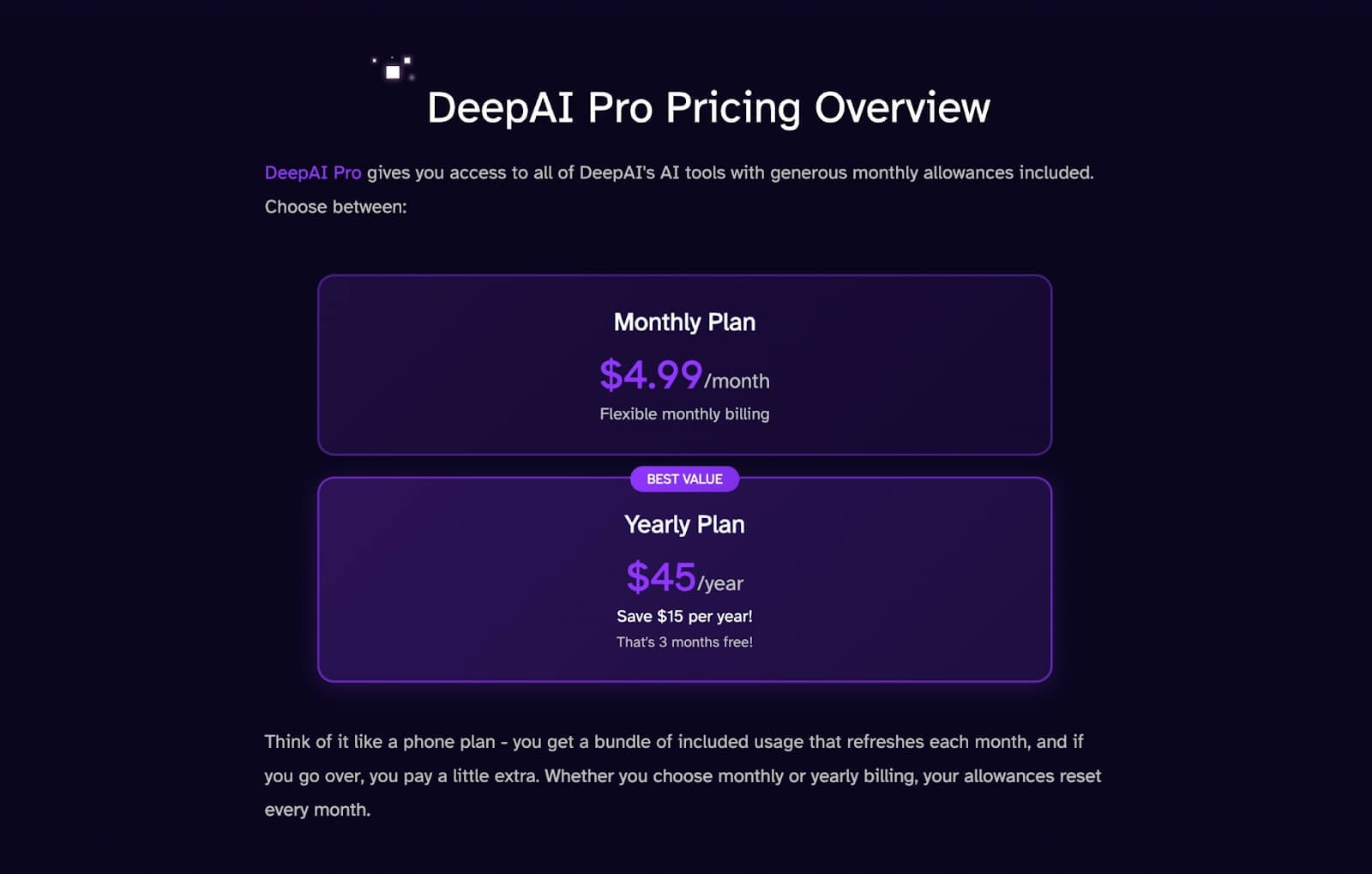
DeepAI’s image generator covers many styles — anime, 3D, painterly looks, steampunk, gothic, and more. For casual concepts and mood boards, that range is useful.
Quality is the honest limit. In my tests, simpler prompts looked cleaner than complex multi-subject scenes. Faces, fine detail, and composition often needed another pass or another tool before I would publish them.
AI Image Editing

The image editor lets you upload a still and describe changes. It is convenient for quick fixes and light restyling.
Precision is limited. When edits involve multiple elements or exact brand placement, results can drift. Treat it as a draft editor, not a production retouching suite.
Text to Video Generation
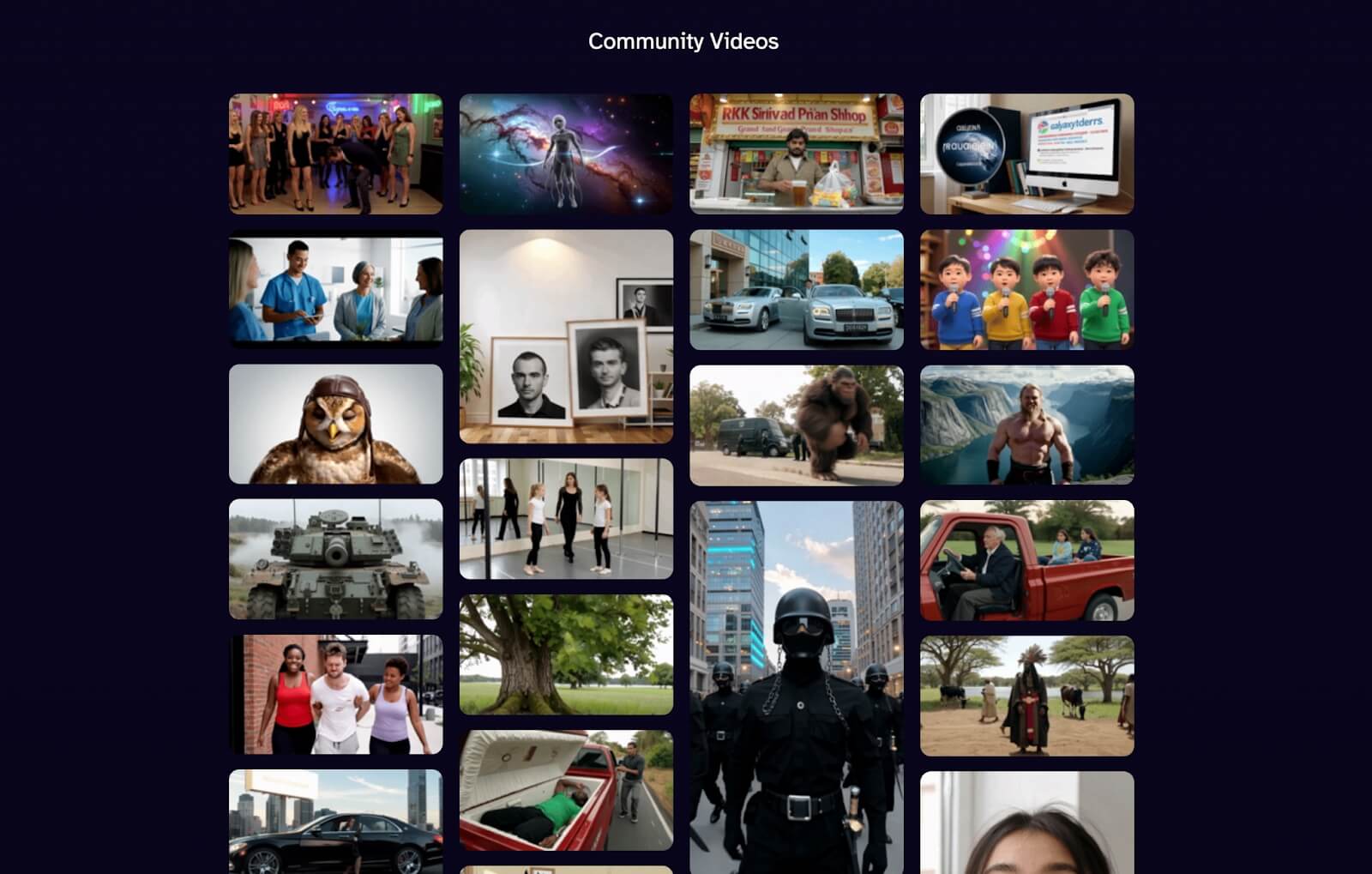
DeepAI can generate short videos from prompts. That is useful for quick motion experiments and social drafts.
It is not a full AI video studio. Motion stability, cinematic control, and campaign structure are thinner than dedicated video platforms. For product ads or multi-scene stories, you will want stronger generation and editing tools.
Style Library and Speed
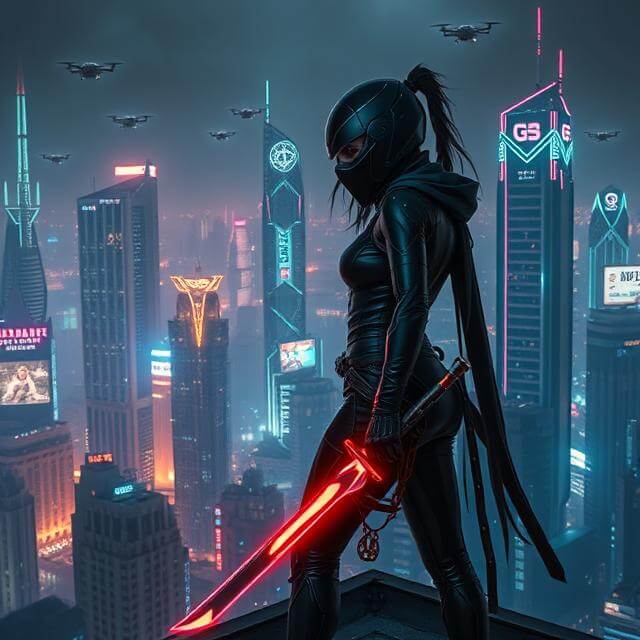
Style presets and fast generation are DeepAI’s practical strengths. You can try many looks quickly without waiting on a heavy pipeline.
Variety of styles does not equal depth of control. Presets help exploration; they do not replace model choice, reference control, or finishing tools.
Pros and Cons
What I Liked
- Budget-friendly pricing with a usable free tier
- Fast generation for images and simple video clips
- Wide style presets for casual visual exploration
- Easy enough for beginners with no design background
- Chat plus media tools in one low-friction workspace
What Held It Back
- Image and video quality often stay average
- Limited AI model selection compared with multi-model studios
- Interface feels basic for professional workflows
- Complex scenes and product detail need heavy review
- Weak fit for ads, UGC campaigns, or publish-ready video finishes
Create Full Videos with Van Gogh Studio Free
Where DeepAI Falls Short
DeepAI’s limits show up when a draft needs to become a finished asset.
Budget Tool, Not Production Ceiling
DeepAI is built for access. Professional campaigns need sharper detail, stronger motion, consistent branding, and finishing. That is where DeepAI starts to feel thin.
Few Models to Compare
When one look fails, multi-model platforms let you switch engines. DeepAI’s narrower model set means more re-prompting inside the same quality band.
Video Remains Light
Short clips are fine for experiments. Product motion, UGC video ads, explainers, and multi-scene stories need stronger text to video and editing paths.
How I Reviewed DeepAI
I reviewed DeepAI as a budget image-and-video starter, not as a premium studio.
Main areas I considered:
- Image quality — whether stills looked publishable or only draft-ready
- Video quality — whether short clips held motion and detail
- Workflow speed — whether cheap/fast generation justified quality tradeoffs
- Model depth — whether options covered real creative variety
- Output readiness — whether results needed another tool before use
- Use-case coverage — social drafts, concepts, product, ads, stories
- Business value — whether low cost still solved production needs
Is DeepAI Right for You?
DeepAI is a strong fit if you want affordable AI experiments: style tests, casual stills, simple motion clips, and beginner-friendly generation without a large subscription.
It is less ideal if clients, brand guidelines, or campaign performance depend on polished visuals. In those cases, a multi-model studio with stronger video finishing will save time even if the sticker price is higher.
In short: DeepAI is right for users who need cheap drafts. It is less ideal for users who need finished creative systems.
Real Use Cases
| Use Case | My Take |
|---|---|
| Casual AI art and style tests | Strong fit — presets and speed help |
| Budget social drafts | Good fit when polish is not critical |
| Concept mood boards | Good fit for early exploration |
| Product or ecommerce visuals | Limited fit — detail often needs cleanup |
| Short motion experiments | Mixed fit — useful drafts, thinner control |
| Ad campaigns / UGC video | Weak fit alone — needs a stronger video workflow |
| Multi-scene publish-ready video | Not the right tool |
DeepAI vs Van Gogh Studio
| Dimension | DeepAI | Van Gogh Studio |
|---|---|---|
| Main workflow | Budget image, video, and chat tools | Full AI image + video generation, editing, and publish-ready workflows |
| Image generation | Broad styles, average quality | Stronger via AI image generator and multi-model access |
| Video generation | Light short-clip generation | Stronger text to video and image to video paths |
| Model choice | Limited | Broader options including Veo 3.1, Kling 3.0, Seedance 2.5 |
| Marketing output | Better for drafts than campaign creatives | Stronger with UGC ad video and campaign-ready workflows |
| Editing flexibility | Light image edits | Stronger refinement with the AI video editor |
| Best fit | Beginners and budget experimenters | Creators and marketers who need finished AI videos |
Why Van Gogh Studio Is a Better DeepAI Alternative

DeepAI is useful for cheap drafts. Van Gogh Studio is stronger when I want quality options, model comparison, and a real finish path.
Stronger Image and Video Generation

With Van Gogh Studio’s AI image generator, I can create stills, then continue into image to video or text to video without switching platforms. Multi-model access matters when DeepAI’s quality band is not enough.
Post-Ready Videos With Van Gogh Studio Agent

Van Gogh Studio Agent covers the gap DeepAI leaves open: structure, pacing, captions, music, and a clearer path from idea to a shareable video.
Create Videos with Van Gogh Studio Agent
Avatar, Editing, and Campaign Paths

I can add presenter scenes via AI avatar, refine shots in the AI video editor, and move into UGC ad video when a draft needs to sell. DeepAI helps start cheaply; Van Gogh Studio helps finish.
Final Verdict: Is DeepAI Worth Using?
DeepAI is worth using as a budget starter for AI images and simple video experiments. Speed, access, and price are real strengths.
Quality and production depth are the honesty check. DeepAI is not a strong choice for polished brand stills, cinematic clips, product ads, or publish-ready campaigns.
Use DeepAI when cheap drafts are the job. For a broader creative workflow, I would choose Van Gogh Studio. It combines multi-model image and video generation, editing, Agent-led publish-ready workflows, and campaign tools in one place.
DeepAI Review FAQs
Is DeepAI good for beginners?
Yes. DeepAI is easy to start with and affordable enough for beginners testing AI image and video generation.
Can DeepAI create professional images and videos?
It can create usable drafts, but professional polish is inconsistent. Complex scenes and campaign video usually need a stronger tool.
What is the biggest drawback of DeepAI?
For me, the biggest drawback is average quality plus limited model choice. Cheap access helps; finishing still falls on another workflow.
What is the best DeepAI alternative?
If you want stronger image and video quality plus a complete production path, Van Gogh Studio is the better alternative. It covers AI image generation, text to video, image to video, editing, UGC ads, and Agent-led publish-ready videos in one workspace.
Create AI videos free
Try Van Gogh Studio free — text-to-video, image-to-video, and 300+ models in one place. Free credits on signup, no credit card required.
Try Free Video Generator


