

Runway isn’t the best fit for everyone. You may have trouble getting the exact output video you desire, for example. Or you might seem that the pricing doesn’t exactly offer value for money.
I’ve tried a bunch of other AI video generators, and I want to share the 13 best ones I found to be Runway's alternatives.
These tools are simple to leverage and can support you create amazing videos, even if you’re just starting out. Whether you want to produce fun clips or professional-looking videos, these Runway alternatives have something for you!
Quick Verdict
Van Gogh Studio is my top pick overall. It covers text-to-video, image-to-video, multi-model access, and finishing tools so you can get closer to publish-ready output.
Alternatives at a Glance
| Rank | Tool | Best for | Why |
|---|---|---|---|
| 1 | Van Gogh Studio | Best overall video workflow | Multi-model generation, editing, and publish-ready workflows in one place |
| 2 | Google Veo 3 | Natural Audio Integration | Cinematic clips with native audio support |
| 3 | Kling AI | Performance | Strong motion control and photoreal short clips |
| 4 | Toki AI | AI Avatar Video Generation | Realistic talking avatars for presenter-style videos |
| 5 | Luma AI | Speed | Fast cinematic text/image-to-video generation |
| 6 | AdsDrive | UGC Avatar Video Ads | UGC-style avatar ads for performance marketing |
| 7 | Pika | Special Effects | Playful effects and approachable short-form video tools |
| 8 | Hailuo AI | Cinematic Quality | Cinematic shorts with solid visual coherence |
| 9 | Haiper AI | Lively Animations | Quick animation-style generation and batch options |
| 10 | Vidu AI | Customization | Customizable short video generation with subject tools |
| 11 | PixVerse AI | Advanced Users | Template-friendly clips with advanced creator settings |
| 12 | KREA | Beginners | Fast visual exploration and creator-friendly UI |
| 13 | Seedance | Multi-Shot Storytelling | Multi-shot story-style AI video |
Van Gogh Studio - Best Runway Alternative Overall

So you don't have to jiggle different tools to test their capabilities. Van Gogh Studio is my top recommended Runway alternative. What makes it stand out is how it combines many powerful AI models in one place, including Veo 3, Runway, Hailuo AI, Seedance, Kling AI, PixVerse AI, and Luma AI.
It flawlessly maps human motion onto your chosen images, ensuring every frame remains sharp and anatomically accurate. With this AI video generator, you can test video generation features such as image to video AI, text to video AI and video to video AI.It also comes with a powerful infinite tool called mimic motion.
On Van Gogh Studio, you can even create AI avatar videos. Its AI avatar video generator allows you to create avatar videos from just photos. That means no pre-recorded video uploads or pretraining needed. And you can also create AI product avatars, which are specifically for product promotion.
It even offers multiple video effects to create specialized fun videos. For example, you can create AI hug and AI kissing videos.
Pros
- Combines multiple AI models for diverse video styles
- Supports text-to-video, image-to-video, and video transformations
- Offers useful templates and customization options
Cons
- Free plan has watermarks and limited credits
Google Veo 3 - Best Runway Alternative for Natural Audio Integration
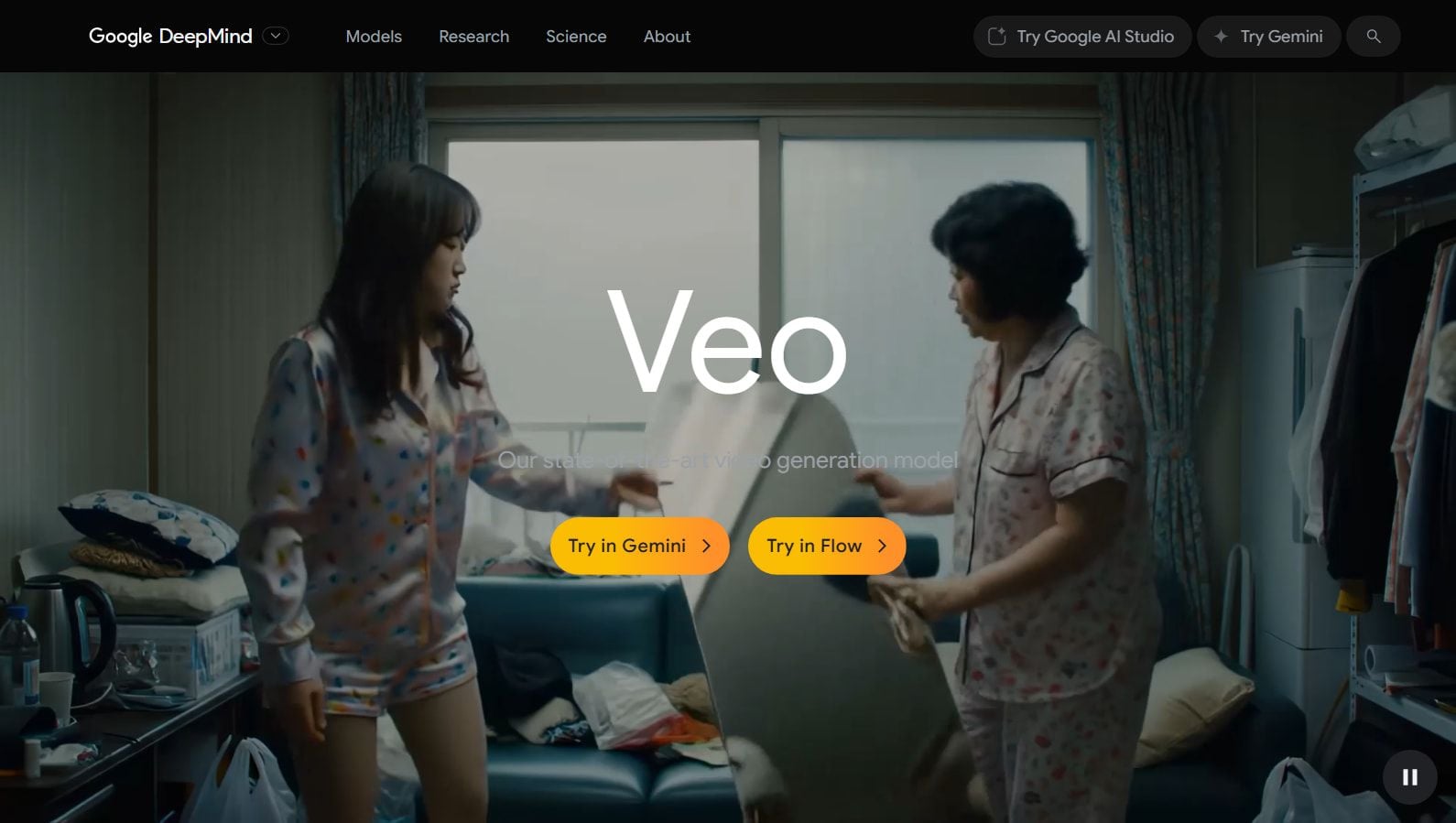
Google Veo 3 is one of the strongest exciting AI video generators I’ve tried recently. What really blew me away is how it can create realistic videos with matching sounds just from simple text prompts.
For example, if you ask it to build a video of a busy subway, it not only shows the scene but also adds background noises like chatter and traffic, making it seem super real. The videos look sharp and natural, with smooth movements and realistic lighting.
Plus, it’s straightforward to leverage even if you’re new to video making given that it has ready-made templates and lets you add your own voiceovers or images. It’s like having a smart video assistant that helps you finish projects faster without needing to be a pro.
I noticed sometimes the audio or subtitles don’t come out exactly right, and there are occasional glitches in the video. Also, the subscription is quite pricey, which might not function for everyone. That said, Veo 3 isn’t perfect.
Pros
- Generates video and audio together from text prompts
- Realistic visuals with smooth motion and lighting effects
- Adds natural background sounds for extra realism
Cons
- Expensive subscription fee
- Audio and captions can be inconsistent or hard to control
- Some glitches and visual quirks appear occasionally
Kling AI - Best Runway Alternative for Performance
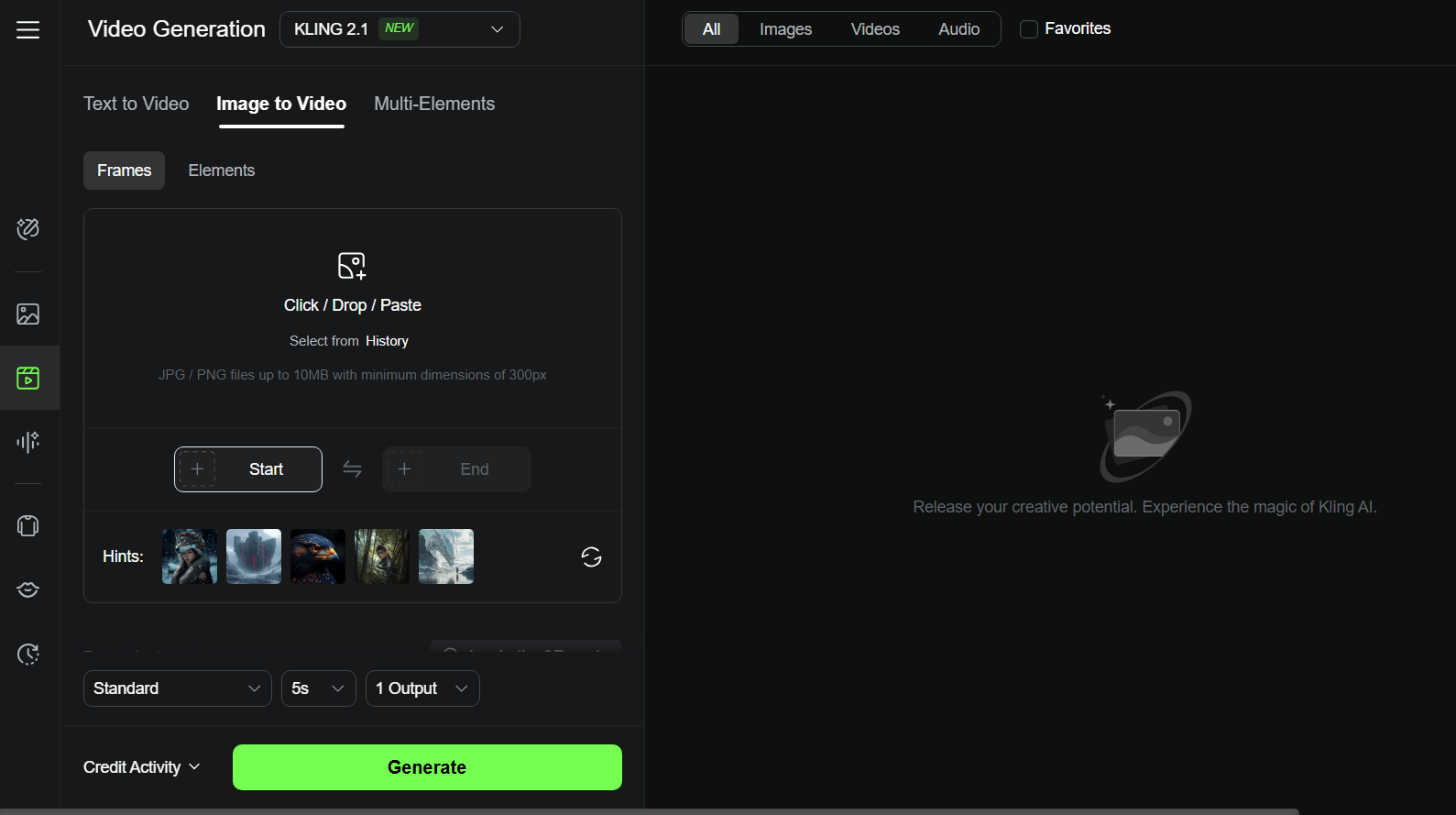
Kling AI is an AI video generator, boasting some of the strongest powerful levels of performance. It really impressed me with how detailed and smooth its videos look.
It can turn simple text or images into short videos with realistic movements, cinematic lighting, and cool camera effects like zoom and pan. It’s a strong choice if you want high-quality videos that look professional but don’t require complicated editing skills.
And this might seem limiting if you want longer clips. And some features, like lip-syncing, are nonetheless missing, and the pricing can be a bit high if you want to create a lot of videos. However, the videos it makes are short.
Pros:
- Creates high-quality, realistic videos with smooth motion and cinematic effects
- Supports text-to-video and image-to-video generation
- User-friendly interface with advanced camera controls
Cons:
- Pricing may be high for heavy users
Toki AI - Best Runway Alternative for AI Avatar Video Generation
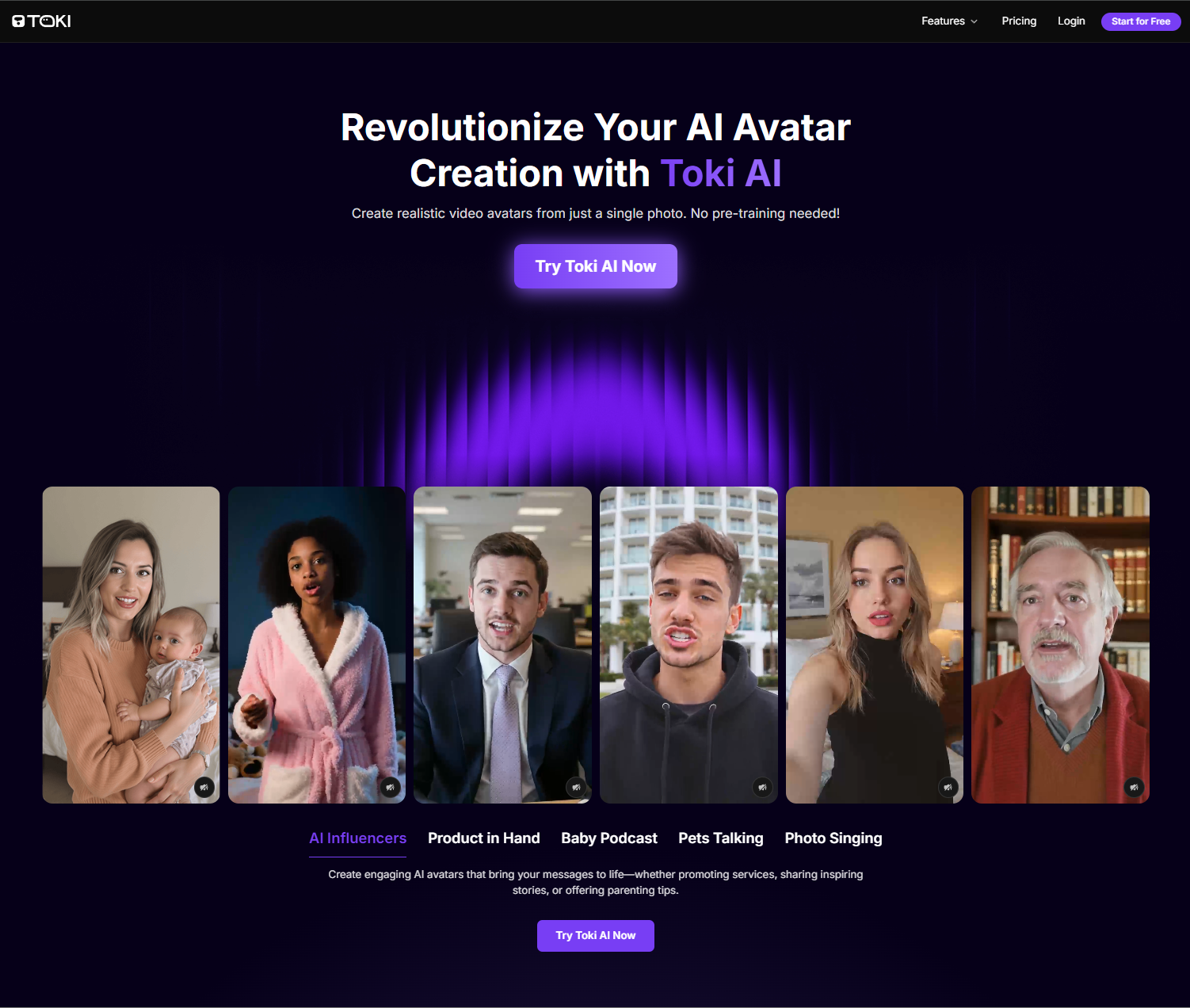
Toki AI is my top pick for creating lifelike AI avatar videos from a single photo. What sets it apart is its ability to generate realistic, talking avatars with natural expressions, perfect lip-sync, and authentic emotions without any pre-training.
Powered by advanced AI models, Toki AI offers a seamless way to bring any face to life for ads, entertainment, or personal projects.
With Toki AI, you can transform photos into engaging videos for product demos, social media, or even fun pet and baby podcast videos. Its vast voice library and customizable avatars build it a versatile tool for creators and Marketing teams alike.
Pros:
- Creates lifelike avatars from a single photo with no pre-training
- Supports diverse content like ads, tutorials, and entertainment videos
- Offers a rich voice library and customizable gestures
- Generates videos up to 2 minutes for detailed storytelling
Cons:
- Free plan includes watermarks and limited video duration
Luma AI - Best Runway Alternative for Speed
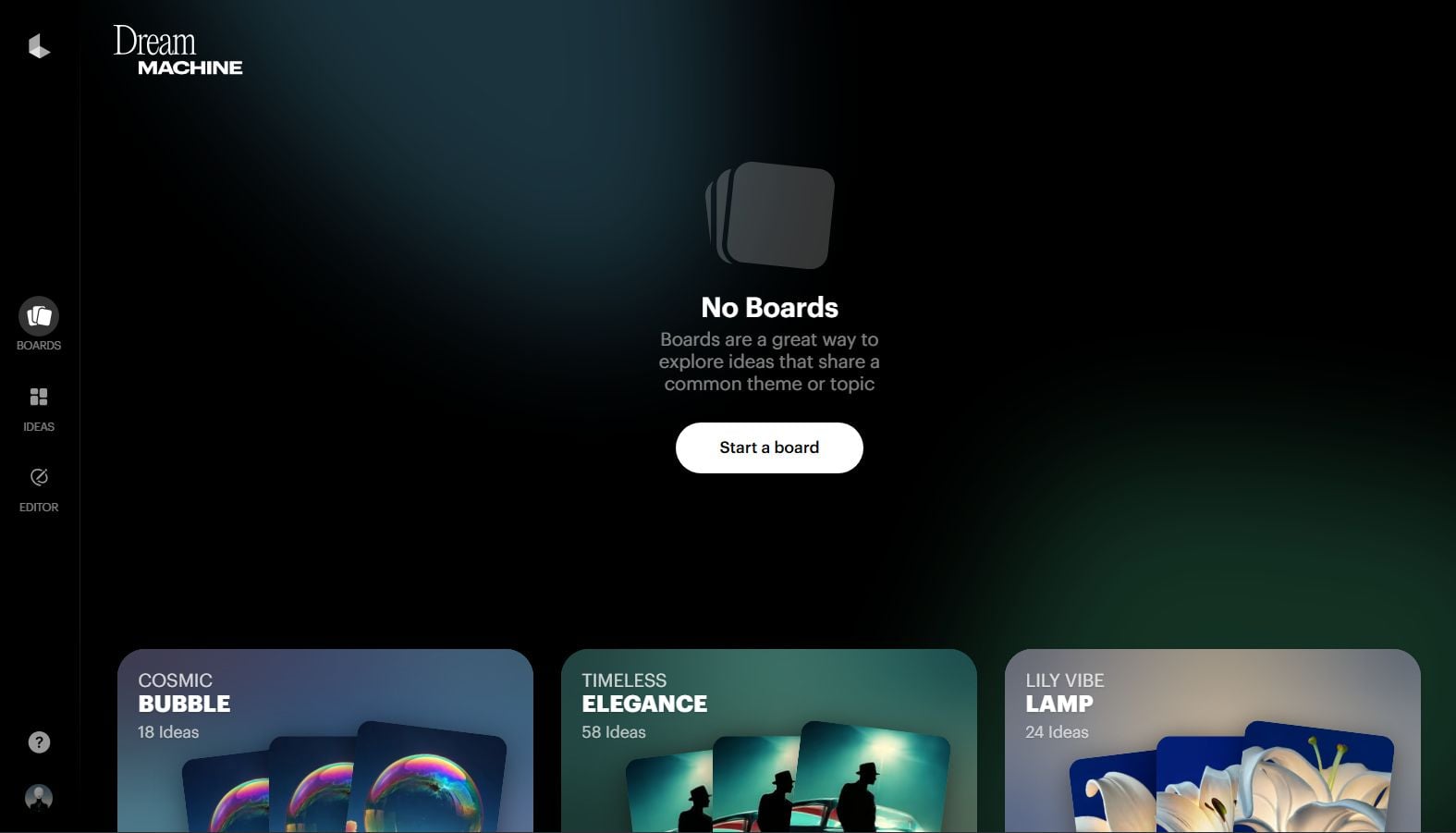
It can generate 120 frames in just 120 seconds!The videos look super realistic thanks to its physics-based motion, which means everything moves naturally like in a real movie. Luma AI is one of the fastest and top powerful AI video generators I’ve used.
Plus, Luma AI uses smart camera controls to add smooth zooms, tracking shots, and even 360-degree views. It supports multi-scene videos, so you can create longer stories with smooth transitions.
But some features might seem advanced if you’re just starting out. And, it doesn’t offer as many built-in editing tools as some other platforms.
If you want a speedy, realistic, and professional AI video maker that can handle complex shots and longer videos, Luma AI is a excellent Runway alternative to test.
Pros:
- Super fast at generating AI videos
- Can create videos in various styles
- Supports multi-scene videos with smooth transitions
Cons:
- Its advanced functionalities may present a steep learning curve for some users
- Many videos regularly have a lack of movement or energy
AdsDrive - Best Runway Alternative for UGC Avatar Video Ads

AdsDrive is my go-to for creating high-converting UGC ad videos with AI avatars. Its cutting-edge AI transforms any photo into lifelike, expressive avatars that move naturally, emote authentically, and sync perfectly with your voiceover.
Unlike other platforms, AdsDrive lets you customize gestures with simple prompts, making your ads stand out.
Perfect for e-commerce, agencies, apps, and gaming, AdsDrive helps you scale ad production, reduce costs, and boost ROI with engaging, tailored videos. Create product demos, testimonials, or social media ads in minutes.
Pros:
- Generates unique, emotion-rich avatars for authentic UGC ads
- Customizable gestures and voices for brand-specific campaigns
- Supports long-form videos up to 2 minutes for deeper engagement
- Enables rapid A/B testing to optimize ad performance
Cons:
- Free plan has watermarks and basic features
Pika - Best Runway Alternative for Special Effects
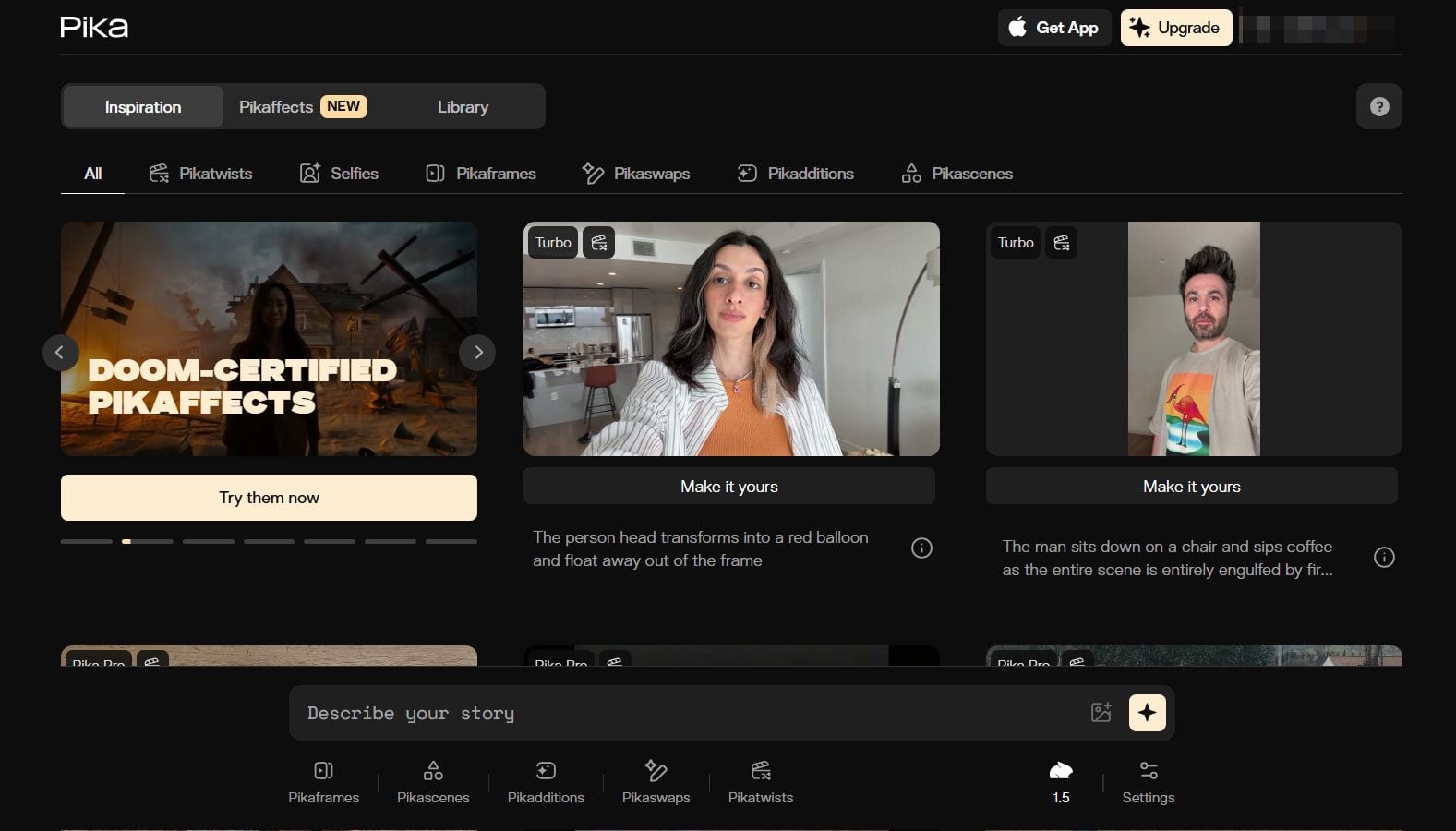
Pika is one of the primary fun Runway alternatives to apply. It lets you create smooth, cinematic videos up to 10 seconds long in full 1080p HD.
What I love most about this tool is its interesting special effects. It works by taking images (that you can upload directly to the platform) and then animating them into creative videos.
For example, you can turn something into a cake and see it get sliced open in the video. There are various fun effects you can apply with Pika. It's best for short, punchy content rather than long films. You can even create videos of items being crushed, crumbled, or inflated.
Pros:
- Lots of interesting, entertaining Pikaffects to apply with
- painless to operate with – produce videos in a few clicks
- leverage your own photos to produce customized content
Cons:
- The output quality may not be consistent
- Only a limited range of video types available
Hailuo AI - Best Runway Alternative for Cinematic Quality
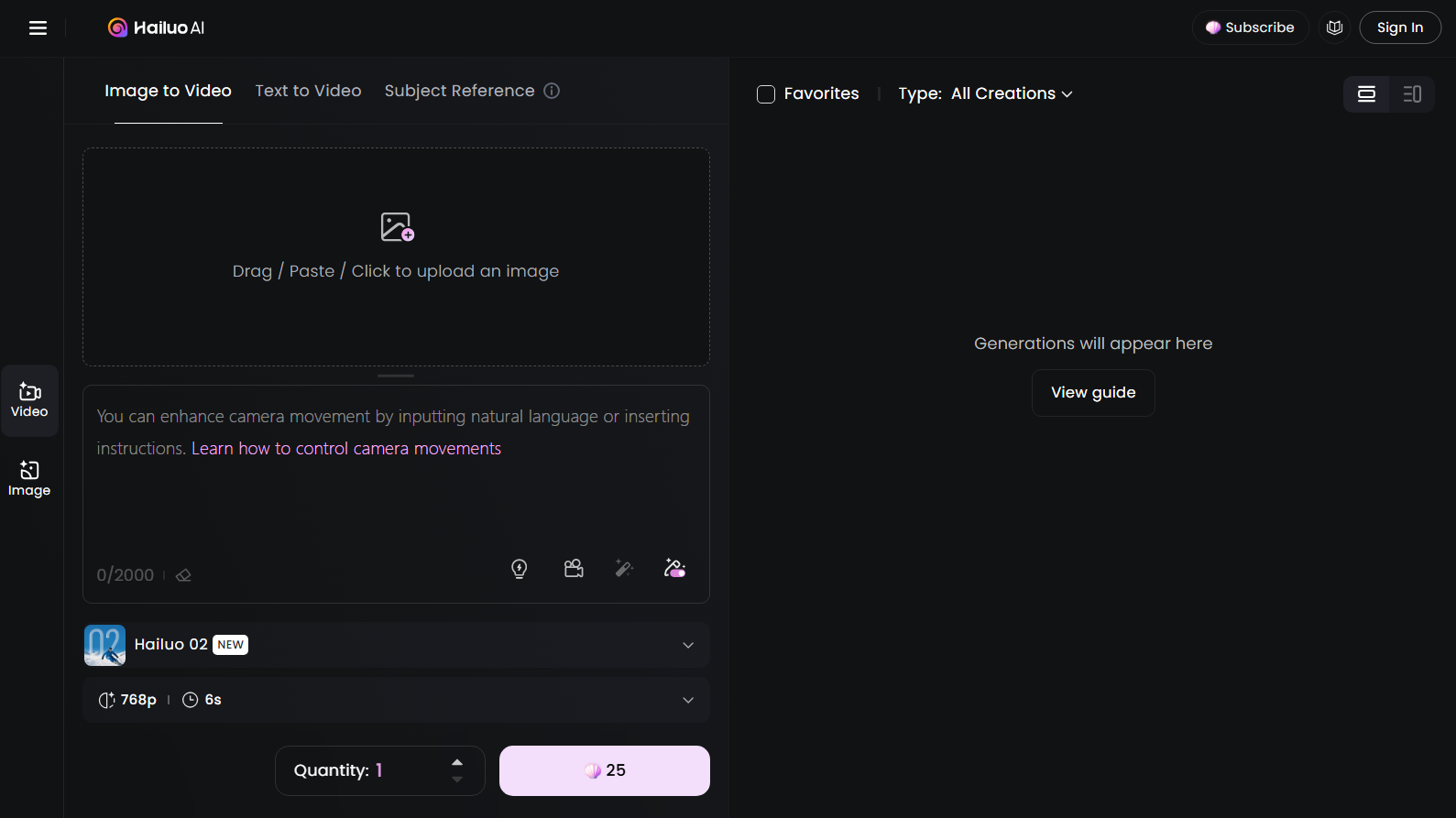
Hailuo AI is one of my top picks for creating short, cinematic-quality videos.
What I loved top is how it turns simple text prompts or images into 6 to 10-second videos with smooth camera moves like tracking shots and pans. It's perfect for beginners or anyone who wants to create cool videos without complicated editing software.
The videos look sharp and professional, with consistent characters that keep their facial features and outfits across scenes. Plus, it supports high resolutions up to 1080p, so your videos don’t lose detail.
But you should note that some of its outputs, especially with lots of movements, can look a little unnatural or glitchy.
Pros:
- Multiple AI video generation modes
- Creates decent quality content with lots of color and energy
- Suitable for content creators, influencers, and other users
Cons:
- Can be quite slow at making AI videos
- Sometimes struggles to comprehend detailed text prompts
Haiper AI - Best Runway Alternative for Lively Animations
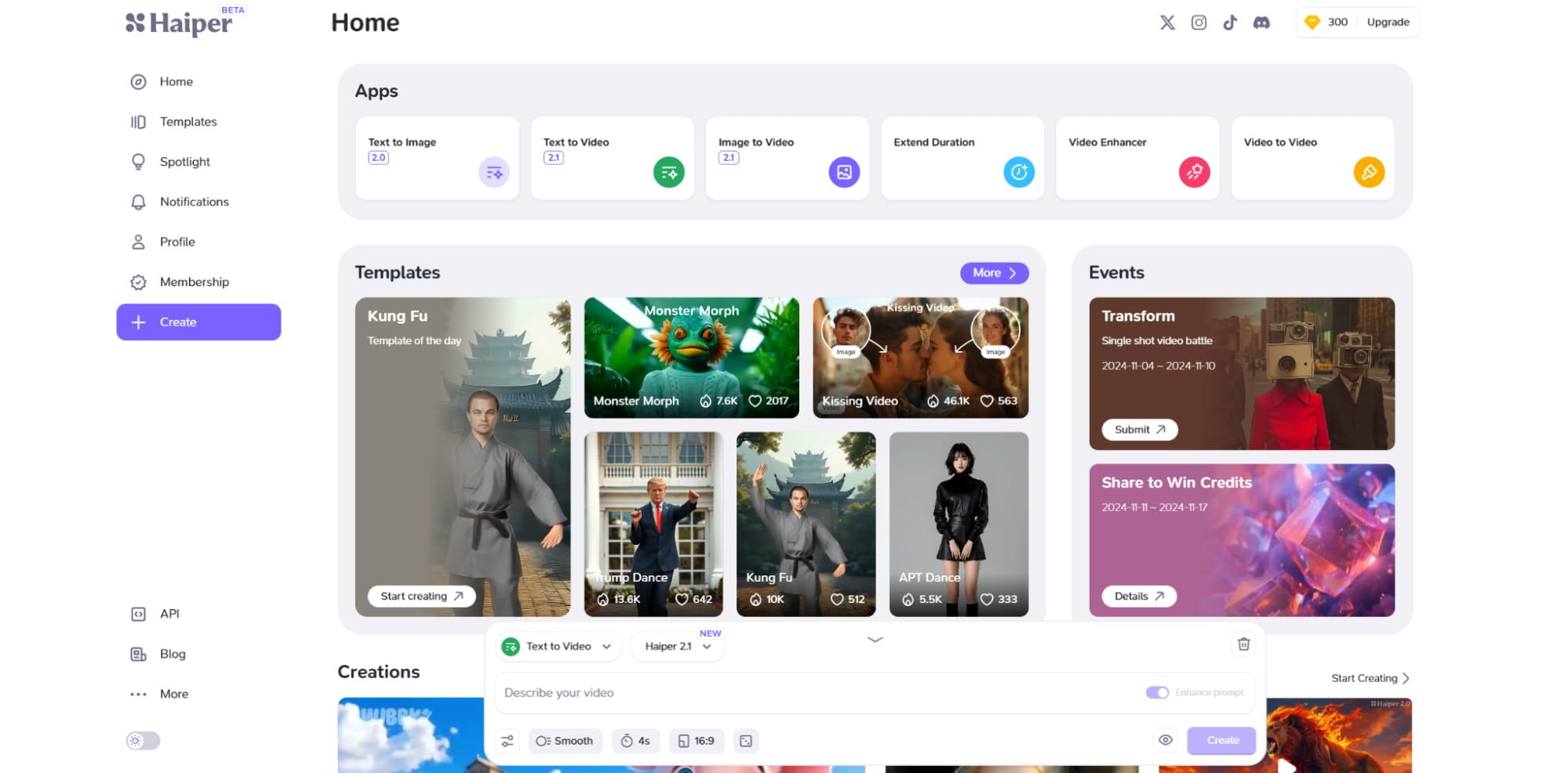
Haiper AI is a powerful AI video generator that makes creating videos from text and images really straightforward and fun.
My favorite feature of Haiper AI is how it can turn simple text prompts into lively, colorful videos with smooth motion and realistic details. It also lets you animate even so images, adding movement and effects that produce your pictures come alive.
I found Haiper AI was normally really accurate at interpreting my prompts and realizing my ideas. It can also generate video content with really realistic physics.
If you want a versatile, simple-to-leverage AI video maker that produces high-quality results, Haiper AI is a solid Runway alternative worth trying.
Pros:
- Capable of creating lifelike videos from text prompts or images
- Powerful animation technology
- Completely free to try
Cons:
- Some users have reported experiencing bugs with this generator
- Lacks customization options compared to other tools
Vidu AI - Best Runway Alternative for Customization
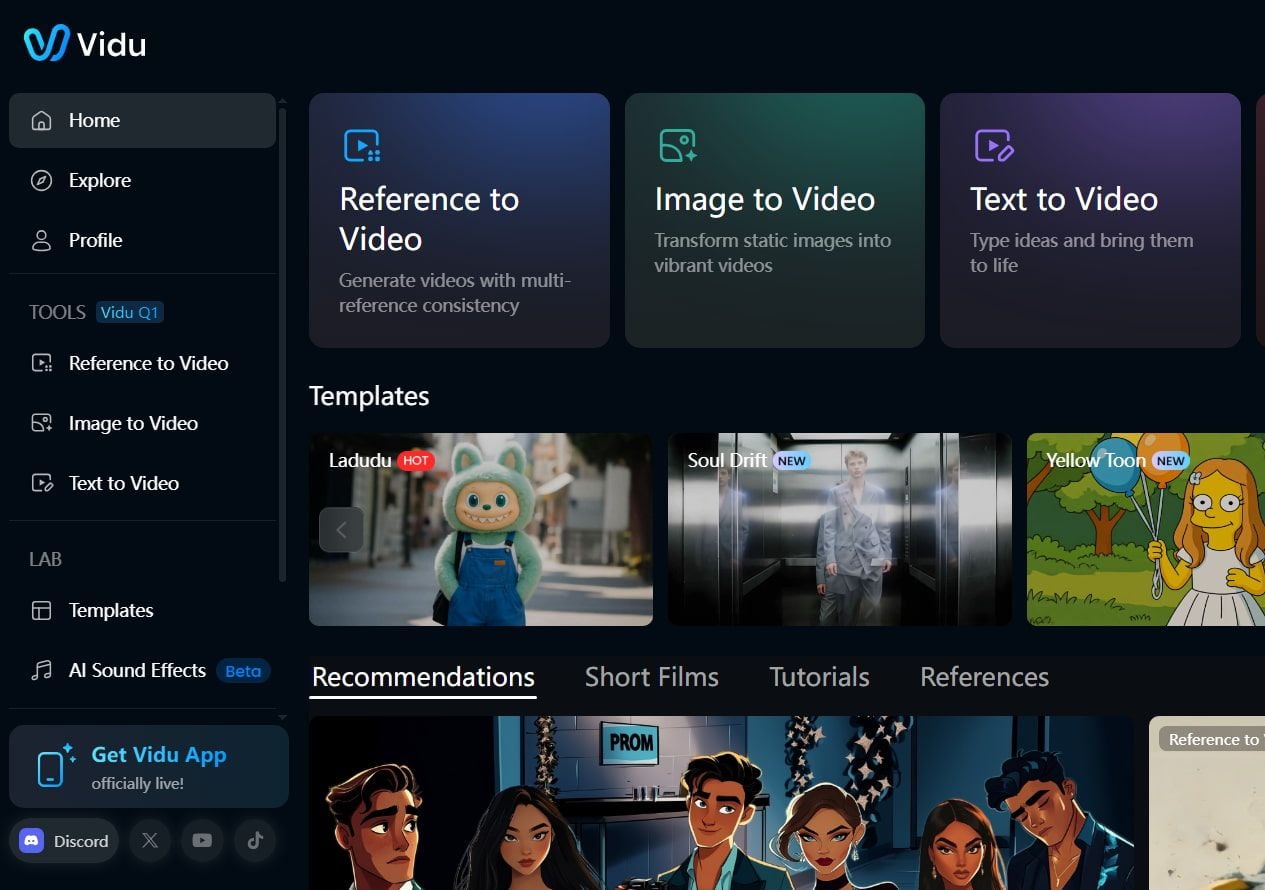
If you're looking to create videos with a cool touch, Vidu AI is definitely worth checking out.
I've had a chance to play around with it, and I found that it does a strong job of making videos look really solid, and it responds pretty quickly when you give it commands.
One of the best things about Vidu AI is how it lets you customize your videos. I was impressed by how well it handled detailed instructions, and the animations felt smooth and realistic. Plus, you can even turn images into videos or leverage existing characters from your drawings, which is pretty fun!Whether you want a dramatic cinematic come across or a greater artsy look, it can do that!
Pros:
- Multiple AI video generation modes
- Creates detailed and deep video content
- Offers almost limitless customization and creativity
Cons:
- Sometimes can be struggled with video details
- Occasionally yields inconsistent results
PixVerse AI - Best Runway Alternative for Advanced Users
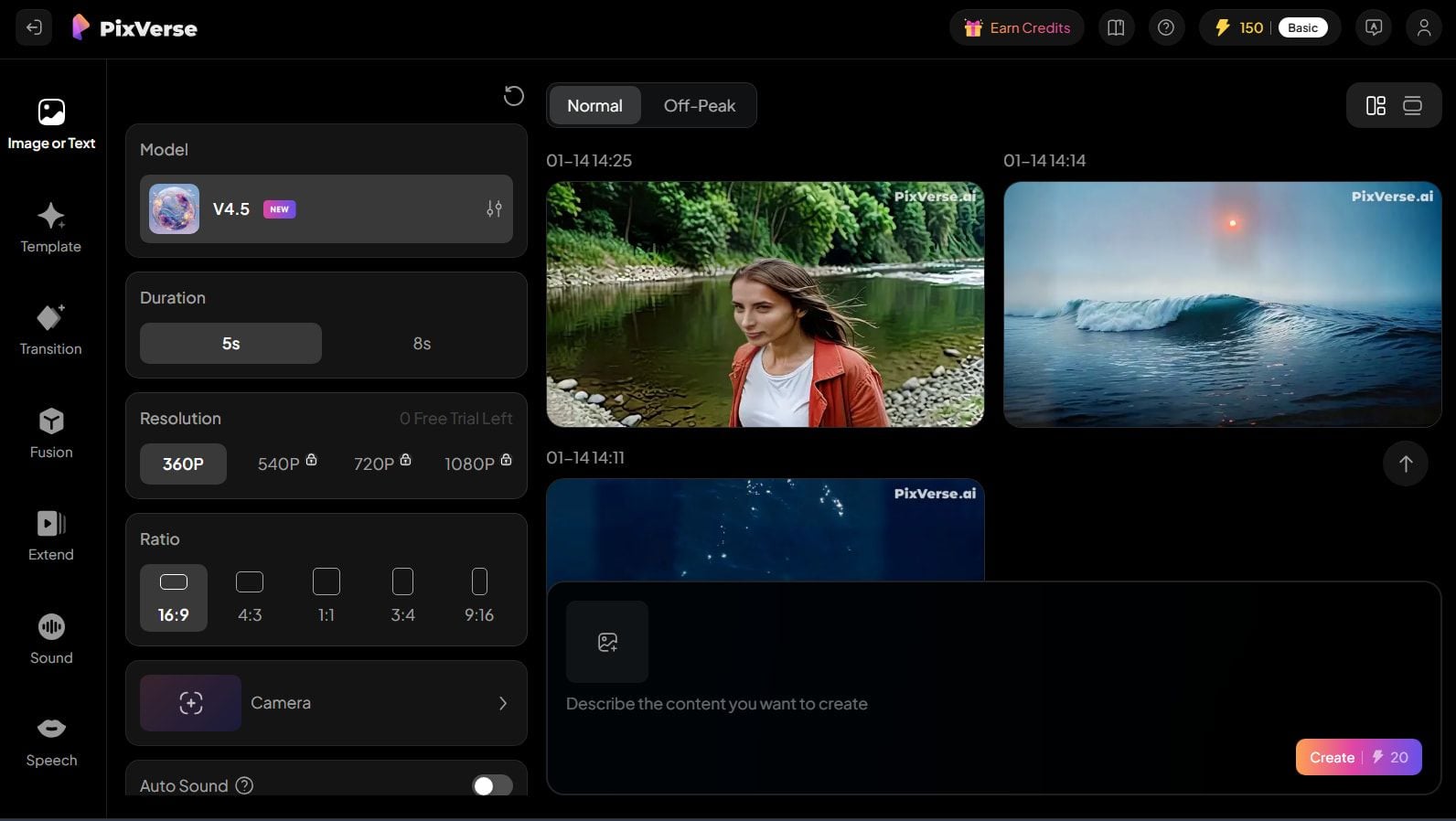
For those who have a bit extra experience with AI video generators, PixVerse AI can be a compelling tool to explore.
I found it a bit tricky at first as it has a lot of settings, which might overwhelm someone just starting out. But if you're already familiar with video making, you'll probably enjoy the challenge!
But PixVerse AI offers extensive customization options. You can shift the length of your videos, choose different styles, and even add special effects to produce your project stand out.
I experimented with various aspects of my videos, like the aspect ratio, to see how it would alter the look, and it was really satisfying to see the different options available.
However, I did notice that the camera controls felt a bit limited, which might be something they could improve in the future.
Pros:
- Produces high quality animations
- Lots of customization options to play around with
- Ideal for more advanced AI video makers
Cons:
- Interface can be cluttered and confusing
- Beginners may struggle to produce the top of this tool
KREA - Best Runway Alternative for Beginners
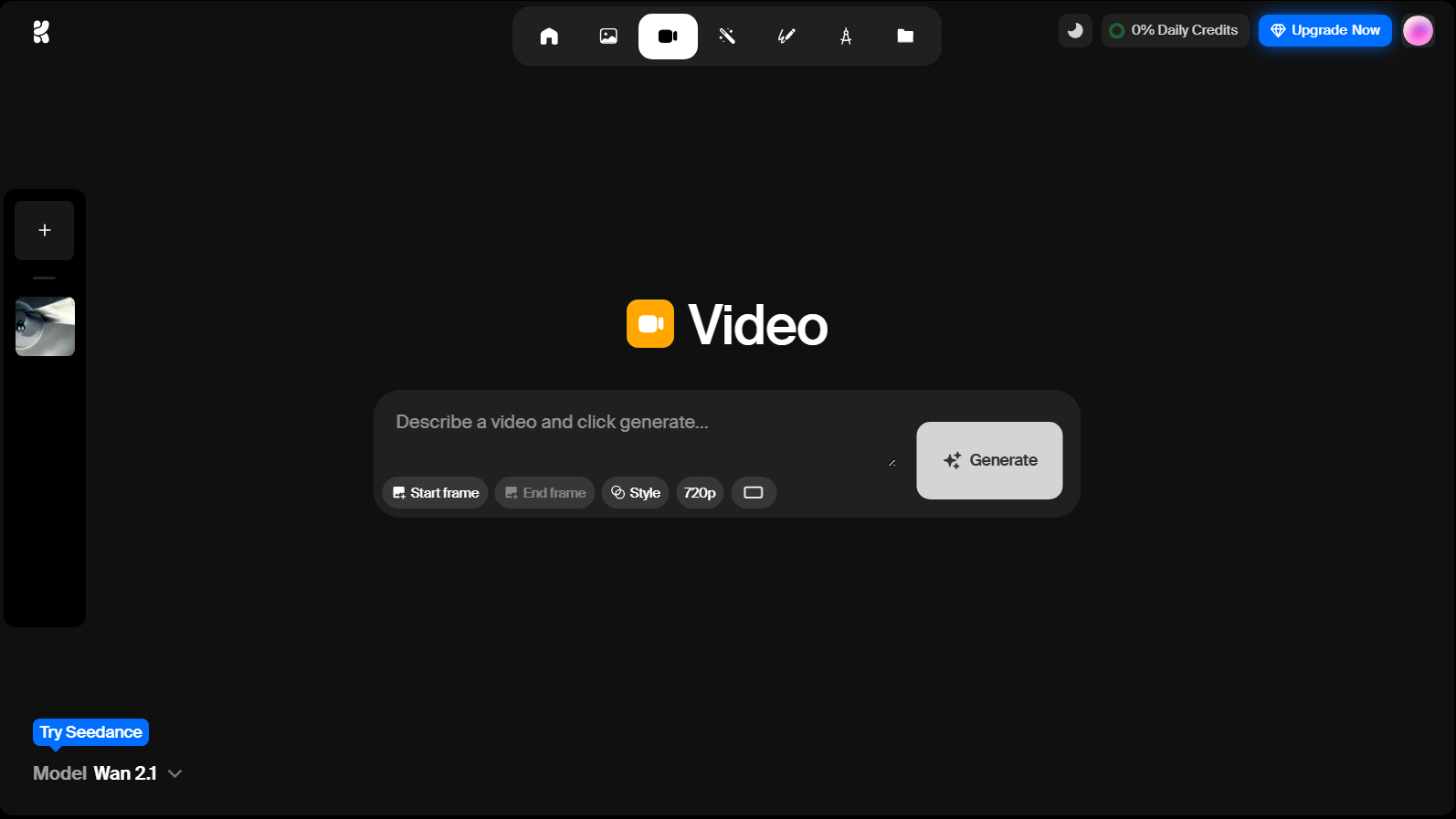
If you’re just starting out with AI video making, KREA is a fantastic choice. I tried it out, and I found its simple design really helpful. Everything is laid out neatly, making it painless to navigate.
KREA focuses on making video generation quick and straightforward, which is excellent for beginners like me. It even has a feature that lets you enhance the quality of your videos!You can switch between different models to see various styles, which is a fun way to experiment.
Plus, there's a free plan to open with, though it does have some limits. Overall, KREA is a solid starting point for anyone new to creating videos with AI.
Pros:
- Easy to work with
- Quite fast processing times
- Also supports video enhancements
Cons:
- May come across a bit basic to some professional users
- Free plan is quite restrictive
Seedance - Best Runway Alternative for Multi-Shot Storytelling

Seedance is ByteDance's merged Pixeldance and Seaweed video model, and it quickly became one of the most talked-about Runway alternatives I tested. What stood out first was how well it handles longer clips, smoother camera motion, and multi-shot scene flow compared with many single-clip generators.
I liked using Seedance when I wanted a cinematic look without jumping between tools. It supports realistic renders, anime, 3D, noir, watercolor, and other visual styles, and it generally follows detailed prompts better than I expected for complex scenes.
That said, Seedance is not flawless. Some outputs still show hand artifacts, occasional morphing in busy backgrounds, and inconsistent results when the prompt asks for very specific camera behavior. For the best experience, I found it easier to access through Van Gogh Studio, where I could compare Seedance with Runway, Kling AI, Veo 3, and other models in one workflow.
Pros:
- Strong prompt adherence and dynamic camera motion
- Supports many visual styles from realistic to anime and 3D
- Useful for multi-shot storytelling and longer single clips
Cons:
- Complex scenes can still produce visual glitches or malformed details
- Best results often require careful prompting and a few retries
Conclusion
Each Runway alternative has its own standout features. Whether you want something super simple or a tool with lots of options, one of these will fit your style. After trying all these AI video tools, I can honestly say there’s no one-size-fits-all answer.
If you’re not sure where to open, I recommend Van Gogh Studio for its extensive model support, powerful AI, speedy speeds, and many clever customization features.
Create AI videos free
Try Van Gogh Studio free — text-to-video, image-to-video, and 300+ models in one place. Free credits on signup, no credit card required.
Try Free Video Generator


