

Krea is not the best option among AI video generators, as its video output quality can sometimes be inconsistent and fall short of expectations.
After trying numerous platforms myself, I’ve put together a list of the 13 best Krea alternatives, each offering unique strengths and features to elevate your video creation process. Here’s the rundown:
Quick Verdict
Van Gogh Studio is my top pick overall. It covers text-to-video, image-to-video, multi-model access, and finishing tools so you can get closer to publish-ready output.
Alternatives at a Glance
| Rank | Tool | Best for | Why |
|---|---|---|---|
| 1 | Van Gogh Studio | Best overall video workflow | Multi-model generation, editing, and publish-ready workflows in one place |
| 2 | Runway | Video Camera Controls | High-fidelity generative video with advanced creative controls |
| 3 | Hailuo AI | Natural & Realistic Videos | Cinematic shorts with solid visual coherence |
| 4 | Kling AI | Social Media Content | Strong motion control and photoreal short clips |
| 5 | Toki AI | AI Talking Avatar | Realistic talking avatars for presenter-style videos |
| 6 | Luma AI | Text Prompt Suggestions | Fast cinematic text/image-to-video generation |
| 7 | Pika | User-Friendliness | Playful effects and approachable short-form video tools |
| 8 | Haiper AI | Versatile Use Cases | Quick animation-style generation and batch options |
| 9 | AdsDrive | Video Ads Avatar | UGC-style avatar ads for performance marketing |
| 10 | Sora | Unique Videos | Longer narrative-style AI video generation |
| 11 | Vidu AI | Easy Video Customization | Customizable short video generation with subject tools |
| 12 | PixVerse AI | Pre-Made Templates | Template-friendly clips with advanced creator settings |
| 13 | ComfyUI | Node-Based Image Workflows | Strong fit for node-Based Image Workflows |
Van Gogh Studio - Best Krea Alternative Overall

Van Gogh Studio is a robust AI video generator that provides text to video AI generation, image to video AI conversion, and video to video AI capabilities.
By integrating with all of the top AI video models into one place, Van Gogh Studio allows you to select from video models such as Veo 3, Kling AI, PixVerse AI, Hailuo AI, etc.
With these cutting-edge models, you can produce high-quality videos with exceptional details, based on your text prompt or images.
There are numerous video effects for you to create short, interesting videos. For example, you can apply the AI hug video generator and AI kissing video generator to transform any image into captivating interaction scenes.
And with Van Gogh Studio's animation generator, you can create high-quality cartoons and anime videos. With an straightforward-to-employ interface, you can bring your animation creative ideas to life in just a few clicks.
All of these features are integrated into its Van Gogh Studio Canvas, so you can finish all of your projects within this interface and spark your creativity.
Additionally, the tool allows you to customize videos by adjusting elements such as video length, camera movement, aspect ratio, etc. Best of all, it offers a range of affordable pricing options for all of us to choose from.
Here you can watch two videos talking around how to convert text into videos and create AI kissing and hug videos using Van Gogh Studio:
Pros:
- Supports all of the top AI video models
- High-resolution AI video output
- Lots of video customization options to choose from
- Multiple AI video effects
- Cost-effective pricing plans
Cons:
- Free plan offers limited access
Runway - Best Krea Alternative for Video Camera Controls
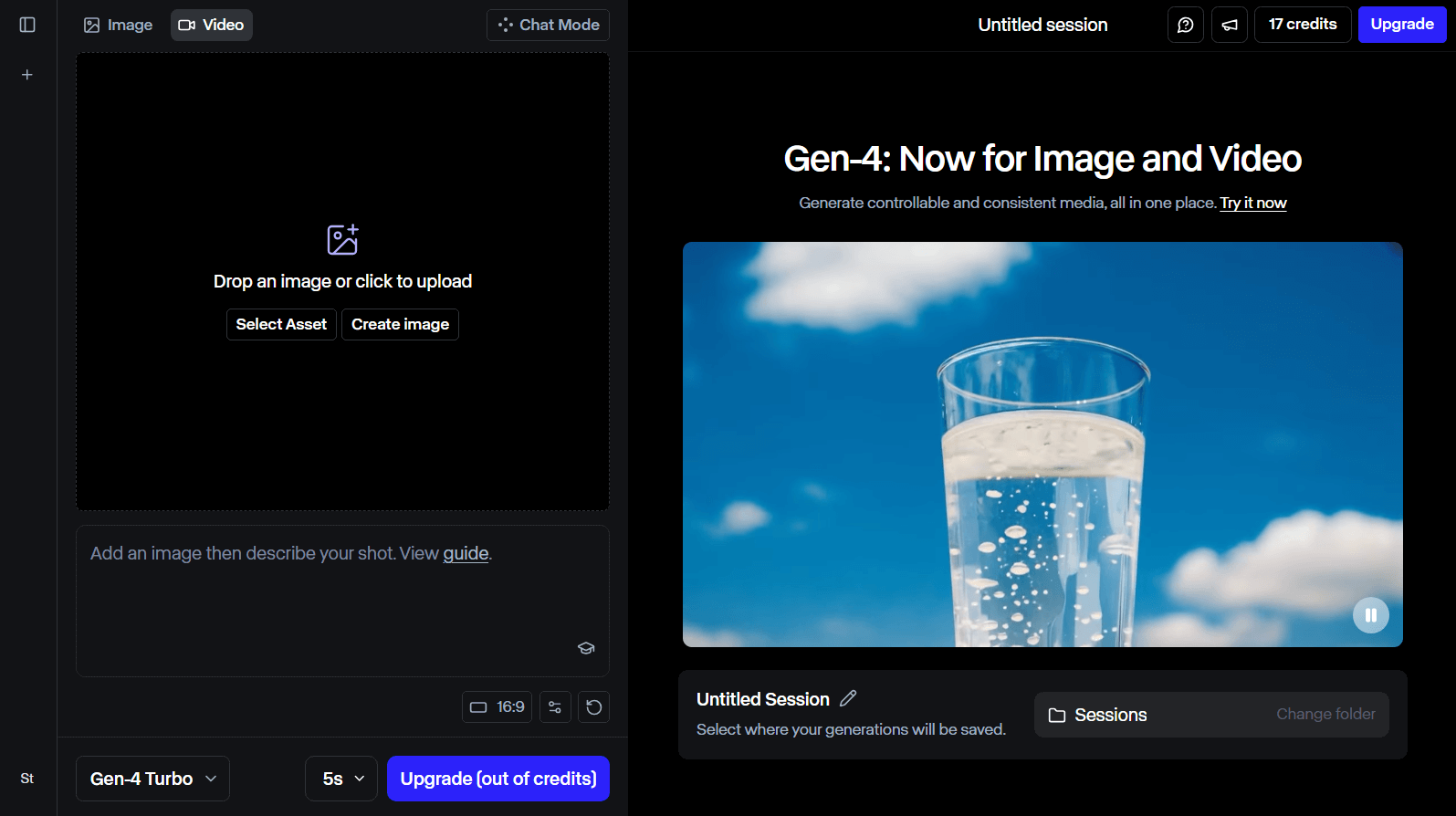
Runway is an AI video generator that’s honestly a game changer for creating top-notch AI videos.
Runway enables you to create lifelike AI videos from both text and image input. It delivers visuals with fluid motion and seamless transitions.
Its video camera control feature really caught my eyes. Runway supports multiple options to tweak camera movements and angles, such as horizontal, pan, vertical, etc.
You can even input audio or text, and Runway’s lip sync feature synchronizes text scripts or audio with character lip movements, delivering realistic dialogue in AI videos.
When it comes to its final video output quality, Runway totally shines. It helps you create vivid subjects and detailed environments that pull you right into the story.
Pros:
- Integrates some powerful video tools
- Caters to team work
- Delivers immersive AI video outputs
Cons:
- Interface can be a bit complex
Hailuo AI - Best Krea Alternative for Natural & Realistic Videos
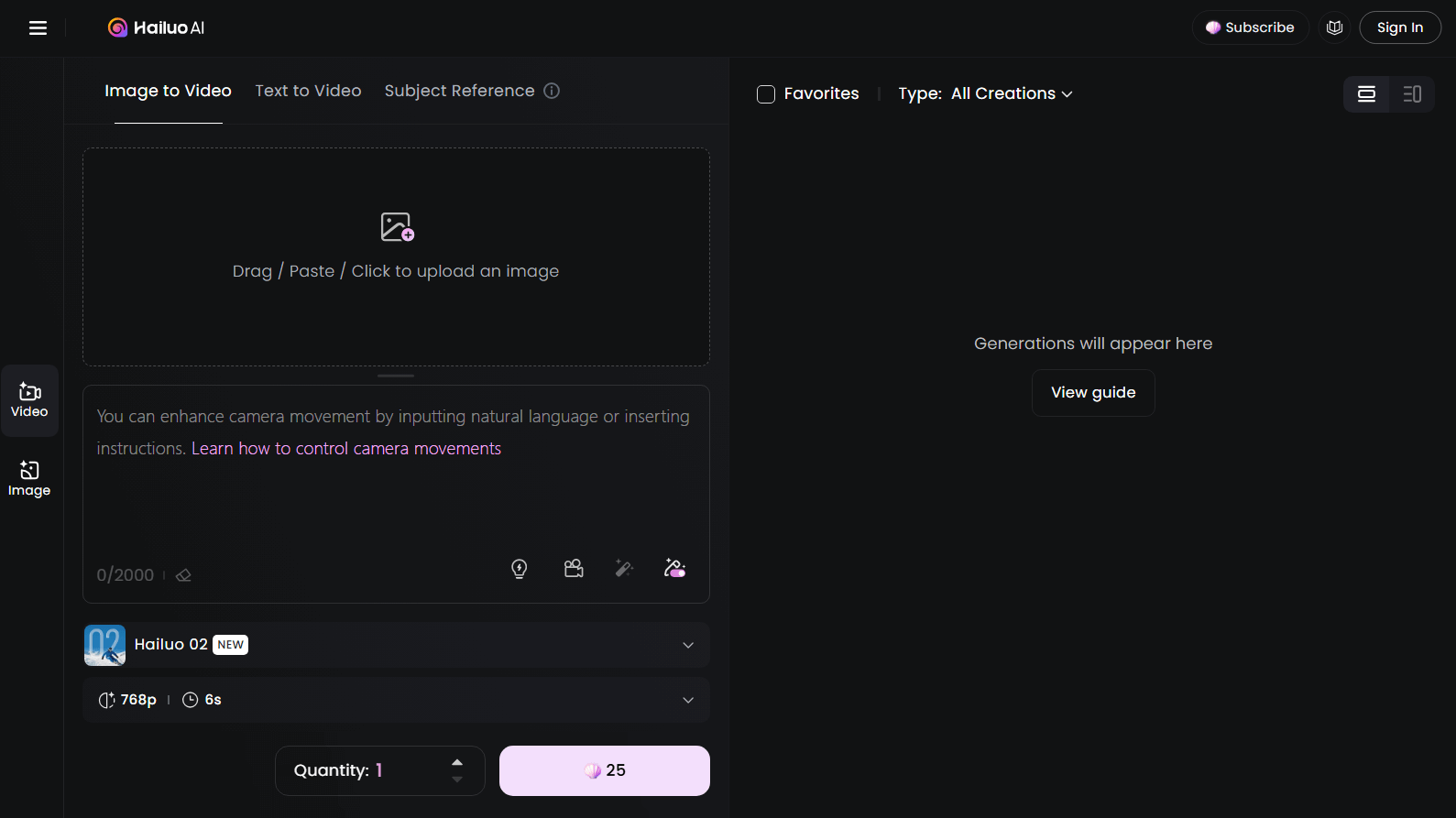
Hailuo AI is a video creation tool developed by the Chinese startup MiniMax, which was introduced in September 2023.
It’s amazing at generating natural, realistic AI videos—think up to 10 seconds of anything from dreamy, surreal landscapes to fun Disney-style animations.
Moreover, you can adjust video settings such as video resolution and duration. But I would say these settings are far from enough to create a video that tailors to my own vision.
It’s such a fun way to play around with its camera movement options and experiment with different video vibes.
Hailuo AI is definitely a excellent Krea alternative that is worth trying if you’re into creative video projects!
Pros:
- Free plan available
- Detailed and realistic AI video outputs
- Optimizes text prompts for better result
Cons:
- Few video customization options
Kling AI - Best Krea Alternative for Social Media Content
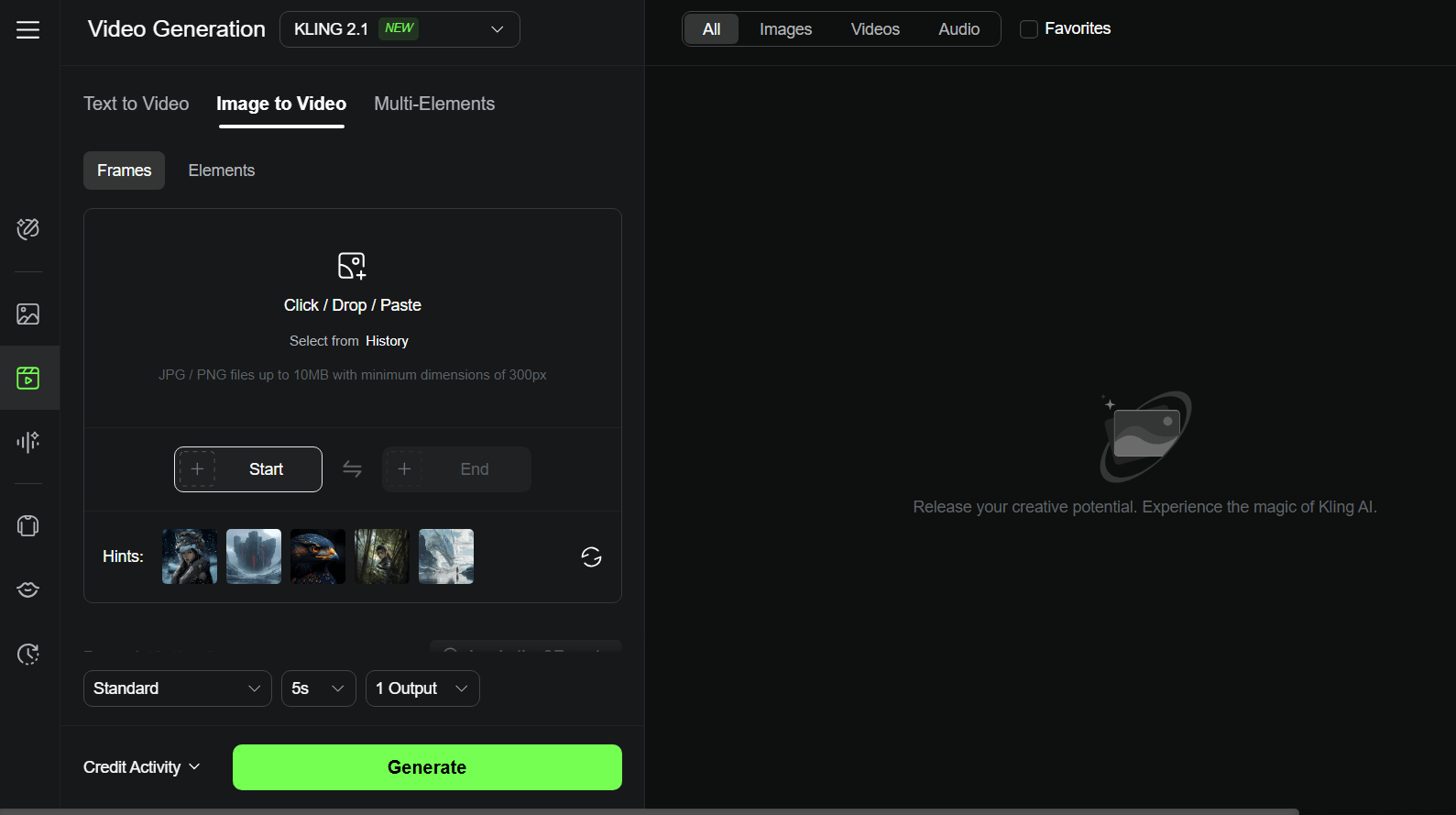
Kling AI is an awesome next-gen AI video generator from Kuaishou. It’s become a go-to for content creators and Marketing teams who want to whip up short, high-definition videos that look super polished.org/wiki/Kuaishou), a Chinese tech company.
One thing I love is its virtual attempt-on feature. With this function, you can upload images to see yourself wearing fancy dresses, suits, and additional, perfect for social media sharing.
What really stands out is how Kling AI nails cinematic-quality video. The subjects and movements in the videos appear so natural and lifelike, it’s hard to believe they’re AI-generated!
Plus, if you go for their premium plans, you get access to video watermark removal, master shot and other cool advanced features that let you get even greater creative.
The cherry on top? They offer some pretty sweet discounts on those premium plans, so it’s a strong deal for all of us looking to build standout videos.
Pros:
- Produces cinematic-quality videos
- Caters to various video aspect ratios
- Huge discounts on premium plans
Cons:
- Limited features on free plan
Toki AI - Best Krea Alternative for AI Talking Avatar
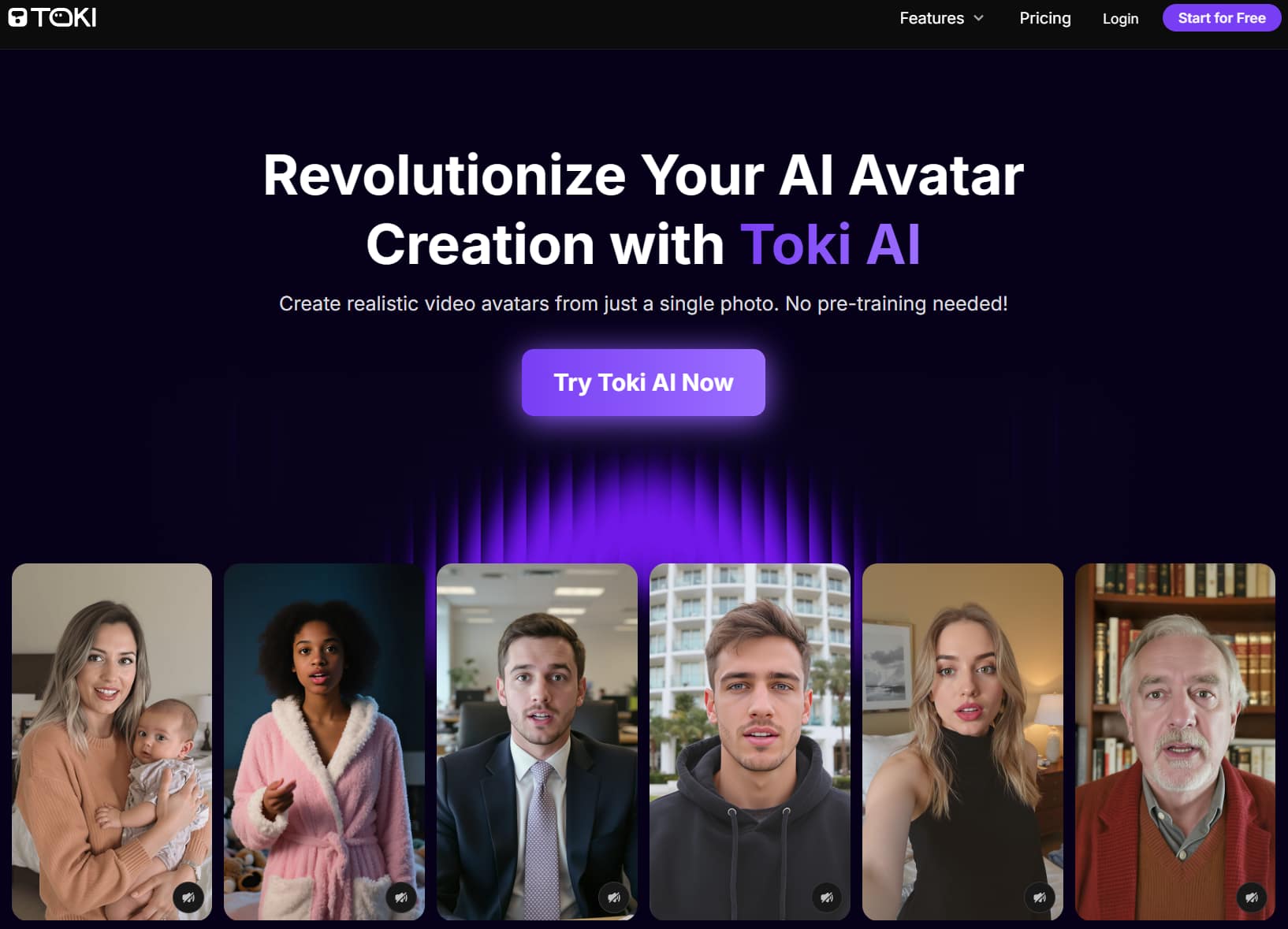
Toki AI is an advanced AI avatar generator that converts any photo into natural, talking video avatars with perfect voice synchronization and realistic gestures.
Unlike traditional avatar platforms, you don’t require to upload extra footage or train your avatar beforehand. Toki AI generates AI avatars with unique faces and authentic emotions instantly.
It is able to generate AI avatar videos for up to 2 minutes instead of just 20 seconds. That’s enough time to truly engage your target audience with detailed product demos and helpful tutorials.
What I love strongest roughly Toki AI is its vast AI voice library. You can select from a rich library of voices - different genders or tones. You can even upload your own audio file to Toki AI. With this platform, every AI avatar can sound just the way you want it.
Pros:
- Zero pre-training needed
- Go beyond short video clips
- Lifelike AI avatars that captivate
Cons:
- Free plan includes watermarks
Luma AI - Best Krea Alternative for Text Prompt Suggestions
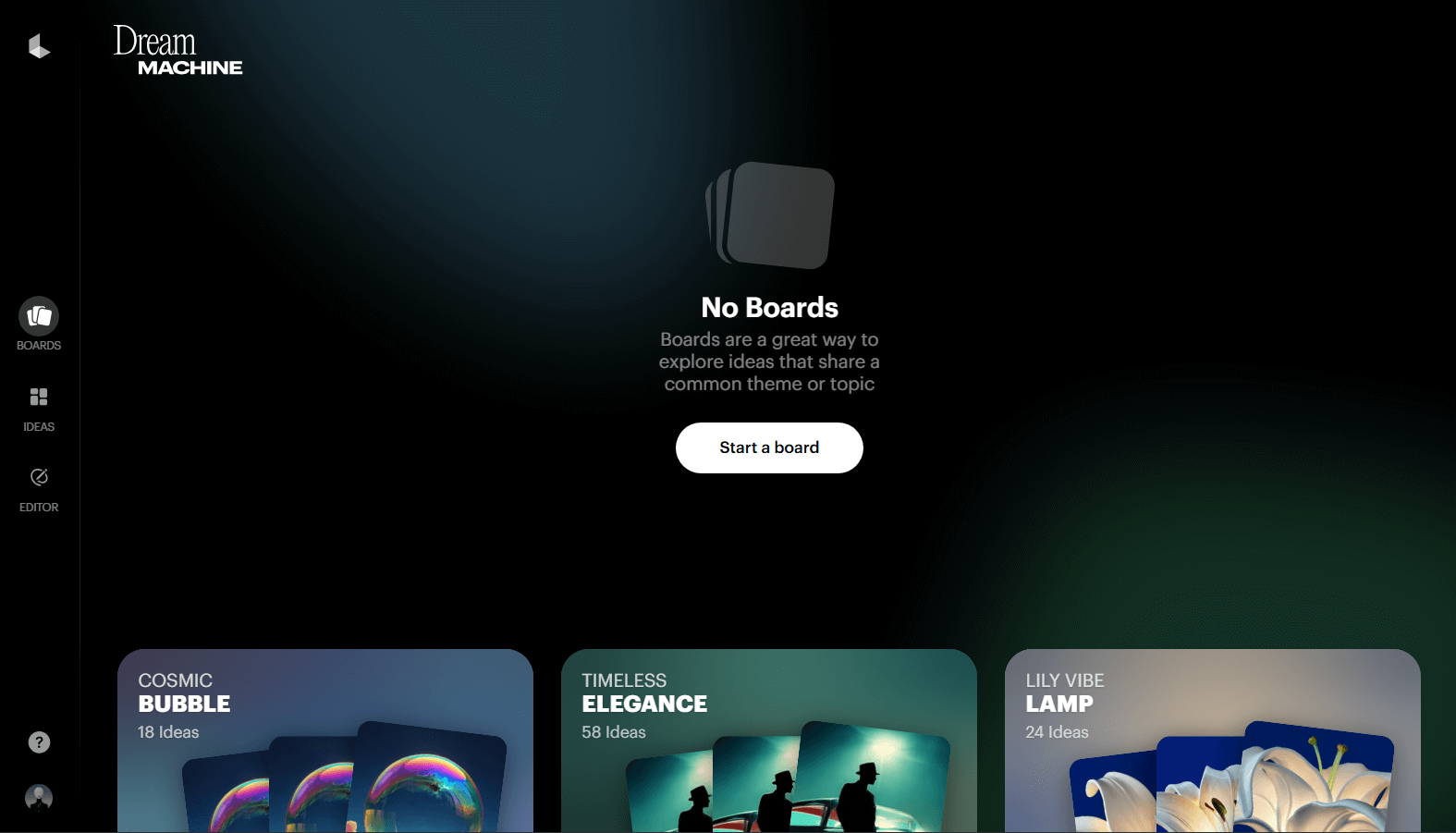
Luma AI’s Dream Machine is a Krea alternative that is really special. With its ability to offer quick and natural video motion, Luma AI makes AI video creation additional intelligent.
Luma AI allows you to generate videos by entering text or uploading images. The system processes your text prompts or images and creates an AI video with realistic visuals.
What I love primary is its text prompt suggestion feature. When accessing its dashboard, you can view a lot of example text prompts designed to spark your ideas. These prompts cover different themes, such as shot, camera angle, style, lighting, etc.
With all this helpful advice, you can definitely write your own text prompts to create a unique AI video that matches your imagination well.
Pros:
- Fast video generation speed
- Realistic AI video scenes
- Offers text prompts suggestions
Cons:
- May struggle with complex video scenes
Pika - Best Krea Alternative for User-Friendliness
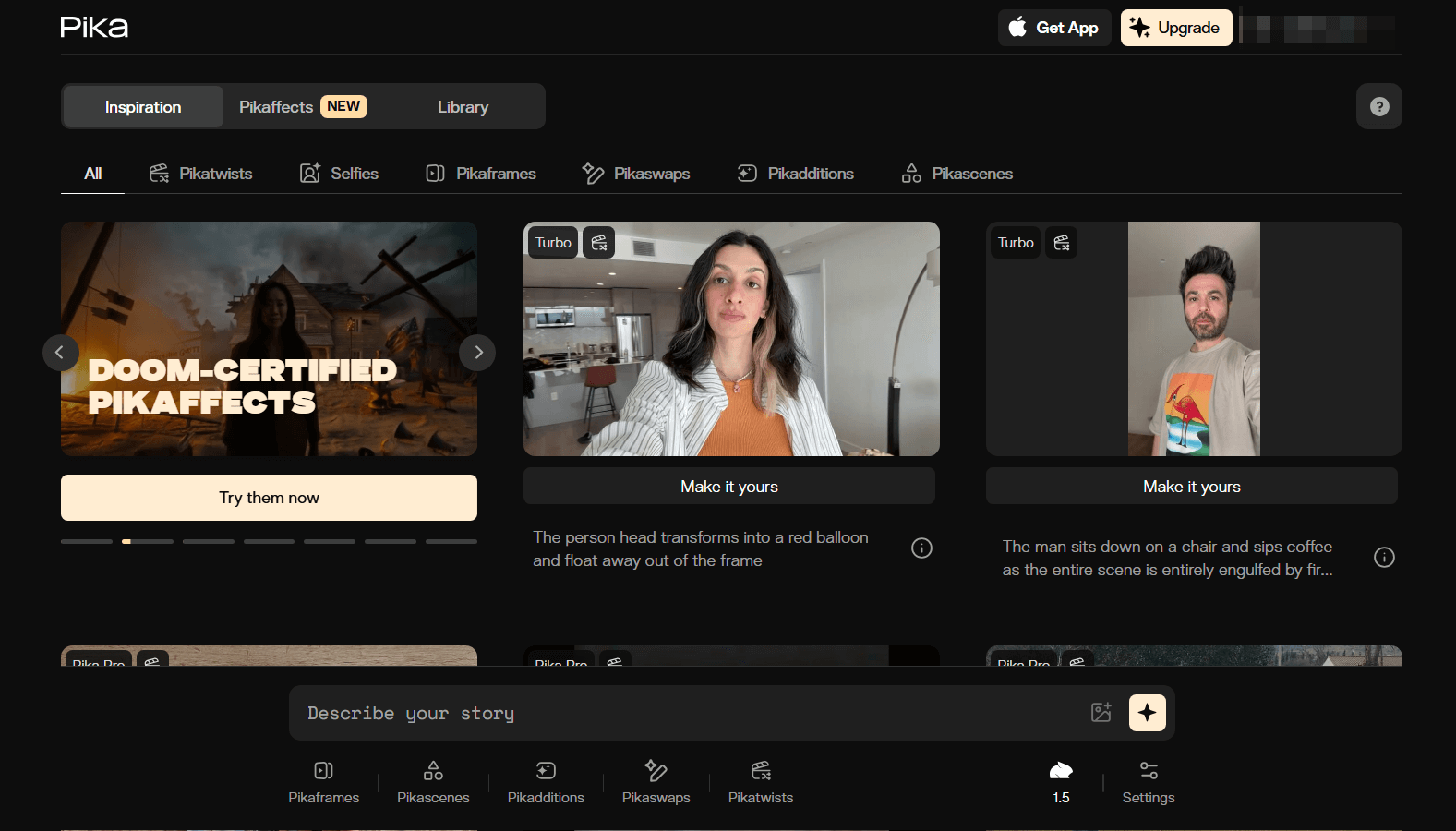
Pika AI is a cool AI video generator from Pika Labs, released in 2023 by two Stanford dropouts, and I am loving how simple and user-friendly it is.
You can create awesome, high-quality videos just by typing in text prompts, using images, or even tweaking existing videos—talk about flexibility!
They have also got a bunch of customizable templates called “Pikaffects” that you can easily apply to create short but interesting AI videos. You can apply video effects like Inflate to build photo objects swell like a balloon or Explode to blow your target objects apart into pieces.
I am thrilled with all of the video generation or editing features provided by Pika, which take my projects to a new height and save me a lot of time.
Pros:
- Intuitive user interface
- Free plan available
- Lots of AI video templates
Cons:
- Inconsistent quality of video output
Haiper AI - Best Krea Alternative for Versatile Use Cases
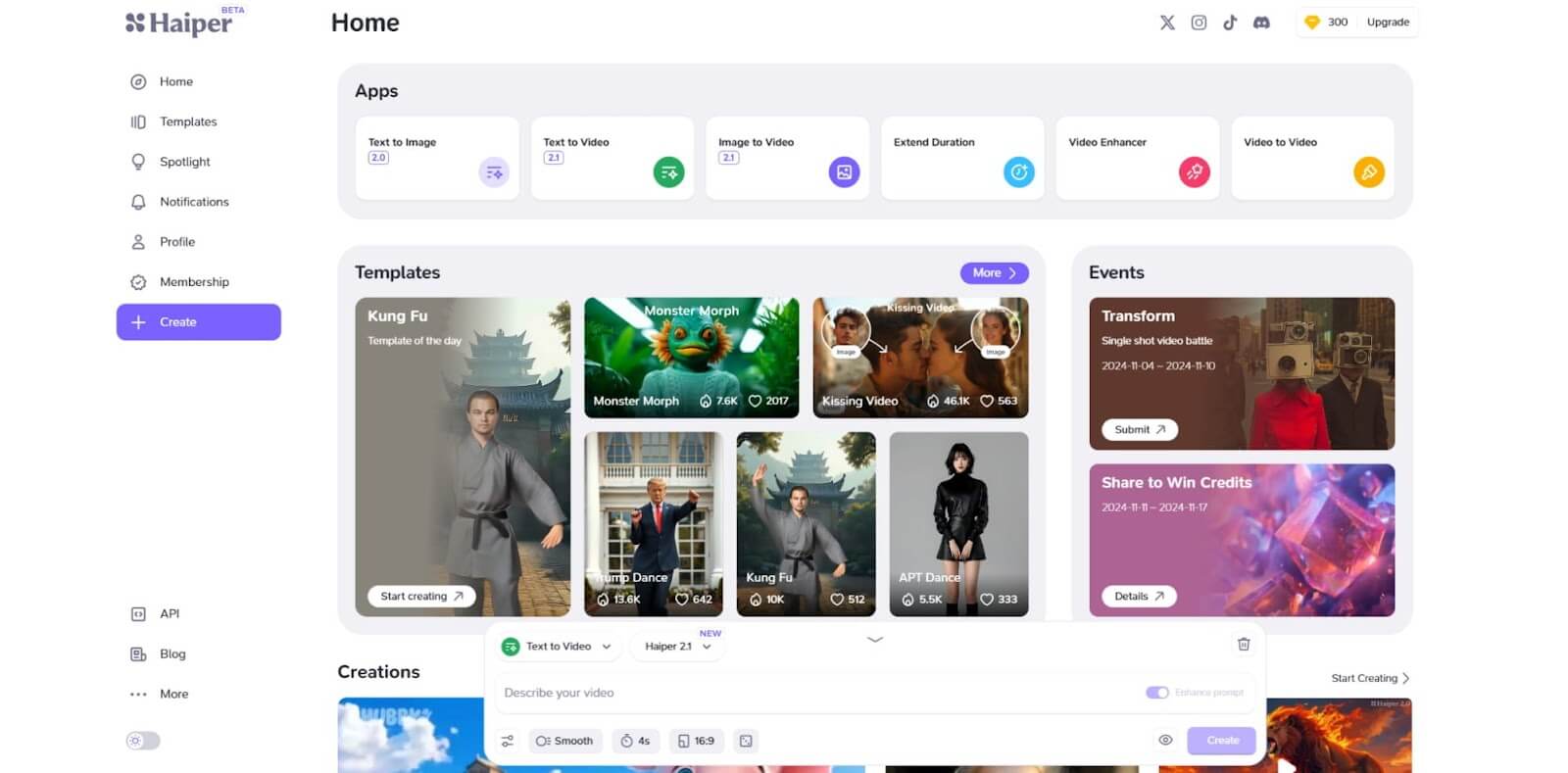
Haiper AI is a multi-functional AI video creator that enjoys popularity among content creators and Marketing teams.
This AI video generator is like a creative playground, letting you generate all sorts of videos—short films, music videos, animated shorts, educational content, you name it!
Just toss in your detailed text prompt, and it nails the visuals, bringing your ideas to life with spot-on accuracy and a lot of different styles to choose from.
What’s super cool is its batch video generation feature—it’s a total time-saver, letting you create multiple videos at once without sitting around waiting for a long time.
Plus, Haiper AI has this awesome community where you can check out or even download videos made by other users, which is strong for inspiration when your creativity has run out!
And the top stunning thing? It’s got seamless social media integration, so sharing your visual creations online is a total breeze.
Pros:
- Social media integration
- Caters to multiple video styles
- Offers batch video generation capabilities
Cons:
- Sometimes it struggles with video motion consistency
AdsDrive - Best Krea Alternative for Video Ads Avatar
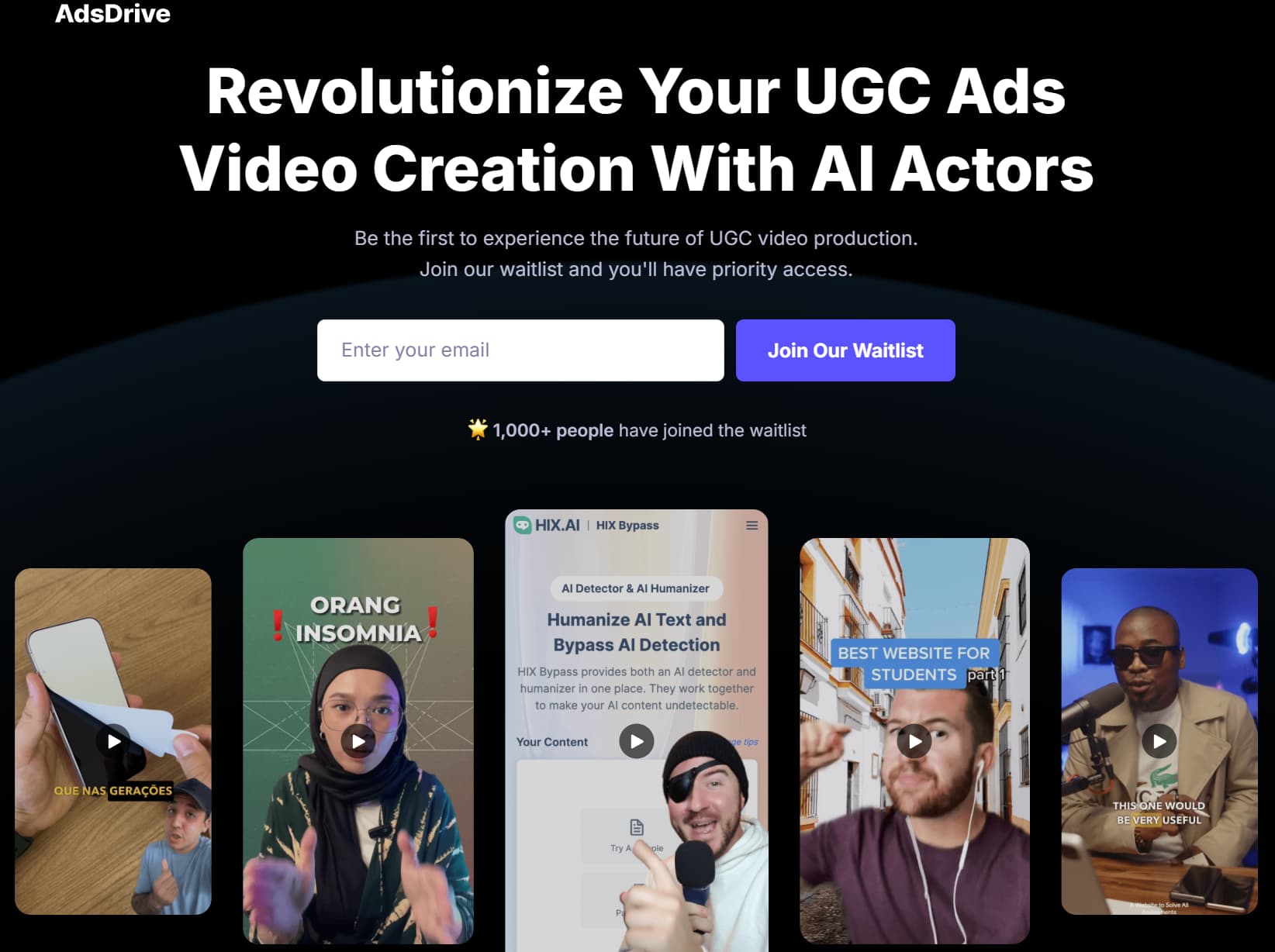
AdsDrive is an AI platform that transforms any photo into lifelike,talking ad video avatars designed for high-performing UGC ad videos quickly.
Powered by cutting-edge technology, AdsDrive generates truly unique AI avatar videos from a single photo. It brings your ads to real life - no video footage or pre-training hassle!
What makes AdsDrive different from other traditional AI avatars is its powerful features. You can control your ad avatar’s gestures with simple text prompts to create your ad message instantly greater expressive.
Moreover, you can scale your promotional activities with diverse AI avatars by uploading your own photos or choosing from AdsDrive’s extensive pre-set avatar library. It is definitely a useful tool to boost the effectiveness of your ad campaigns and drive conversions.
Pros:
- No pre-training hassle
- Authentic avatar emotions
- Limitless avatar choices
Cons:
- Watermarked outputs in free user plan
Sora - Best Krea Alternative for Unique Videos
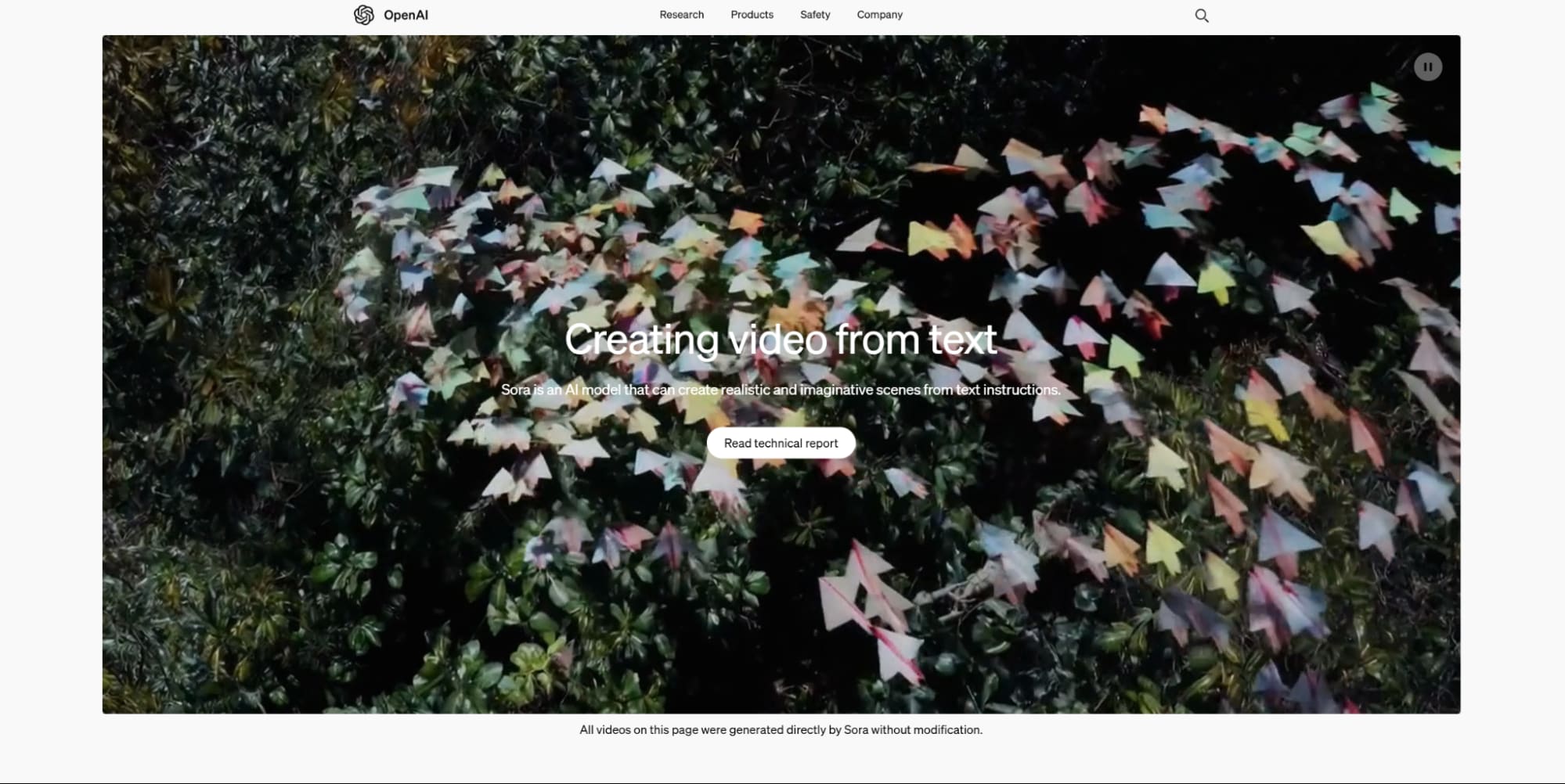
Sora is an amazing AI video generator from OpenAI. However, its API remains exclusive to OpenAI’s ecosystem, limiting its public user access.
It’s impressive that you can generate 60-second videos simply by entering a text prompt or uploading an image. The video scenes it produces are high-quality and filled with a variety of characters, backgrounds, and fantastic special video effects.
Plus, it makes character movements look so real, perfectly matching whatever you describe.
One of my favorite things is how Sora lets you switch up camera movements like a professional user. It gives you lots of creative freedom to build sure your video turns out exactly how you want it.
Honestly, it’s a fantastic tool for crafting unique, imaginative visual stories with super precise details!
Pros:
- Realistic video character motions
- Supports versatile camera movements
- High-resolution AI video output
Cons:
- Restrictive access due to high cost
Vidu AI - Best Krea Alternative for Easy Video Customization
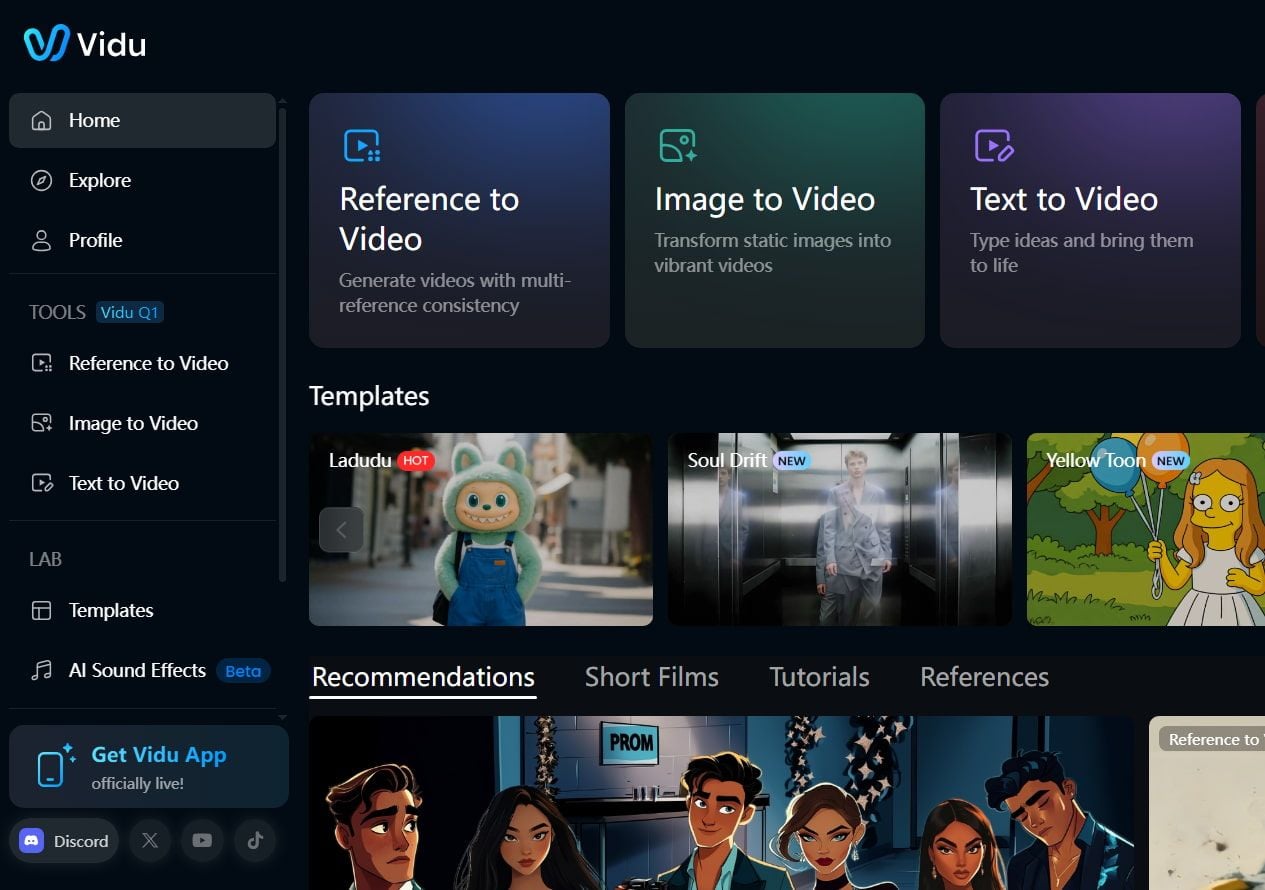
Vidu AI is another Krea alternative created by Shengshu Technology, and I am impressed with this AI video generator.
It’s got this knack for creating both realistic and animated videos super rapid, with video templates so lifelike they’re perfect for your own video projects. But the real highlights? Its video customization options!
With Vidu AI, you can tweak all sorts of details—like video length, aspect ratios, video resolution, or even how dynamic the movements are—which makes it a breeze for you to get exactly what you want.
Plus, there’s this awesome AI video templates library for you to create short but interesting videos instantly, such as fluffy plunge, bodyshake, French kiss and much additional.
Pros:
- Extensive video customization options
- Supports reference to video generation
- Fast and quality AI video creation
Cons:
- Sometimes it is not able to understand prompts well enough
PixVerse AI - Best Krea Alternative for Pre-Made Templates
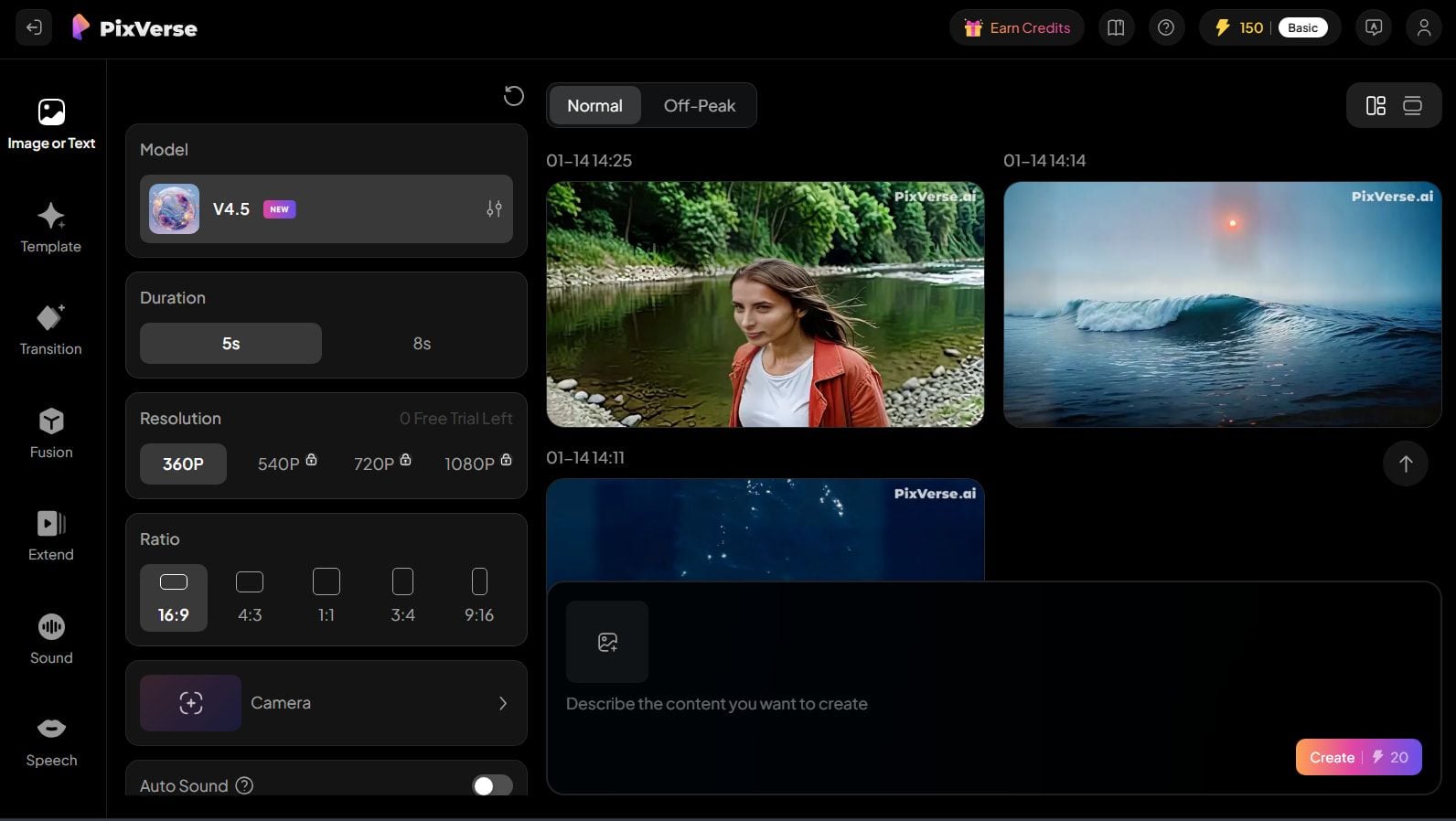
PixVerse AI is an AI video creation tool that really stands out. It’s got this awesome collection of pre-made templates that build starting your casual video project so straightforward.
You can also generate your own videos using a text prompt, an image, or by selecting a customizable character from their expanding collection.
What I really love is how flexible it is. You can tweak the video aspect ratio to fit whatever platform you’re posting to, like YouTube, TikTok, or Instagram, which makes sharing online effortless.
Plus, it’s super convenient to leverage on mobile, so you can create videos wherever you are and whenever you like.
It’s such a fun, creative video generator to have in your pocket!
Pros:
- Flexible pricing plans
- Vast AI video template library
- Mobile-accessible AI video platform
Cons:
- Videos may present some glitches
ComfyUI: Best Krea Alternative for Node-Based Image Workflows
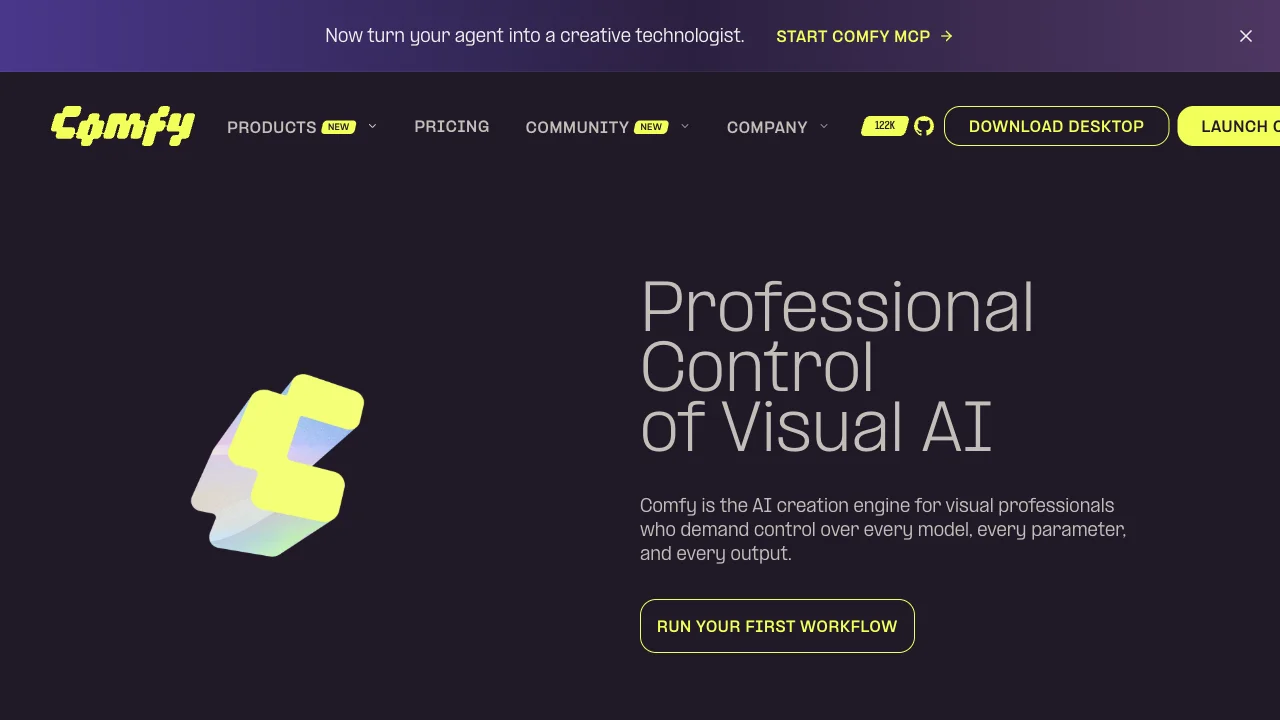
ComfyUI is a strong Krea alternative when you want node-based control over diffusion workflows instead of a streamlined real-time interface.
Krea is excellent for fast visual iteration and real-time generation. ComfyUI fits advanced users who want to build custom pipelines, chain models, and control every step of the image process.
It is not beginner-friendly, but it offers depth Krea cannot match for technical creators.
Pros:
- Deep node-based workflow control
- Highly customizable image pipelines
- Strong for advanced diffusion users
Cons:
- Steep learning curve
- Not beginner-friendly
- Requires more setup than hosted tools
My verdict:
ComfyUI is the alternative for advanced users who outgrow streamlined real-time generators like Krea.
Conclusion
These 13 Krea alternatives that I have compiled here are the best in the current market, so take your time to pick the one best suits your own needs.
If you even so want a suggestion, then you can’t go wrong with Van Gogh Studio. The platform is my top choice as of its highly-advanced AI video generation features, exceptional output quality, and overall cost-effectiveness.
Simply put, it ticks all the boxes you want from an AI video generator.
Create AI videos free
Try Van Gogh Studio free — text-to-video, image-to-video, and 300+ models in one place. Free credits on signup, no credit card required.
Try Free Video Generator


