

This guide explores the 10 best AI sound effect generators to add sound effects to video, focusing on efficiency and studio-grade results. AI sound effect generators can turn silent visuals into immersive, production-ready videos. If you have ever watched a high-quality AI clip in total silence, you know it feels hollow.excellent visuals grab attention, but sound creates the atmosphere.
Quick Verdict
Van Gogh Studio's Image to Sound tool is the best AI sound effect generator since it is the only tool that fully automates the visual-to-audio sync, making other standalone audio tools appear obsolete for video creators. even as ElevenLabs offers high-fidelity raw audio and Stable Audio excels in long ambient tracks, only Van Gogh Studio delivers a post-ready video in one step.
How We Tested and Ranked the Best AI SFX Generators
We evaluated each tool using standardized benchmarks to ensure professional performance. Our rankings are based on the following declarative criteria:
- Audio Fidelity: We measured the clarity and texture of the sound to ensure studio-grade output without artificial artifacts.
- Synchronization Accuracy: We analyzed the timing precision between visual events and the generated audio clips.
- Workflow Efficiency: We prioritized tools that deliver a final, integrated video file over those that only output raw audio fragments.
- Prompt Adherence: We tested how accurately the AI interprets complex descriptions, such as crunchy gravel versus wet mud.
- Commercial Licensing: We verified that the sounds are royalty-free for professional marketing and social media employ.
10 Best AI Sound Effects Generators at a Glance
If you're looking for a quick recommendation, here is the breakdown of the top AI SFX tools:
| Tool | Best For | Key Advantage |
|---|---|---|
| Van Gogh Studio | All-in-One Video SFX | Automated visual syncing; no manual editing needed. |
| ElevenLabs | High-Fidelity Foley | Exceptional audio resolution and realism. |
| Minimax | Cinematic Integration | Emotion-driven audio; perfect for AI movie trailers. |
| Stable Audio | Prompt-Based Design | Massive creative flexibility and length (up to 3 min). |
| Adobe | Creative Cloud Users | Audio Prompting; refine existing sounds with AI. |
| MyEdit | Quick Browser Edits | Simple and intuitive; excellent for beginners. |
| Kling | Integrated Workflow | Generate video and audio in the same platform. |
| Meta Audiobox | Vocal Restyling | Combine voice prompts with text for unique SFX. |
| PixVerse | Rapid Social Content | Quick video-to-audio alignment for short clips. |
| Soundraw | Custom Royalty-Free Audio | Mood/tempo controls for music beds and ambience under video. |
Van Gogh Studio: The Best Overall for Video Creators
Van Gogh Studio's Image to Sound tool is the best AI sound effect generator as it automates the entire visual-to-audio workflow, requiring zero manual synchronization.even as other tools provide a raw audio file, the AI SFX generator intelligently analyzes your video content. Van Gogh Studio uses advanced motion tracking to identify visual events—like footsteps or a car accelerating—and places the sound at the exact frame where it belongs.
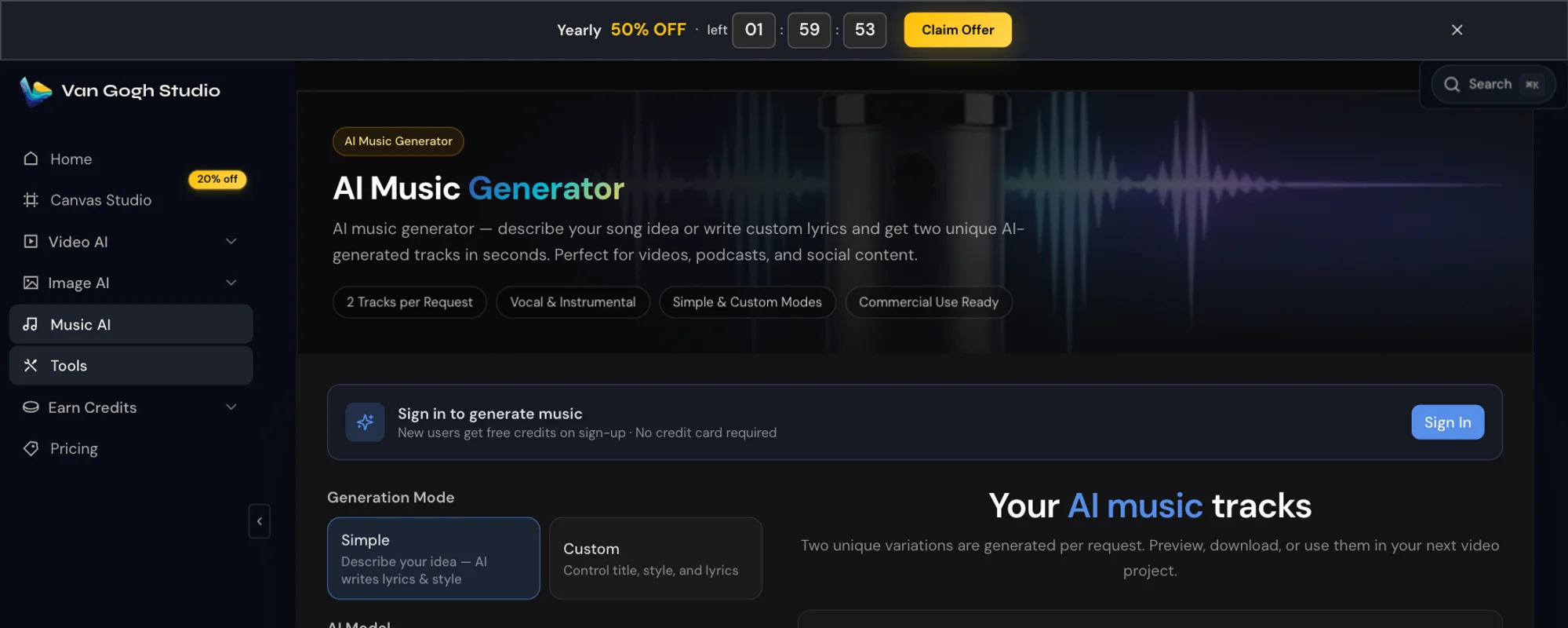
The biggest time-sink in production is the post-production audio sync, but Van Gogh Studio bypasses this entirely by delivering a production-ready video. It makes other standalone audio tools seem obsolete for video creators. My Personal Take: For video, Van Gogh Studio is the undisputed choice.
attempt Van Gogh Studio for Free💳 Commercial-ready license • 🌟 Ready in seconds
Pros:
- Automated Visual-Audio Sync: The AI intelligently aligns sound to motion, saving hours of manual editing.
- Intuitive Prompting: Describe your desired sound, such as "deep cinematic bass drop", and the AI generates it with impressive accuracy.
- Broadcast-Quality Output: The generated audio consistently achieves a professional standard.
- Integrated Workflow: Directly outputs a video with embedded audio.
Cons:
- Overlapping Actions: In extremely chaotic scenes, the AI might occasionally require a second pass to perfectly separate multiple simultaneous sound layers.
ElevenLabs: Best for Raw Audio Fidelity
ElevenLabs even so has the natural-sounding voices and sound textures I've heard in isolation. I ran it through a blind test with three friends—nobody could tell the AI narration from a human recording on short clips.
I yet had to open a separate editor to sync audio with video, add sound effects, and export. For creators who just want the text to speech AI voice quality and don't mind a multi-tool workflow, it delivers. But here's the thing—it's commonly a "fragmented" experience.
Pros:
- Studio-Grade Resolution: Delivers 48kHz audio that sounds like it was recorded on a professional shotgun mic.
- Nuanced Intonation: Captures the "human" element in Foley and voice better than any competitor.
Cons:
- Manual Sync Required: Outputs raw audio files, meaning you even so have to manually add sound effects to a video in your editor.
- Costly Credit System: High-volume production can become expensive quite quickly.
Minimax: The Rising Star for Cinematic Audio
Minimax is a powerful contender that excels at generating cinematic audio and music that is deeply integrated with its high-end video generation.
Known primarily for its breakthrough video model, Minimax has recently expanded its audio capabilities through the Music-01 and 2.x models. even as it is frequently used as an end-to-end video solution, its ability to handle "emotion via LLM" means it reads your script and dials in the right tone automatically. It doesn't just generate "beeps and boops"; it creates complex, emotional soundscapes and music that seem like they belong in a movie trailer.
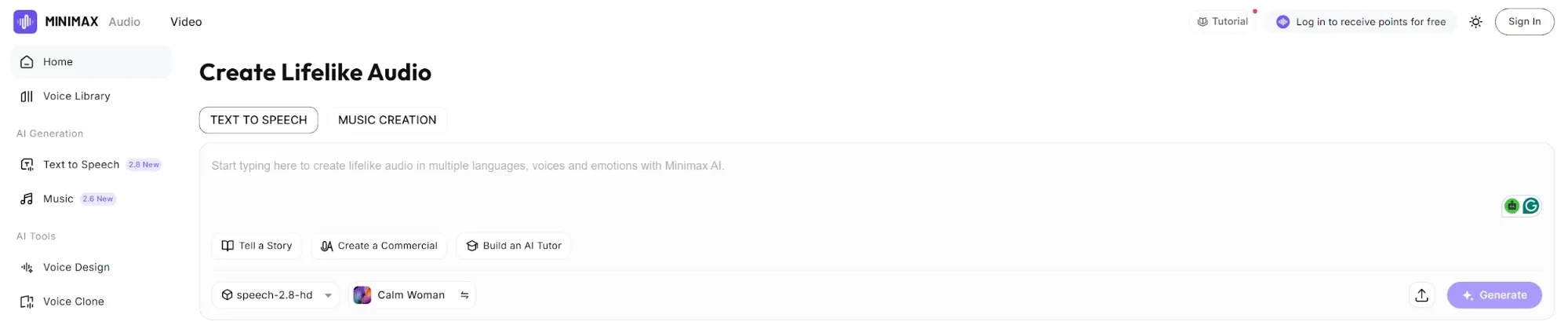
My Take: If you are already using Hailuo for video, their integrated "Hub" is a beast. It stitches audio and lines up visuals with a single instruction. However, for standalone "Text-to-SFX" tasks, it’s even so greater of a music and voice specialist than a pure Foley tool like ElevenLabs.
Pros:
- Emotional Intelligence: The model understands the "vibe" of a script without needing complex emotional tags.
- Seamless Integration: The "Hub" Agent handles the entire pipeline from instruction to batched output.
Cons:
- Music-Heavy Focus: Sometimes generates musical elements even when you only want a simple sound effect.
- Subscription Silo: Best features are locked within the Minimax/Hailuo ecosystem.
Stable Audio 3.0: Best for Creative Prompting
0, you can now generate up to three minutes of audio. It excels at "atmospheric" sounds—like a "haunted Victorian hallway with dripping water. With the release of Stable Audio 3." I've found it particularly effective for ambient textures that require to evolve over time rather than just being a one-shot sound effect.
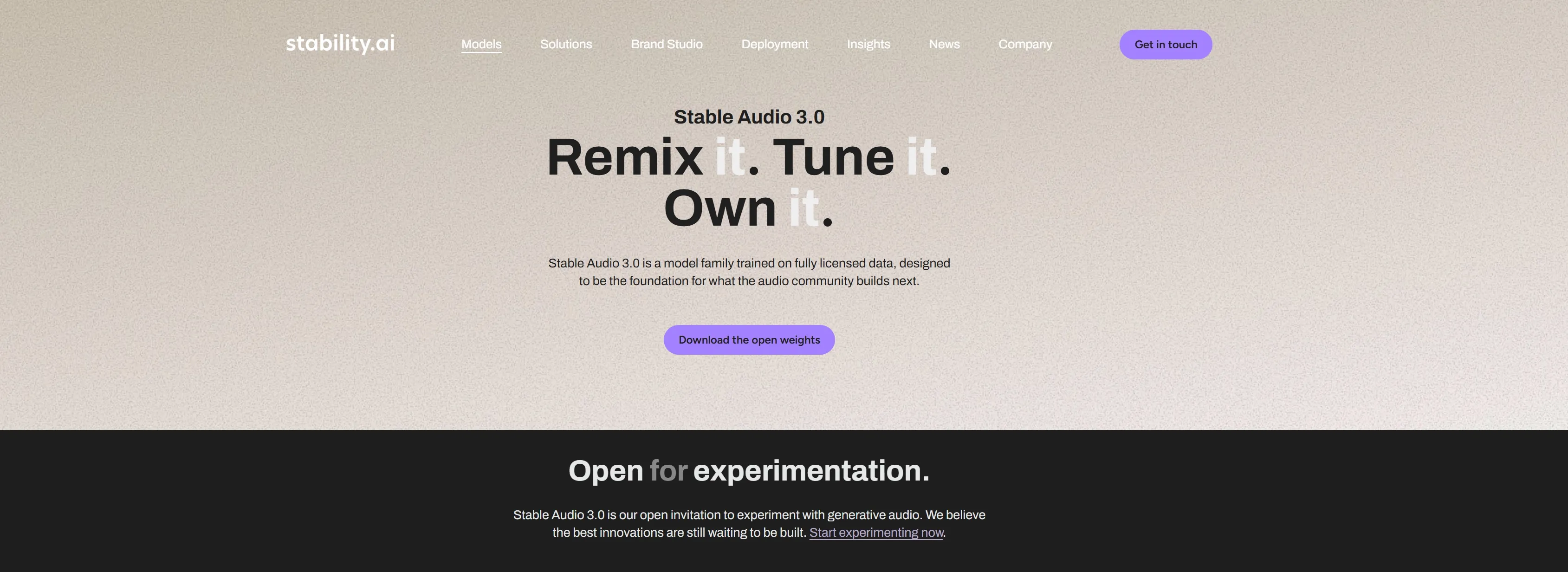
If you're creating narrative music video, you can describe the exact mood, and it will generate a soundscape that matches. My Experience: The prompt adherence is incredible. It’s my go-to when I demand a sound that doesn't exist in any library, like "a futuristic engine that sounds like a purring cat mixed with a jet turbine."
Pros:
- Extended Duration: Capable of generating up to 3 minutes of high-quality audio in one go.
- Deep Creative Control: Offers parameters for timing, rhythm, and specific audio characteristics.
Cons:
- Sharp Sound Clipping: For quite short, sharp sounds like a "gunshot" or "door slam," it sometimes adds a slight "musical" tail that requires manual trimming.
- Steeper Learning Curve: Getting the prompt "just right" for complex sounds takes additional trial and error than Van Gogh Studio.
Adobe: The King of Audio Prompting
It's a lifesaver for those "I'll know it when I hear it" moments where you have a rough reference but want professional-grade output. Adobe's AI SFX generator feature here is audio prompting. If you have a low-quality recording of a specific sound, you can upload it, and Adobe will generate a high-fidelity version that matches the vibe.
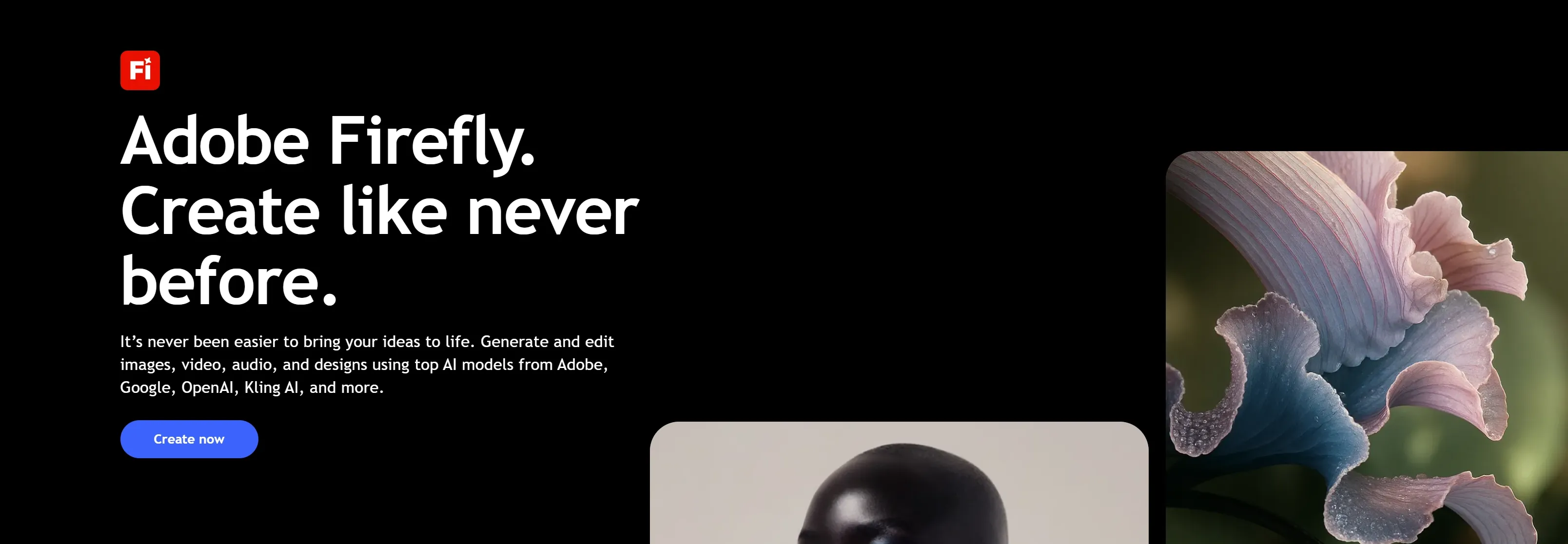
However, it can sometimes appear a bit "conservative" in its creative choices compared to Stable Audio. My Experience: It’s blazing speedy and integrates beautifully with the rest of the Creative Cloud. If you're building an explainer video, the ability to "match" the audio style across different clips is invaluable.
Pros:
- Audio-to-Audio Matching: Transform low-quality reference clips into studio-grade sound effects.
- Creative Cloud Integration: Perfect for users already embedded in the Adobe ecosystem.
Cons:
- High Subscription Cost: Access is generally tied to expensive Adobe plans.
- Less "Experimental": Struggles with hyper-stylized or abstract sound design requests.
MyEdit: Best for Quick Browser Edits
It’s the "canva" of AI audio—rapid, accessible, and reliable for standard needs. Owned by CyberLink, MyEdit offers a straightforward "Text to Sound" interface. It’s perfect for generating everyday sounds like "a girl typing" or "a baby laughing" without needing to learn complex prompting.
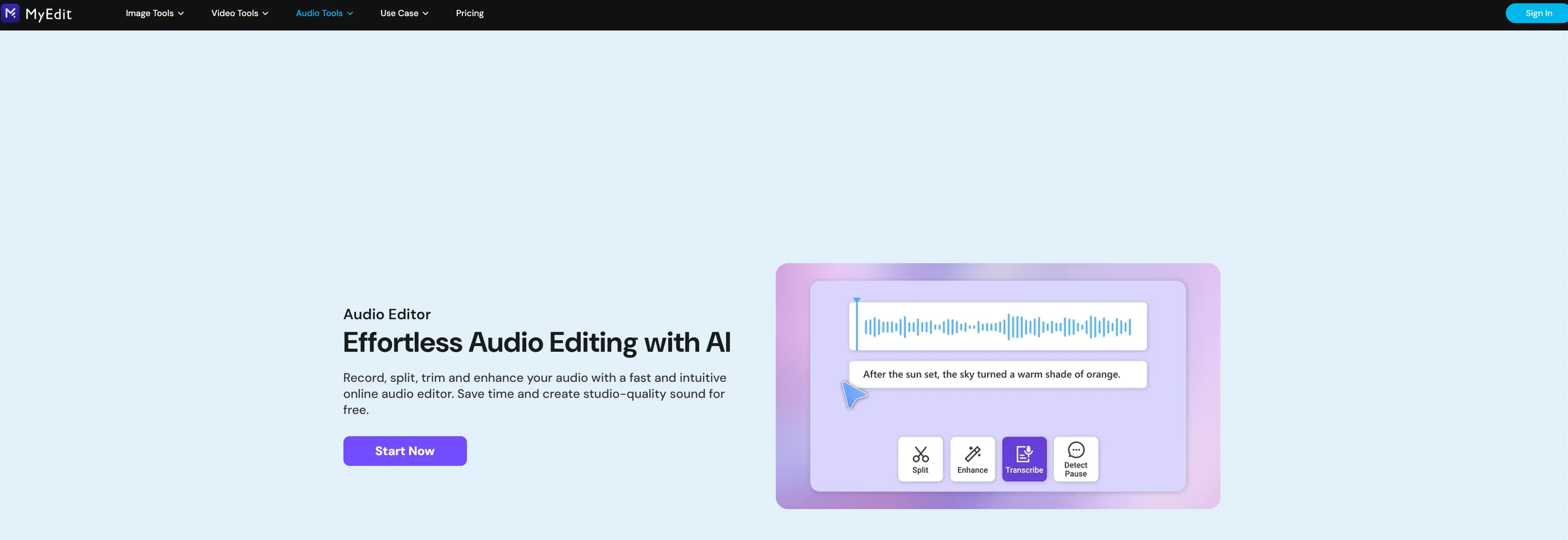
My Take: It’s compelling for quick fixes. If you're in the middle of a project and realize you missed a simple sound like a "phone notification," MyEdit lets you generate and download it in seconds without leaving your browser.
Pros:
- Zero Installation: Entirely browser-based with a quite clean, intuitive UI.
- Multiple Export Formats: Supports MP3, WAV, FLAC, and M4A out of the box.
Cons:
- Limited Depth: It lacks the "cinematic" weight of tools like ElevenLabs or Van Gogh Studio.
- Generic Textures: The sounds can occasionally appear a bit "stock-y" and less bespoke.
Kling AI: Best for Integrated Video-Audio Workflows
This ensures that the visual and auditory elements are "born" together, sharing the same stylistic DNA.As a leading AI video generator, Kling AI has integrated SFX directly into its video generation pipeline. When you generate a scene, the AI can automatically suggest and render matching audio.
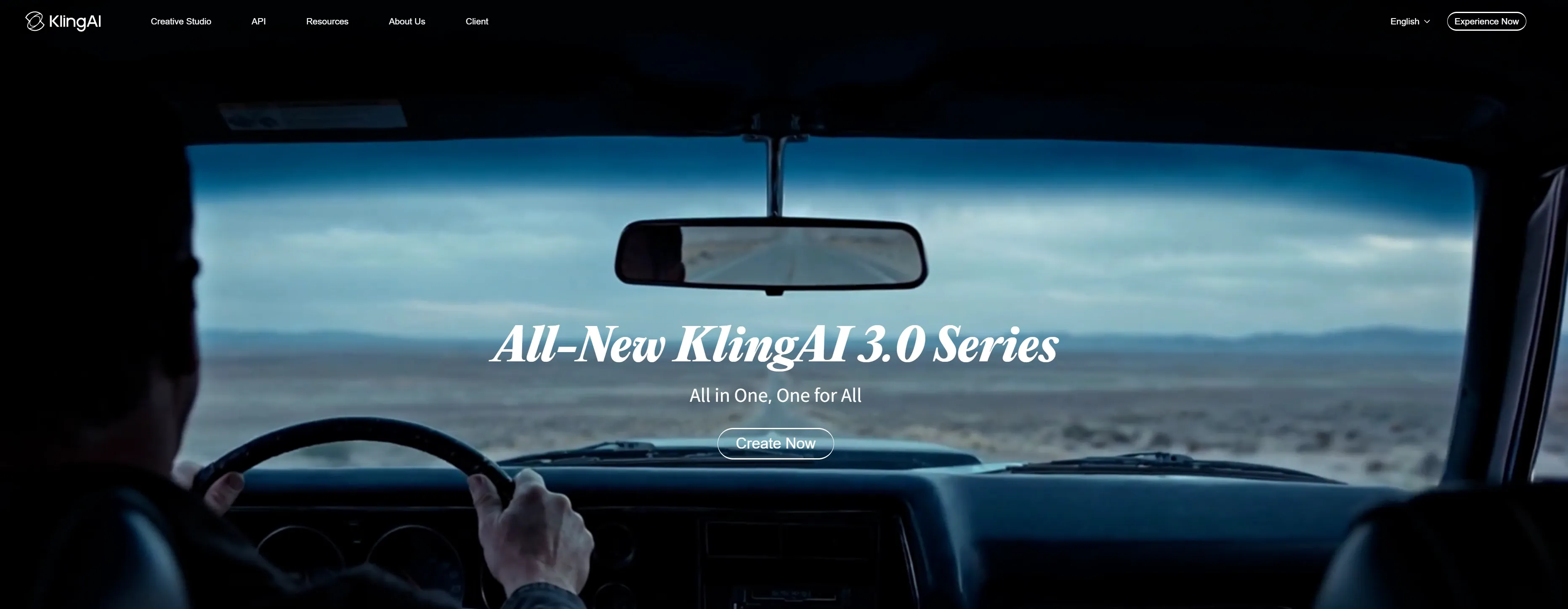
My Take: It's strong for consistency. If you're using their AI video generator, the integrated audio saves you from searching for matching sounds later. However, if you need to generate a specific sound for a video you've already made, Kling’s standalone SFX capabilities aren't as robust as Van Gogh Studio.
Pros:
- Stylistic Consistency: Video and audio are generated using the same context, ensuring a cohesive appear.
- Streamlined Process: Reduces the number of tools needed in your production stack.
Cons:
- Limited Standalone employ: Best used as part of the Kling video generation process rather than a standalone audio tool.
- Lower Customization: Less control over the specific nuances of the generated sound compared to dedicated audio AIs.
Meta Audiobox: Best for Vocal Restyling
Audiobox can "restyle" a voice to sound like it's in a specific environment, like a "large cathedral" or "underwater." This makes it an interesting tool for creators building an AI horror video where environment-specific echoes and vocal distortions are crucial for the atmosphere.
The Reality: Since it's a research-heavy tool, the interface can be clunky compared to commercial products. It feels additional like a "playground" for sound designers than a production tool for YouTubers.
Pros:
- Innovative Vocal Control: Unmatched ability to restyle voices based on environmental prompts.
- Cutting-Edge Research: Access to Meta’s latest advancements in generative audio.
Cons:
- Clunky Interface: Not optimized for a rapid-paced creative workflow.
- Inconsistent Quality: As a research tool, results can sometimes be hit-or-miss.
PixVerse AI: Best for Rapid Social Content
PixVerse focuses on tight alignment for 5-10 second clips, perfect for an Instagram video or TikTok video. It’s designed for the "viral" workflow where speed is greater important than cinematic perfection.
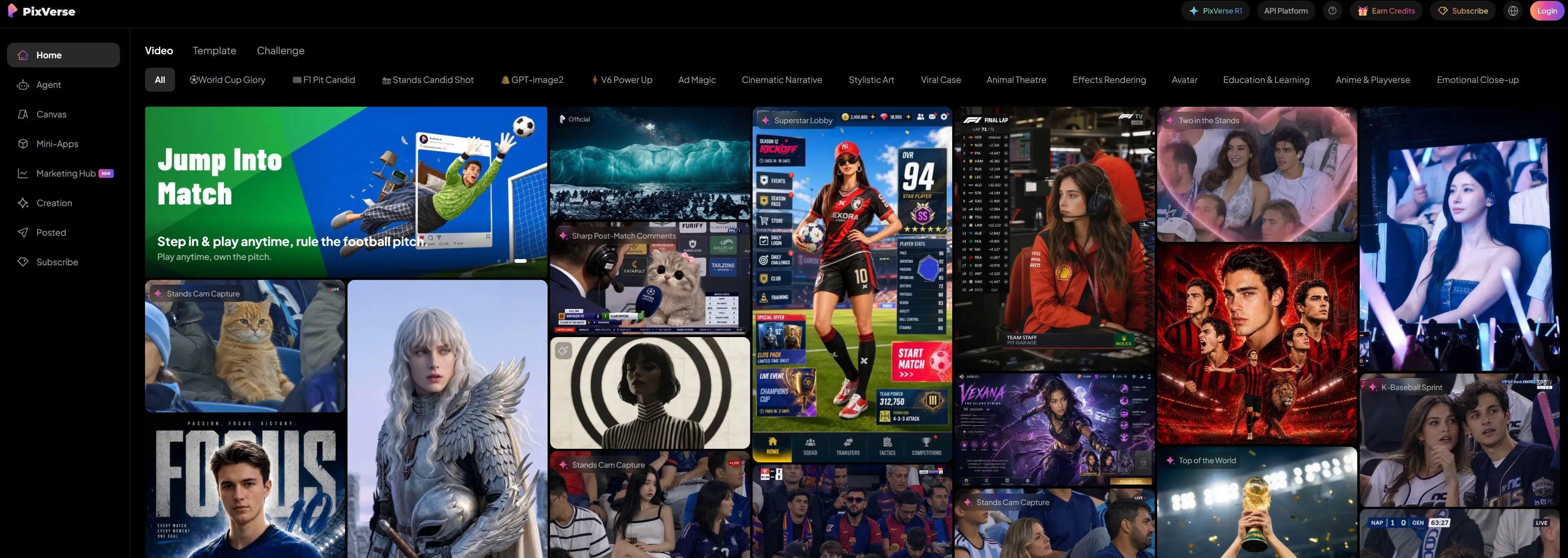
My Experience: It’s impressively speedy. For a 5-second meme or a quick product highlight, PixVerse gets the job done without any fuss. However, for anything longer than 15 seconds, the synchronization can kick off to drift noticeably.
Pros:
- Extreme Speed: Optimized for the rapid-paced requirements of social media content.
- Ease of apply: quite low barrier to entry for casual creators.
Cons:
- Synchronization Drift: Struggles to maintain perfect alignment in longer video clips.
- Lower Audio Fidelity: The bit-rate and overall resolution are lower than professional tools like ElevenLabs.
Soundraw: Best AI Sound Effect Generator for Custom Royalty-Free Audio
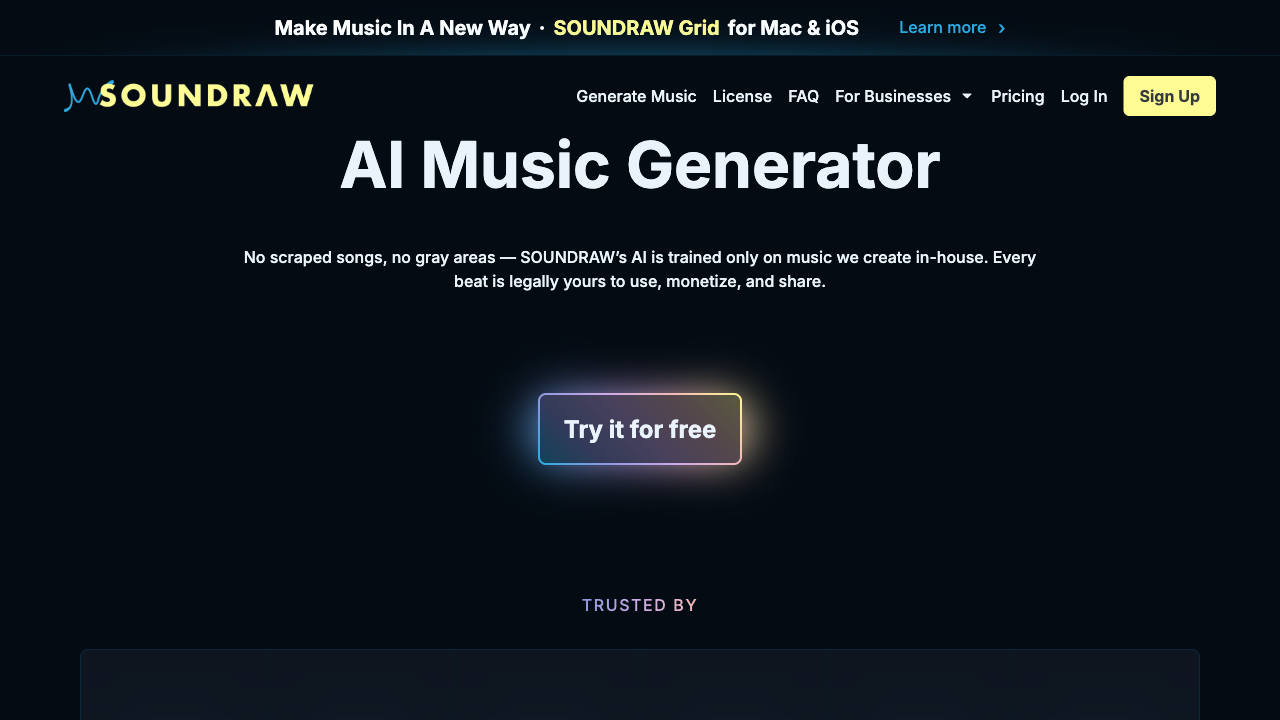
Soundraw focuses on generating royalty-free music and sound beds that fit video pacing — useful when you need background ambience, tension builds, or upbeat loops rather than isolated SFX hits.
I used Soundraw to create custom-length audio tracks for social clips and product videos, adjusting mood, tempo, and intensity with simple controls. The outputs integrated cleanly into Van Gogh Studio and other editors without licensing headaches.
It is not a pure one-shot sound effect generator like ElevenLabs SFX mode. But for creators who need consistent, customizable audio layers under AI video, Soundraw fills a gap the dedicated SFX tools on this list do not cover as well.
Pros:
- Royalty-free custom music and ambience
- Adjustable mood, length, and intensity
- Clean licensing for commercial video use
Cons:
- Less focused on isolated short SFX hits
- Subscription required for unlimited exports
Practical Use Cases: Where AI Sound Effects Shine
AI video SFX are the essential ingredient for high-performing digital content:
- Social Media & UGC: High-quality audio increases engagement on platforms like TikTok and Instagram. When creating AI UGC video, you can add tactile sounds like unboxing clicks or fabric rustling to build your ads seem authentic and professional.
- Marketing & E-commerce: Sound drives consumer trust in digital ads. For Amazon URL to video projects, adding ambient noise or specific product sound effects ensures the final video feels like a high-budget studio production rather than a simple slideshow.
- Creative Storytelling: Immersive soundscapes are vital for atmospheric genres. When creating AI horror video, you can generate specific eerie echoes or environmental textures that traditional sound libraries simply do not offer.
Turn Silent Clips Into Publish-Ready Videos
Generate synced sound effects for social clips, product ads and cinematic videos in one workflow.
How to Add Sound Effects to a Video with AI?
Step 1:
Upload your video to the Image to Sound tool available at Van Gogh Studio.
Step 2:
Type a prompt like "thunder in the distance" or "keyboard typing."
Step 3:
Configure the customization options and click "Create".
FAQs about AI Sound Effect Generator
What is an AI sound effect generator?
An AI sound effect generator is an advanced tool that creates custom audio based on your descriptions or by analyzing visual content. Instead of searching through pre-existing libraries, you provide a text prompt or upload a video, and Van Gogh Studio produces the perfect sound effect to match your specific needs.
How to add sound effects to video for free?
Simply upload your video, enter a text prompt for the desired sound, and let the AI handle the synchronization. You can preview the results and download your enhanced video without needing complex editing software. To add sound to video free, generate audio with Image to Sound or the AI music generator, then attach it with add music to video.
Is AI sound effect generation royalty-free?
Yes, primary professional tools like Van Gogh Studio provide royalty-free sound effects for premium users, allowing you to leverage them in YouTube videos, ads, and social media without licensing worries.
Can I use AI sound effects for professional filmmaking?
Yes. Tools like ElevenLabs and Van Gogh Studio produce high-fidelity audio (up to 48kHz) that is suitable for professional projects. The audio quality is consistent and evident, making it a reliable choice for Video makers and sound designers.
Conclusion
Dedicated Foley generators still lead for one-shot SFX fidelity, but Van Gogh Studio keeps scene audio, music beds, and video generation in one workflow. Use Image to Sound for ambient SFX from a still, the AI music generator for beds, and add music to video to finish the edit without jumping between five apps.
Create AI videos free
Try Van Gogh Studio free — text-to-video, image-to-video, and 300+ models in one place. Free credits on signup, no credit card required.
Try Free Video Generator


