

I tested Animoto to see how well a template-based video maker holds up in today’s faster AI video market.
In this Animoto review, I’ll share what it does well, where it feels limited, who it fits best, and why I would choose Van Gogh Studio when I need a broader path from idea to publish-ready video.
Quick Verdict
Animoto is easy to start with if you already have photos, clips, text, and a simple message. The templates, drag-and-drop blocks, music, and branding tools help non-editors assemble basic videos without learning a professional timeline.
It is a weaker choice when you need AI-native generation, campaign-scale variations, cinematic scenes, or deeper production control. Animoto helps you assemble a video faster, but it does not remove enough planning, editing, and polishing work. For a fuller AI workflow, I prefer Van Gogh Studio.
| Review Point | My Take |
|---|---|
| Best for | Simple videos from prepared photos, clips, and text |
| Not best for | AI-native creation, campaign scale, or heavy creative control |
| Strongest feature | Fast template start with clear block-based editing |
| Biggest limitation | Too much manual assembly for serious production growth |
| Learning curve | Easy for non-editors and small teams |
| My verdict | Useful for basics; limited for AI-first video workflows |
What Is Animoto?
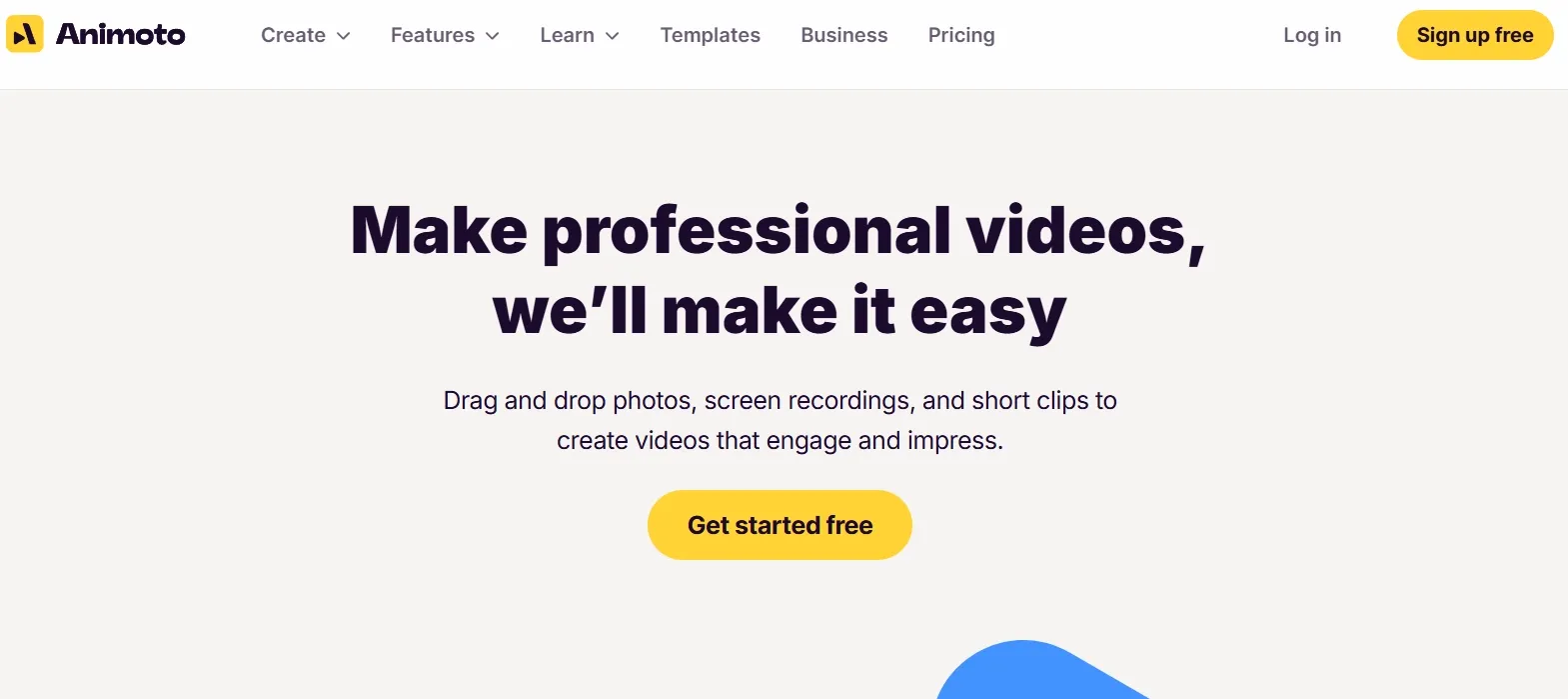
Animoto is a template-based AI video generator built around uploaded media, text, music, voiceovers, and brand elements. It is designed for users who want simple videos without learning a professional editing timeline.
Its core workflow is assembly-first. You choose a structure, add your own clips or photos, adjust text and styling, add audio, and export the finished video. That makes Animoto closer to a guided slideshow-and-clip editor than to a modern text-to-video studio.
Key Features I Reviewed
Animoto’s feature set is organized around templates, media assembly, and practical communication videos.
Template-First Video Creation

Animoto’s main feature is its template-first workflow. I could start quickly by choosing a structure for a promo, recap, announcement, listing, or social video.
This made the most sense when I already had a clear purpose and prepared media. For example, I could take a few event clips, add short text, choose a simple visual style, and create a recap without building every frame from scratch.
The limit appeared when I wanted the video to feel less preset. The template helped me open, but it did not create the concept, build the story, or solve pacing for me.
Drag-and-Drop Blocks and Media Assembly
Animoto’s block-based editor is simple to understand. I could add media, rearrange sections, place text, and build a basic sequence without a complex timeline.
This is useful when the video has a clear order: intro, product or topic section, supporting clips, and closing message. It fits lightweight product videos, event highlight videos, real estate listings, and internal updates where the assets already tell most of the story.
For users who feel overwhelmed by traditional editing software, this block-based flow is one of Animoto’s most practical strengths.
Text, Layout, Transitions, and Timing Controls
Animoto gives practical controls for text, layouts, aspect ratios, transitions, and timing. These tools helped me make simple videos easier to follow.
I liked this most for videos where clarity mattered more than visual originality. A short explainer, class recap, property overview, product announcement, or social update can benefit from clean text overlays and predictable pacing.
The limit is flexibility. Once I wanted more precise control over visual style, shot rhythm, or scene behavior, the template structure started to feel restrictive.
Music, Audio Uploads, and Voiceovers
Animoto supports background music, uploaded audio, and voiceovers. I found this useful for narration-heavy videos and simple educational content.
This made the workflow more complete for tutorials, training clips, product explanations, and personal updates, where narration helps carry the message. The audio tools are not flashy, but they make Animoto more useful for practical communication videos. For a free standalone option, see our text to speech tool.
Screen and Webcam Recording
Animoto’s screen and webcam recording tools are helpful for walkthroughs, tutorials, internal training, and educational videos.
When I needed to explain a process, demonstrate a website, or record a short software walkthrough, keeping recording inside the same workflow was convenient.
The limit is polish. A recorded walkthrough still needs structure, pacing, trimming, text support, and visual cleanup before it feels ready to share widely.
Branding, Saved Templates, and Team Workspace
Animoto includes brand settings, logos, watermarks, saved templates, and team workspace features. These help with consistency across repeated videos.
This is useful for small teams that need recurring videos with the same logo, colors, and general layout. Company updates, customer announcements, school communications, and basic corporate videos benefit from that consistency.
For me, this works best when the team’s video needs are predictable and not highly creative. It keeps a basic brand look without making the workflow complicated.
Pros and Cons
What I Liked
- Easy starting point for non-editors
- Templates reduce early setup work
- Block editing keeps projects organized
- Voiceover and screen tools add practical value
- Brand settings help with repeated simple videos
What Held It Back
- Templates can make videos feel familiar or dated
- Customization feels limited on specific layouts
- More serious videos still need manual planning and polish
- Campaign-style production feels underpowered
- It edits prepared assets better than it creates ideas
Create Full Videos with Van Gogh Studio Free
Where Animoto Falls Short
Animoto falls short when the video needs to be created, not just assembled.
Too Much Manual Production Remains
During testing, I kept coming back to the same issue: Animoto made editing easier, but it did not remove enough of the production work. I still had to prepare assets, choose a template, arrange blocks, add text, adjust timing, pick music, and decide whether the final video actually worked.
That gap matters once you need regular output. A tool that only speeds assembly still leaves concept, structure, and polish on the user.
Templates Can Feel Dated or Restrictive
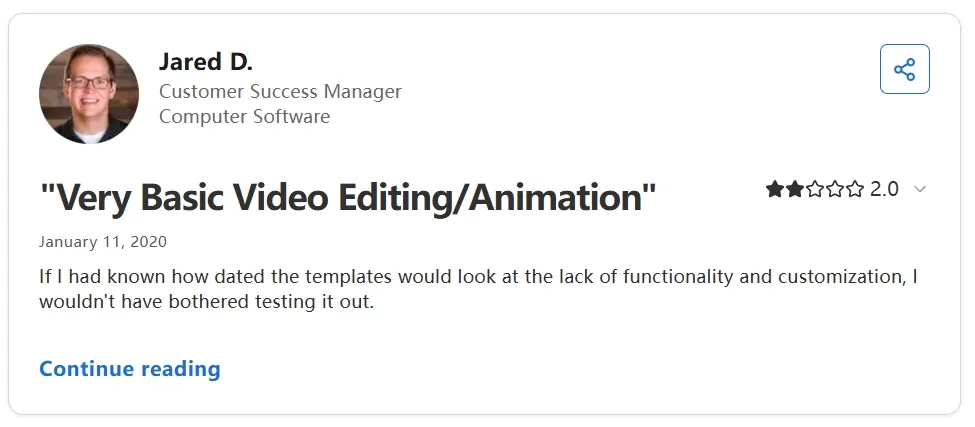
Public feedback matches what I found. Users often praise ease of use, then criticize dated templates, limited customization, and pricing friction. When a video needs a more original structure or stronger polish, Animoto starts to feel constrained.
Weak for AI-Native and Campaign Workflows
Animoto can build a simple promo, but it is not built for AI-first generation, multi-model visual testing, UGC ads, or repeatable campaign variations. If you need hooks, product motion, channel-ready formats, and post-ready structure, a broader AI video suite is a better fit.
That is where Van Gogh Studio feels stronger. With Van Gogh Studio Agent, I can start from an idea, text, image, URL, or asset and get closer to a structured, publish-ready video with pacing, captions, music, and flow handled more automatically.
Real Use Cases
| Use Case | My Take |
|---|---|
| Small business promos | Works for simple announcements and basic marketing videos |
| Product slideshows | Useful for showing prepared photos in a simple product video |
| Event recaps | Strong fit for turning existing photos and clips into a recap |
| Classroom videos | Good for course clips and student presentation-style videos |
| Screen-recorded tutorials | Works for simple walkthroughs with narration |
| Company updates | Ideal for internal communications and straightforward team messages |
| Campaign ads and UGC | Weak fit — too much manual assembly, limited creative range |
Animoto vs Van Gogh Studio
| Dimension | Animoto | Van Gogh Studio |
|---|---|---|
| Main workflow | Template-based media assembly | Full AI video generation, editing, and publish-ready workflows |
| Starting input | Prepared photos, clips, and text | Idea, text, image, URL, or existing assets |
| Publishing readiness | Needs manual polishing | Stronger path to post-ready output via Agent and editing tools |
| Creative range | General-purpose templates | Broader coverage across ads, explainers, social, and story videos |
| Ad production | Basic promo creation | Stronger with UGC ad video and campaign workflows |
| Editing flexibility | Layout and block edits | Stronger follow-up refinement with the AI video editor |
| Best fit | Non-editors assembling simple videos from assets | Creators and marketers who need finished AI videos, not only templates |
Why Van Gogh Studio Is a Better Animoto Alternative

Animoto is useful for assembling simple videos. Van Gogh Studio is stronger when I want an AI creative suite that can generate, refine, and publish videos without starting from a template every time.
AI Video Generation Instead of Template Assembly
Van Gogh Studio gives me a real creation workflow: text to video for concepting, image to video for product stills, and multi-model access when I want different motion styles. Models such as Veo 3.1, Kling 3.0, and Seedance 2.5 matter when one look is not enough.
That is the core difference. Animoto asks me to arrange prepared clips. Van Gogh Studio helps me generate the scenes when I do not already have footage.
Create Videos with Van Gogh Studio Free
Post-Ready Videos With Van Gogh Studio Agent

Van Gogh Studio Agent is the practical upgrade for finish work. Instead of only speeding up block editing, it is designed to create structured, production-ready videos with less manual assembly.
I can start from an idea, text, image, or URL, and the Agent can help handle structure, pacing, visuals, and sound. That makes it more suitable when I want a finished result instead of a template draft that still needs heavy polishing.
Create Videos with Van Gogh Studio Agent
Stronger Editing After Generation
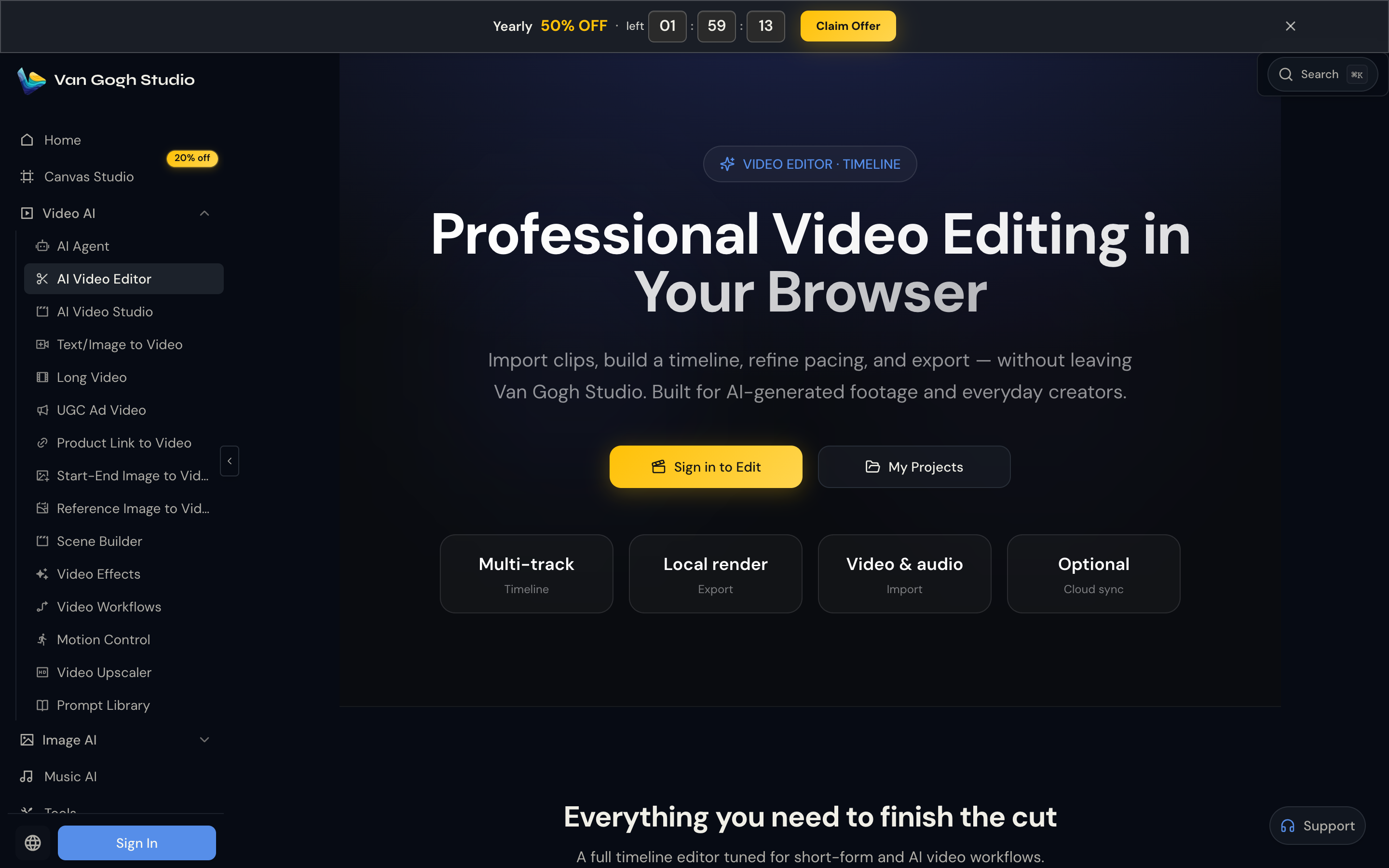
In real production, the first version is rarely final. Van Gogh Studio’s AI video editor gives a clearer path from a decent draft to something publishable — refining look, scenes, and visual direction without rebuilding everything from scratch.
Better Marketing and Product Workflows
For ads, launches, and product promos, I need hooks, variations, pacing, and channel-ready formats. Van Gogh Studio’s marketing and product-video workflows are built for that campaign output, not just one generic promo template. URL-to-video and photo-to-video paths also help teams move from assets to ads faster via link to video and UGC ad video.
Avatar and longer story options also sit in the same suite through AI avatar and long video, so the workflow can grow beyond simple recaps and slideshows.
Final Verdict: Is Animoto Worth Using?
Animoto is useful for quick template-based videos, especially if you already have the clips, photos, message, and brand assets ready. For simple social updates, event recaps, and basic business announcements, that is genuinely helpful.
Creative range and AI-native production are the main issues. Animoto depends too much on manual assembly and does not go far enough in generation, campaign variation, or post-ready production.
For a broader AI video workflow, I would choose Van Gogh Studio. It combines multi-model video generation, Agent-led publish-ready workflows, editing, marketing tools, and avatars in one place — so you can create, refine, and publish without forcing every project through a general template editor.
Animoto Review FAQs
What is Animoto used for?
Animoto is used to create videos from templates, photos, video clips, text, music, voiceovers, screen recordings, and brand elements. It works best for simple social videos, small business promos, real estate listings, and event recaps.
Is Animoto good for beginners?
Yes for basic assembly. Beginners can get a watchable video quickly from prepared assets. It is less ideal if you need AI-native generation or a guided path all the way to polished campaign output.
What is the biggest drawback of Animoto?
For me, the biggest drawback is template dependence and manual production. Animoto helps users edit faster, but it does not fully replace creative planning, scene generation, or campaign-ready finishing.
What is the best Animoto alternative?
If you want AI video generation plus a clearer path to finished output, Van Gogh Studio is the better alternative. It covers multi-model generation, Van Gogh Studio Agent, AI video editing, UGC ads, and longer story videos in one workspace.
Create AI videos free
Try Van Gogh Studio free — text-to-video, image-to-video, and 300+ models in one place. Free credits on signup, no credit card required.
Try Free Video Generator


