

I tested AIEASE AI Image Generator to see whether it is a practical text-to-image tool for styled stills — or mainly a quick demo that falls apart on harder prompts.
In this AIEASE AI review, I’ll share what it does well, where multi-character and abstract prompts break down, who it fits best, and why I would choose Van Gogh Studio when I need stronger image models or a path from stills into publish-ready video.
Quick Verdict
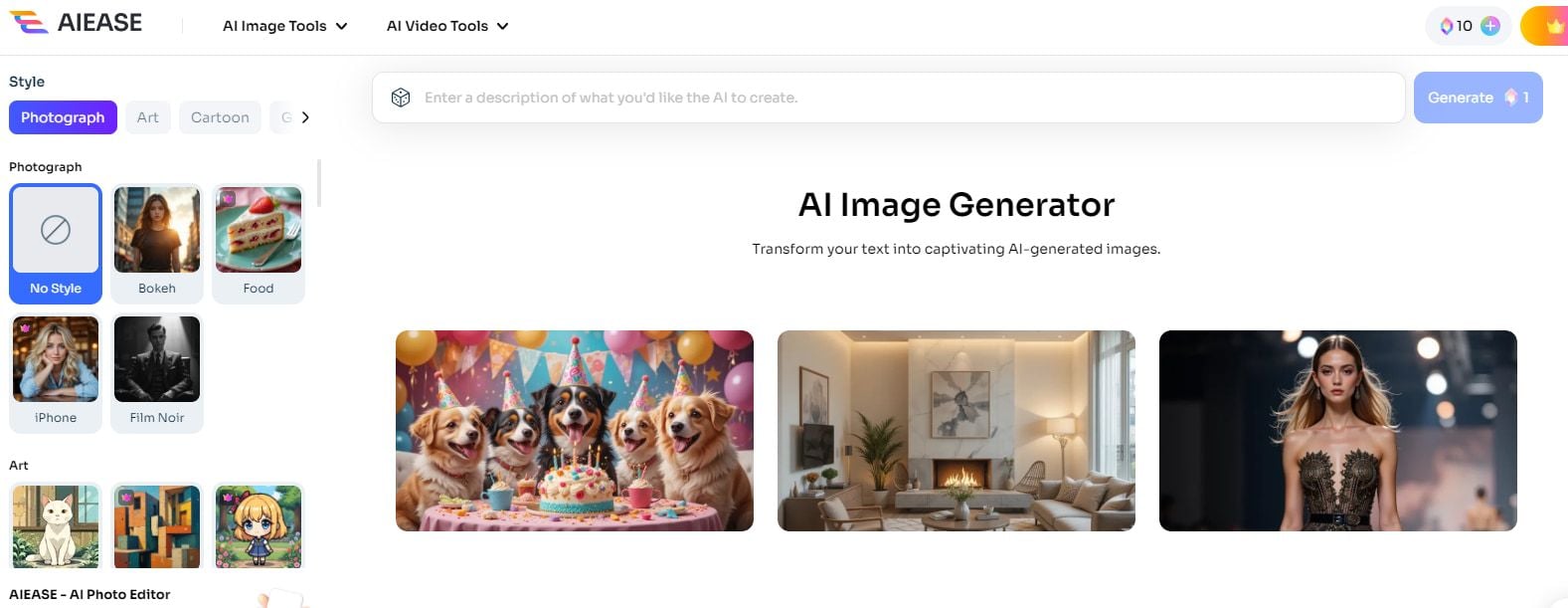
AIEASE is a solid AI image generator if your main goal is fast styled stills from text — Disney-like characters, anime looks, and simple scene concepts — without learning a heavy design stack.
It is a weaker choice when you need reliable multi-subject scenes, precise abstract interpretation, built-in image editing, or a full still-to-video workflow. AIEASE is an image tool, not a video studio. For multi-model images and motion, I prefer Van Gogh Studio.
| Review Point | My Take |
|---|---|
| Best for | Fast styled text-to-image stills and casual concept art |
| Not best for | Complex multi-character scenes, precise edits, or image-to-video |
| Strongest feature | Style-driven text-to-image with readable detail on simple prompts |
| Biggest limitation | Weak multi-subject fidelity; no real built-in editing suite |
| Learning curve | Easy for beginners |
| My verdict | Useful for quick styled stills; limited as a production image/video stack |
What Is AIEASE AI Image Generator?
AIEASE is built around text-to-image generation with preset art styles. In practice it behaves like a Stable Diffusion–class consumer generator: you write a prompt, pick a style, and get a still in seconds.
Its biggest value is lowering the barrier for people who want illustrative or stylized images without setting up local models or learning ComfyUI-style pipelines. You can try AIEASE-class generation via AIEASE when you want that look inside a broader model list.
Compared with full creative suites, AIEASE feels narrow on purpose. It is about generating a picture, not finishing a campaign asset or turning that picture into video.
Key Features I Reviewed
AIEASE’s feature set is organized around styled still generation — not editing or motion.
Text-to-Image With Style Presets
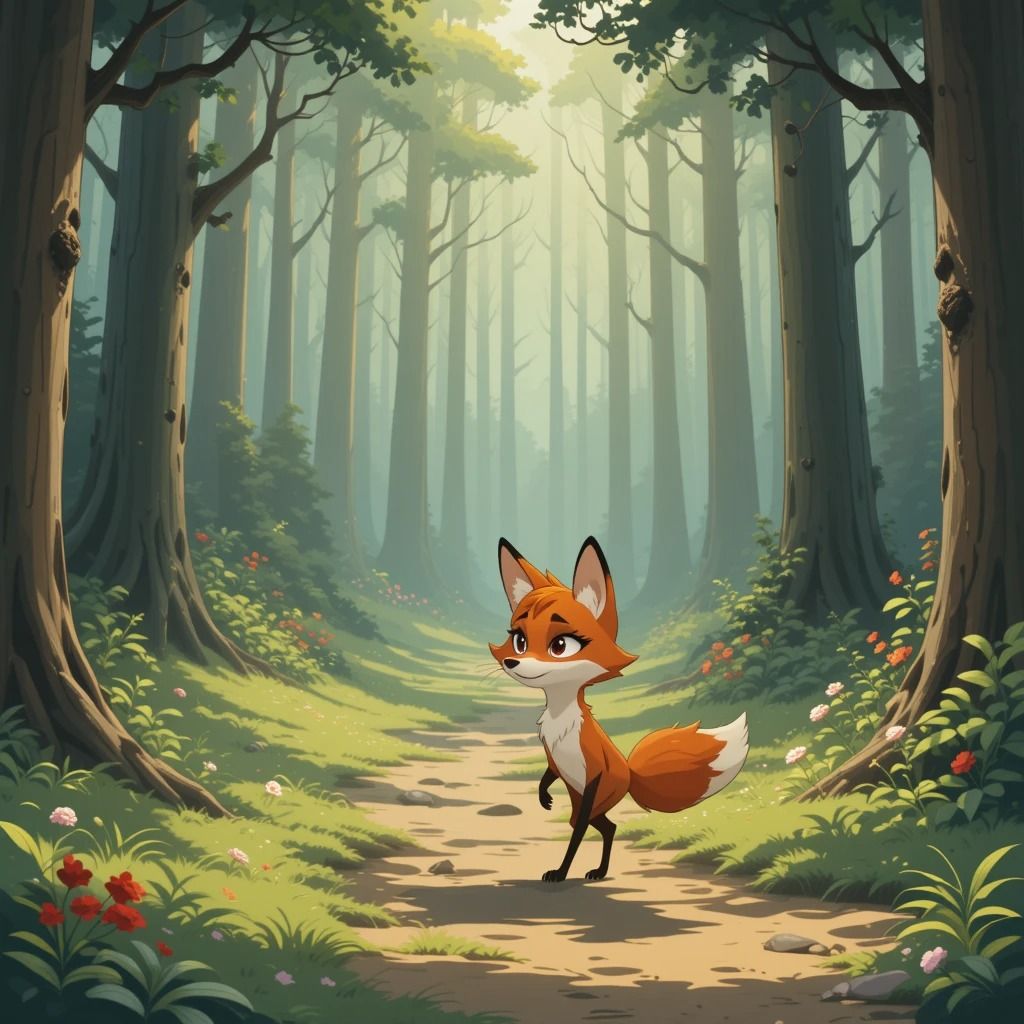
The core workflow is prompt + style. On a simple line like “a fox strolling through the forest” with a Disney-story look, AIEASE delivered a clear subject, soft lighting, and useful secondary details such as flowers and path depth.
That is AIEASE at its best: short prompts, one clear subject, and a style that matches the description.
Detailed Prompt Handling for Stylized Characters
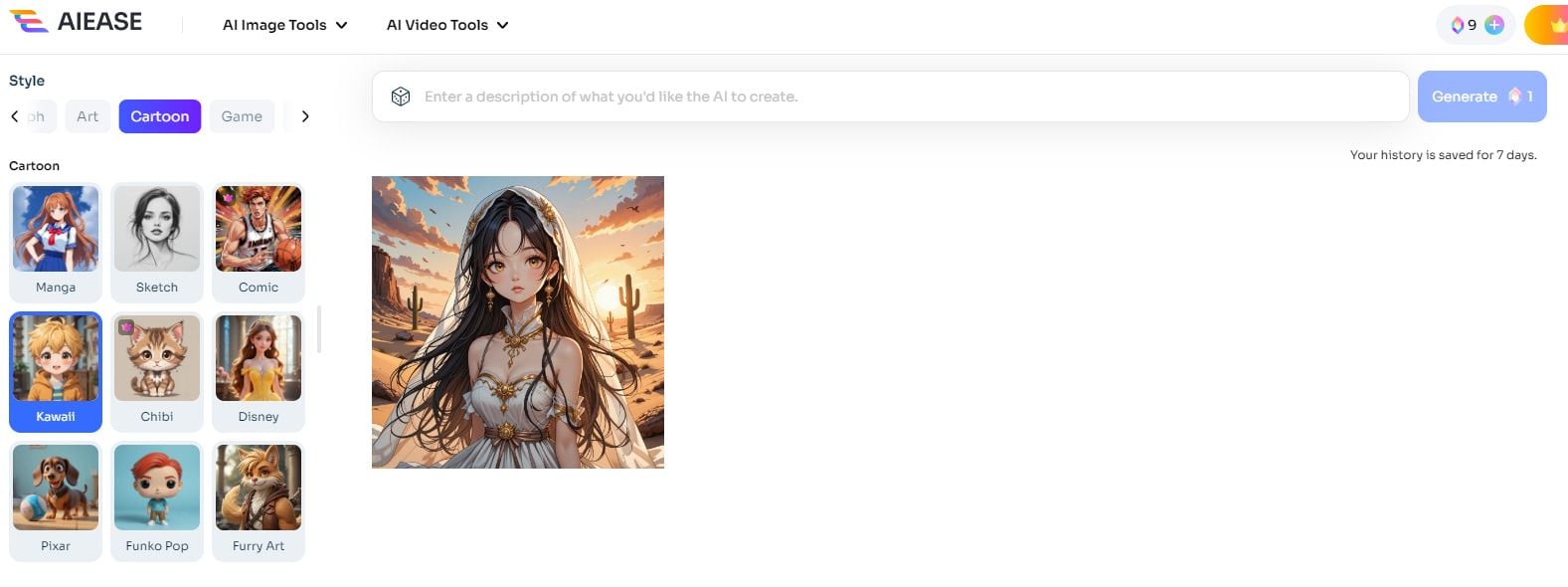
With longer anime-style prompts — dress details, lighting notes, desert background — AIEASE often captured many listed attributes: eyes, veil, bracelet, and environment mood.
It is less reliable when the chosen style preset conflicts with the scene language in the prompt. Mixing a Disney preset with samurai/kimono settings produced style drift rather than a clean hybrid.
Scene Composition on Abstract Prompts
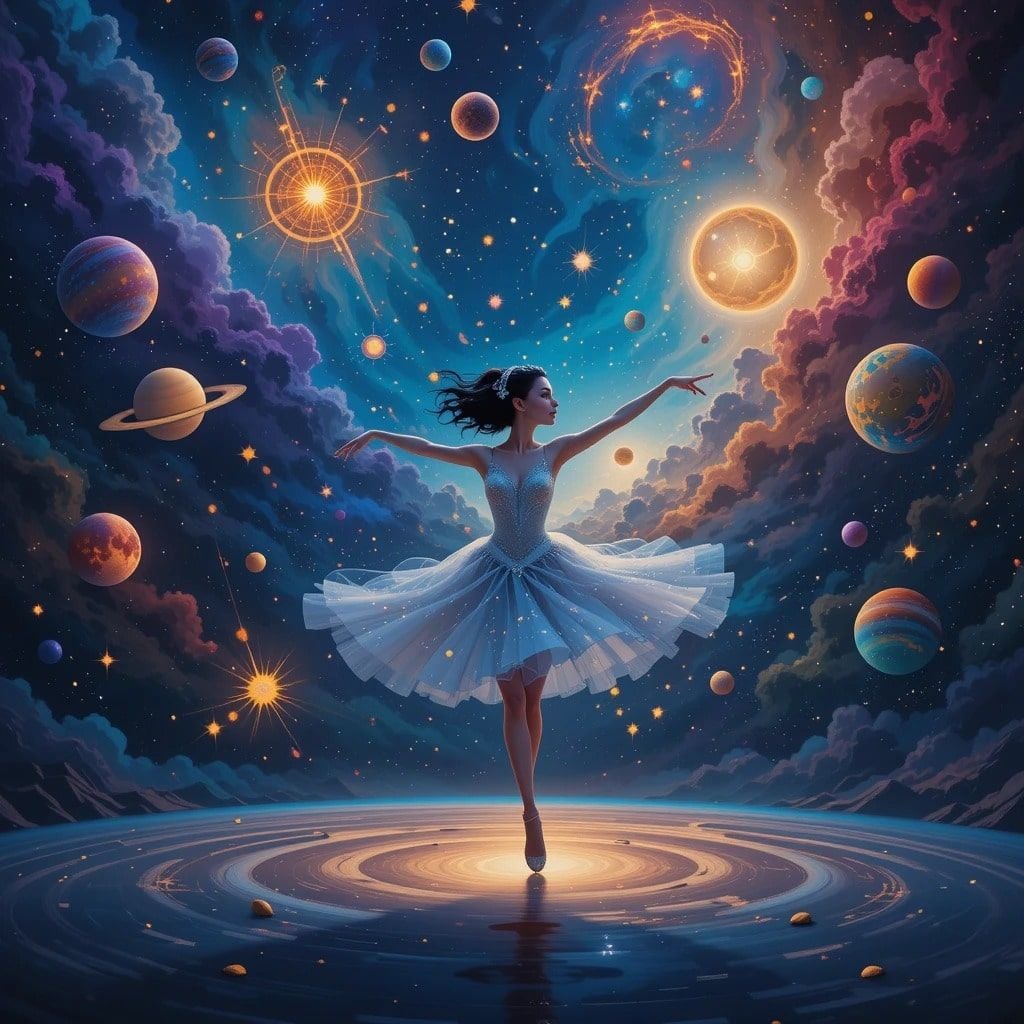
Abstract language is hit-or-miss. A “cosmic ballet” metaphor became a literal ballerina in space — visually interesting, but not what the metaphor asked for. A more concrete abstract-music prompt (notes morphing into shapes) landed closer.
In short: AIEASE prefers concrete visual nouns over figurative language.
Pros and Cons
What I Liked
- Fast text-to-image path with approachable style presets
- Strong results on single-subject stylized scenes
- Often preserves many concrete details from longer prompts
- Low learning curve for casual creators and mood-board work
- Useful for illustrative concepts without local model setup
What Held It Back
- Multi-character prompts frequently drop or merge subjects
- Style preset and prompt language can fight each other
- Abstract metaphors are often over-literal
- Little to no built-in cropping, color, or retouch workflow
- No native path from stills into video production
Create Images and Videos with Van Gogh Studio Free
Where AIEASE Falls Short
AIEASE’s limits show up when the still needs production reliability — or when the job is bigger than a single image.
Multi-Subject Scenes Are Unreliable
When I asked for two males and one female in a detailed scene, AIEASE under-counted characters and drifted style. Crowded prompts are the fastest way to expose fidelity gaps.
For brand storyboards or group product scenes, that unreliability means extra regenerations — or another model.
Editing Stops at Download
AIEASE generates; it does not finish. If you need crop, brightness, object cleanup, or layout polish, you leave the tool. That is fine for hobby stills and painful for repeatable marketing assets.
It Is Not a Video Workflow
AIEASE does not solve still-to-video, multi-scene ads, captions, or publish-ready assembly. If your brief ends in motion, you need image to video and a broader studio path — not another prompt box.
Real Use Cases
| Use Case | My Take |
|---|---|
| Stylized character concepts | Strong fit for single-subject illustrative stills |
| Mood boards and style exploration | Good fit when speed matters more than perfect fidelity |
| Abstract / metaphor art | Mixed fit — often over-literal |
| Multi-character storyboards | Weak fit — subject counting and consistency break down |
| Product marketing stills | Limited fit without editing and brand-control tools |
| Social stills that must become video | Weak fit alone; needs a still→video workflow elsewhere |
| Full campaign video | Not a fit — AIEASE is image-only |
AIEASE vs Van Gogh Studio
| Dimension | AIEASE | Van Gogh Studio |
|---|---|---|
| Main workflow | Style-led text-to-image stills | Multi-model AI image generator plus video workflows |
| Model choice | Narrow / single-lane generation feel | Switch across models such as Imagen, Flux, and Nano Banana |
| Editing | Minimal inside the generator | Stronger follow-up with AI image editor tools |
| Still → video | Not part of the product | Direct image to video and text to video |
| Marketing output | Concept stills at best | Stronger with UGC ad video and campaign assembly |
| Best fit | Casual styled image experiments | Creators who need finished images and, when needed, finished videos |
Why Van Gogh Studio Is a Better AIEASE Alternative

AIEASE is useful for quick styled stills. Van Gogh Studio is stronger when I want better model choice, image refinement, and a clear path from a still into motion without changing platforms.
Multi-Model Image Generation Instead of One Lane
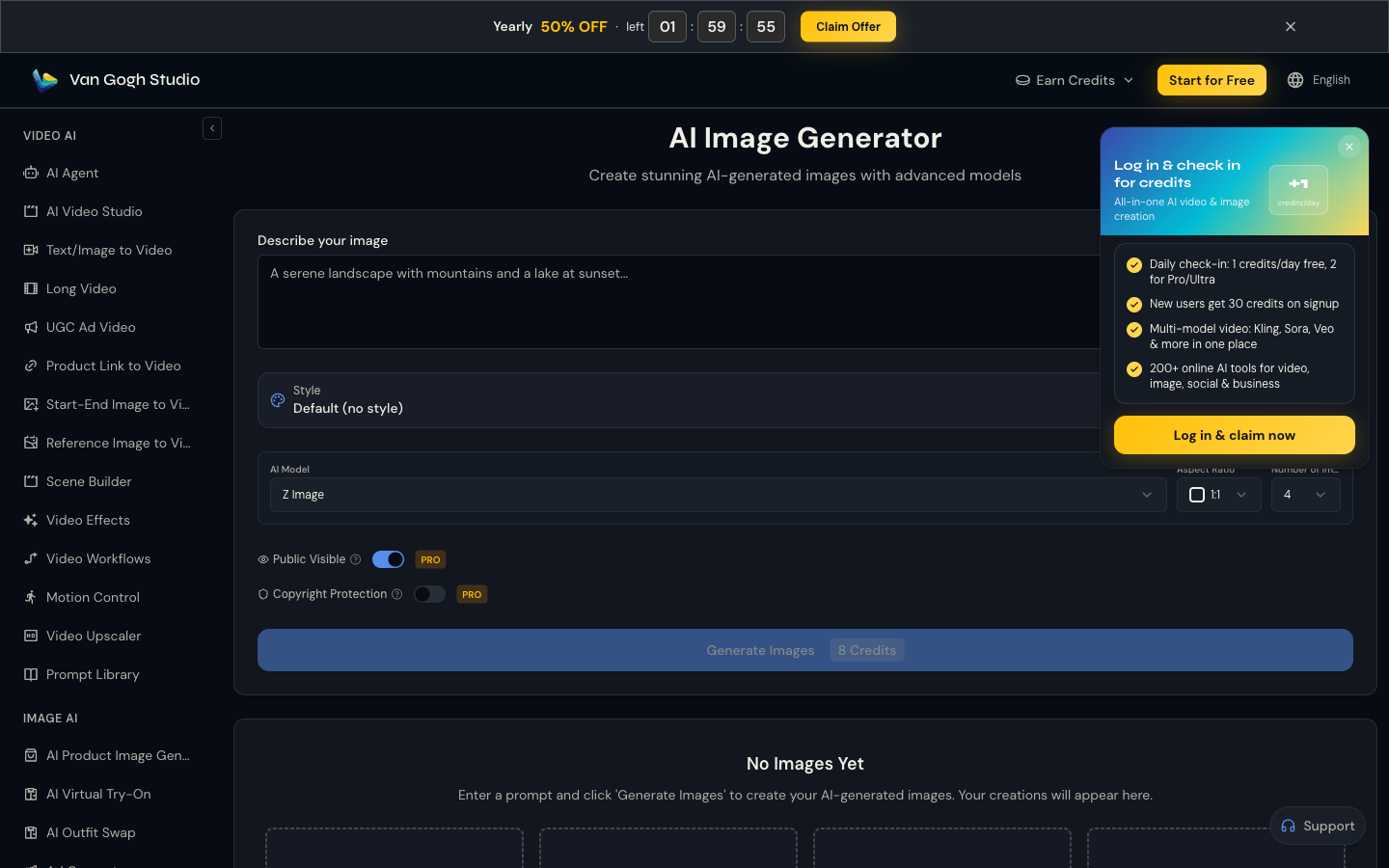
On Van Gogh Studio I can compare looks across models instead of hoping one Stable Diffusion–class path fits every brief. That matters when AIEASE’s style preset fights the prompt or drops characters.
Generate Images with Van Gogh Studio Free
From Still to Video When the Brief Needs Motion

When a concept still needs to become a clip, image to video is the practical next step. AIEASE stops at the PNG. Van Gogh Studio continues into motion with models such as Veo 3.1, Kling 3.0, and Seedance 2.5.
Publish-Ready Paths Beyond a Single Image

For ads and multi-scene content, Van Gogh Studio Agent, the AI video editor, and UGC ad video cover structure that an image generator never will.
Final Verdict: Is AIEASE Worth Using?
AIEASE is worth trying if you want fast, style-led stills and your prompts stay simple: one subject, clear nouns, matching style preset.
It is not enough when you need reliable group scenes, in-tool editing, multi-model comparison, or video. For those jobs, I choose Van Gogh Studio — starting at the AI image generator and continuing into image-to-video when the deliverable is motion.
My final take: AIEASE is a casual styled-image tool; Van Gogh Studio is the better daily stack when images have to ship — or become video.
AIEASE AI Image Generator Review FAQs
Is AIEASE good for beginners?
Yes. The prompt-plus-style workflow is easy to learn and works well for single-subject stylized stills.
Does AIEASE edit images after generation?
Not in a meaningful production way. Expect to download and finish elsewhere — or use a studio with built-in AI image editor tools.
What is the biggest drawback of AIEASE?
For me, unreliable multi-character fidelity plus the hard stop at still images. If your next step is video, you will outgrow it quickly.
What is the best AIEASE alternative?
If you want multi-model images plus a path into motion, Van Gogh Studio is the better alternative. It covers AI image generation, editing, image to video, and Agent-led publish-ready video workflows.
Create AI videos free
Try Van Gogh Studio free — text-to-video, image-to-video, and 300+ models in one place. Free credits on signup, no credit card required.
Try Free Video Generator


