The AI Virtual Try-On on Van Gogh Studio makes it simple to achieve professional results without expensive software or technical skills. Whether you're a content creator, marketer, or hobbyist, this step-by-step guide walks you through the entire workflow with real screenshots.
What Does the AI Virtual Try-On Do?
The AI Virtual Try-On is a creative AI tool on Van Gogh Studio designed for fashion e-commerce virtual fitting. It combines advanced AI models with an intuitive interface so you can focus on your ideas instead of complex settings.
Some popular uses include:
- Fashion e-commerce virtual fitting
- Social media outfit previews
- Reducing return rates with visual try-before-buy
- Lookbook and catalog generation
How to Use AI Virtual Try-On on Van Gogh Studio?
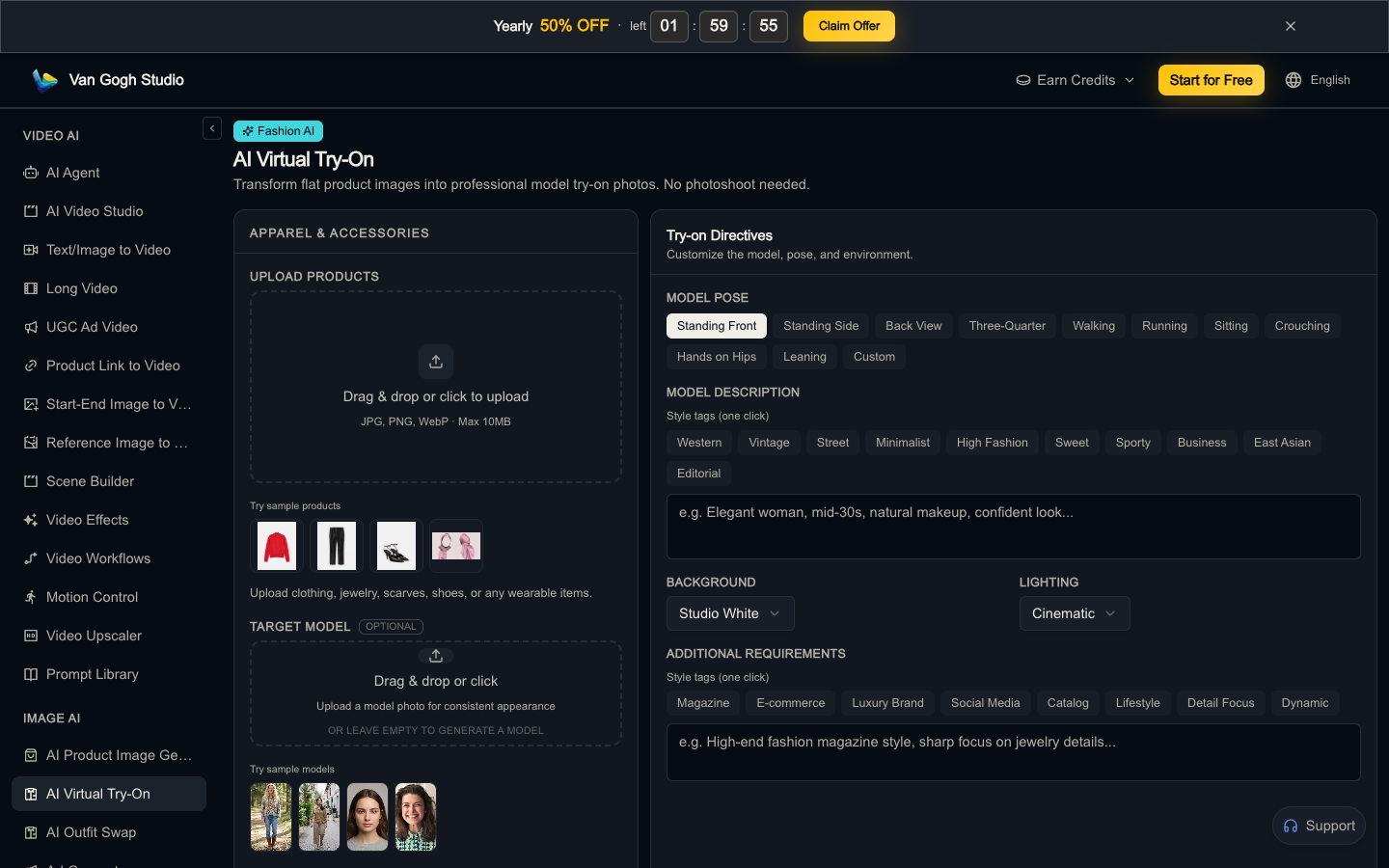
Step 1: Upload model and garment photos
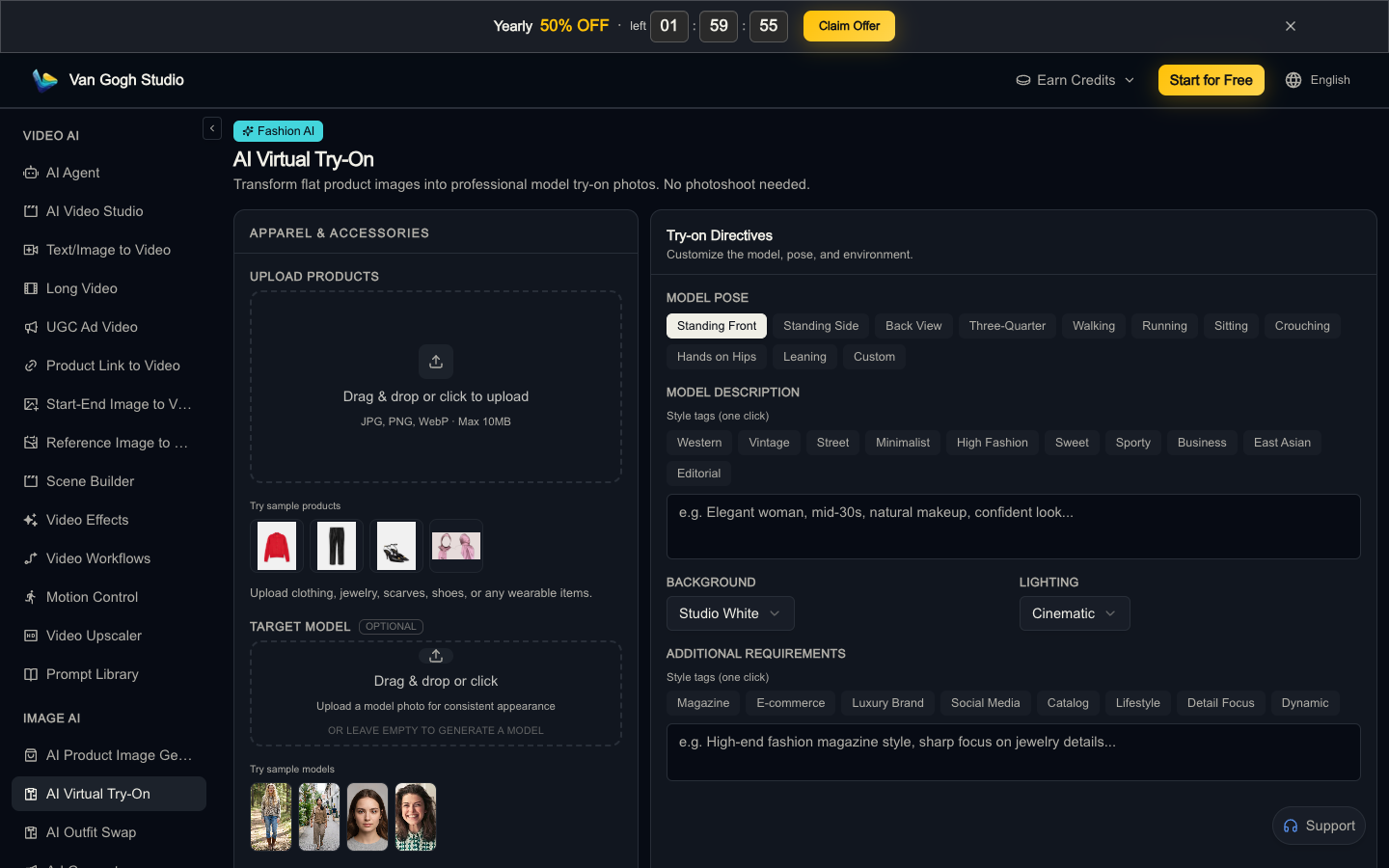
Open AI Virtual Try-On. Upload a photo of the person (or model) and the clothing item you want them to wear.
Step 2: Adjust fit and preview
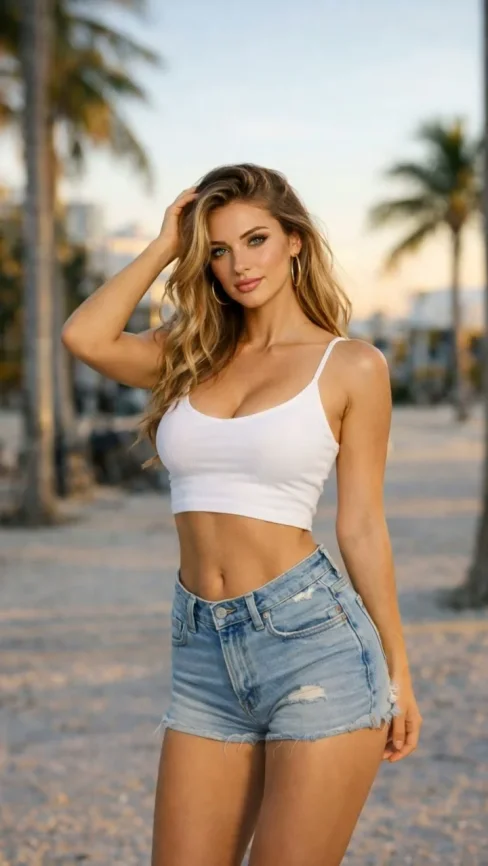
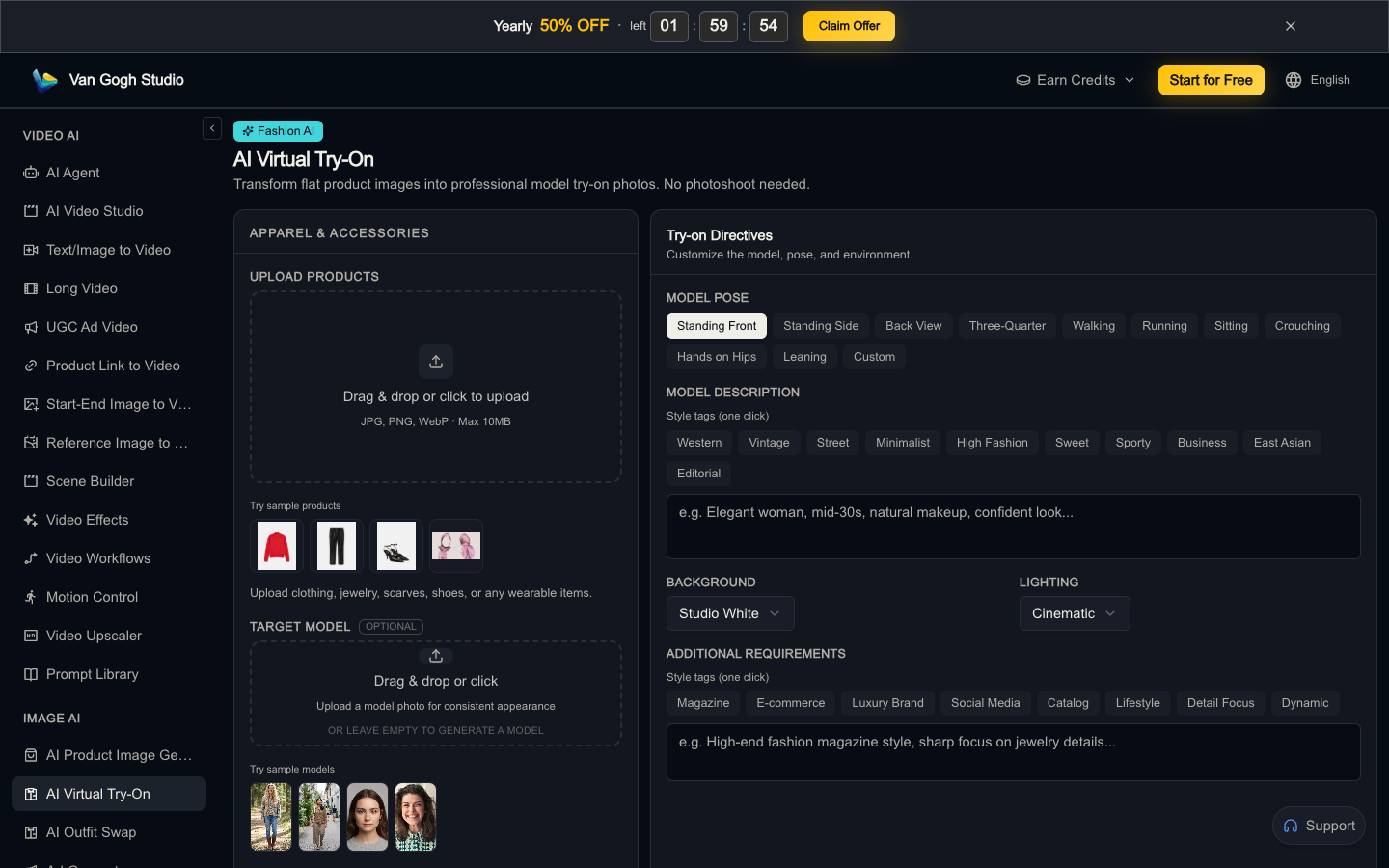
The AI maps the garment onto the model with realistic draping and lighting. Preview the result and adjust if needed.
Step 3: Download try-on result
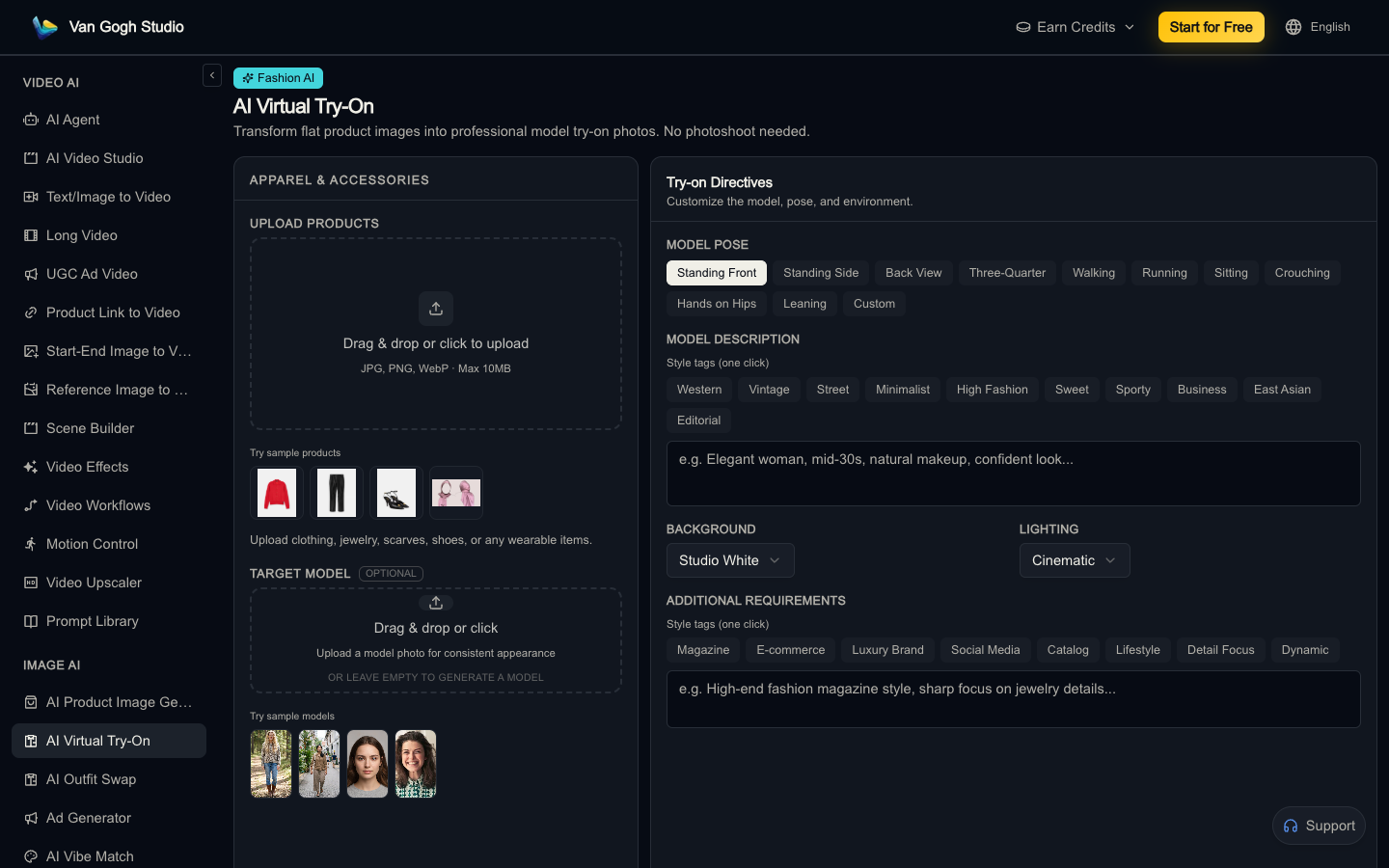
Download the final try-on image in high resolution for your store, social media, or marketing materials.
Example: Try This Prompt
Copy and paste this example prompt to get started:
Model wearing a navy blue linen blazer over a white t-shirt, casual street style, urban background
Open the AI Virtual Try-On and paste the prompt above to see results like the screenshots in this guide.
Key Features and Benefits
Realistic Garment Mapping
AI preserves fabric texture, folds, and lighting for natural-looking try-on results.
Any Model, Any Garment
Works with photos of real people and flat-lay or hanger garment shots.
Fast Processing
Get try-on results in seconds — no 3D modeling or manual compositing required.
E-Commerce Ready
Output images sized for product pages, lookbooks, and social commerce.
Final Thoughts
Visual content is essential for standing out on social platforms and in marketing campaigns. The AI Virtual Try-On gives you a fast, affordable way to create professional-quality results — try it free with signup credits on Van Gogh Studio.
For related workflows, explore other tools in the Image AI category on our Guides hub.
Create AI videos free
Try Van Gogh Studio free — text-to-video, image-to-video, and 300+ models in one place. Free account — no signup bonus credits, no credit card required.
Try AI Virtual Try-On Free