The Text/Image to Video on Van Gogh Studio makes it simple to achieve professional results without expensive software or technical skills. Whether you're a content creator, marketer, or hobbyist, this step-by-step guide walks you through the entire workflow with real screenshots.
What Does the Text/Image to Video Do?
The Text/Image to Video is a creative AI tool on Van Gogh Studio designed for social media clips from text descriptions. It combines advanced AI models with an intuitive interface so you can focus on your ideas instead of complex settings.
Some popular uses include:
- Social media clips from text descriptions
- Animating still photos into dynamic video
- Marketing and product demo videos
- Creative storytelling and concept visualization
How to Use Text/Image to Video on Van Gogh Studio?
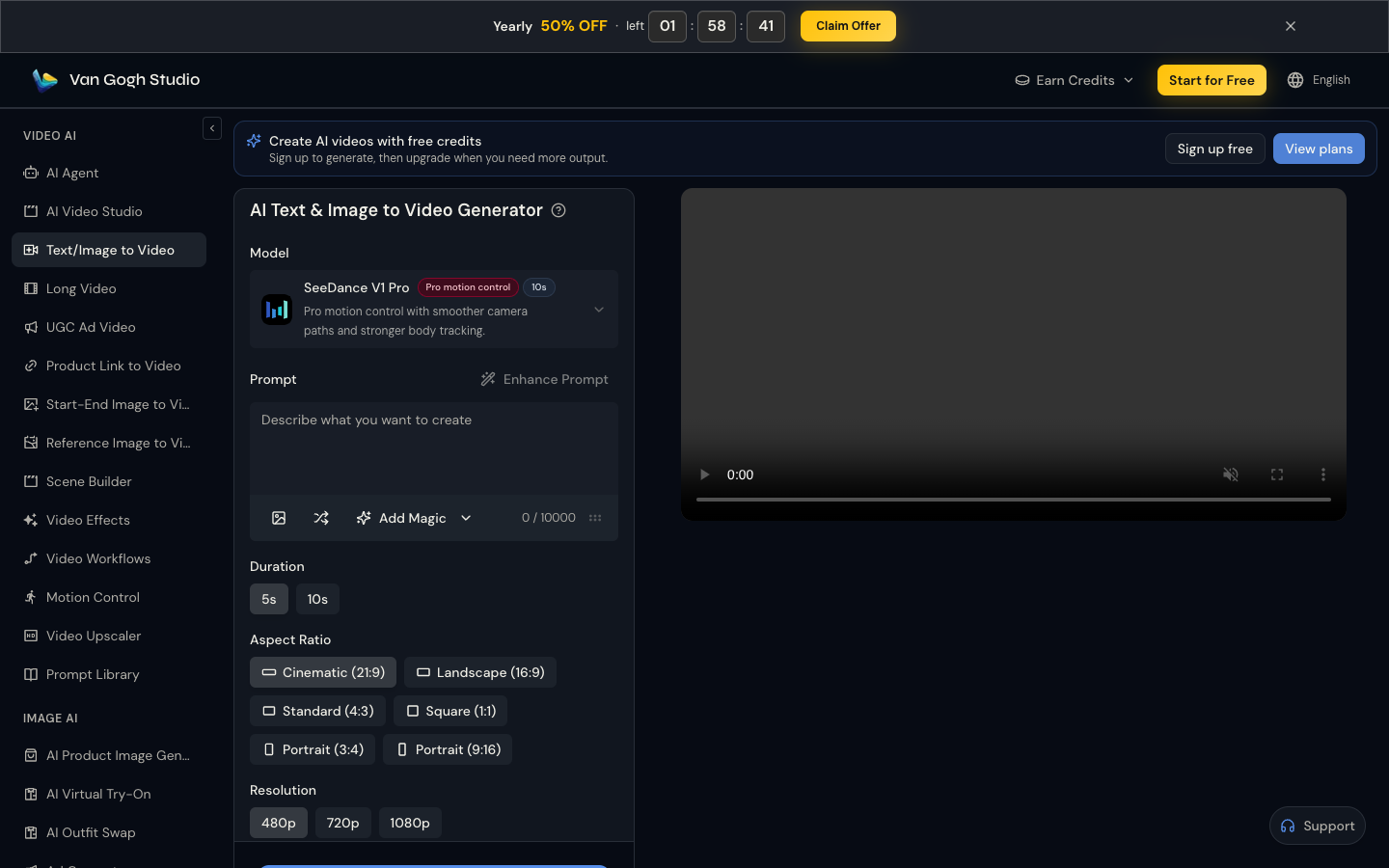
Step 1: Choose text or image input mode
Open Text/Image to Video. Switch between text-to-video (write a prompt) or image-to-video (upload a still image to animate).
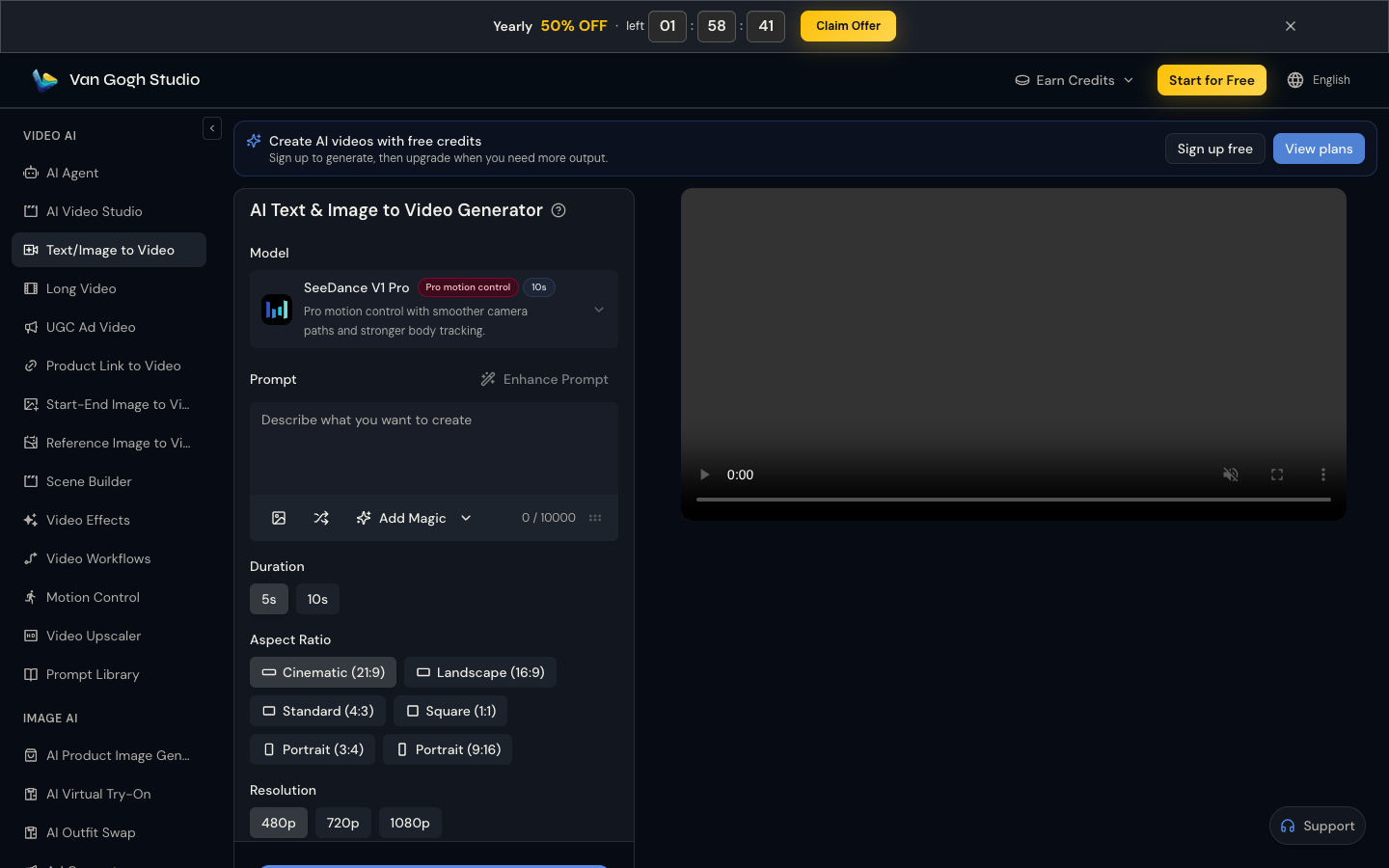
Step 2: Write your prompt and pick a model
Describe the scene, camera movement, and style. Select an AI model (Kling, Sora, Veo, etc.), aspect ratio, and duration that fit your platform.
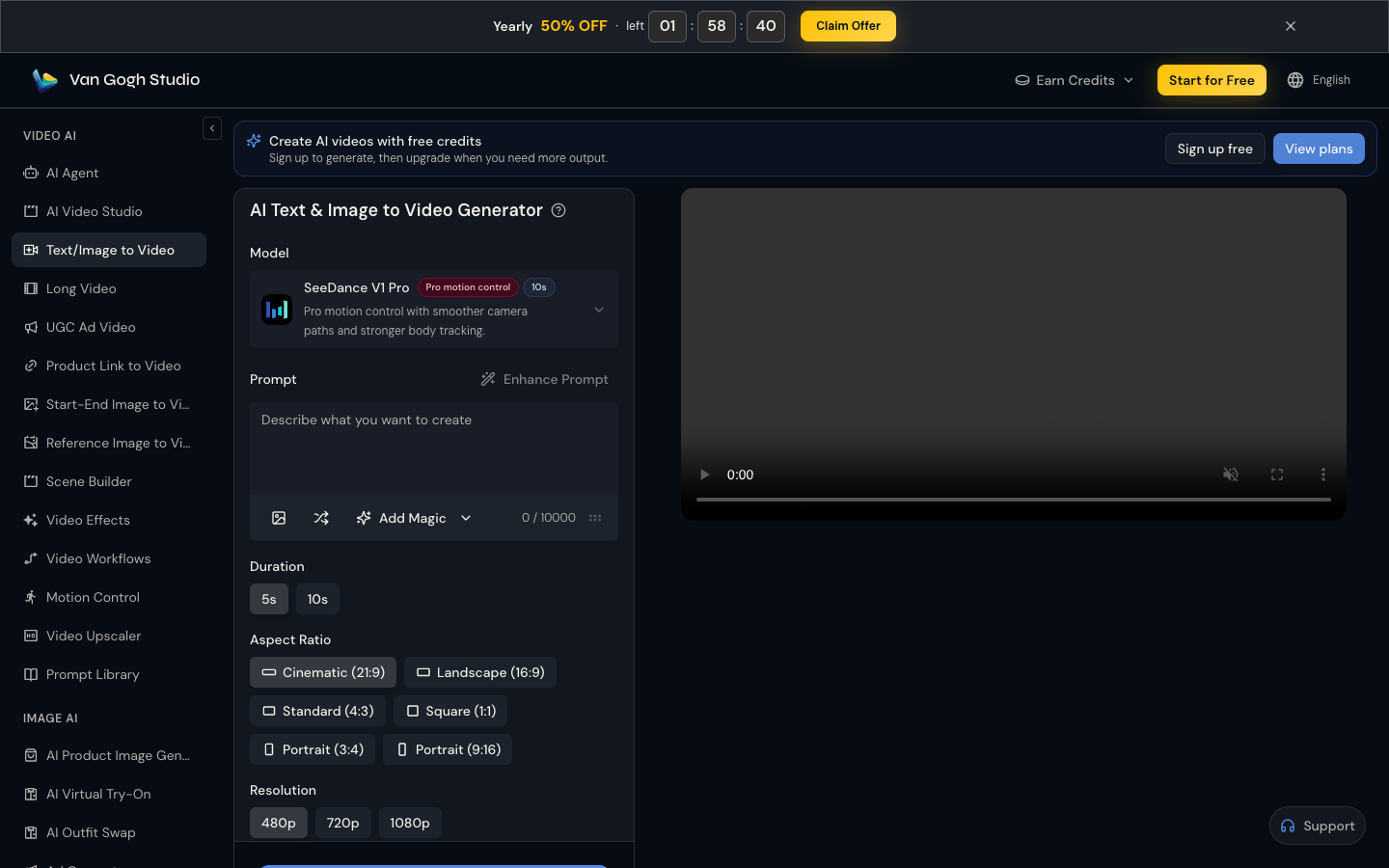
Step 3: Generate and download your video
Click Generate and wait for rendering. Preview the result, download in HD, or regenerate with adjusted settings.
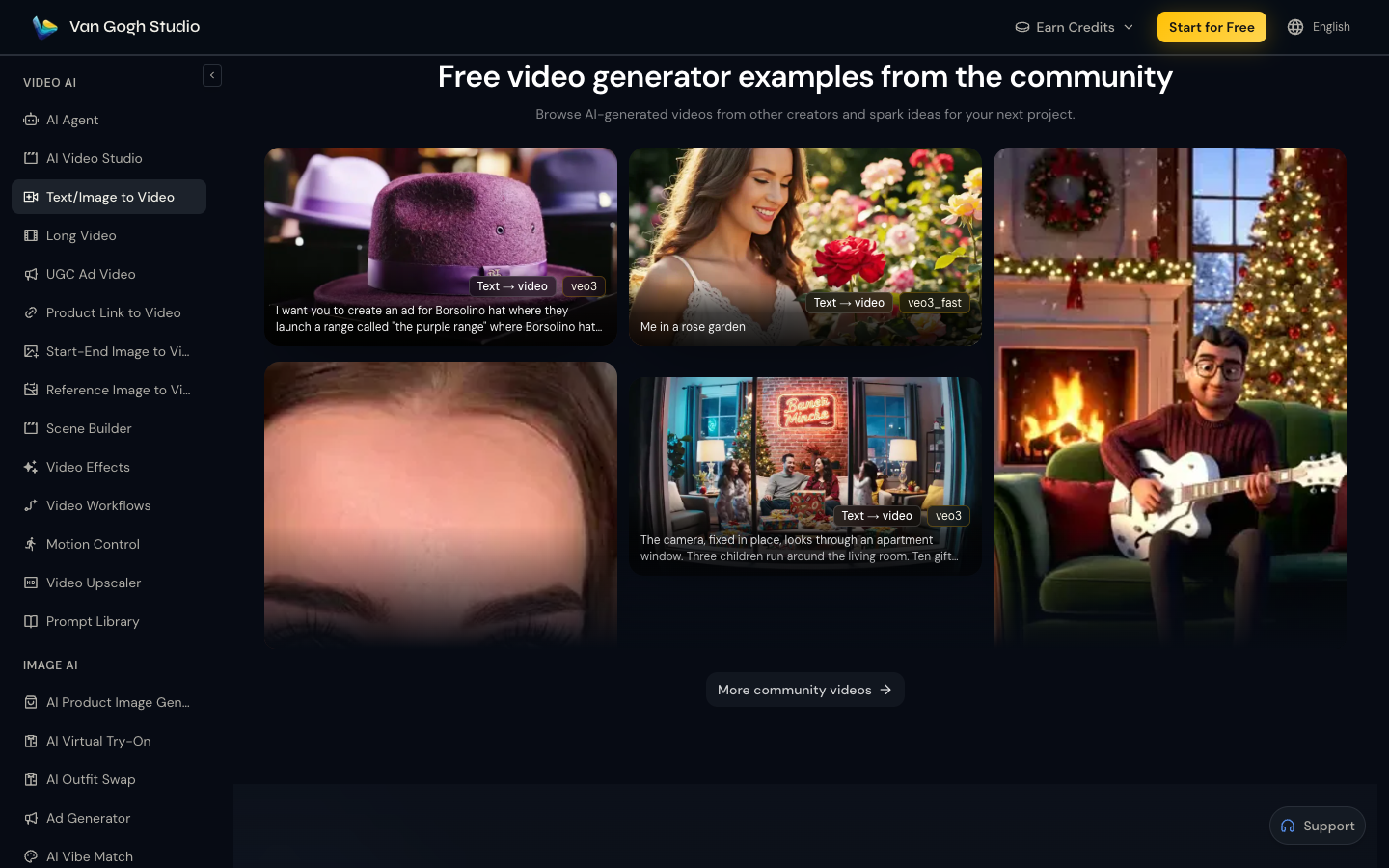
Example: Try This Prompt
Copy and paste this example prompt to get started:
A golden retriever running through a sunlit meadow, slow motion, cinematic 35mm film look, shallow depth of field
Open the Text/Image to Video and paste the prompt above to see results like the screenshots in this guide.
Key Features and Benefits
Dual Input Modes
Create from scratch with text or breathe life into existing photos with image-to-video.
300+ AI Models
Switch between Kling, Sora, Runway, Veo, Seedance, and more — all in one workspace.
Flexible Formats
Export in 9:16 for TikTok/Reels, 16:9 for YouTube, or 1:1 for Instagram feeds.
Inspiration Gallery
Browse curated examples with ready-to-use prompts — click to fill and generate instantly.
Final Thoughts
Visual content is essential for standing out on social platforms and in marketing campaigns. The Text/Image to Video gives you a fast, affordable way to create professional-quality results — try it free with signup credits on Van Gogh Studio.
For related workflows, explore other tools in the Video AI category on our Guides hub.
Create AI videos free
Try Van Gogh Studio free — text-to-video, image-to-video, and 300+ models in one place. Free account — no signup bonus credits, no credit card required.
Try Text/Image to Video Free