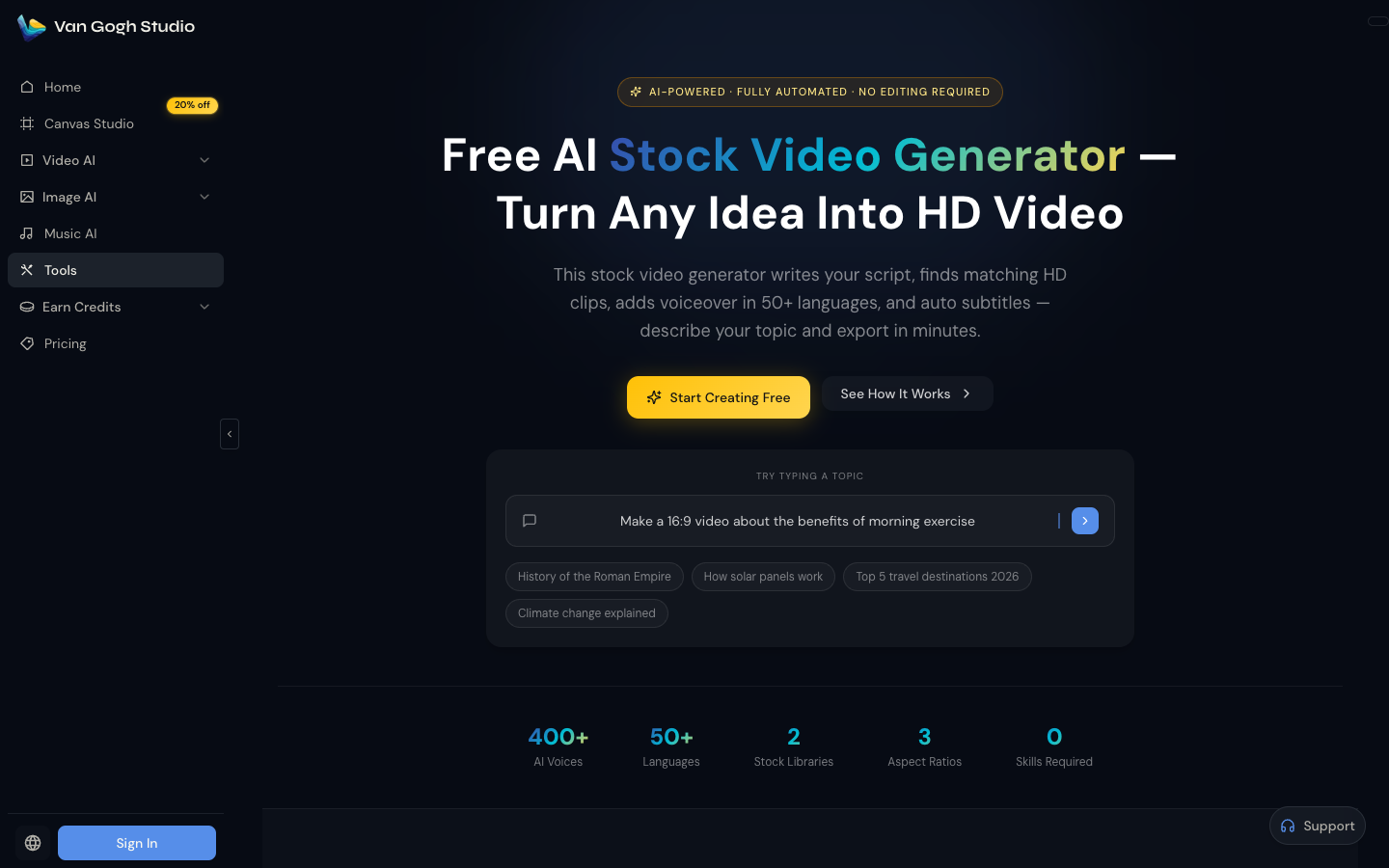
The Stock Video Agent on Van Gogh Studio makes it simple to achieve professional results without expensive software or technical skills. Whether you're a content creator, marketer, or hobbyist, this step-by-step guide walks you through the entire workflow with real screenshots.
What Does the Stock Video Agent Do?
The Stock Video Agent is a creative AI tool on Van Gogh Studio designed for quick stock footage compilations for presentations. It combines advanced AI models with an intuitive interface so you can focus on your ideas instead of complex settings.
Some popular uses include:
- Quick stock footage compilations for presentations
- B-roll assembly for YouTube and social content
- Corporate and educational video backgrounds
- Automated video editing from text descriptions
How to Use Stock Video Agent on Van Gogh Studio?
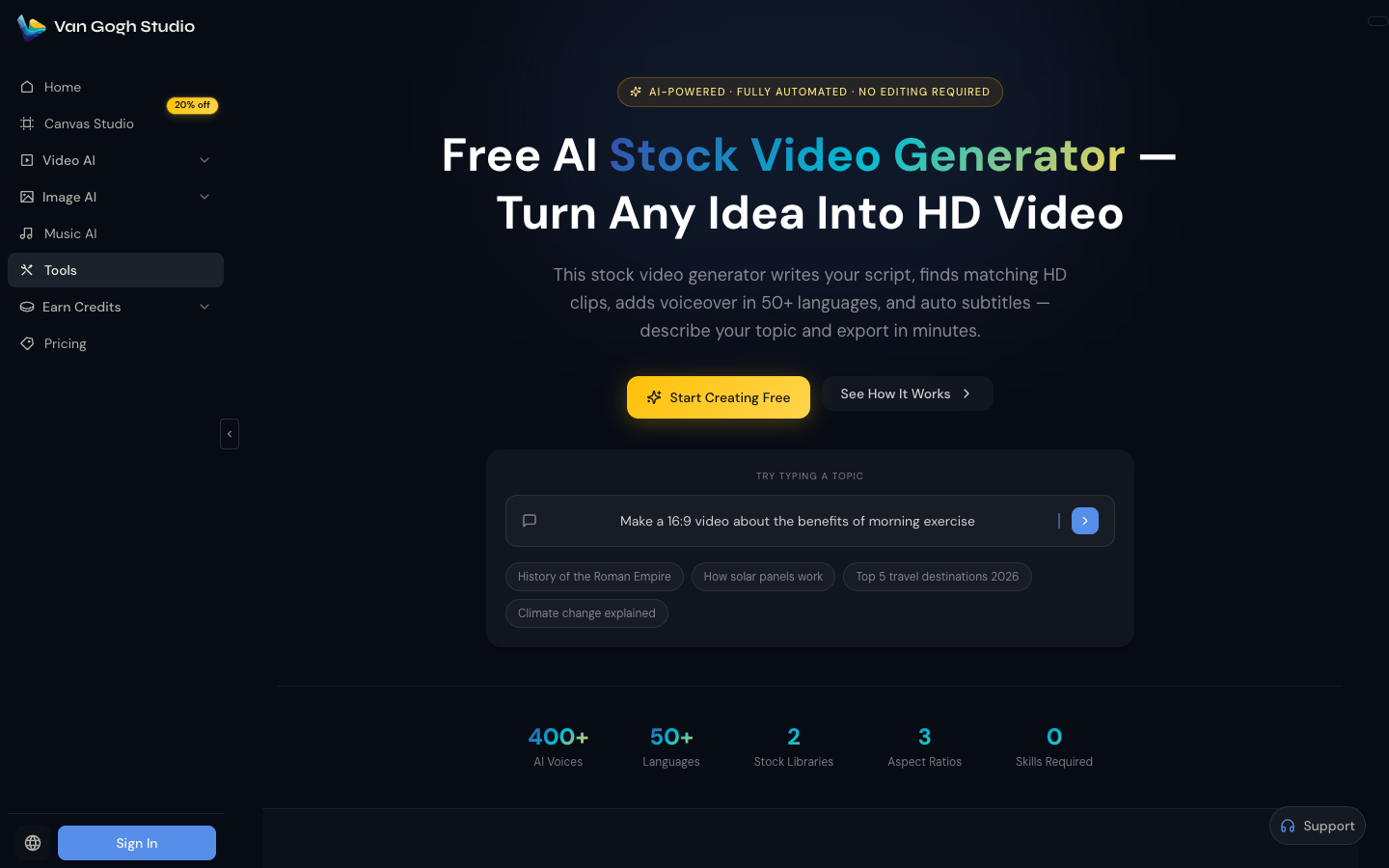
Step 1: Describe the video you need
Open Stock Video Agent and describe the topic, mood, and duration. The AI searches and assembles matching stock clips.
Step 2: Review the clip selection
The agent presents a curated sequence of stock clips. Adjust the order, swap individual clips, or refine your prompt for better matches.
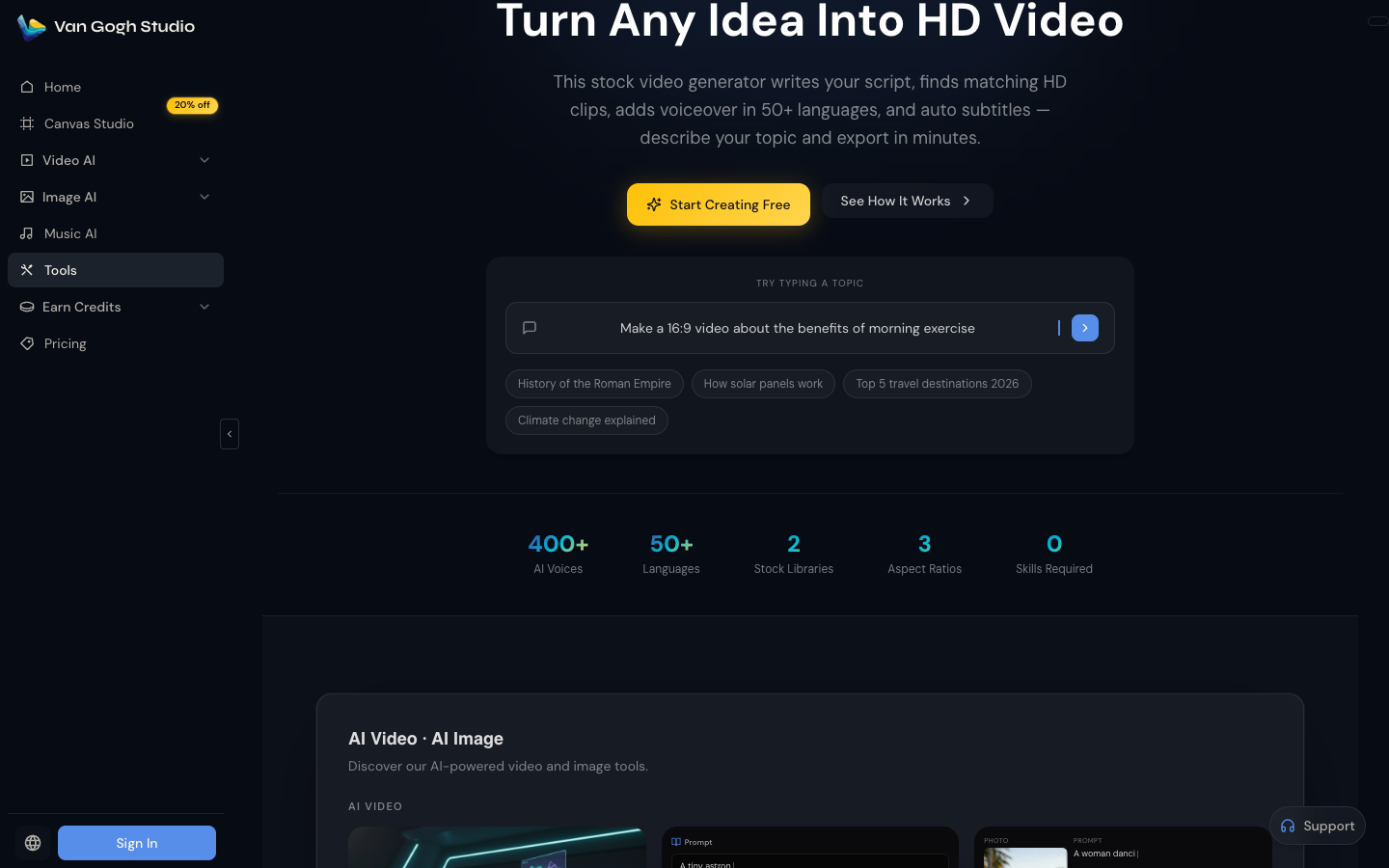
Step 3: Export your compiled video
Approve the final sequence and download a polished montage ready for presentations, social posts, or further editing.
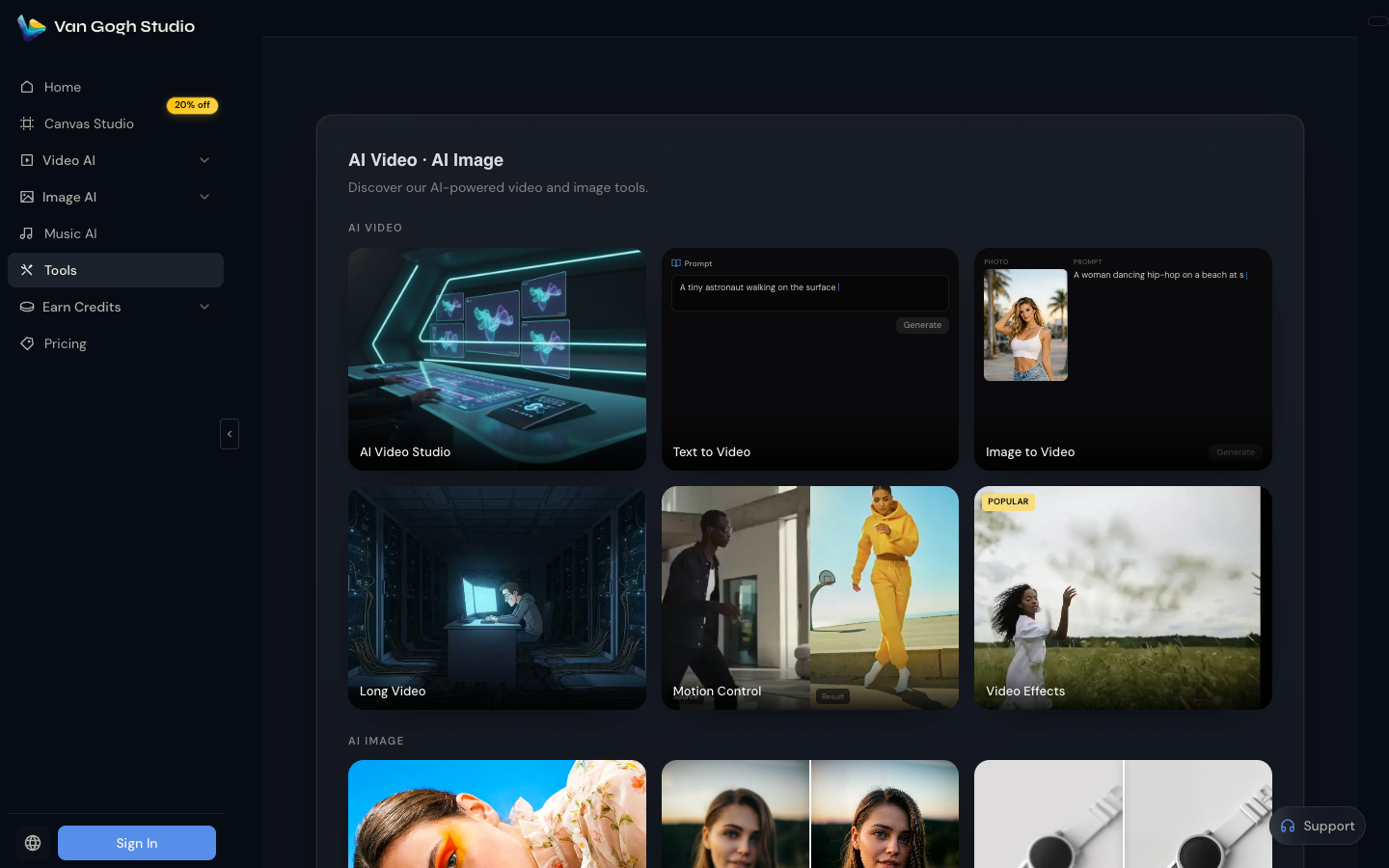
Example: Try This Prompt
Copy and paste this example prompt to get started:
A 30-second montage about sustainable living — solar panels, urban gardens, electric vehicles, upbeat corporate feel
Open the Stock Video Agent and paste the prompt above to see results like the screenshots in this guide.
Key Features and Benefits
AI-Powered Assembly
Describe what you need and the agent finds, orders, and stitches stock clips automatically.
Smart Clip Matching
Semantic search finds visually relevant footage even without exact keyword matches.
Editable Timeline
Reorder, swap, or remove clips before final export.
Fast Turnaround
Get a usable video montage in minutes instead of hours of manual stock searching.
Final Thoughts
Visual content is essential for standing out on social platforms and in marketing campaigns. The Stock Video Agent gives you a fast, affordable way to create professional-quality results — try it free with signup credits on Van Gogh Studio.
For related workflows, explore other tools in the Video AI category on our Guides hub.
Create AI videos free
Try Van Gogh Studio free — text-to-video, image-to-video, and 300+ models in one place. Free account — no signup bonus credits, no credit card required.
Try Stock Video Agent Free