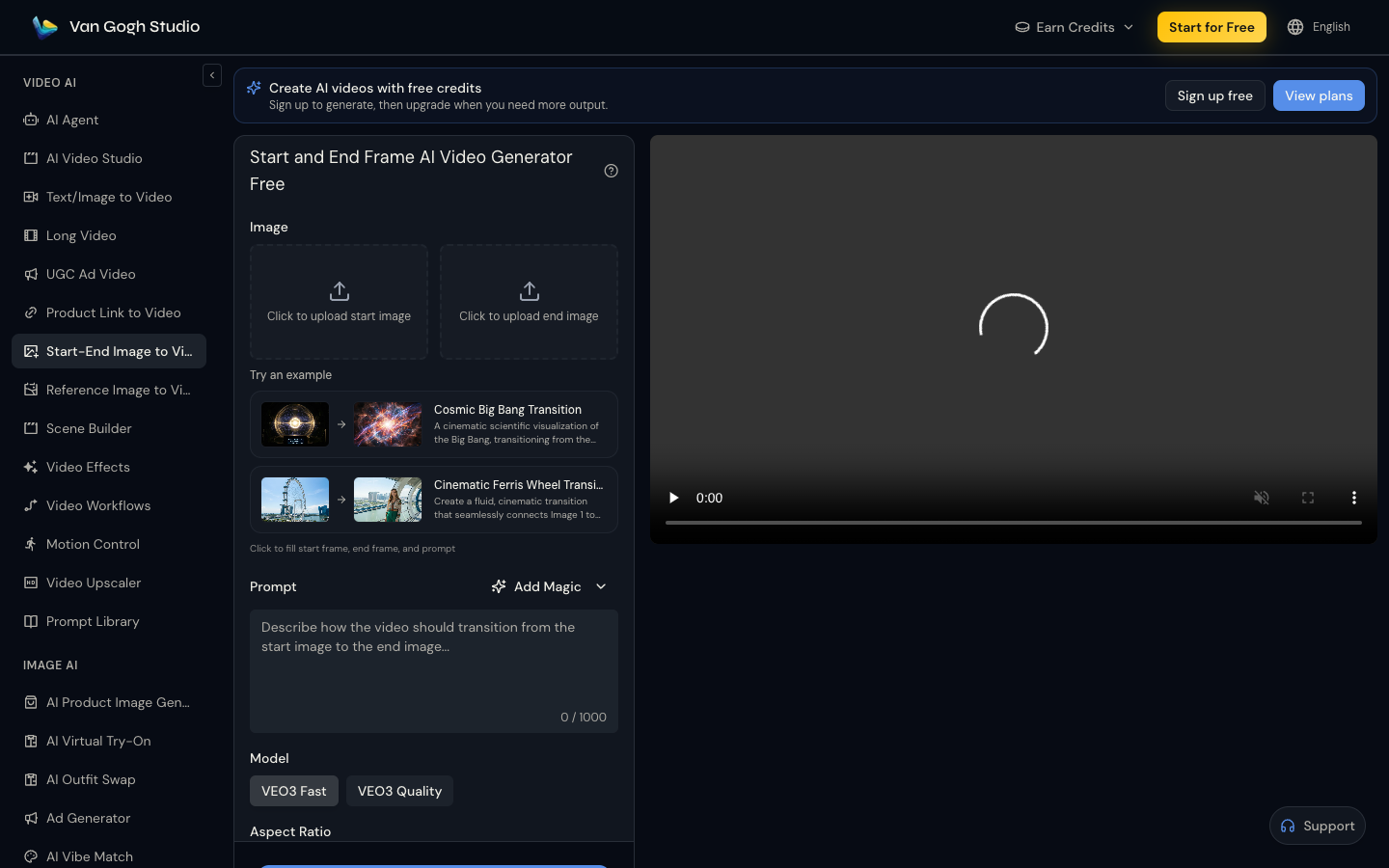
The Start-End Image to Video on Van Gogh Studio makes it simple to achieve professional results without expensive software or technical skills. Whether you're a content creator, marketer, or hobbyist, this step-by-step guide walks you through the entire workflow with real screenshots.
What Does the Start-End Image to Video Do?
The Start-End Image to Video is a creative AI tool on Van Gogh Studio designed for before-and-after product transformations. It combines advanced AI models with an intuitive interface so you can focus on your ideas instead of complex settings.
Some popular uses include:
- Before-and-after product transformations
- Morphing between two visual states
- Creative transitions for social content
- Storytelling with defined start and end frames
How to Use Start-End Image to Video on Van Gogh Studio?
Step 1: Upload start and end frame images
Open Start-End Image to Video. Upload your starting image and ending image — the AI will generate the motion between them.
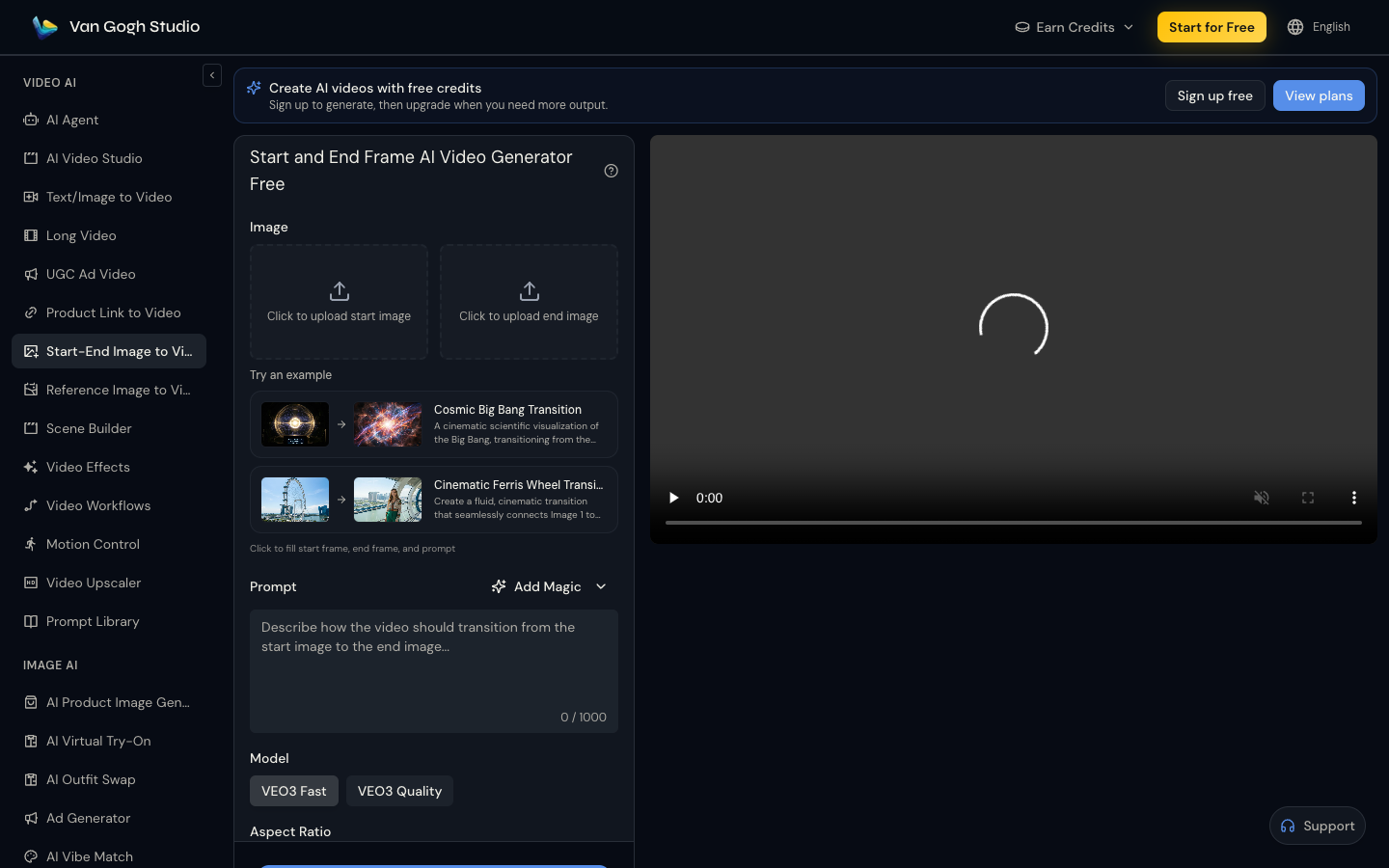
Step 2: Add motion direction and settings
Optionally describe the transition style (smooth morph, zoom, pan). Select aspect ratio, duration, and AI model for best results.
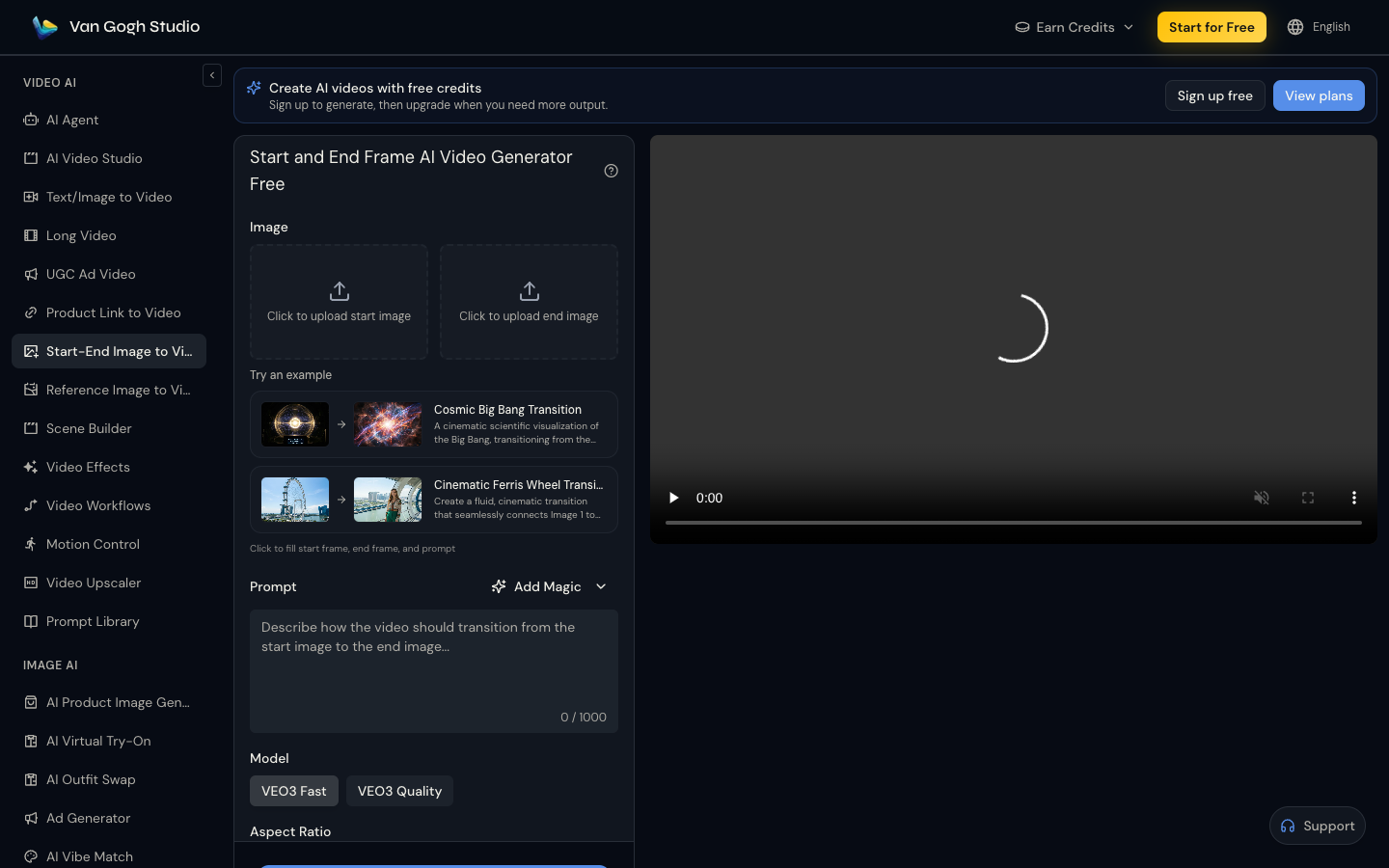
Step 3: Generate the transition video
Click Generate and watch the AI create a seamless video connecting your two frames. Download and use in edits or social posts.
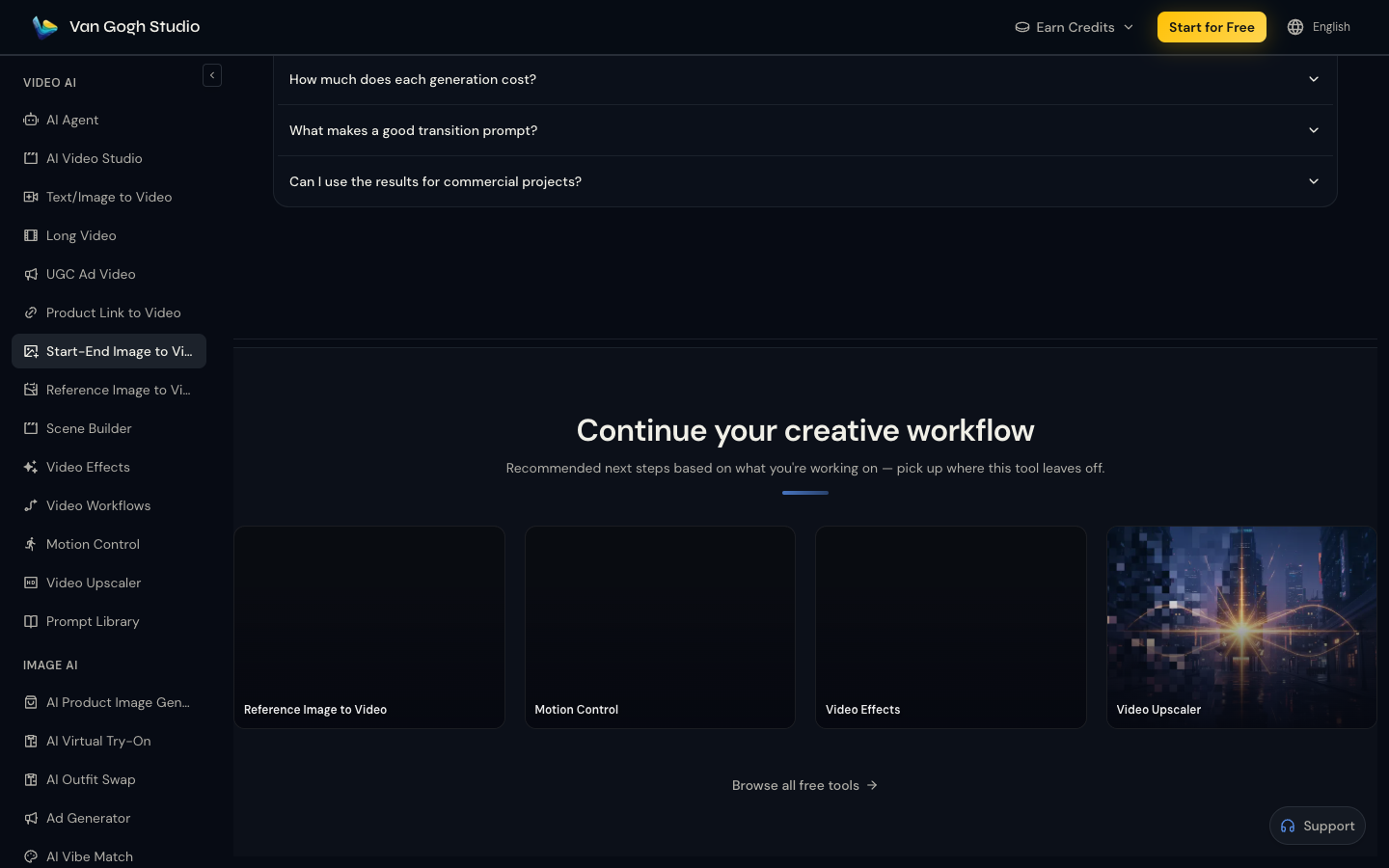
Example: Try This Prompt
Copy and paste this example prompt to get started:
Smooth transition from a closed flower bud (start frame) to a fully bloomed rose (end frame), time-lapse feel, soft natural lighting
Open the Start-End Image to Video and paste the prompt above to see results like the screenshots in this guide.
Key Features and Benefits
Frame-to-Frame Motion
Define exact visual endpoints and let AI fill in the cinematic transition.
Morph & Transform
Create smooth morphing effects between two different visual states.
Creative Control
Guide camera movement, speed, and transition style with text prompts.
Multi-Model Support
Choose from Kling, Runway, and other models optimized for frame interpolation.
Final Thoughts
Visual content is essential for standing out on social platforms and in marketing campaigns. The Start-End Image to Video gives you a fast, affordable way to create professional-quality results — try it free with signup credits on Van Gogh Studio.
For related workflows, explore other tools in the Video AI category on our Guides hub.
Create AI videos free
Try Van Gogh Studio free — text-to-video, image-to-video, and 300+ models in one place. Free account — no signup bonus credits, no credit card required.
Try Start-End Image to Video Free