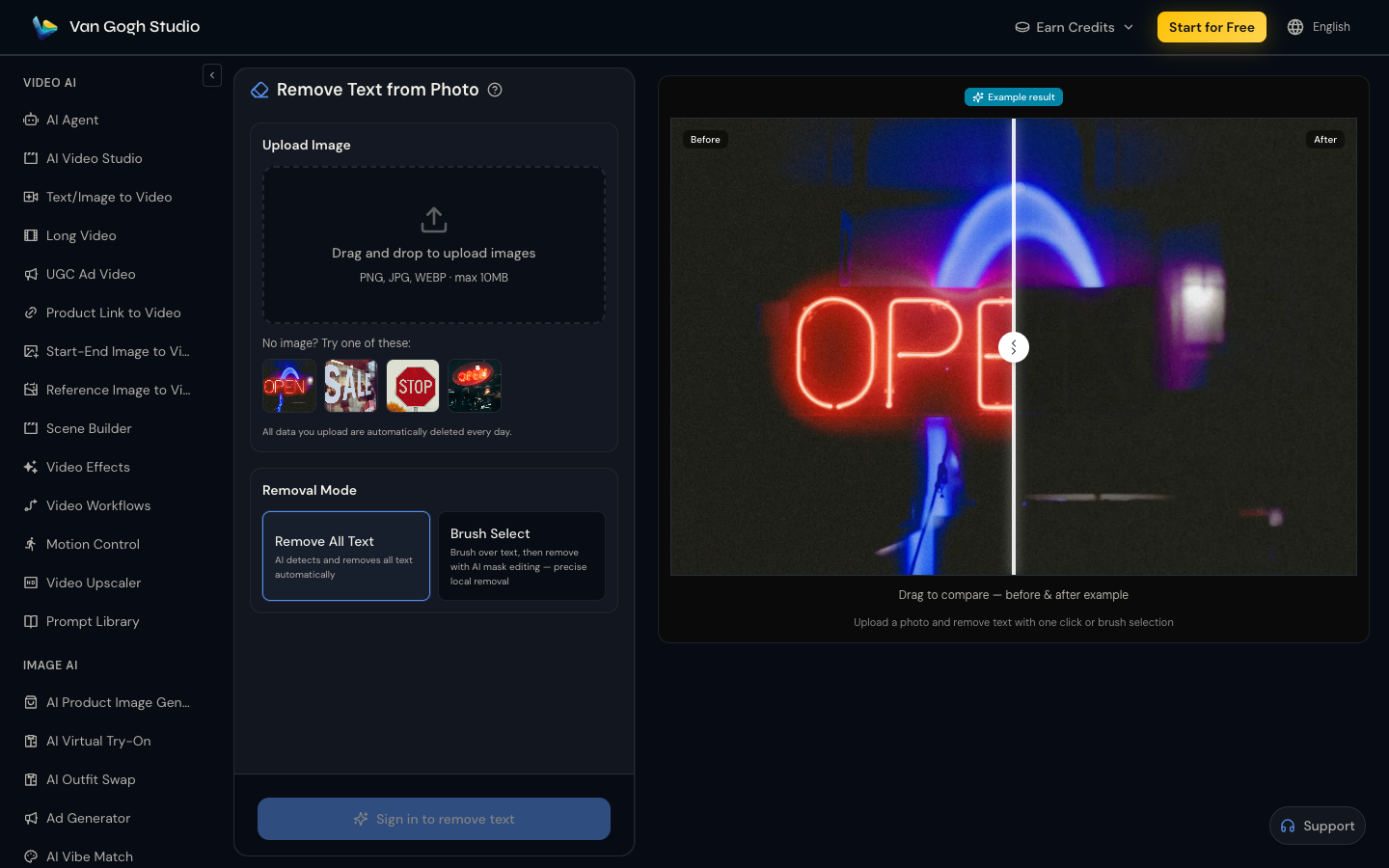
The Remove Text from Photo on Van Gogh Studio makes it simple to achieve professional results without expensive software or technical skills. Whether you're a content creator, marketer, or hobbyist, this step-by-step guide walks you through the entire workflow with real screenshots.
What Does the Remove Text from Photo Do?
The Remove Text from Photo is a creative AI tool on Van Gogh Studio designed for cleaning watermarked stock photos. It combines advanced AI models with an intuitive interface so you can focus on your ideas instead of complex settings.
Some popular uses include:
- Cleaning watermarked stock photos
- Removing unwanted signs and labels from scenes
- Erasing timestamps and overlays from screenshots
- Preparing images for reuse and editing
How to Use Remove Text from Photo on Van Gogh Studio?
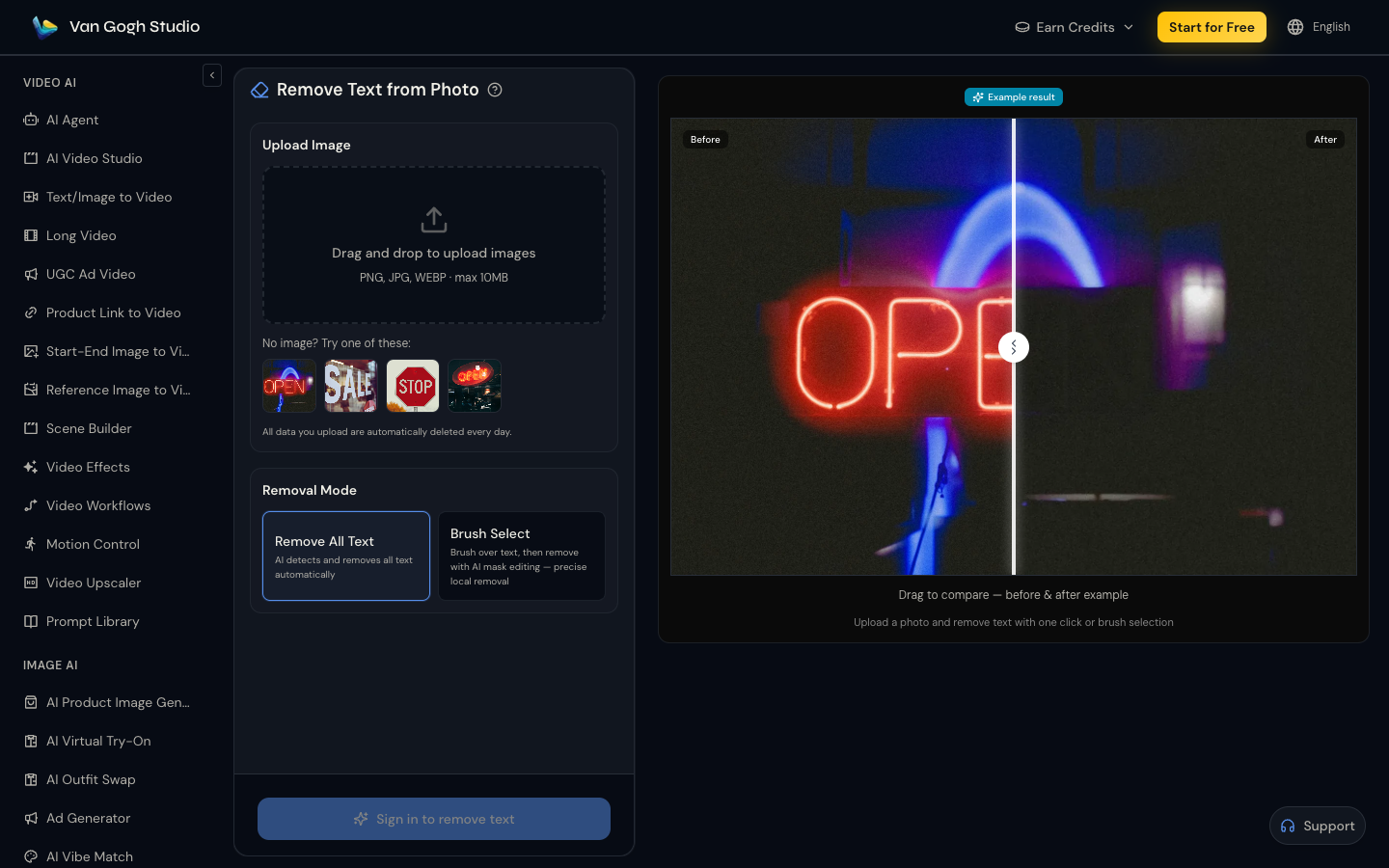
Step 1: Upload the photo with text
Open Remove Text from Photo and upload your image. The AI detects all text regions automatically.
Step 2: Review detected text areas
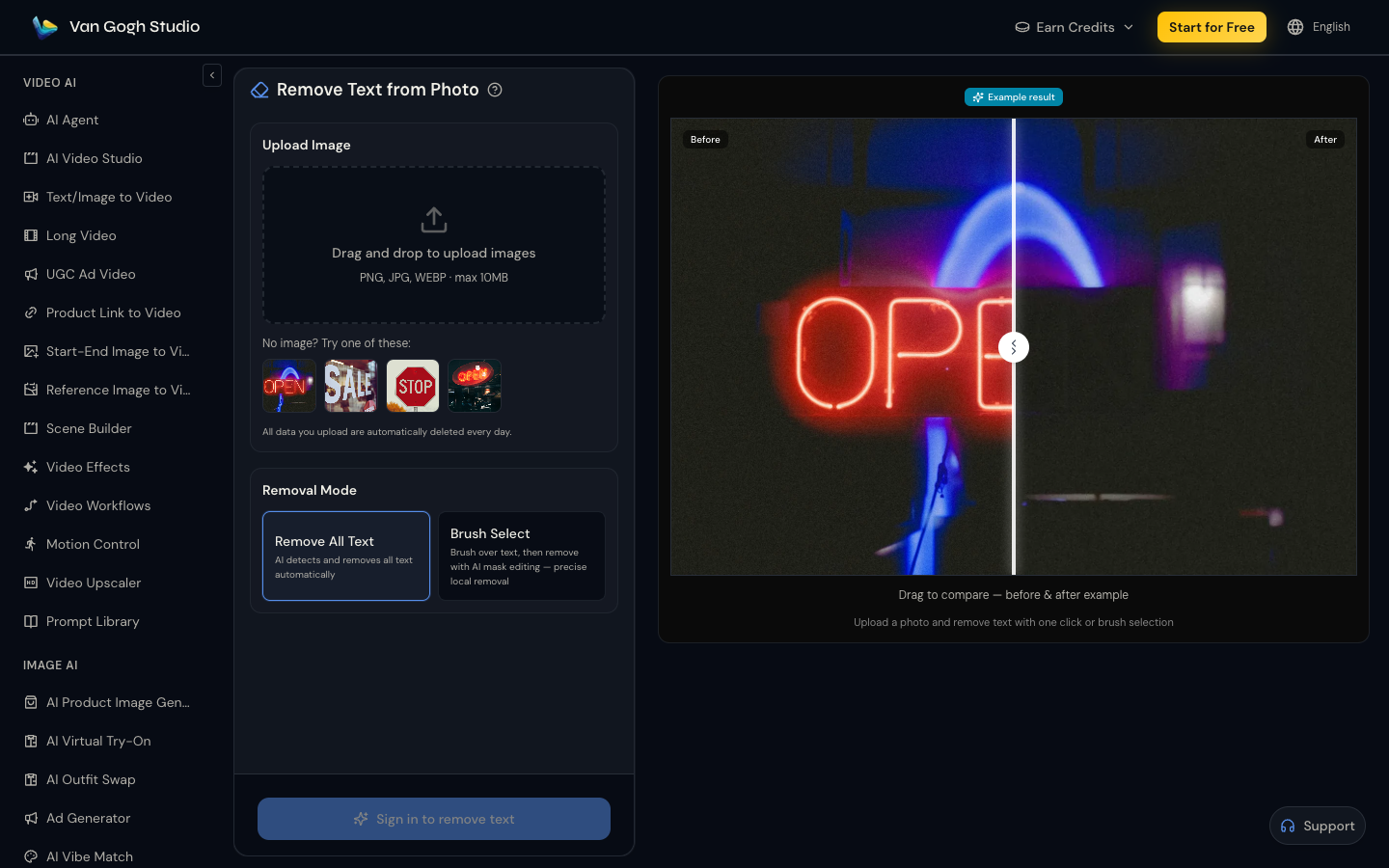
The AI highlights detected text regions. Confirm or adjust the selection before processing.
Step 3: Download clean image
The AI removes text and fills the area with matching background. Download the clean, text-free image.
Key Features and Benefits
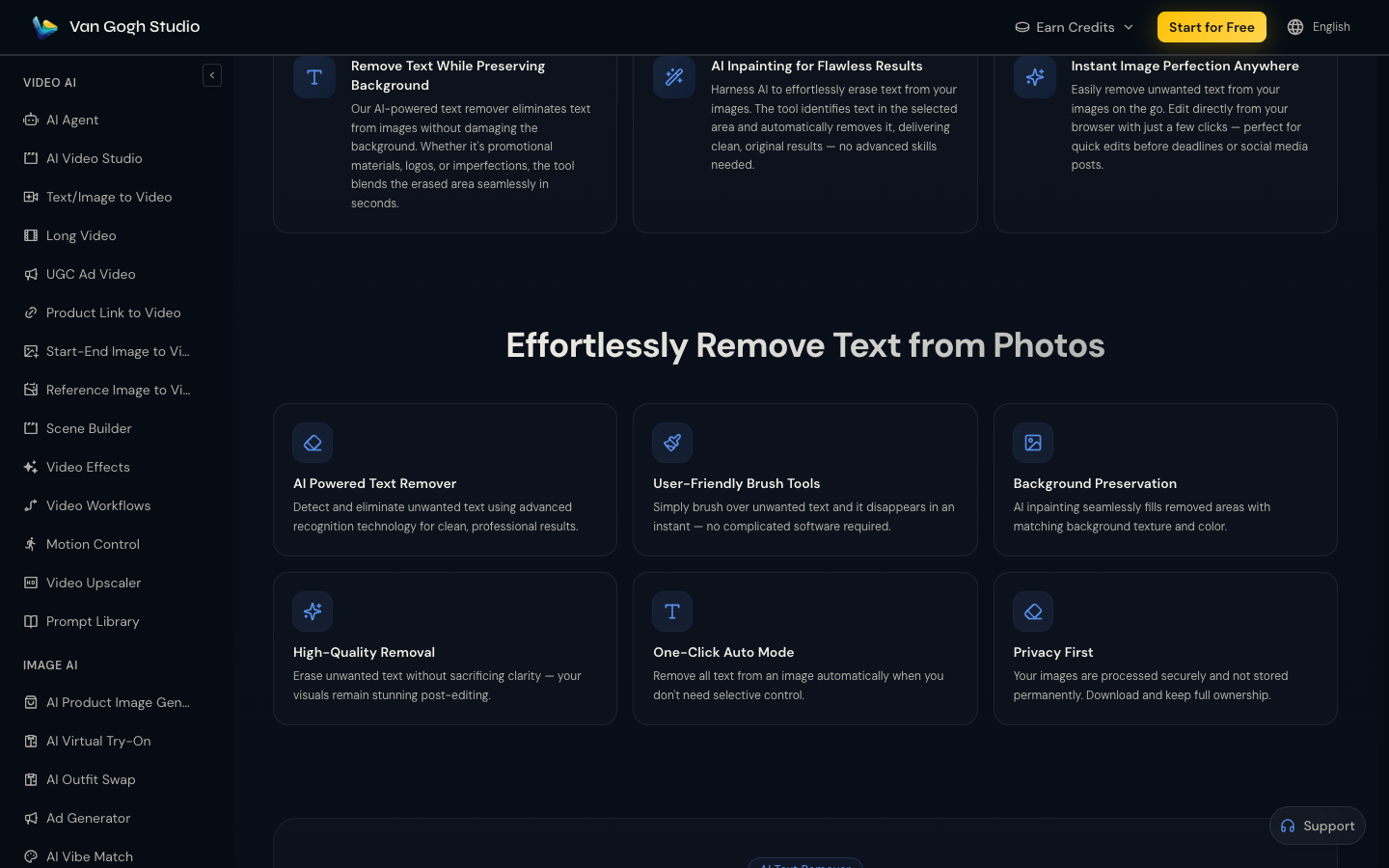
Automatic Text Detection
AI finds all text in the image — no manual selection needed.
Seamless Background Fill
Removed text areas are filled with contextually matching background content.
Multi-Language Support
Detects and removes text in any language or script.
One-Click Processing
Upload, confirm, and download — the entire process takes seconds.
Final Thoughts
Visual content is essential for standing out on social platforms and in marketing campaigns. The Remove Text from Photo gives you a fast, affordable way to create professional-quality results — try it free with signup credits on Van Gogh Studio.
For related workflows, explore other tools in the Image AI category on our Guides hub.
Create AI videos free
Try Van Gogh Studio free — text-to-video, image-to-video, and 300+ models in one place. Free account — no signup bonus credits, no credit card required.
Try Remove Text from Photo Free