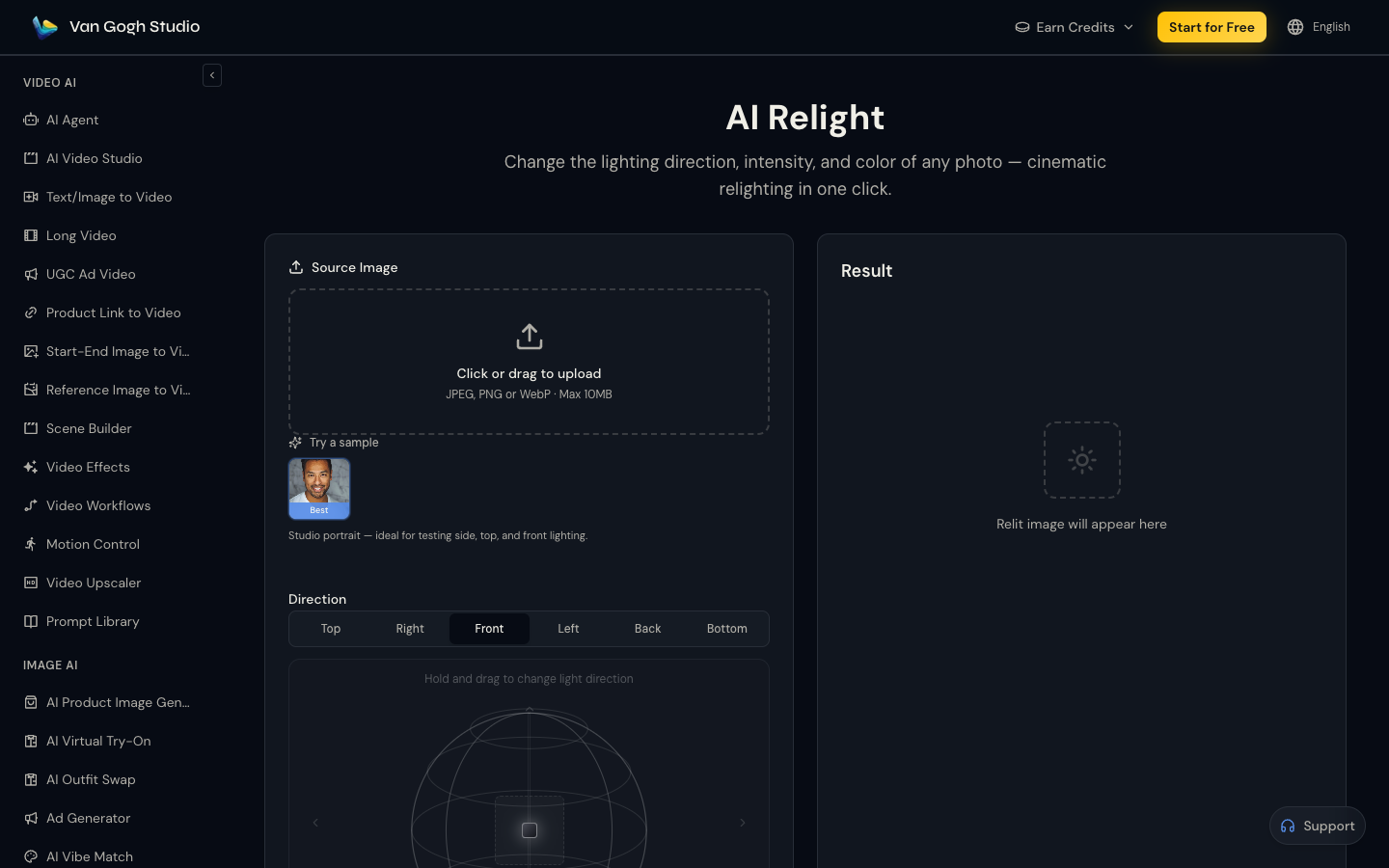
The AI Relight on Van Gogh Studio makes it simple to achieve professional results without expensive software or technical skills. Whether you're a content creator, marketer, or hobbyist, this step-by-step guide walks you through the entire workflow with real screenshots.
What Does the AI Relight Do?
The AI Relight is a creative AI tool on Van Gogh Studio designed for changing light direction in existing photos. It combines advanced AI models with an intuitive interface so you can focus on your ideas instead of complex settings.
Some popular uses include:
- Changing light direction in existing photos
- Creating dramatic lighting effects post-capture
- Fixing poorly lit portraits and product shots
- Simulating golden hour or studio lighting
How to Use AI Relight on Van Gogh Studio?
Step 1: Upload your photo
Open AI Relight and upload any photo — portraits, products, or scenes with lighting you want to change.
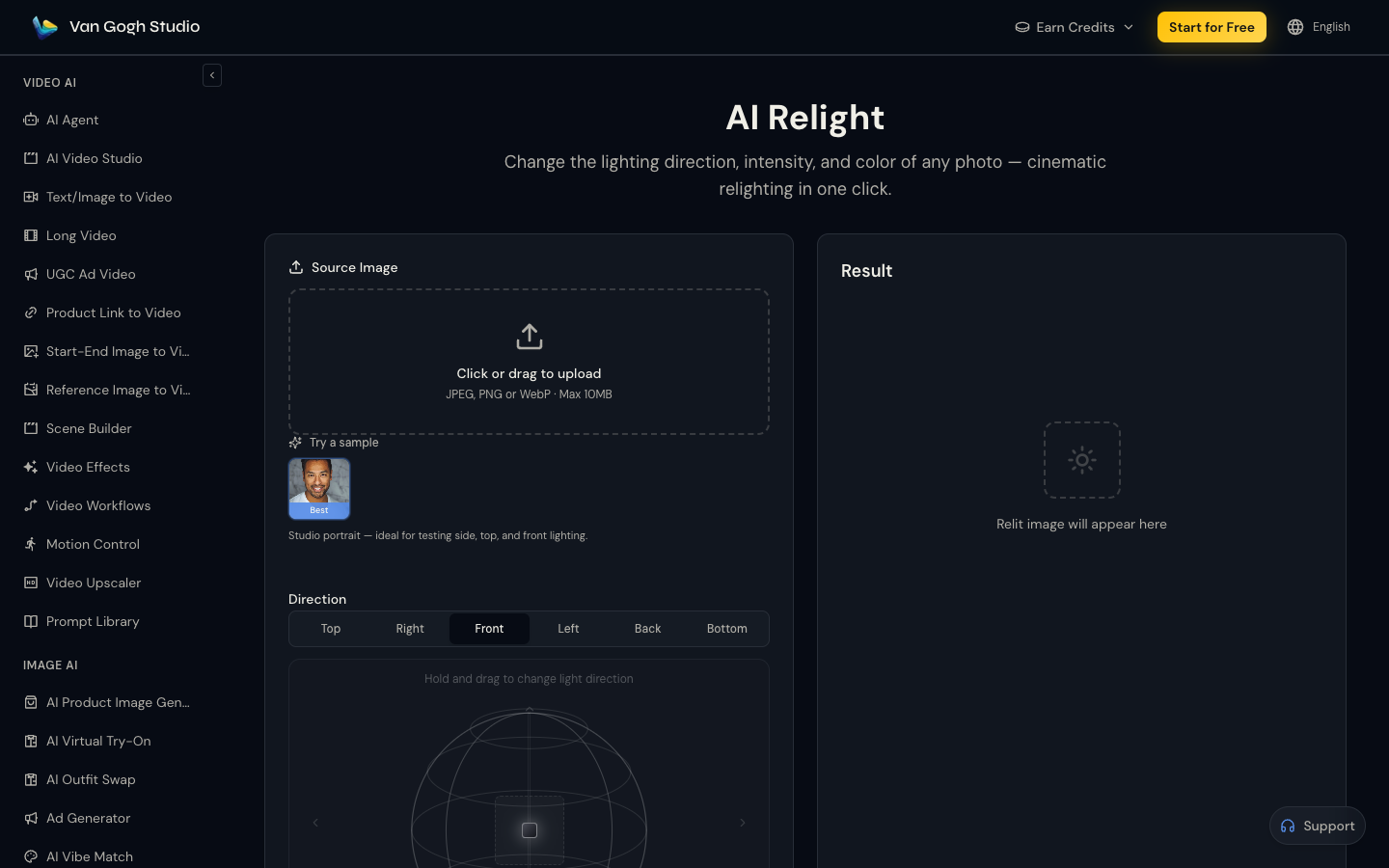
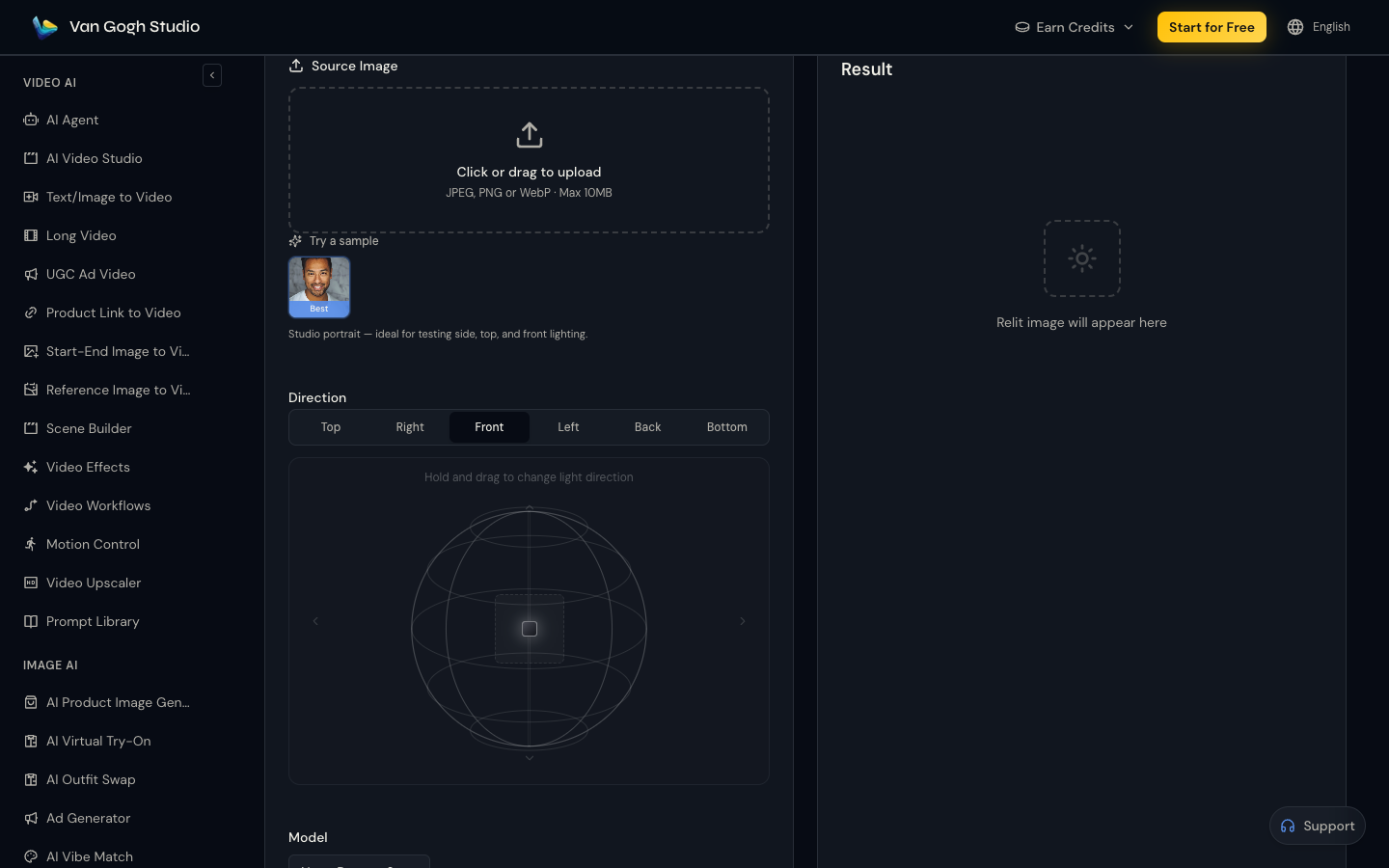
Step 2: Adjust light direction and intensity
Drag the light source control to change direction, intensity, and color temperature. Preview changes in real time.
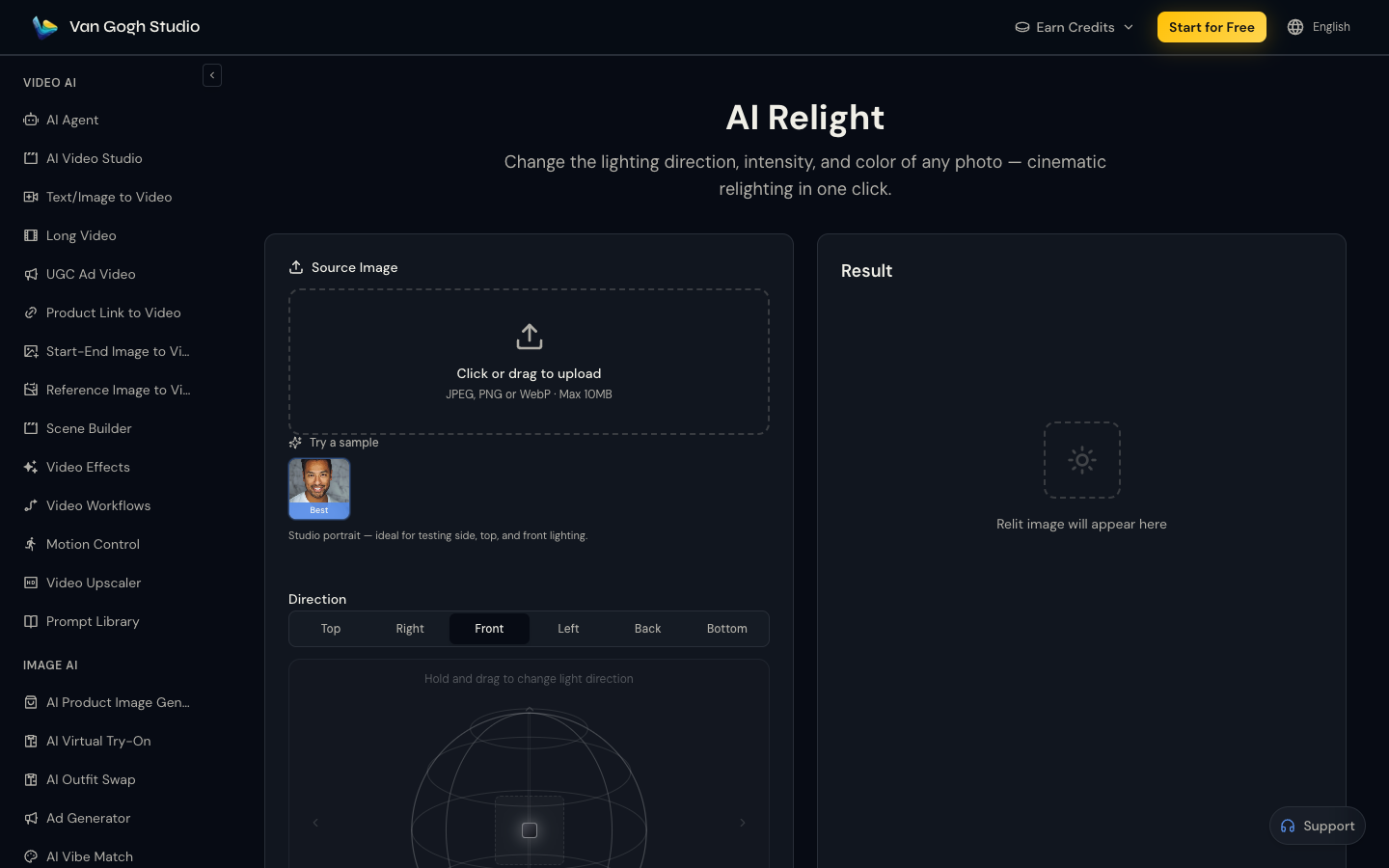
Step 3: Download relit photo
Download the relit image with new lighting that looks natural and professionally lit.
Key Features and Benefits
Interactive Light Control
Drag to reposition the virtual light source in 3D space.
Natural Shadow Rendering
AI recalculates shadows and highlights for realistic relighting.
Color Temperature
Shift from warm golden hour to cool blue studio tones.
Non-Destructive
Original image content preserved — only lighting is modified.
Final Thoughts
Visual content is essential for standing out on social platforms and in marketing campaigns. The AI Relight gives you a fast, affordable way to create professional-quality results — try it free with signup credits on Van Gogh Studio.
For related workflows, explore other tools in the Image AI category on our Guides hub.
Create AI videos free
Try Van Gogh Studio free — text-to-video, image-to-video, and 300+ models in one place. Free account — no signup bonus credits, no credit card required.
Try AI Relight Free