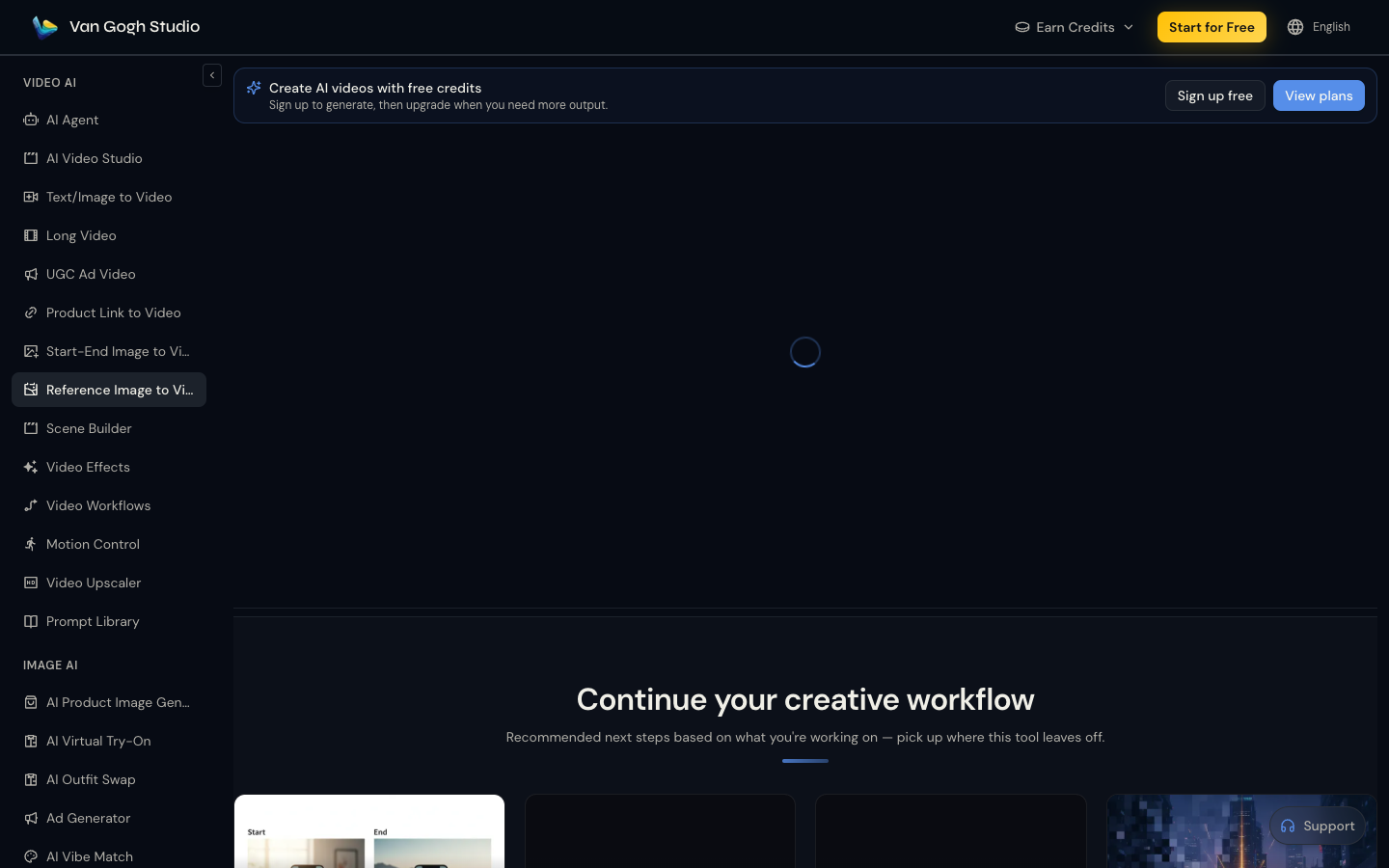
The Reference Image to Video on Van Gogh Studio makes it simple to achieve professional results without expensive software or technical skills. Whether you're a content creator, marketer, or hobbyist, this step-by-step guide walks you through the entire workflow with real screenshots.
What Does the Reference Image to Video Do?
The Reference Image to Video is a creative AI tool on Van Gogh Studio designed for style-consistent video generation from reference photos. It combines advanced AI models with an intuitive interface so you can focus on your ideas instead of complex settings.
Some popular uses include:
- Style-consistent video generation from reference photos
- Character-locked animations preserving likeness
- Brand-aligned video content from mood boards
- Extending a single image into a full motion scene
How to Use Reference Image to Video on Van Gogh Studio?
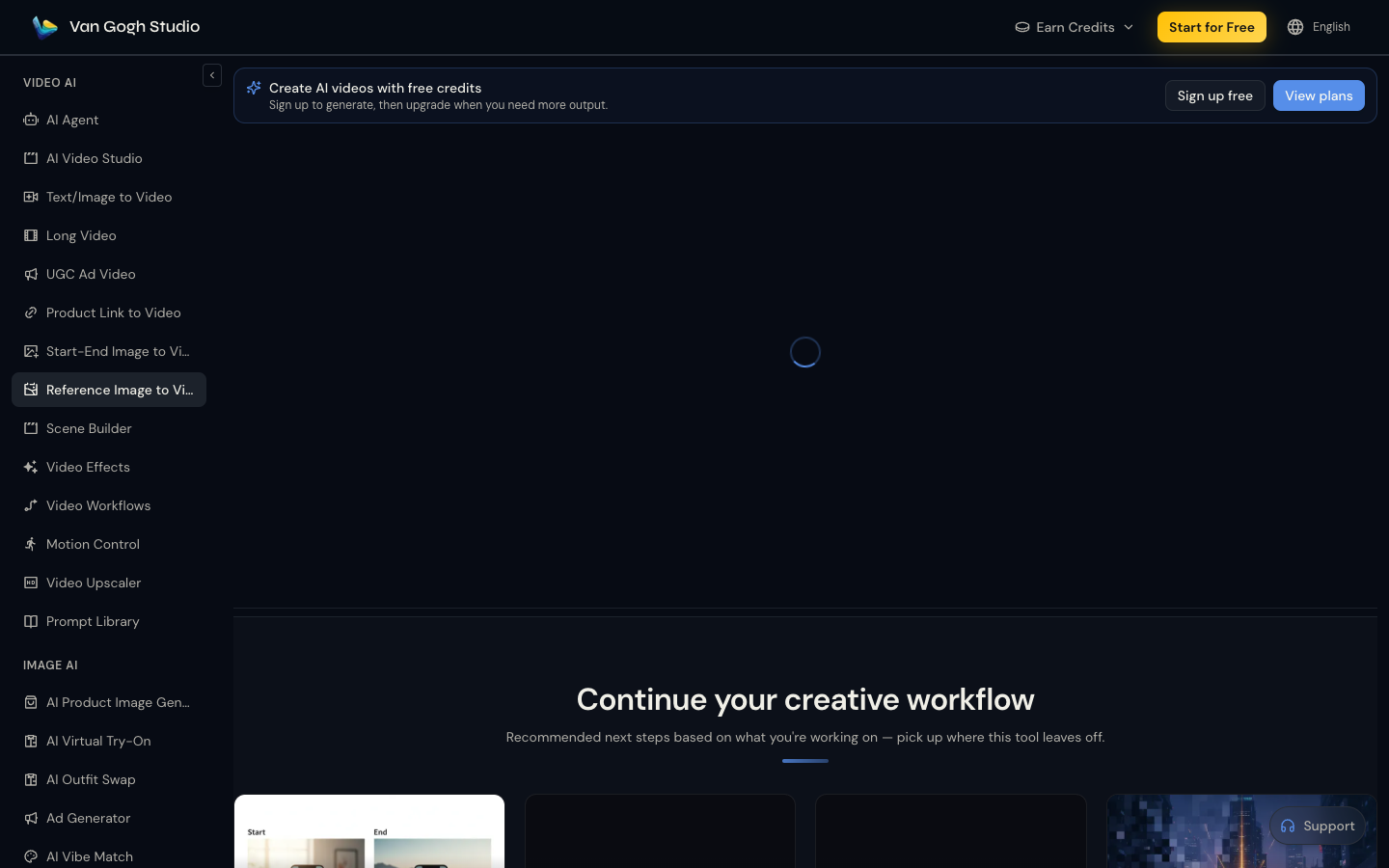
Step 1: Upload reference images
Open Reference Image to Video. Upload one or more reference images that define the style, character, or scene you want in your video.
Step 2: Write your motion prompt
Describe the action, camera movement, and scene dynamics. The AI uses your references to maintain visual consistency while generating motion.
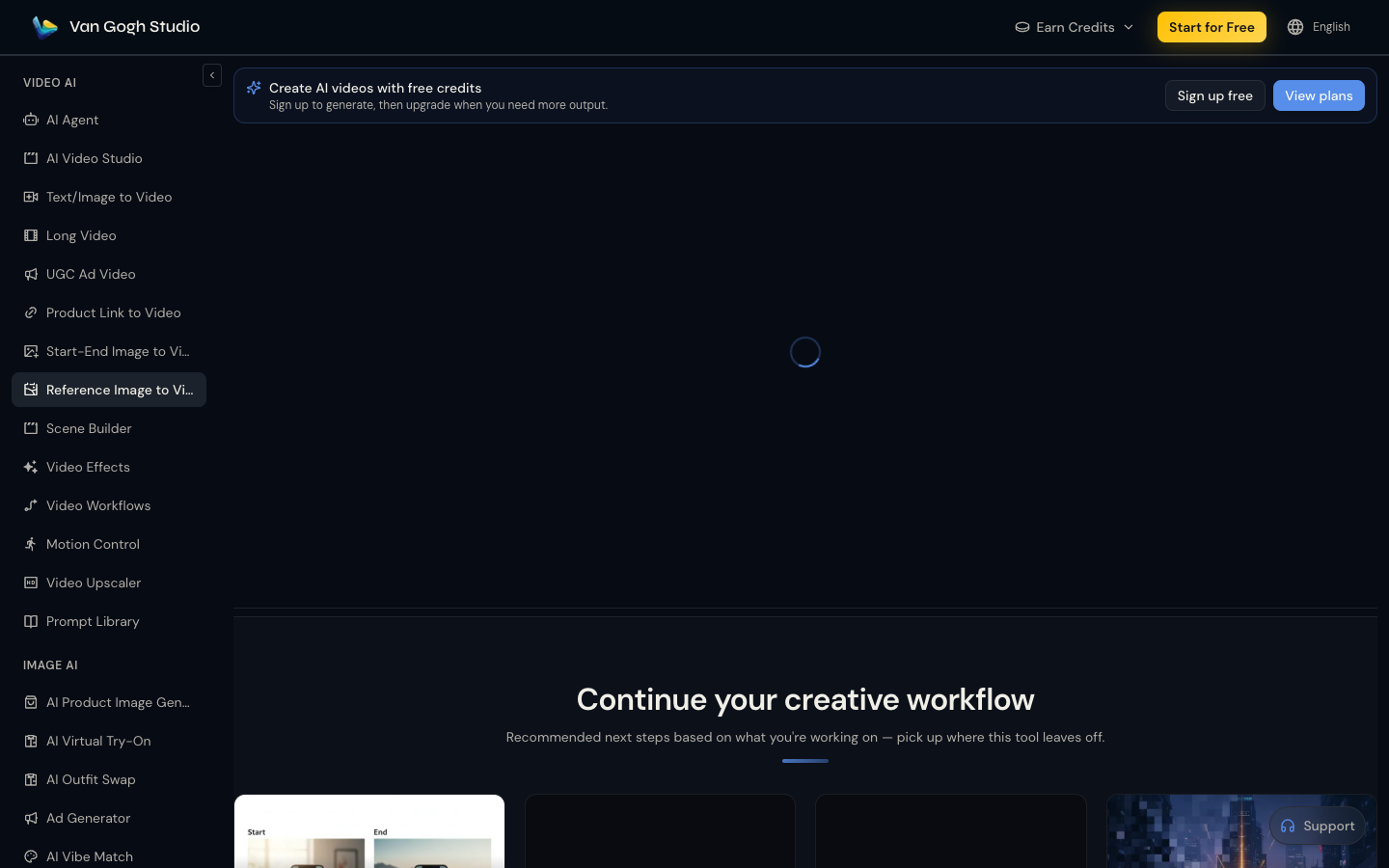
Step 3: Generate and review
Click Generate to create a video that matches your reference style. Compare results and iterate on the prompt for better consistency.
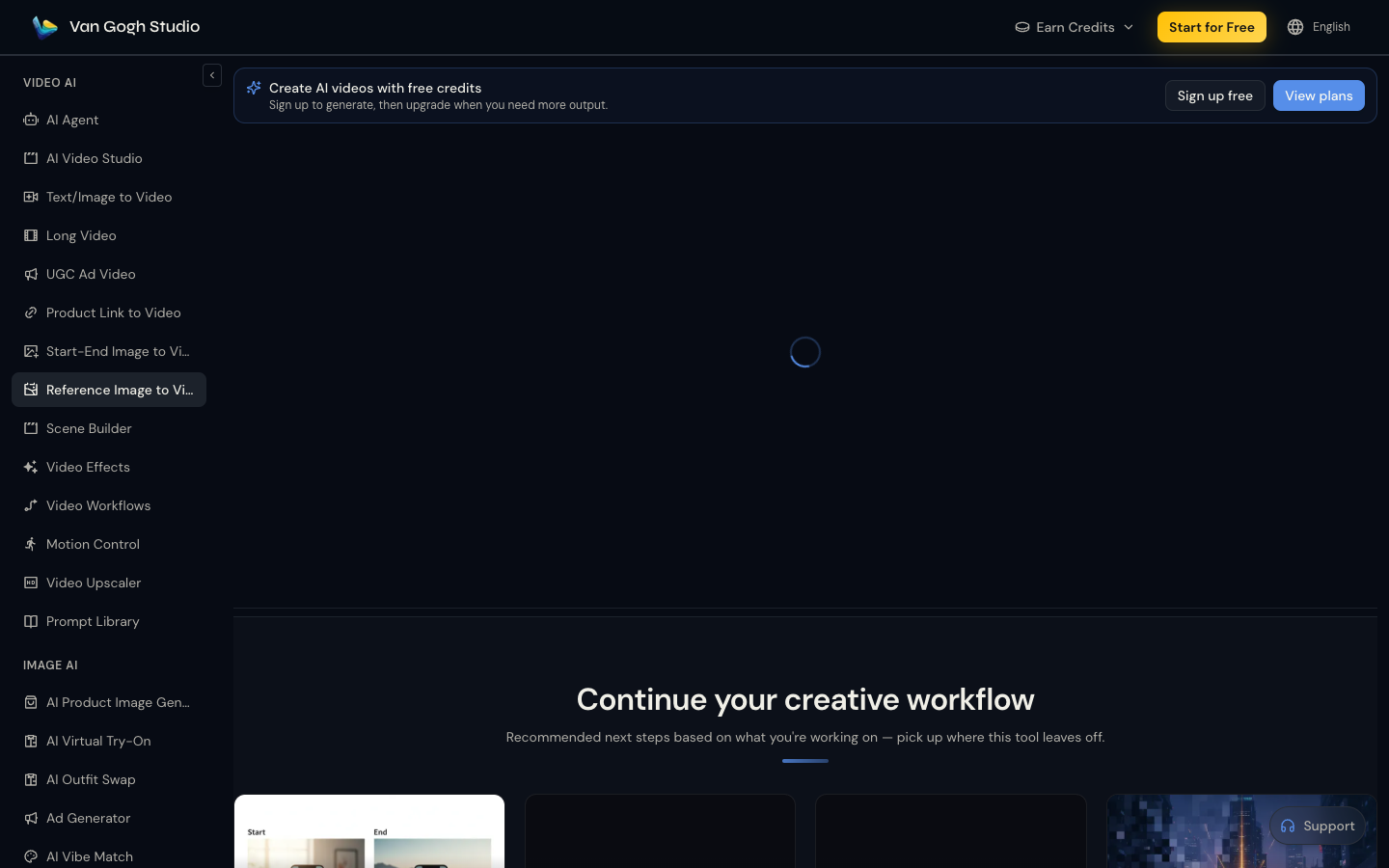
Example: Try This Prompt
Copy and paste this example prompt to get started:
A cyberpunk city street at night with neon signs reflecting on wet pavement, camera slowly tracking forward, Blade Runner aesthetic
Open the Reference Image to Video and paste the prompt above to see results like the screenshots in this guide.
Key Features and Benefits
Visual Consistency
Reference images lock in character appearance, color palette, and art style across the video.
Multi-Reference Support
Upload multiple references for complex scenes with characters, backgrounds, and props.
Style Transfer
Apply the aesthetic of a reference photo to an entirely new motion scene.
Character Preservation
Keep faces, outfits, and proportions consistent throughout the generated video.
Final Thoughts
Visual content is essential for standing out on social platforms and in marketing campaigns. The Reference Image to Video gives you a fast, affordable way to create professional-quality results — try it free with signup credits on Van Gogh Studio.
For related workflows, explore other tools in the Video AI category on our Guides hub.
Create AI videos free
Try Van Gogh Studio free — text-to-video, image-to-video, and 300+ models in one place. Free account — no signup bonus credits, no credit card required.
Try Reference Image to Video Free