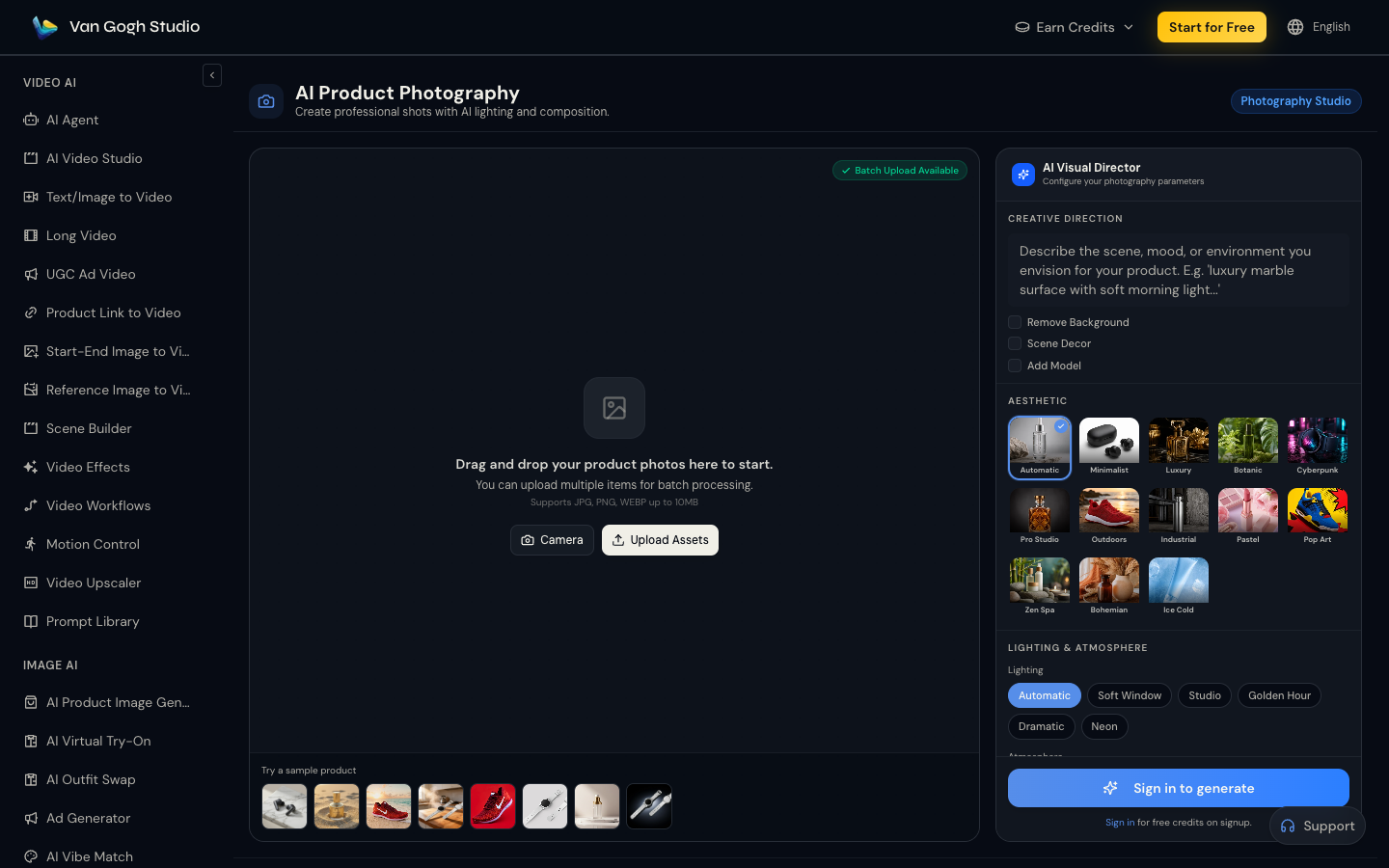
The Photography Studio on Van Gogh Studio makes it simple to achieve professional results without expensive software or technical skills. Whether you're a content creator, marketer, or hobbyist, this step-by-step guide walks you through the entire workflow with real screenshots.
What Does the Photography Studio Do?
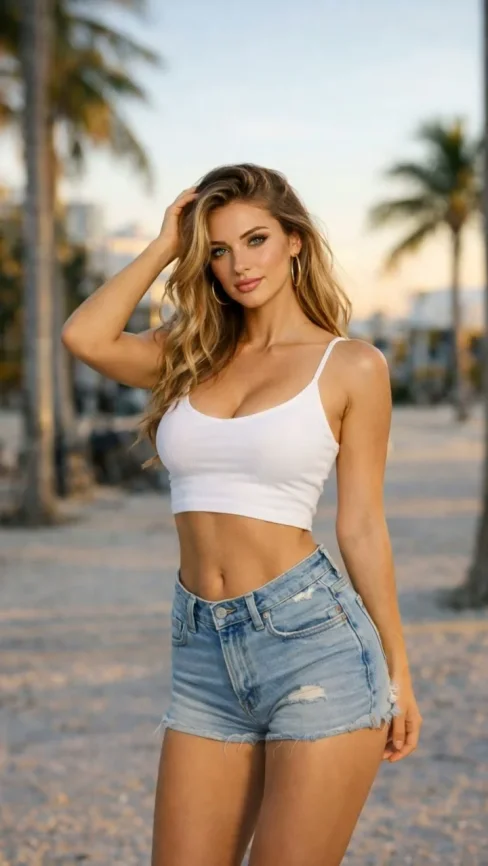
The Photography Studio is a creative AI tool on Van Gogh Studio designed for professional headshots without a photo studio. It combines advanced AI models with an intuitive interface so you can focus on your ideas instead of complex settings.
Some popular uses include:
- Professional headshots without a photo studio
- Product photography with controlled lighting
- Portrait sessions with customizable backgrounds
- LinkedIn and corporate profile photos
How to Use Photography Studio on Van Gogh Studio?
Step 1: Upload or describe your subject
Open Photography Studio. Upload a photo or describe the portrait you want — subject, pose, and environment.
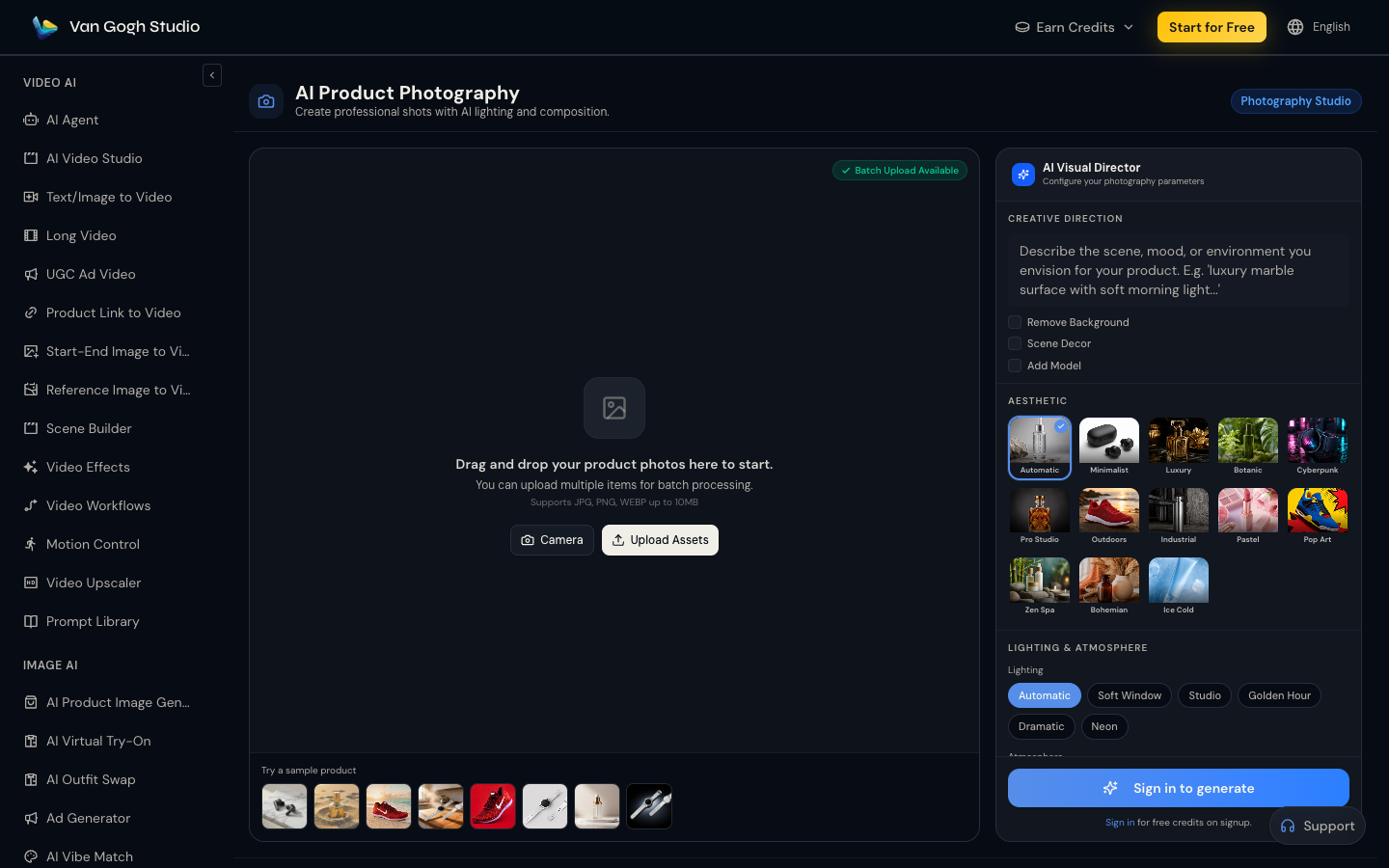
Step 2: Configure studio settings
Adjust lighting direction, background, lens effect (85mm portrait, wide angle), and color grading to achieve a professional studio look.
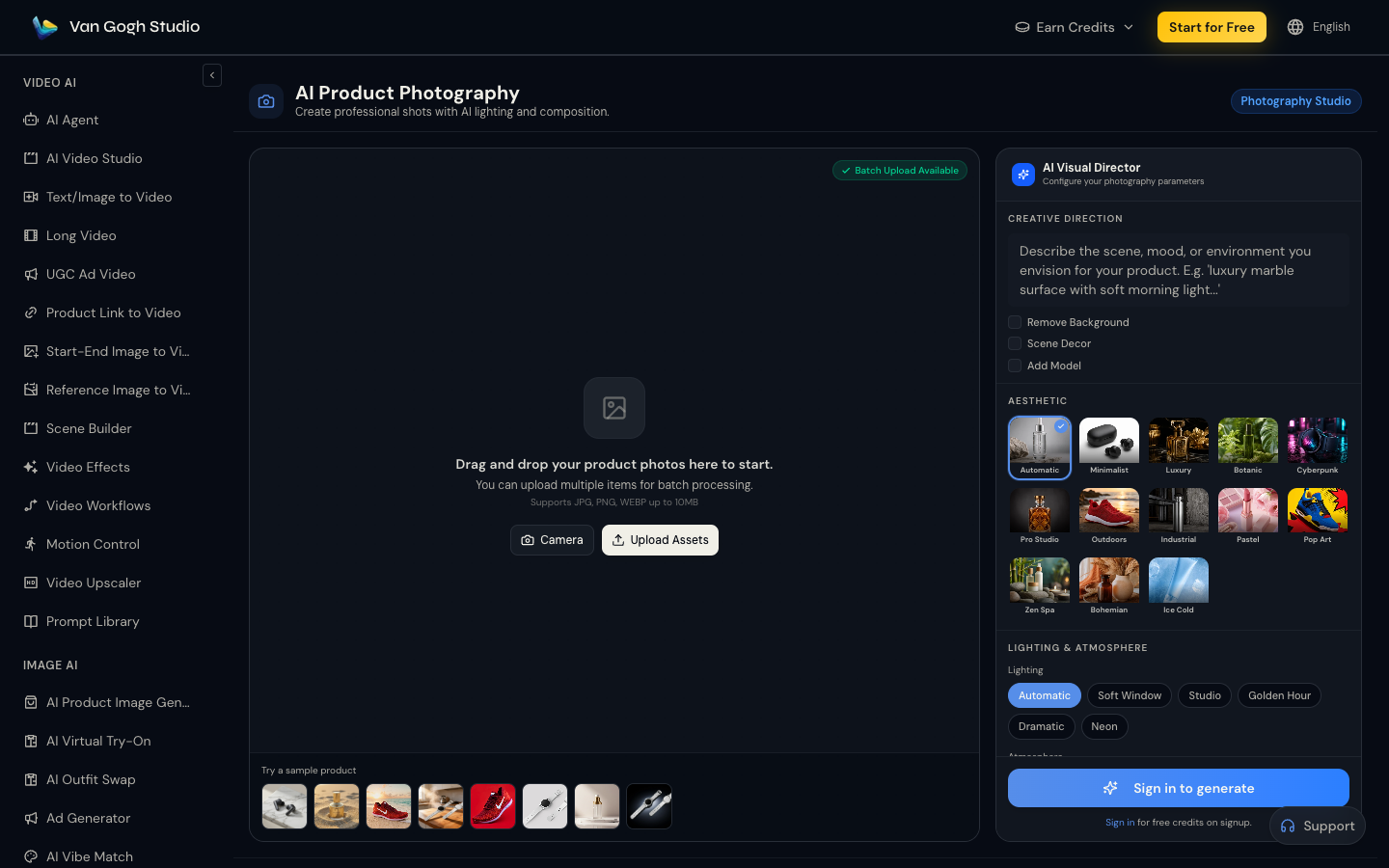
Step 3: Generate and download portraits
Click Generate to produce studio-quality portraits. Download in high resolution for profiles, websites, or print.
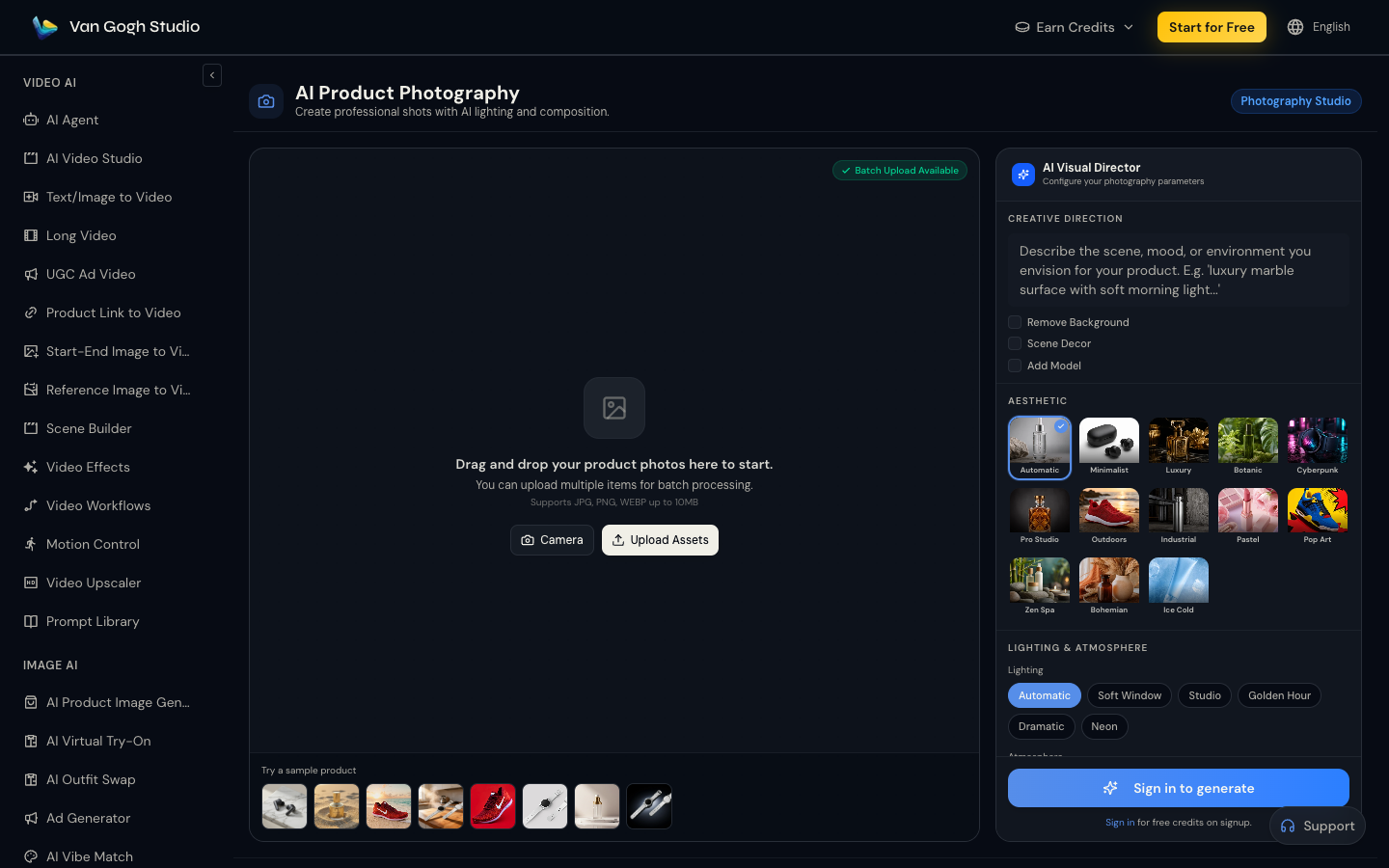
Example: Try This Prompt
Copy and paste this example prompt to get started:
Professional headshot of a business executive, soft studio lighting, neutral grey background, confident expression, corporate portrait
Open the Photography Studio and paste the prompt above to see results like the screenshots in this guide.
Key Features and Benefits
Virtual Studio Lighting
Control light direction, intensity, and color without physical equipment.
Background Replacement
Swap backgrounds from solid colors to scenic environments instantly.
Lens Simulation
Apply portrait, wide-angle, or macro lens effects for different looks.
Professional Quality
Output images suitable for LinkedIn, corporate websites, and print materials.
Final Thoughts
Visual content is essential for standing out on social platforms and in marketing campaigns. The Photography Studio gives you a fast, affordable way to create professional-quality results — try it free with signup credits on Van Gogh Studio.
For related workflows, explore other tools in the Image AI category on our Guides hub.
Create AI videos free
Try Van Gogh Studio free — text-to-video, image-to-video, and 300+ models in one place. Free account — no signup bonus credits, no credit card required.
Try Photography Studio Free