The Image Dehaze on Van Gogh Studio makes it simple to achieve professional results without expensive software or technical skills. Whether you're a content creator, marketer, or hobbyist, this step-by-step guide walks you through the entire workflow with real screenshots.
What Does the Image Dehaze Do?
The Image Dehaze is a creative AI tool on Van Gogh Studio designed for clearing fog and haze from landscape photos. It combines advanced AI models with an intuitive interface so you can focus on your ideas instead of complex settings.
Some popular uses include:
- Clearing fog and haze from landscape photos
- Improving visibility in atmospheric conditions
- Enhancing travel and outdoor photography
- Recovering detail in misty or smoggy scenes
How to Use Image Dehaze on Van Gogh Studio?
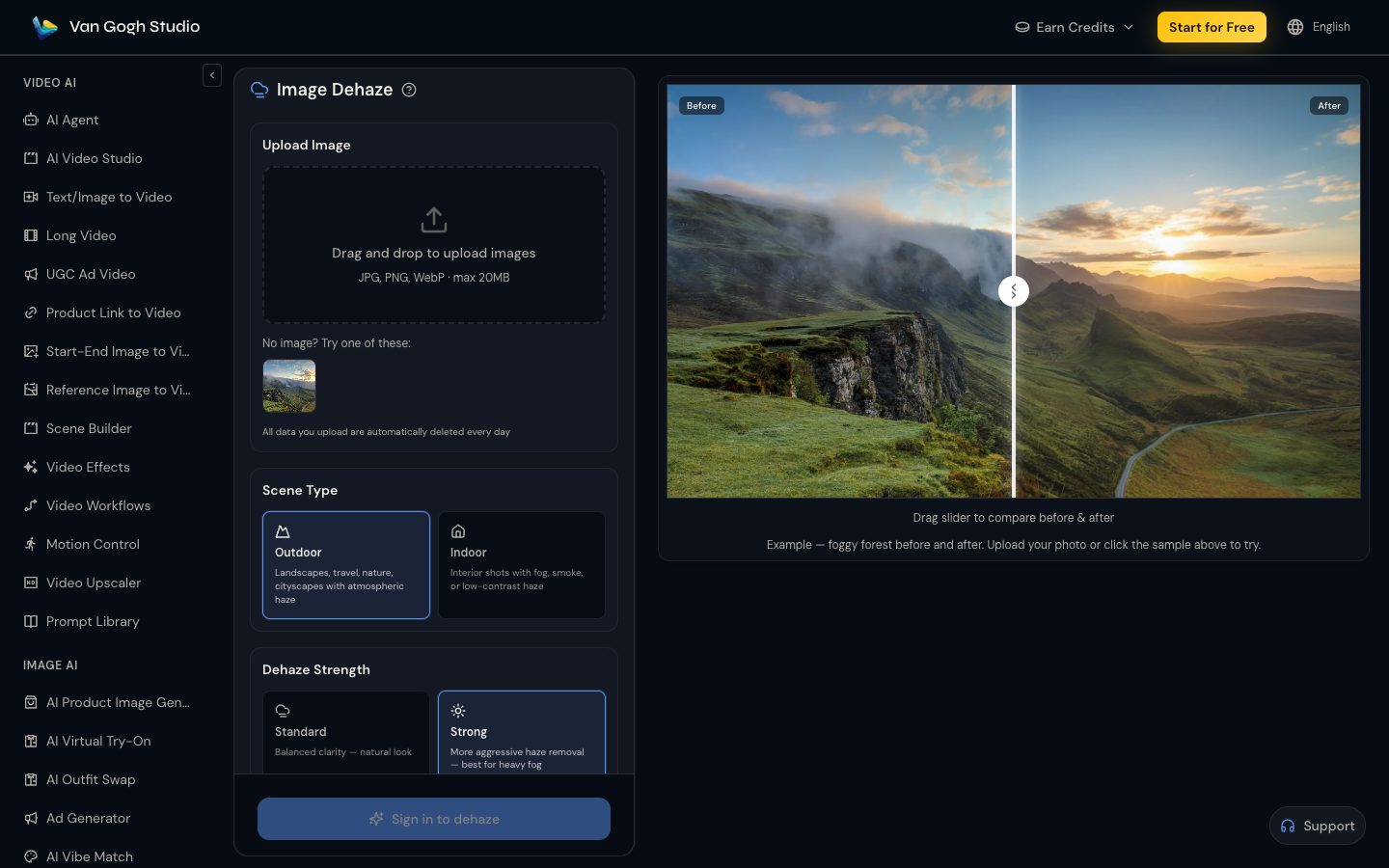
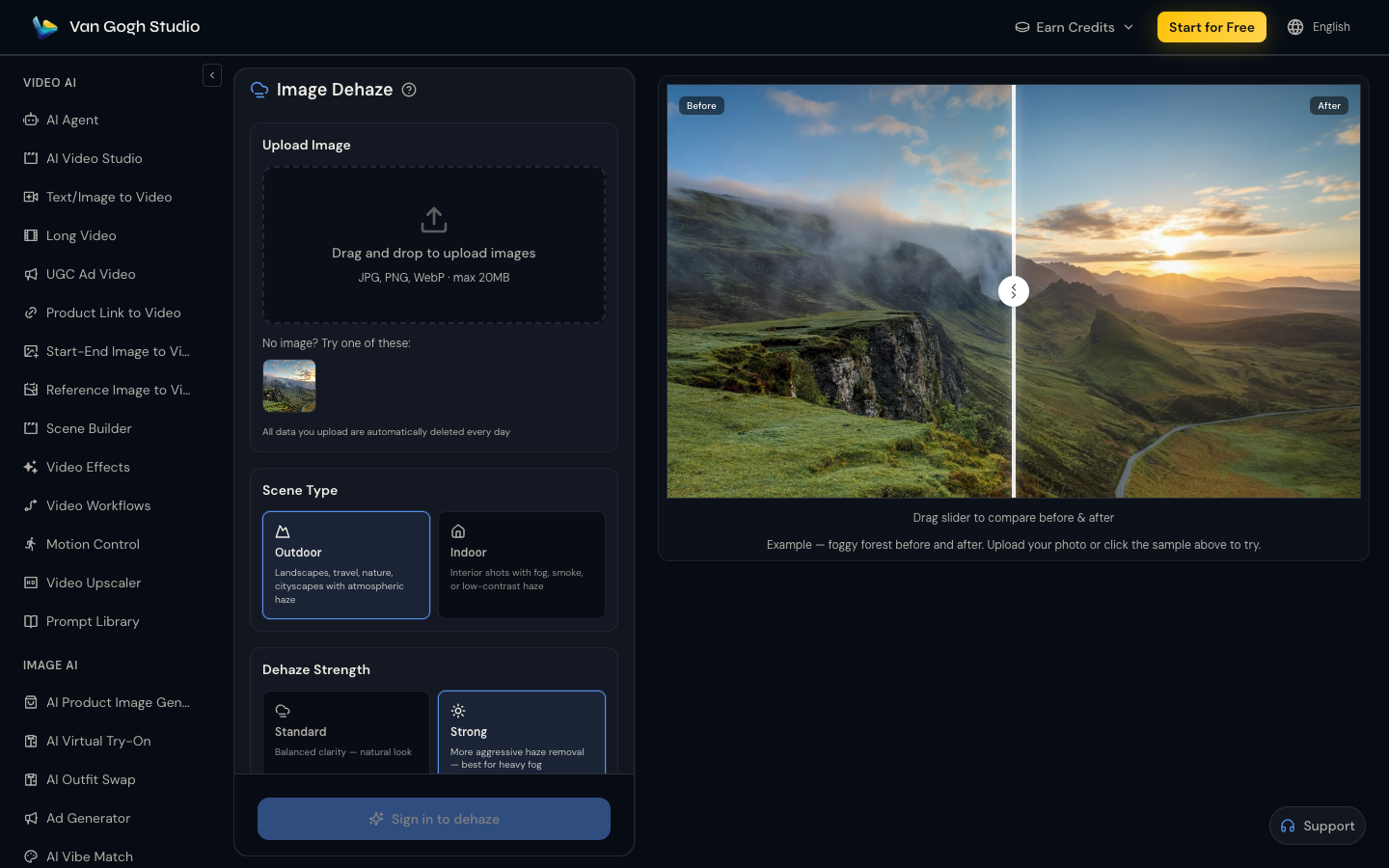
Step 1: Upload your hazy photo
Open Image Dehaze and upload a photo affected by fog, haze, mist, or atmospheric scattering.
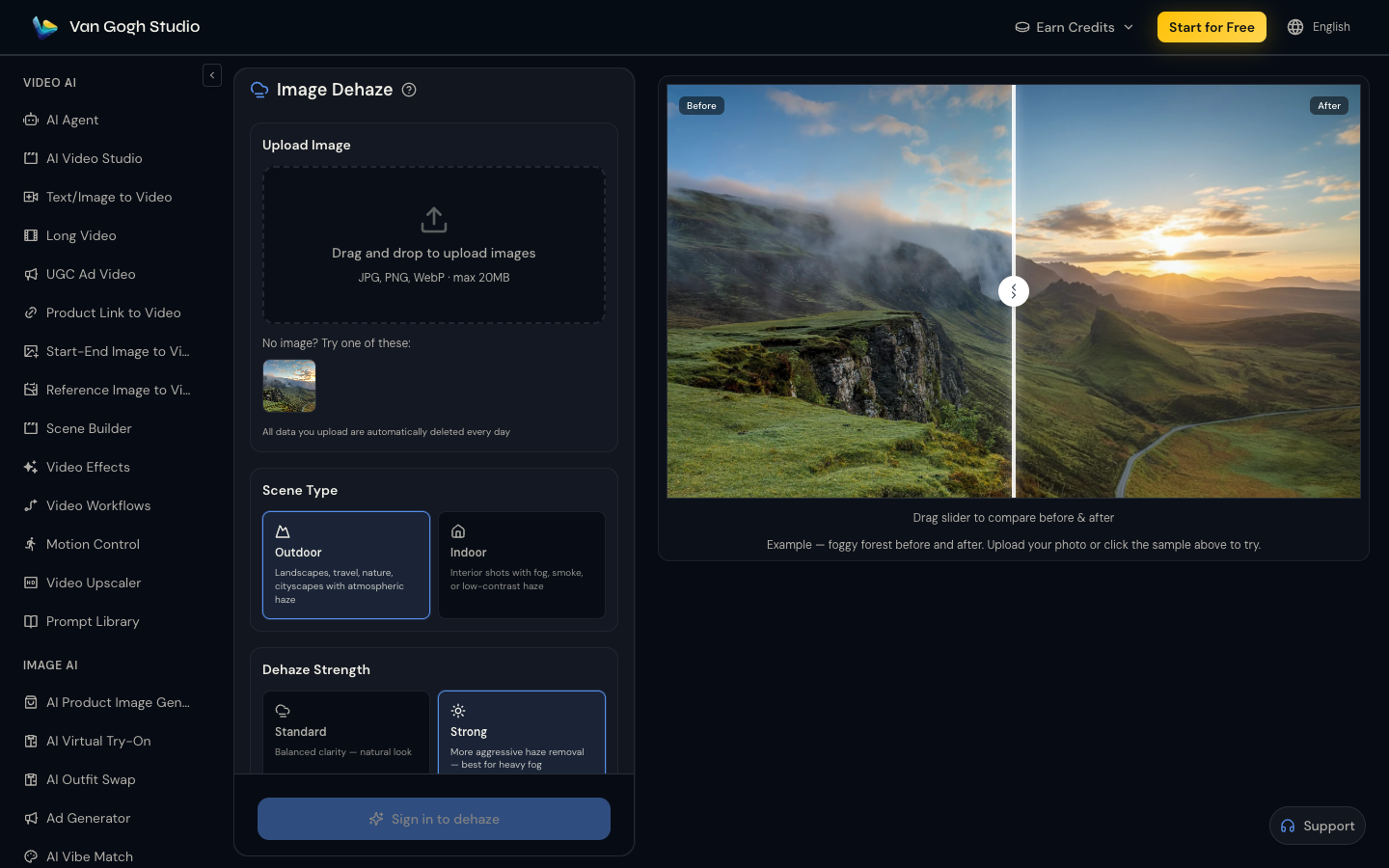
Step 2: AI removes atmospheric haze
The AI analyzes depth and atmospheric layers, then reconstructs clarity, contrast, and color saturation.
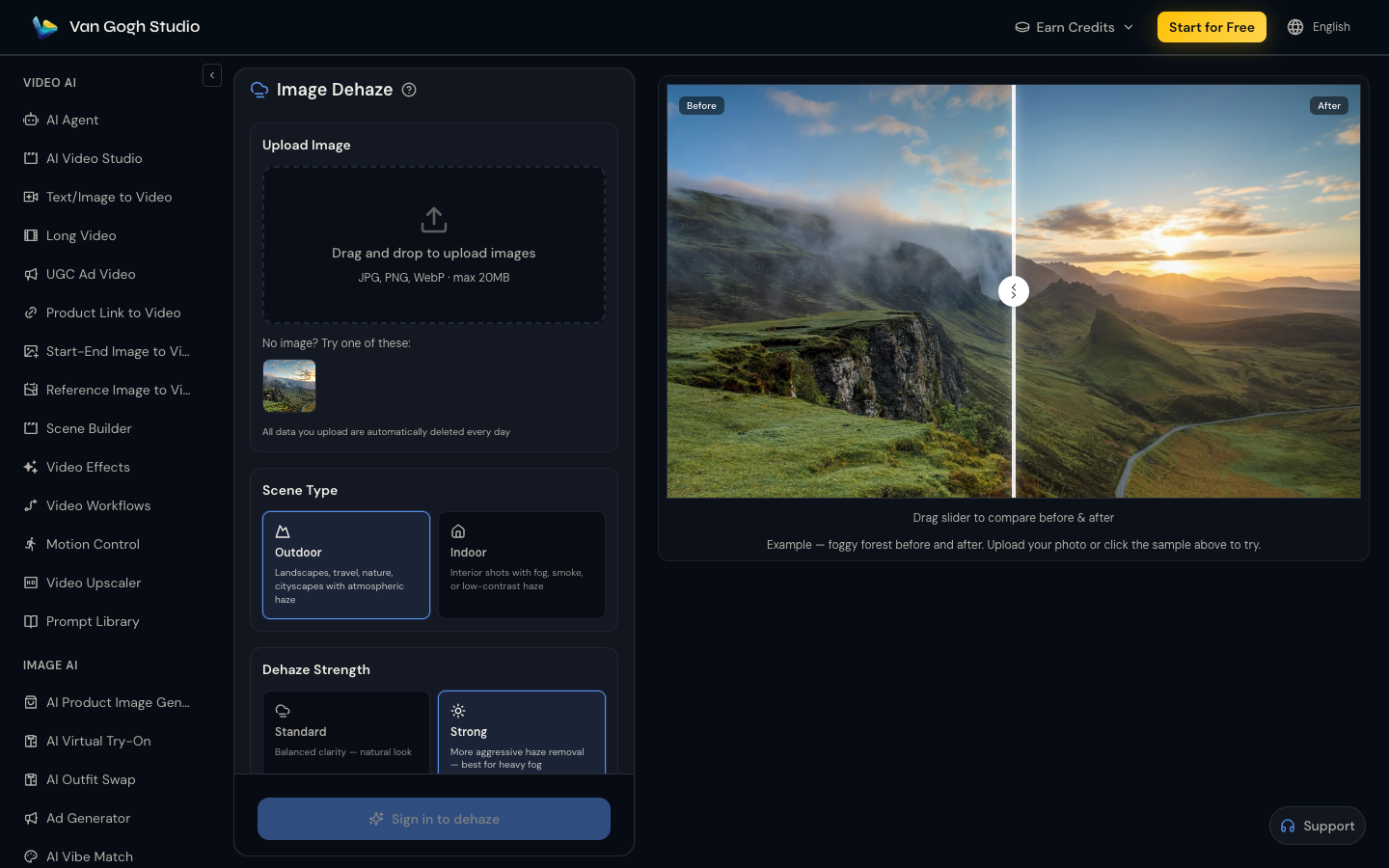
Step 3: Download clear photo
Compare before and after. Download the dehazed image with restored detail and vibrant colors.
Key Features and Benefits
Atmospheric Correction
Removes fog, haze, and mist while preserving natural depth cues.
Color Recovery
Restores saturation and contrast lost to atmospheric scattering.
Detail Restoration
Recovers fine details in distant objects obscured by haze.
One-Click Operation
No manual adjustment — upload and get results instantly.
Final Thoughts
Visual content is essential for standing out on social platforms and in marketing campaigns. The Image Dehaze gives you a fast, affordable way to create professional-quality results — try it free with signup credits on Van Gogh Studio.
For related workflows, explore other tools in the Image AI category on our Guides hub.
Create AI videos free
Try Van Gogh Studio free — text-to-video, image-to-video, and 300+ models in one place. Free account — no signup bonus credits, no credit card required.
Try Image Dehaze Free