The AI Music Generator on Van Gogh Studio makes it simple to achieve professional results without expensive software or technical skills. Whether you're a content creator, marketer, or hobbyist, this step-by-step guide walks you through the entire workflow with real screenshots.
What Does the AI Music Generator Do?
The AI Music Generator is a creative AI tool on Van Gogh Studio designed for background music for youtube and tiktok videos. It combines advanced AI models with an intuitive interface so you can focus on your ideas instead of complex settings.
Some popular uses include:
- Background music for YouTube and TikTok videos
- Podcast intro and outro music
- Royalty-free tracks for content creators
- Custom soundtracks for AI-generated videos
How to Use AI Music Generator on Van Gogh Studio?
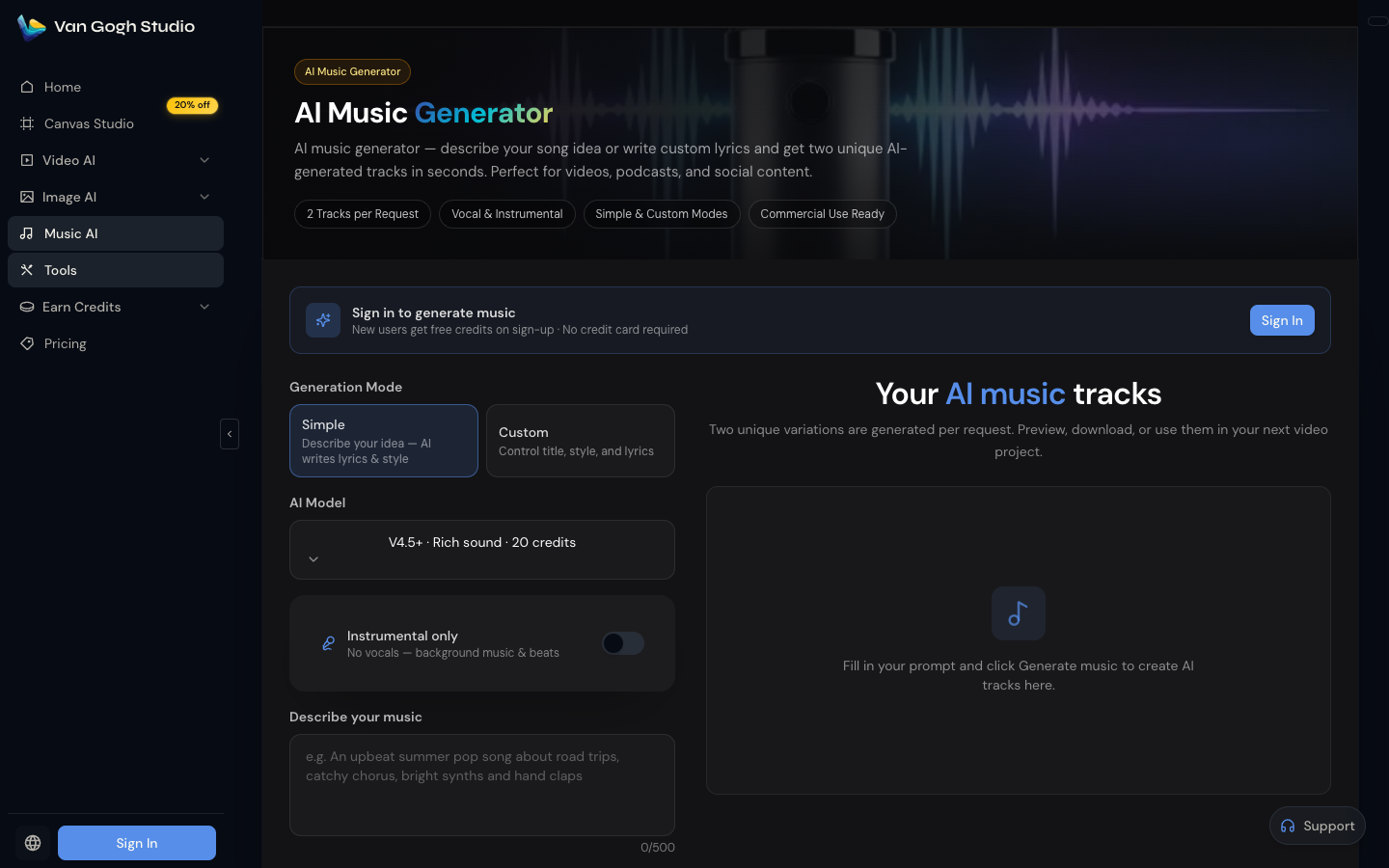
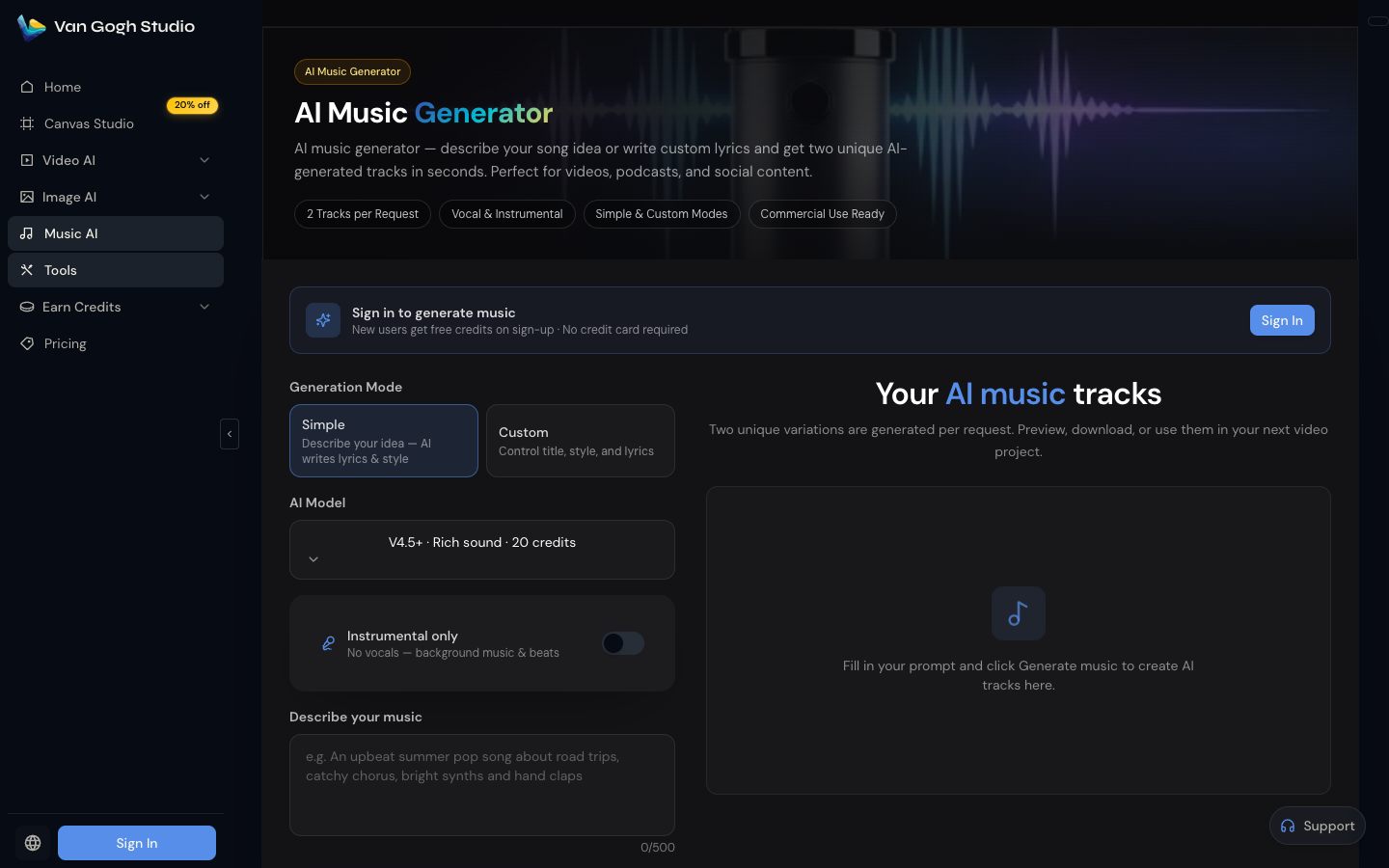
Step 1: Describe the music you want
Open AI Music Generator and describe the genre, mood, tempo, and instruments. Be specific about the feeling you want.
Step 2: Choose duration and style
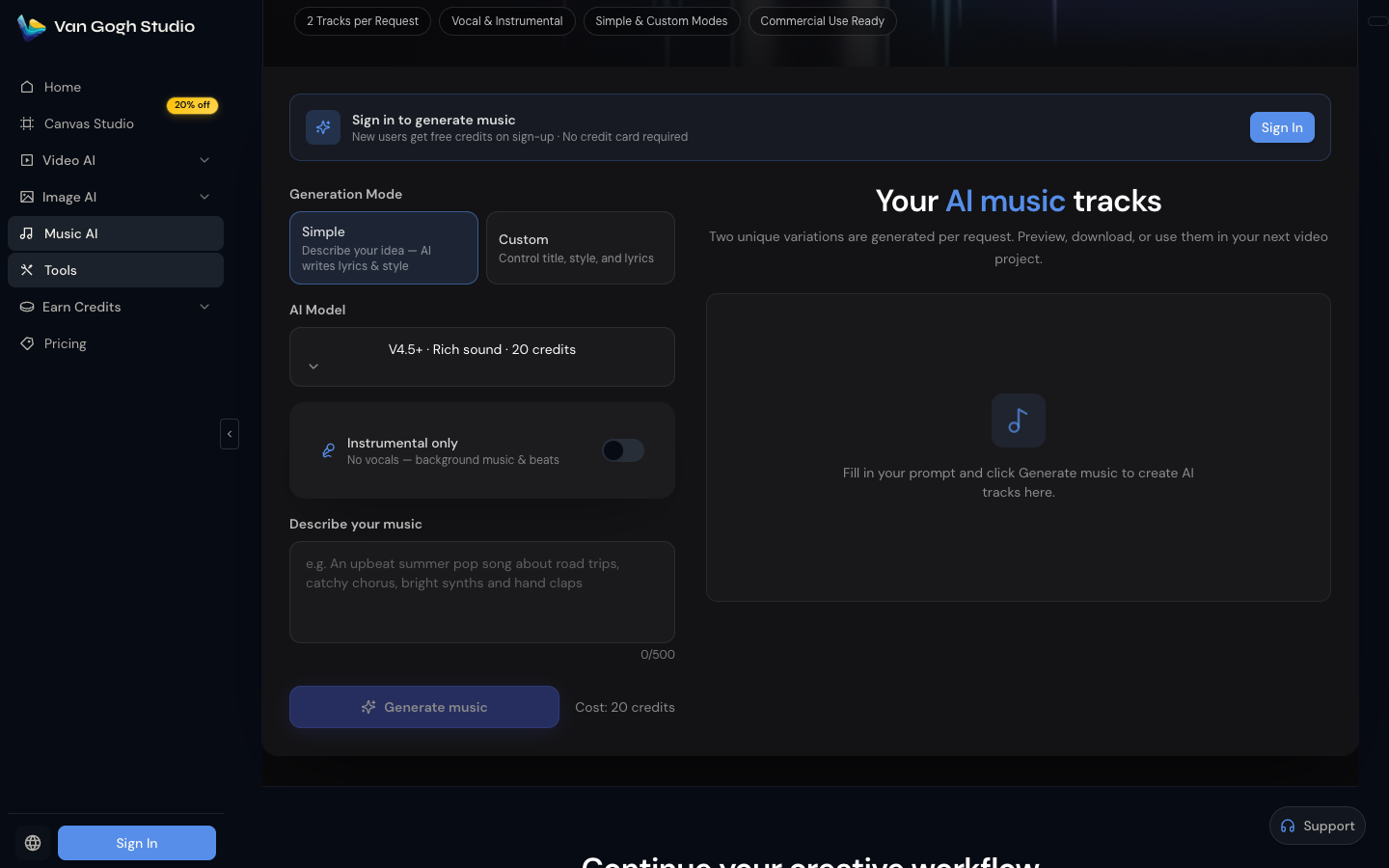
Set track duration (15s, 30s, 60s, or longer), select a genre preset, and optionally add lyrics or vocal style.
Step 3: Generate and download your track
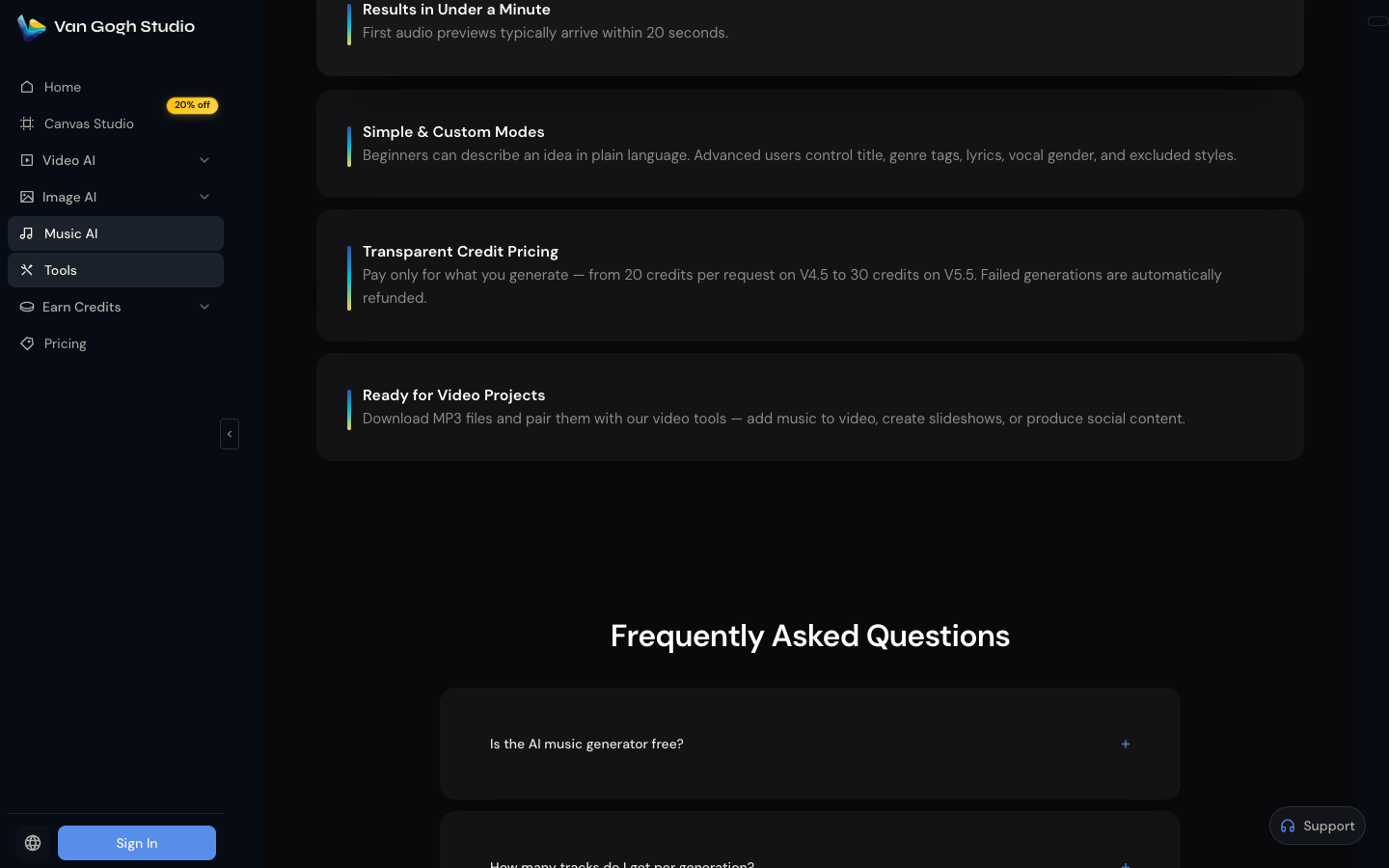
Click Generate to create your custom AI music. Preview the track, download as MP3 or WAV, and use in your videos or podcasts.
Example: Try This Prompt
Copy and paste this example prompt to get started:
Upbeat lo-fi hip hop beat for a study video, mellow piano chords, soft drum pattern, 90 BPM, relaxing vibe
Open the AI Music Generator and paste the prompt above to see results like the screenshots in this guide.
Key Features and Benefits
Custom Genre & Mood
Generate music in any genre — lo-fi, EDM, classical, hip hop, ambient, and more.
Royalty-Free
Use generated tracks in YouTube, TikTok, and commercial projects without licensing fees.
Vocal & Instrumental
Create instrumental beats or add AI-generated vocals with lyrics.
Video-Ready Lengths
Generate tracks matched to common video durations — 15s, 30s, 60s, or custom.
Final Thoughts
Visual content is essential for standing out on social platforms and in marketing campaigns. The AI Music Generator gives you a fast, affordable way to create professional-quality results — try it free with signup credits on Van Gogh Studio.
For related workflows, explore other tools in the Music AI category on our Guides hub.
Create AI videos free
Try Van Gogh Studio free — text-to-video, image-to-video, and 300+ models in one place. Free account — no signup bonus credits, no credit card required.
Try AI Music Generator Free