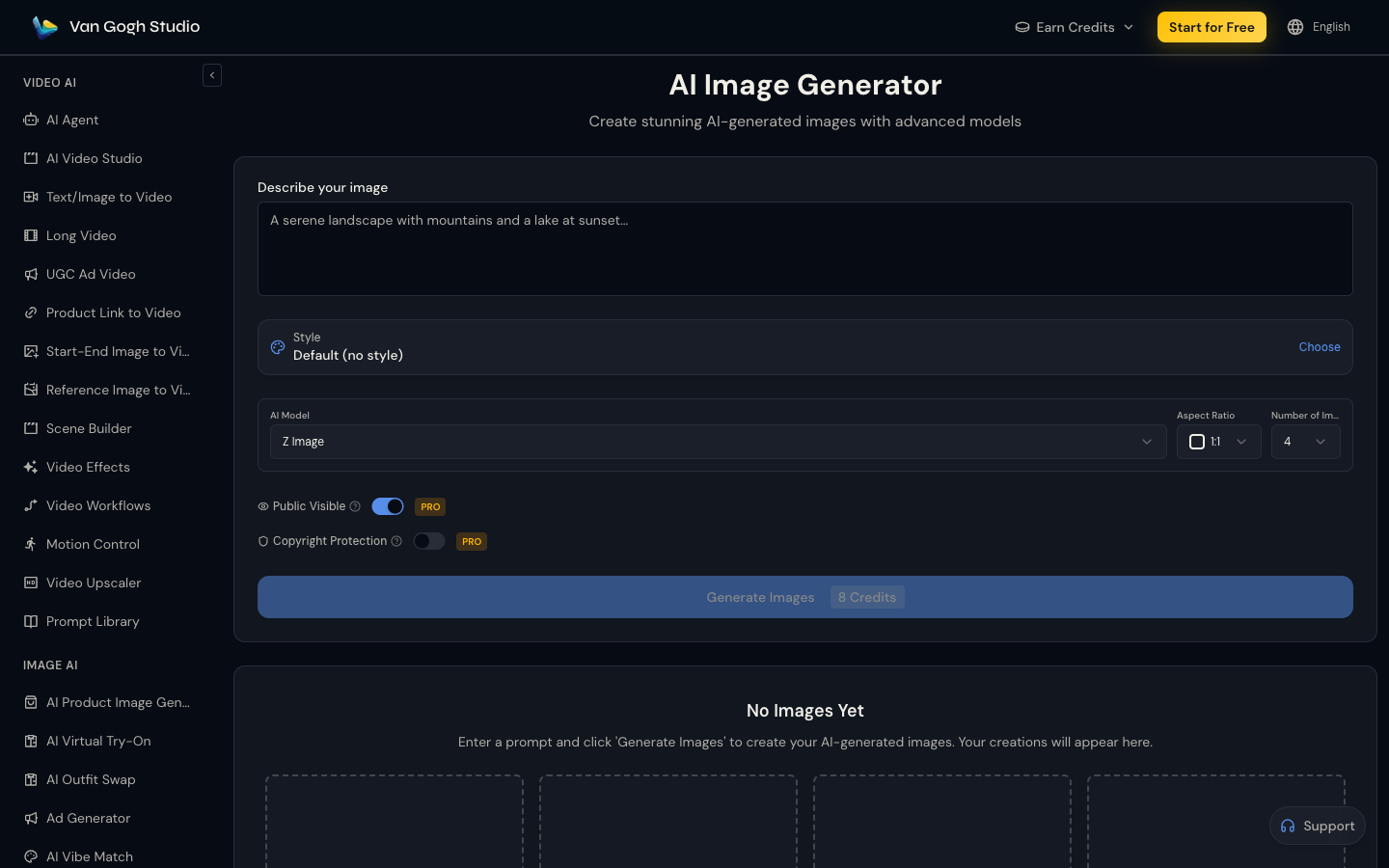
The AI Image Generator on Van Gogh Studio makes it simple to achieve professional results without expensive software or technical skills. Whether you're a content creator, marketer, or hobbyist, this step-by-step guide walks you through the entire workflow with real screenshots.
What Does the AI Image Generator Do?
The AI Image Generator is a creative AI tool on Van Gogh Studio designed for social media visuals and ad creatives. It combines advanced AI models with an intuitive interface so you can focus on your ideas instead of complex settings.
Some popular uses include:
- Social media visuals and ad creatives
- Concept art and mood boards
- Blog headers and thumbnail images
- Marketing campaign asset generation
How to Use AI Image Generator on Van Gogh Studio?
Step 1: Write your image prompt
Open the AI Image Generator and describe what you want to see. Include subject, environment, lighting, and style for best results.
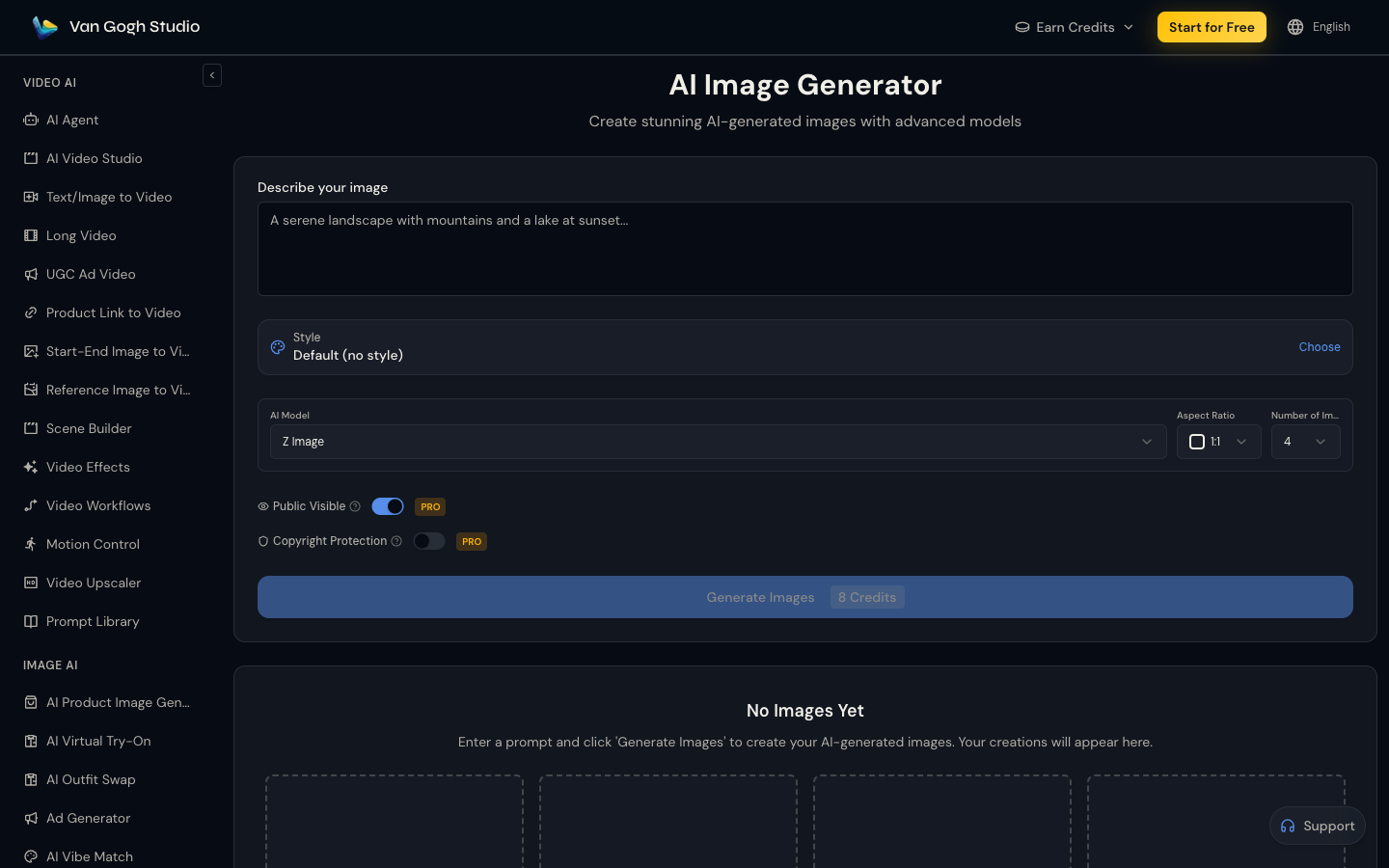
Step 2: Choose model, ratio, and style
Select an AI model (Z Image, Nano Banana, Nano Banana Pro), pick aspect ratio (1:1, 9:16, 16:9), and optionally apply a style preset.
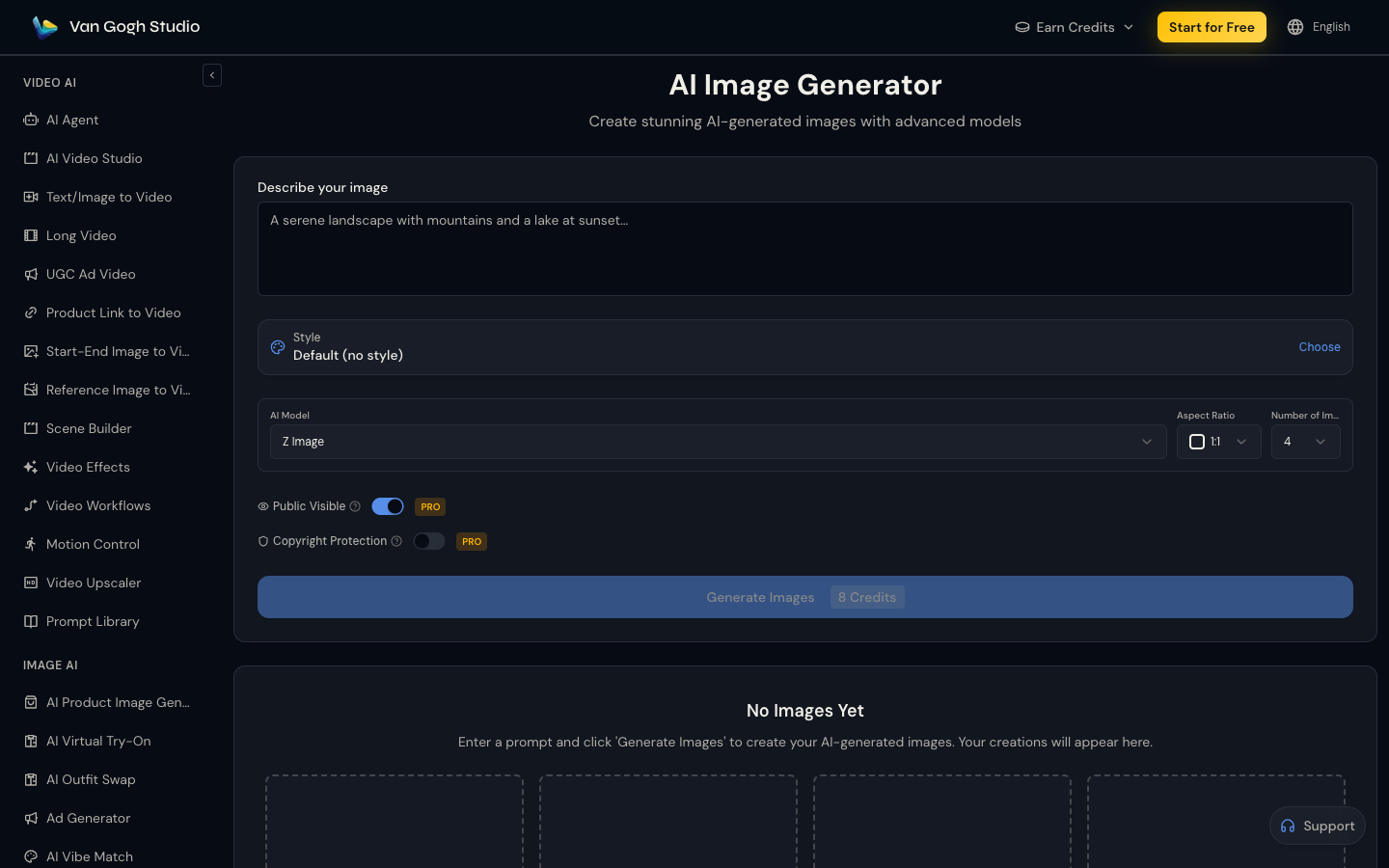
Step 3: Generate, compare, and download
Click Generate Images to create up to 4 variations. Compare results, download your favorite, or send it to upscaling or video animation.
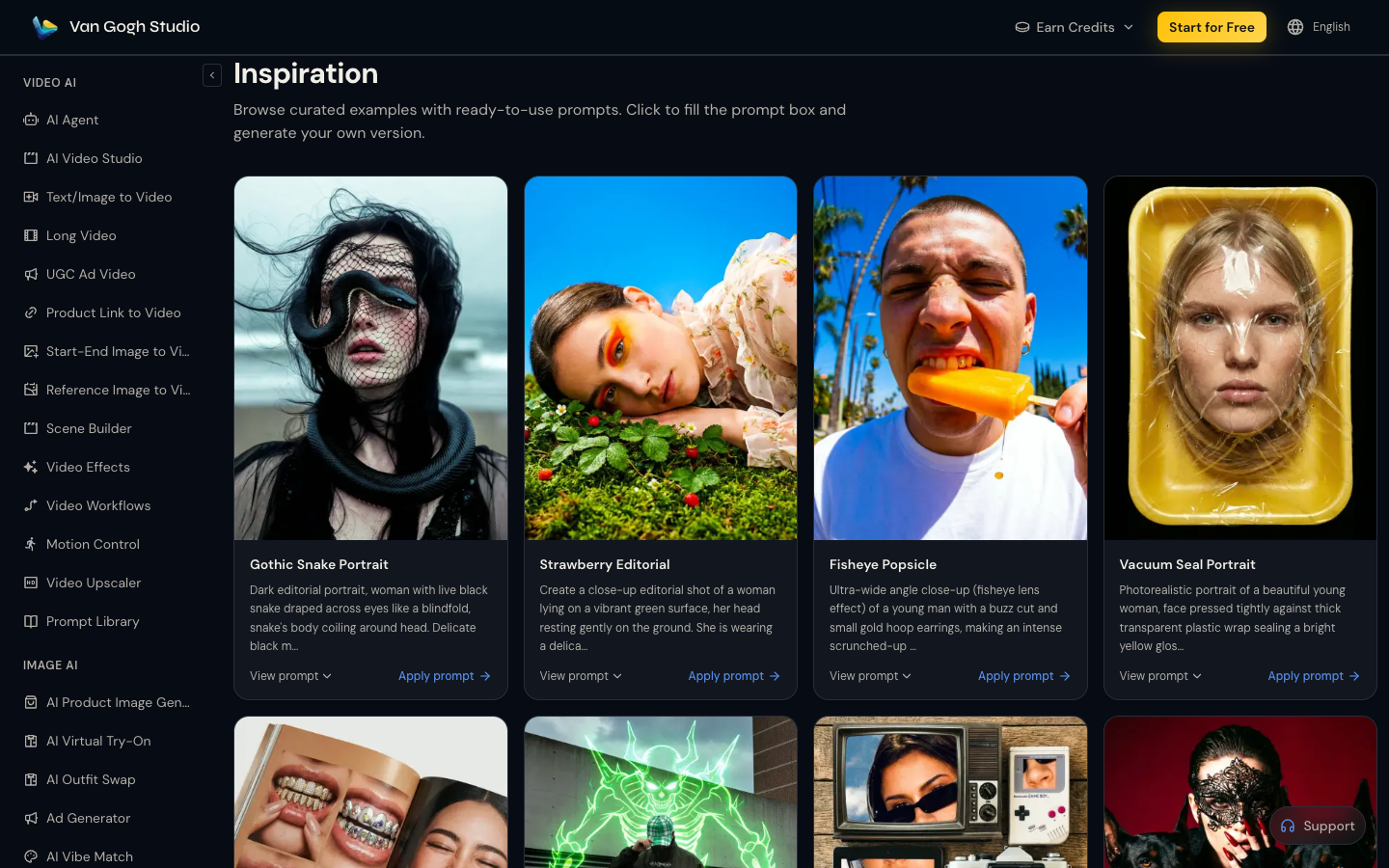
Example: Try This Prompt
Copy and paste this example prompt to get started:
Gothic editorial portrait, woman with live black snake draped across eyes like a blindfold, delicate black makeup, dark moody studio lighting, high fashion photography
Open the AI Image Generator and paste the prompt above to see results like the screenshots in this guide.
Key Features and Benefits
Multi-Model Generation
Switch between fast draft models and premium high-fidelity options.
Batch Output
Generate up to 4 variations per prompt to compare compositions quickly.
Style Presets
Apply reusable artistic styles across projects for brand consistency.
Connected Workflow
Hand off results to Image Upscaler, AI Image Editor, or Image-to-Video.
Final Thoughts
Visual content is essential for standing out on social platforms and in marketing campaigns. The AI Image Generator gives you a fast, affordable way to create professional-quality results — try it free with signup credits on Van Gogh Studio.
For related workflows, explore other tools in the Image AI category on our Guides hub.
Create AI videos free
Try Van Gogh Studio free — text-to-video, image-to-video, and 300+ models in one place. Free account — no signup bonus credits, no credit card required.
Try AI Image Generator Free