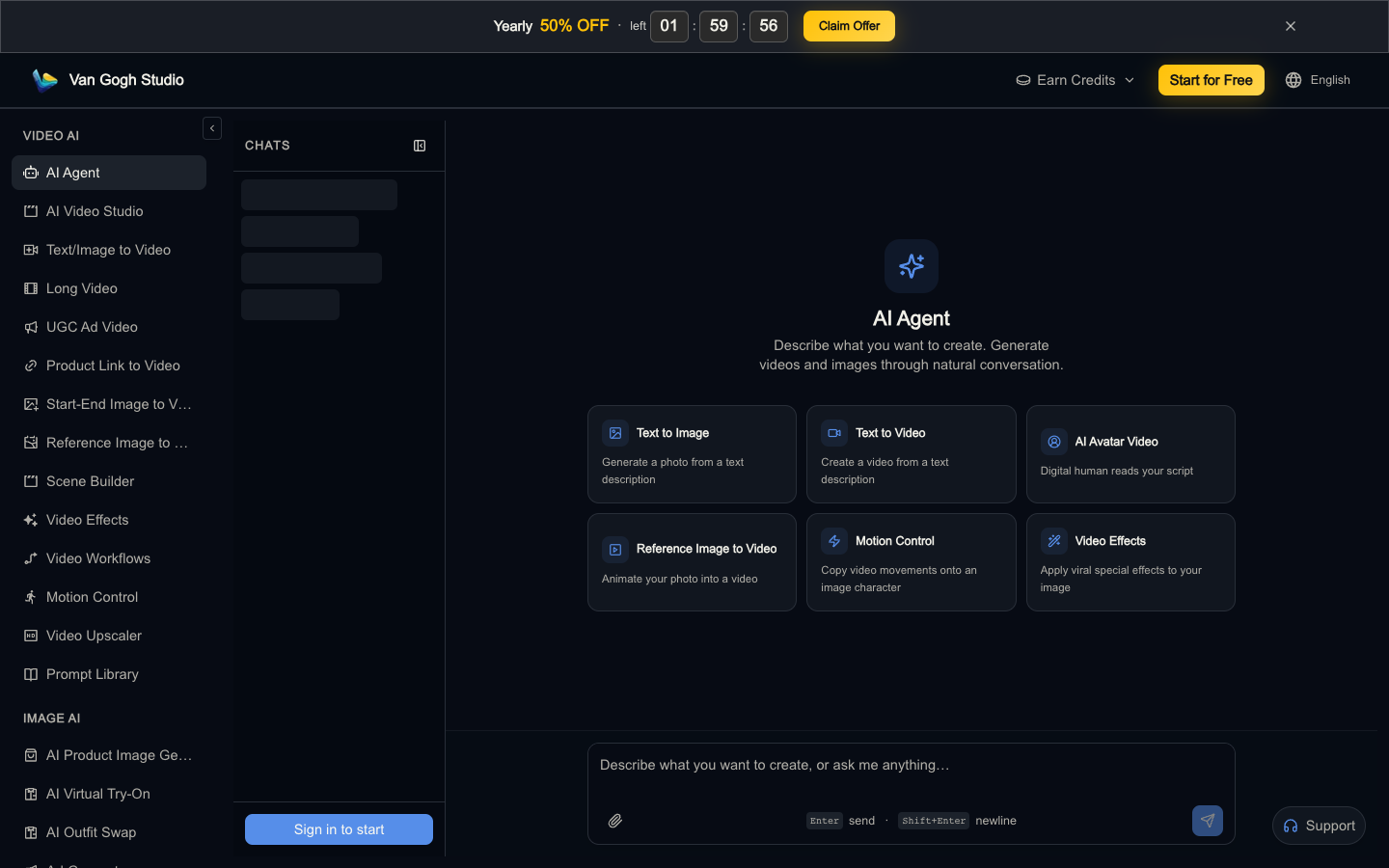
The AI Agent on Van Gogh Studio makes it simple to achieve professional results without expensive software or technical skills. Whether you're a content creator, marketer, or hobbyist, this step-by-step guide walks you through the entire workflow with real screenshots.
What Does the AI Agent Do?
The AI Agent is a creative AI tool on Van Gogh Studio designed for end-to-end video creation through natural conversation. It combines advanced AI models with an intuitive interface so you can focus on your ideas instead of complex settings.
Some popular uses include:
- End-to-end video creation through natural conversation
- Multi-step creative workflows without switching tools
- Rapid prototyping of ad concepts and storyboards
- Combining text, image, and video generation in one chat
How to Use AI Agent on Van Gogh Studio?
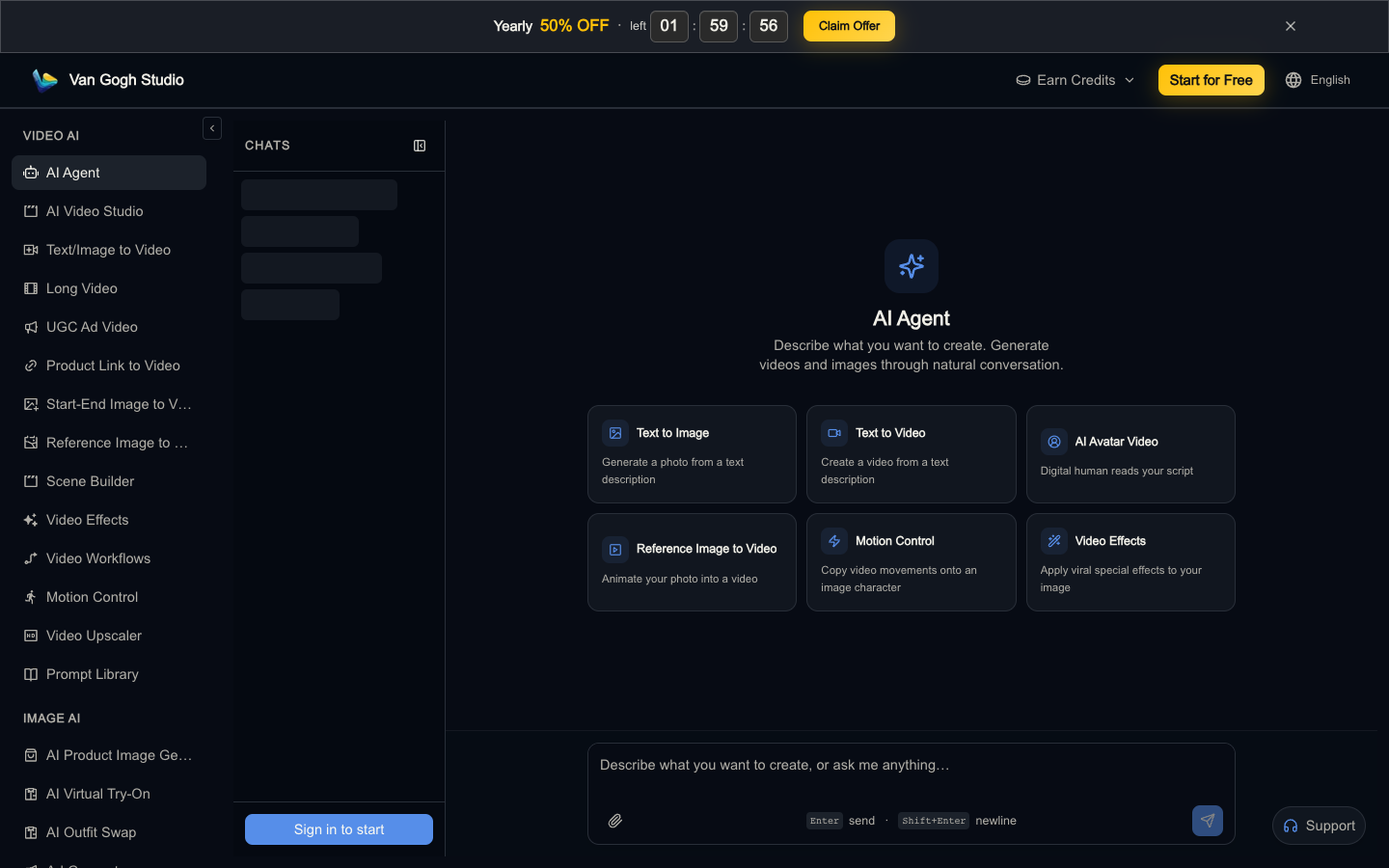
Step 1: Open AI Agent and describe your goal
Navigate to the AI Agent and type what you want to create — a video ad, social clip, or image series. The agent understands context and can plan multi-step workflows for you.
Step 2: Refine with follow-up instructions
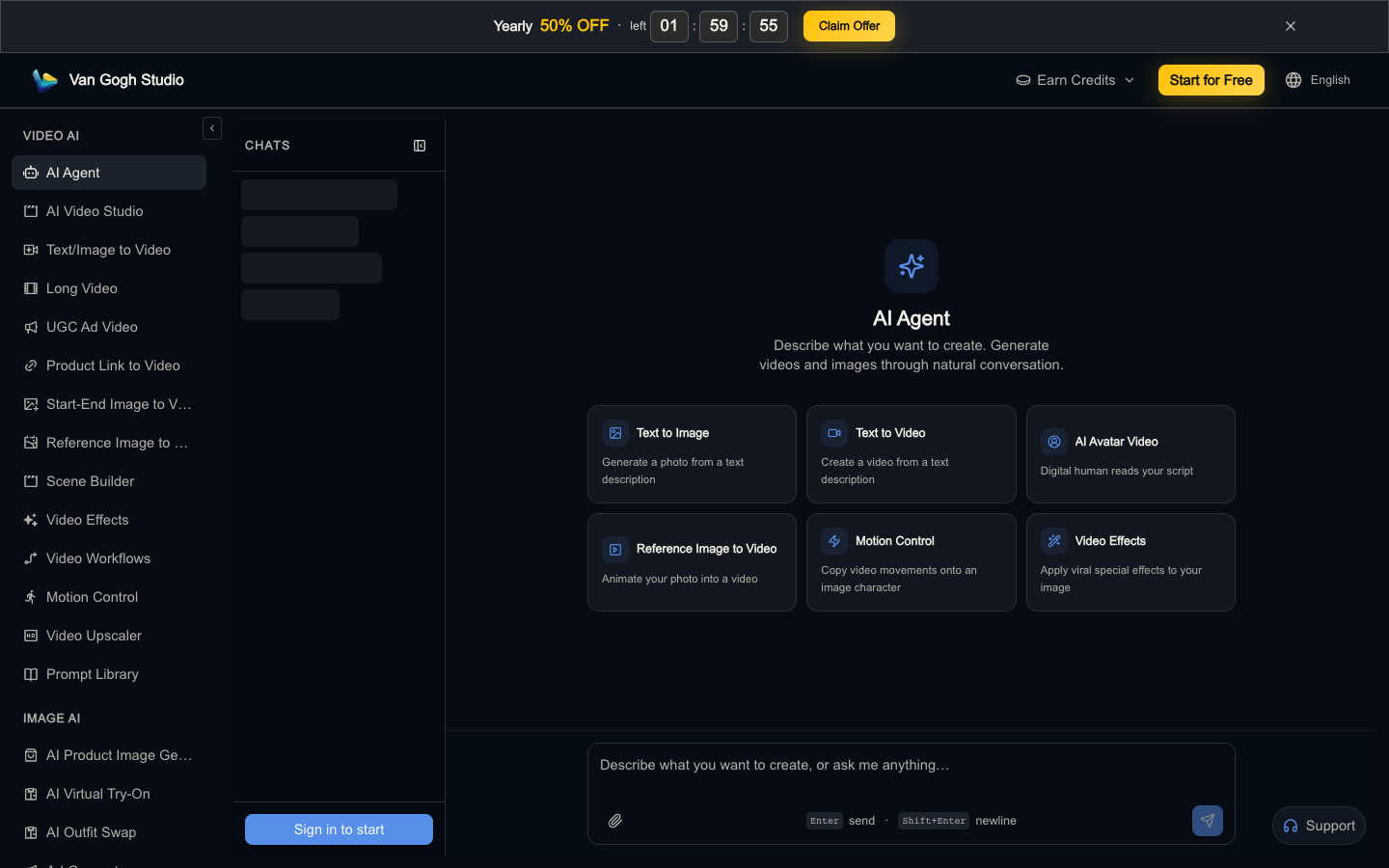
Chat with your AI creative producer to adjust style, duration, aspect ratio, or model choice. Ask for revisions until the output matches your vision.
Step 3: Generate, preview, and download
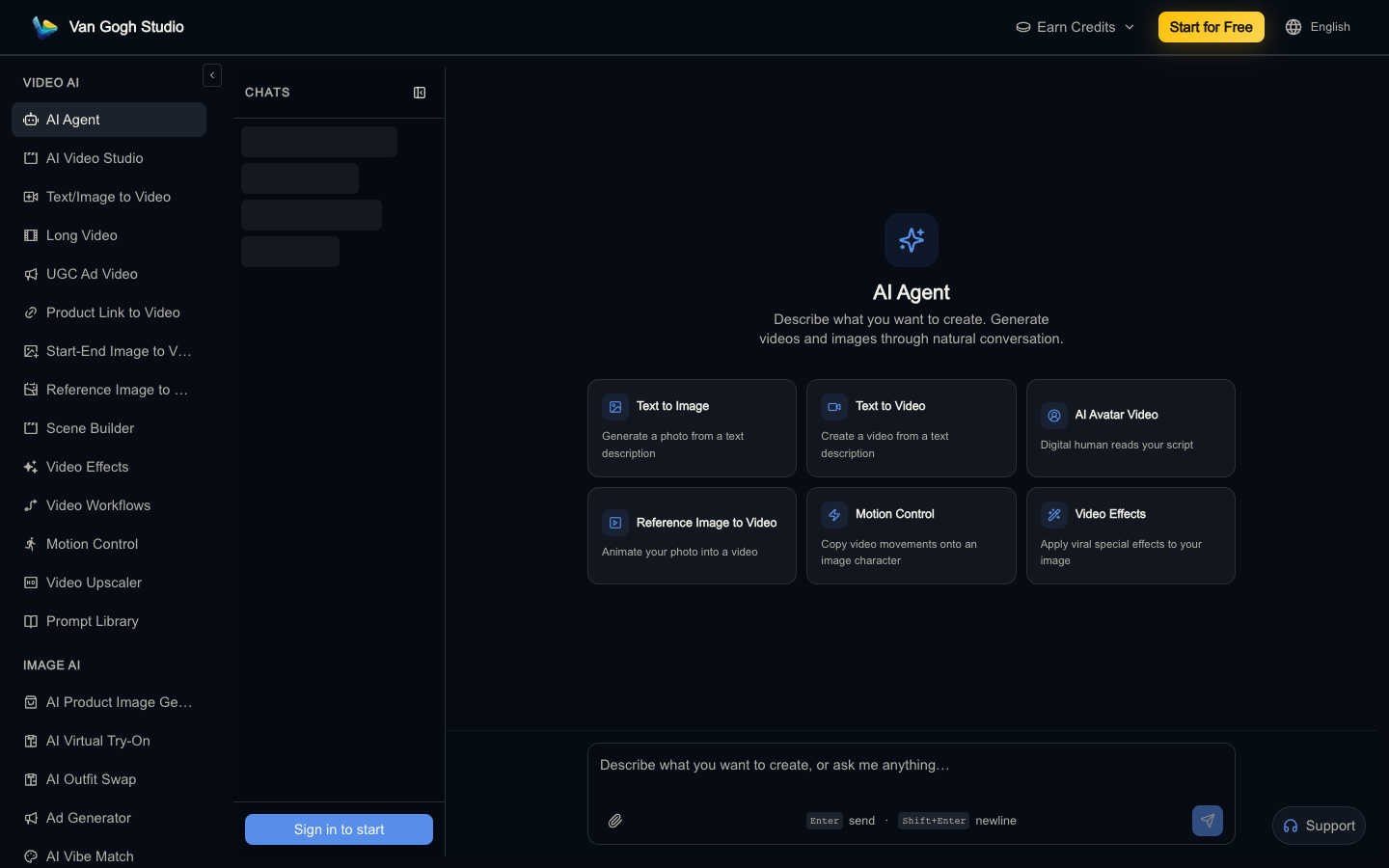
Click generate and watch the agent produce your assets. Preview results in the chat, download finished videos or images, and share directly to social platforms.
Example: Try This Prompt
Copy and paste this example prompt to get started:
Create a 15-second cinematic product reveal video for a wireless earbuds brand, dark studio lighting, slow camera push-in
Open the AI Agent and paste the prompt above to see results like the screenshots in this guide.
Key Features and Benefits
Conversational Creation
Describe your idea in plain language — no need to learn complex settings or switch between tools.
Multi-Modal Output
Generate videos, images, and scripts from a single conversation thread.
Context-Aware Revisions
The agent remembers your previous instructions and builds on them for iterative refinement.
Model Selection
Access Kling, Sora, Veo, Seedance, and 300+ models through natural language commands.
Final Thoughts
Visual content is essential for standing out on social platforms and in marketing campaigns. The AI Agent gives you a fast, affordable way to create professional-quality results — try it free with signup credits on Van Gogh Studio.
For related workflows, explore other tools in the Video AI category on our Guides hub.
Create AI videos free
Try Van Gogh Studio free — text-to-video, image-to-video, and 300+ models in one place. Free account — no signup bonus credits, no credit card required.
Try AI Agent Free