Best AI Video Generation Tools 2026 — 10 Free Generators Compared
May 26, 202612 min read
The world of AI video generation is moving at a breakneck pace. What was considered state-of-the-art just a few months ago is now standard, and new AI video generation tools with incredible capabilities are emerging constantly. For creators, marketers, and filmmakers, choosing the right tool can be the difference between producing a viral masterpiece and a mediocre clip.
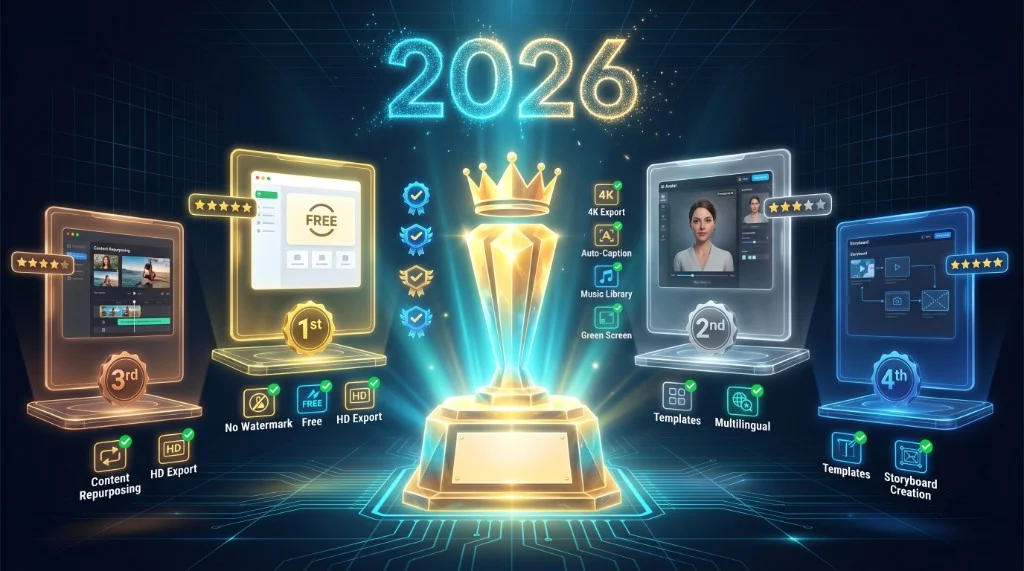
In this comprehensive guide, we compare the best AI video generation tools 2026 has to offer — the top 10 free and paid AI video generators tested side by side. We break down features, quality, pricing, and unique strengths, and explain why a multi-model platform like Van Gogh Studio is often the smartest choice.
The State of AI Video Generation Tools in 2026
2026 has been a landmark year for AI video. We've seen significant advancements in several key areas. The 5-second barrier has been shattered, with models like Sora 2 pushing towards the 30-second mark. 1080p is now the industry standard, and 4K generation is becoming more accessible. For the first time, models like Sora 2 can generate video and audio in perfect sync, a true game-changer. Physics simulation and temporal consistency have improved dramatically, resulting in more believable and less jarring videos.
Q1: Which AI video generation tool is best for beginners in 2026?
The best AI video generation tools for beginners combine a simple UI with free credits. Platforms like Van Gogh Studio let you test multiple models — Sora 2, Veo 3.1, Kling — without a large upfront cost.
Q2: Can I really get 4K video from an AI generator?
Yes. As of 2026, models like Hailuo Minimax 2.3 offer native 4K video generation, providing incredibly high-resolution output.
Q3: Is the synchronized audio from Sora 2 good enough for professional use?
It is surprisingly good for generating ambient sounds and basic dialogue. While it may not replace a professional sound designer for a feature film, it is more than adequate for social media content, marketing videos, and internal communications.
Q4: What does "temporal consistency" mean?
Temporal consistency refers to the AI's ability to keep objects and characters looking the same from one frame to the next. Early AI video models struggled with this, causing flickering or morphing artifacts. Models like Kling 2.6 have made significant improvements in this area.
Best AI Video Generation Tools 2026: Top 10 Compared
To help you navigate this complex landscape, we've tested and compared the 10 most popular and powerful AI video generators available today.
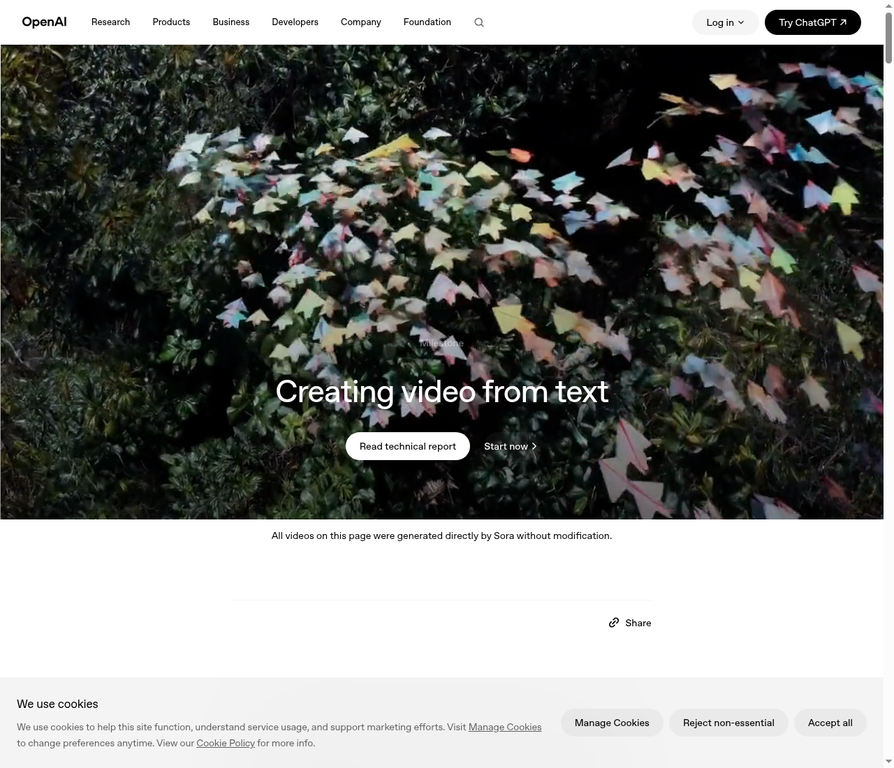
1. OpenAI Sora 2
• Best for: Storytelling and synchronized audio.
• Strengths: The only model with integrated audio generation, making it a one-stop-shop for complete video clips. Its 25-second duration allows for more complex narratives.
• Weaknesses: At $35/month, it's one of the more expensive options. The visual realism, while good, can sometimes fall short of competitors like Veo 3.1.
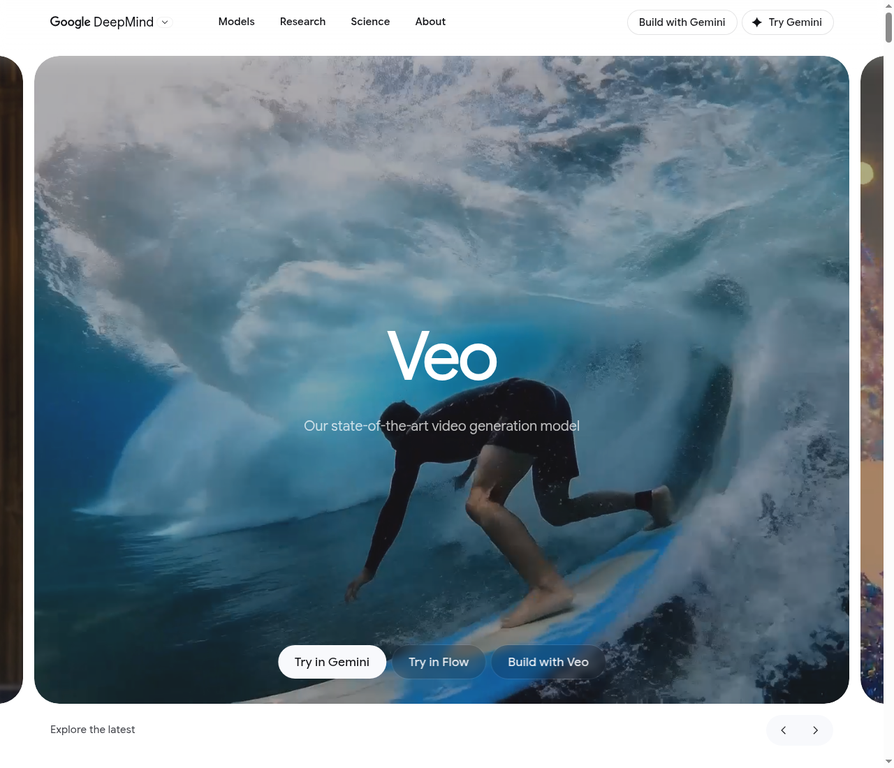
2. Google Veo 3.1
• Best for: Photorealism and detail.
• Strengths: Produces incredibly detailed and realistic videos. The 15-20 second duration is generous. At $20/month, it offers great value.
• Weaknesses: Struggles with certain elements like water and complex human interactions. No native audio support.
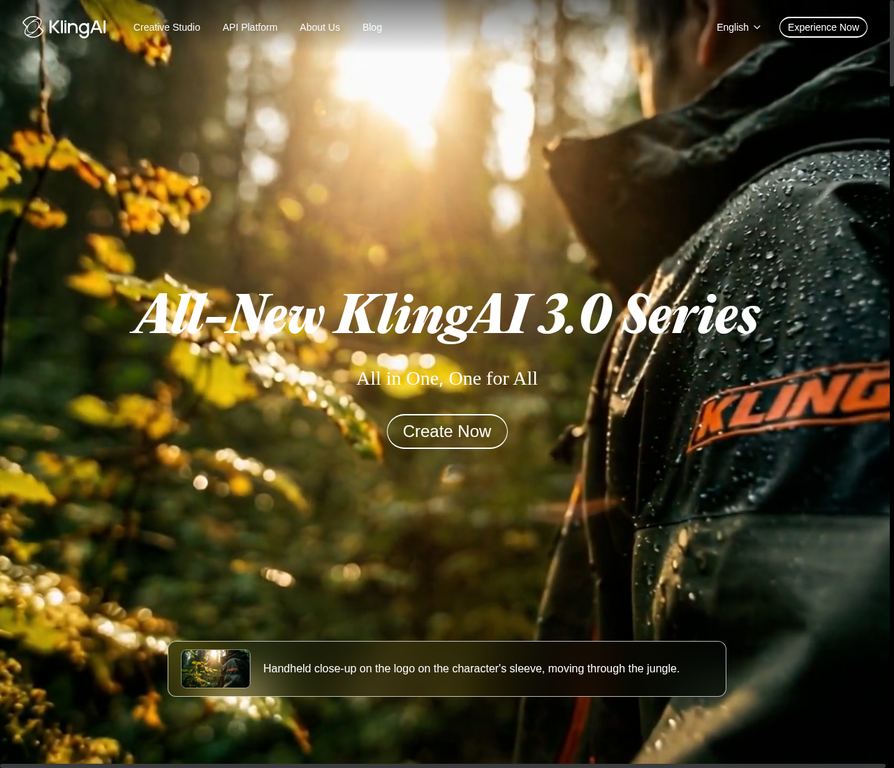
3. Kling 2.6 (ByteDance)
• Best for: Consistency and prompt adherence.
• Strengths: Excels at accurately interpreting and executing complex prompts. Offers excellent temporal consistency, meaning objects and characters remain stable throughout the video. Very affordable at $10/month.
• Weaknesses: Limited to 10 seconds. Can occasionally produce minor visual artifacts.
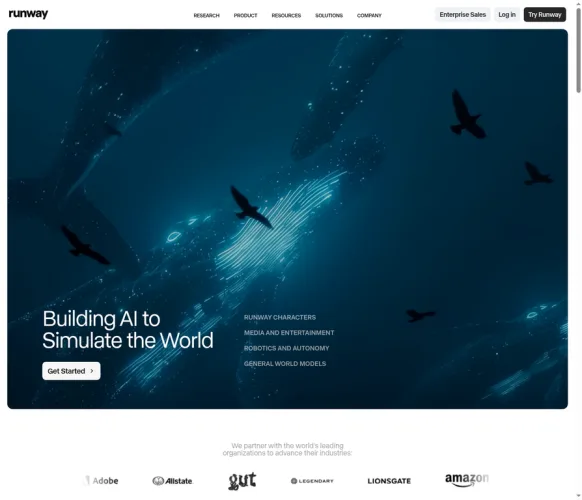
4. Runway Gen 4.5
• Best for: Stylized motion and creative effects.
• Strengths: Known for its excellent motion control and ability to create unique, artistic video styles. A favorite among digital artists.
• Weaknesses: Less focused on photorealism. The 8-second limit is restrictive.
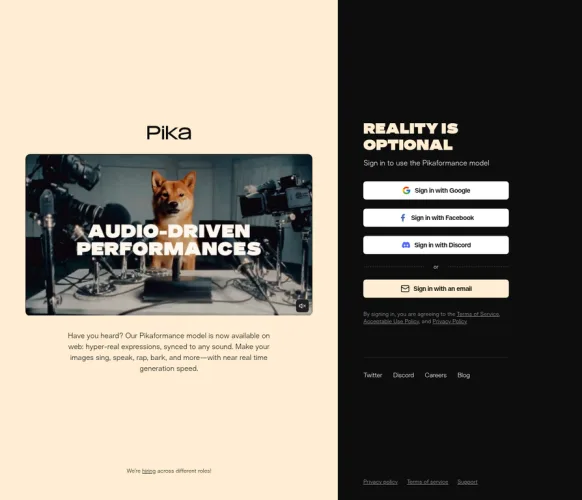
5. Pika 2.5
• Best for: Detailed textures and reflections.
• Strengths: Unmatched in its ability to render fine details, especially reflective surfaces and complex textures. Very affordable at $9.99/month.
• Weaknesses: The 5-second duration is very short, making it suitable mainly for brief clips and animated images.
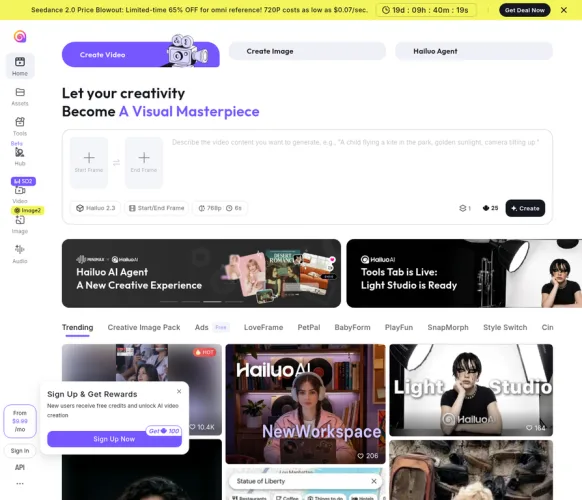
6. Hailuo Minimax 2.3
• Best for: 4K video generation.
• Strengths: The only model on our list that offers native 4K output. Excellent at creating videos with a strong narrative frame. Also very affordable at $9.99/month.
• Weaknesses: The visual style can sometimes appear flat, and it can struggle with accuracy in complex scenes.
7. Luma Labs Ray3
• Best for: Creative effects and HDR video.
• Strengths: Offers unique creative filters and supports HDR output, which can make videos pop on supported displays. Has a free trial.
• Weaknesses: Overall quality and realism are not on par with the top-tier models. Limited to 5 seconds.
8. Vidu Q2
• Best for: Enterprise applications.
• Strengths: Designed with business use cases in mind, offering features and support tailored for enterprise clients.
• Weaknesses: At $29/month, it is expensive for the quality it delivers. Less impressive overall compared to competitors.
9. Adobe Firefly
• Best for: Fast generation and integration with Adobe Creative Cloud.
• Strengths: Generates videos very quickly. As part of the Adobe ecosystem, it's a convenient choice for users of Photoshop, Premiere Pro, etc.
• Weaknesses: The 5-second limit is very restrictive. The output often has an architectural, rendered look that lacks realism.
10. Seedance V1 Pro
• Best for: Animated and cartoon-style videos.
• Strengths: If you're looking for a less realistic, more animated or cartoonish style, Seedance excels.
• Weaknesses: Not suitable for projects that require photorealism.
The Smart Choice: Why a Multi-Model Platform Wins
As the comparison shows, there is no single "best" AI video generator. The ideal tool depends entirely on your specific needs. Need synchronized audio? Sora 2 is your only option. Need 4K quality? Hailuo Minimax is the one. Need maximum realism? Veo 3.1 is a strong contender. On a tight budget? Kling, Pika, or Hailuo offer great value.
This is why a multi-model platform like Van Gogh Studio offers a significant advantage. Instead of being locked into a single ecosystem, you get the flexibility to choose the best model for each specific project. With Van Gogh Studio, you can access multiple top-tier models, compare outputs directly, save money, and utilize specialized tools.
Conclusion: Choose Flexibility in a Fast-Changing World
The AI video landscape in 2026 is diverse and dynamic. While individual tools like Sora 2 and Veo 3.1 offer powerful, specialized capabilities, the most strategic and cost-effective approach is to use a platform that provides flexibility and choice.
By leveraging a multi-model platform like Van Gogh Studio, you ensure that you always have access to the best tool for the job, allowing you to stay agile, creative, and ahead of the competition.
Turn what you read into real videos
Free AI tools to go from idea to publish — pick a tool and start creating in minutes.