搜尋
⌘K
免費開始
搜尋
⌘K
免費開始
想要無廣告體驗?升級方案即可。
查看計劃
Van Gogh Studio
AI 影片工作流範本
照片動畫化
單一影像到視訊剪輯
照片微動動畫
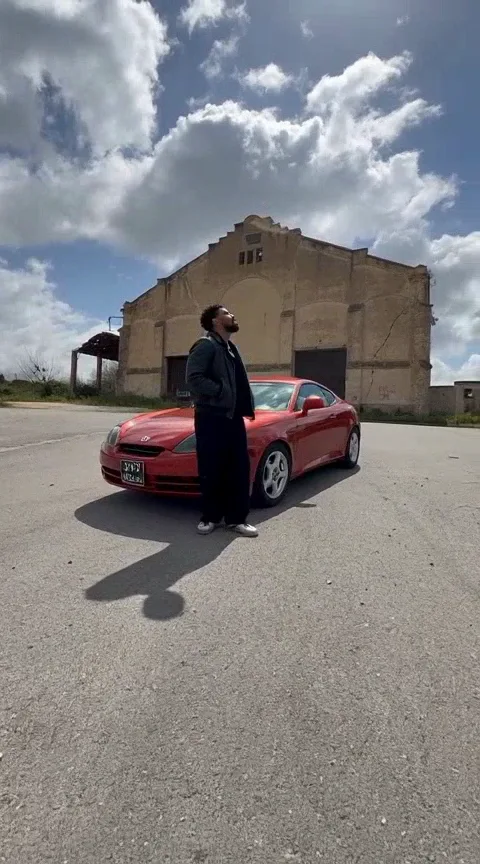
人像圖生影片:輕微眨眼與呼吸、頭部微動,鎖定五官與構圖——適合頭像循環動效。
視覺風格:
超現實/電影
運動方式
*
背景
*
輸出設定
寬高比
9:16
16:9
1:1
4:3
3:4
21:9
時長
5s
10s
解析度
480p
720p
1080p
點數會隨所選時長與解析度即時變化。
上傳圖片
生成影片
12 點數
範例成片
範例成片
照片微動動畫
人像圖生影片:輕微眨眼與呼吸、頭部微動,鎖定五官與構圖——適合頭像循環動效。
畫幅與風格
超現實/電影
單一影像到視訊剪輯
畫幅:生成前可選(9:16 / 16:9 / 1:1 等)
時長與解析度:生成前可選,點數隨選項變化
如何使用此工作流
1.
打開此工作流程頁面並查看上面的範例影片。
2.
上傳清晰的照片(臉部或產品可見,光線良好)。
3.
單擊生成。學分在工作開始時保留。
4.
等待產生完成 - 當我們輪詢您的結果時,您可以保持此標籤開啟。
5.
下載 MP4 或直接分享到 TikTok、Reels 或 Shorts。
出片技巧
將拍攝對象保持在 9:16 垂直取景的中心。
使用清晰、光線充足的來源影像,無需使用大量濾鏡。
單次工作流程對於日常發布來說是最快的。
常見問題
How many credits does 照片微動動畫 use?
我需要寫提示嗎?
付費用戶的輸出是否無浮水印?
更多工作流
照片運鏡
單張照片無人機式推鏡與視差
照片微動動畫 — AI 影片工作流模板 | Van Gogh Studio