Van Gogh 影片產生器Van Gogh
AI 影片工作流範本
照片動畫化
煥新變身

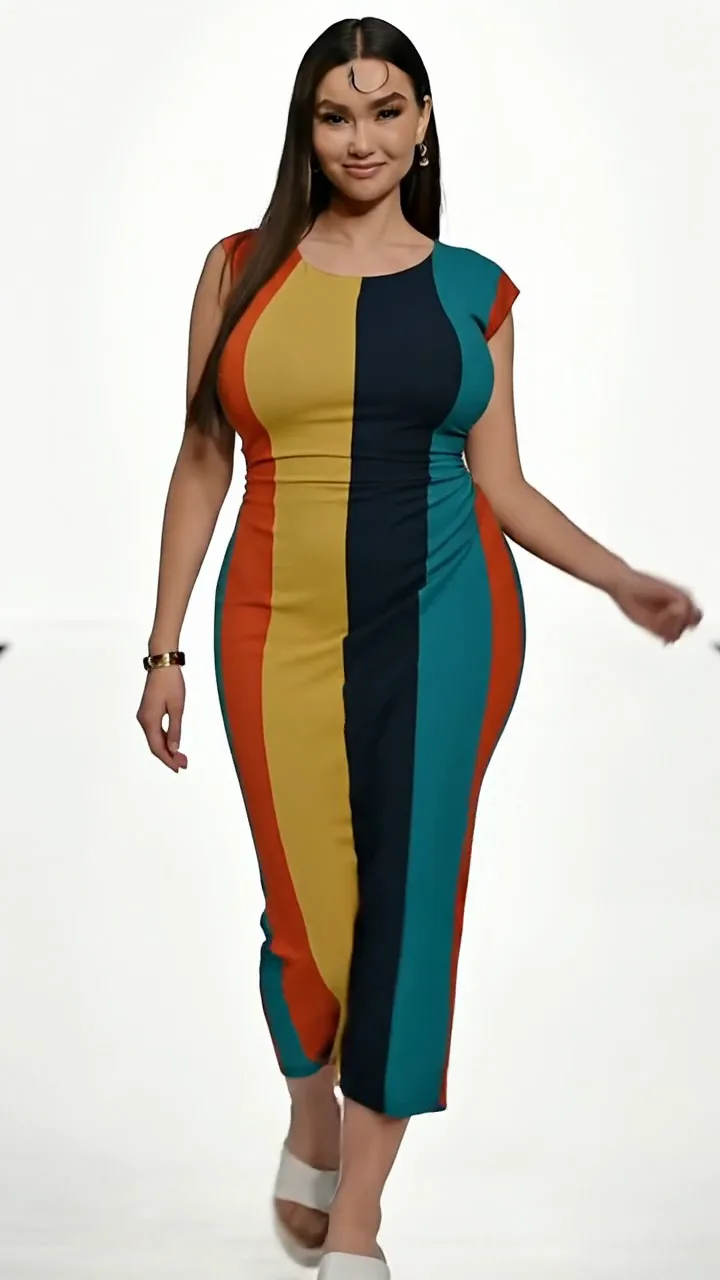
鎖定人物與穿搭,僅增加順滑編輯感動效——「煥新變身」感且不改變身份。

輸出設定

點數會隨所選時長與解析度即時變化。

上傳圖片
範例成片
煥新變身
鎖定人物與穿搭,僅增加順滑編輯感動效——「煥新變身」感且不改變身份。
畫幅與風格
畫幅:生成前可選(9:16 / 16:9 / 1:1 等)時長與解析度:生成前可選,點數隨選項變化
如何使用此工作流
  1. 1.Open this workflow page and review the example video above.
  2. 2.Upload a clear photo (face or product visible, good lighting).
  3. 3.Click Generate. Credits are reserved when the job starts.
  4. 4.Wait for generation to finish — you can keep this tab open while we poll for your result.
  5. 5.Download the MP4 or share directly to TikTok, Reels, or Shorts.
出片技巧
  • Keep subjects centered for 9:16 vertical framing.
  • Use a sharp, well-lit source image without heavy filters.
  • Single-shot workflows are fastest for daily posting.
常見問題

更多工作流

想要無廣告體驗?升級方案即可。