AI 비디오 워크플로 템플릿
사진 애니메이션
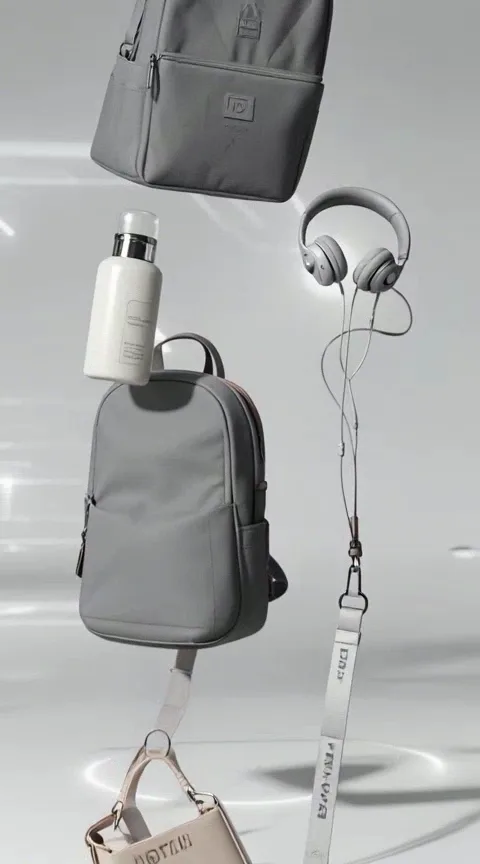
제품 쇼케이스
스튜디오급 제품 릴, 실물 디테일 유지하며 카메라가 천천히 회전——이커머스 히어로.
출력 설정
크레딧은 선택한 길이와 해상도에 따라 업데이트됩니다.
이미지 업로드
예시 영상
제품 쇼케이스
스튜디오급 제품 릴, 실물 디테일 유지하며 카메라가 천천히 회전——이커머스 히어로.
포맷 및 스타일
화면 비율: 생성 전 선택(9:16, 16:9, 1:1 등)길이·해상도: 생성 전 선택, 크레딧은 설정에 따라 변동
이 워크플로 사용 방법
- 1.Open this workflow page and review the example video above.
- 2.Upload a clear photo (face or product visible, good lighting).
- 3.Click Generate. Credits are reserved when the job starts.
- 4.Wait for generation to finish — you can keep this tab open while we poll for your result.
- 5.Download the MP4 or share directly to TikTok, Reels, or Shorts.
더 나은 결과를 위한 팁
- Keep subjects centered for 9:16 vertical framing.
- Use a sharp, well-lit source image without heavy filters.
- Single-shot workflows are fastest for daily posting.
자주 묻는 질문