AI動画ワークフローテンプレート
シングルショット生成
バレンタイン / プロポーズ
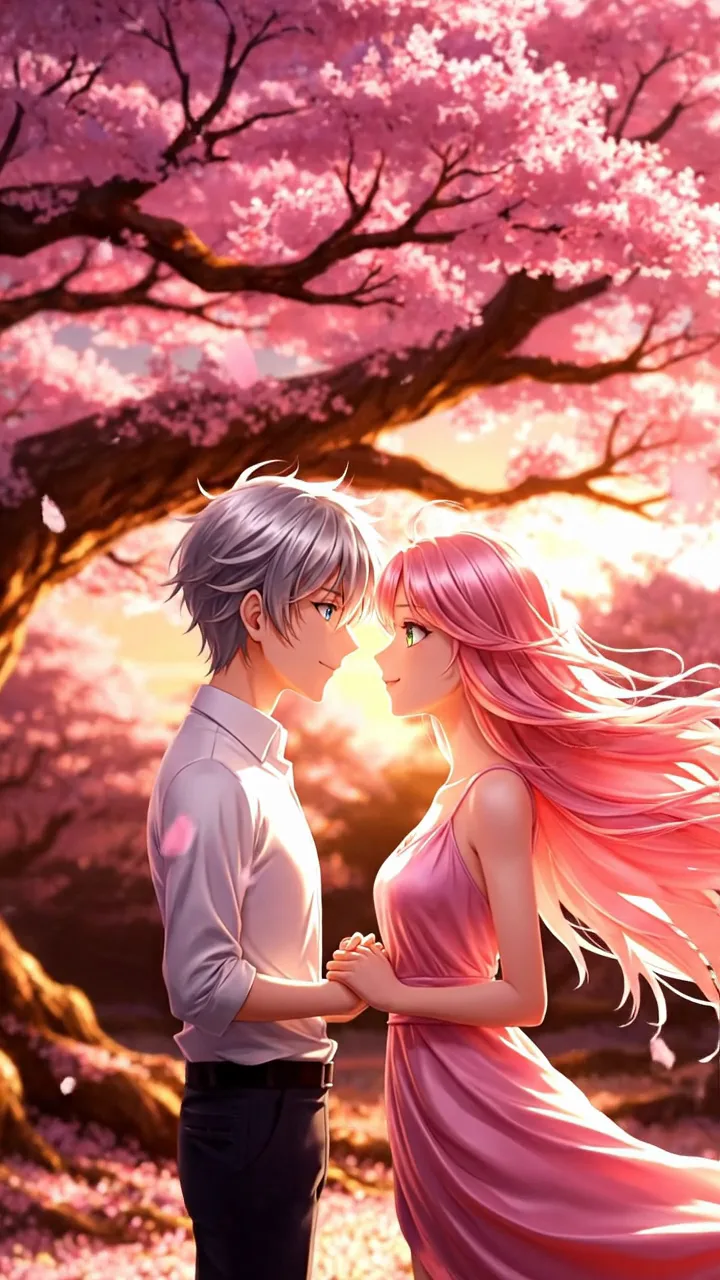
桜の木の下、夕日の中で手をつなぐ——バレンタイン/プロポーズ向け縦型ロマンス。
出力設定
クレジットは選択した長さと解像度に応じて更新されます。
サンプル動画
バレンタイン / プロポーズ
桜の木の下、夕日の中で手をつなぐ——バレンタイン/プロポーズ向け縦型ロマンス。
フォーマットとスタイル
画角:生成前に選択(9:16 / 16:9 / 1:1 など)長さと解像度:生成前に選択、クレジットは設定に応じて変動
このワークフローの使い方
- 1.Open this workflow page and review the example video above.
- 2.Fill in the template fields — scene, style, and mood.
- 3.Click Generate. Credits are reserved when the job starts.
- 4.Wait for generation to finish — you can keep this tab open while we poll for your result.
- 5.Download the MP4 or share directly to TikTok, Reels, or Shorts.
より良い結果のためのヒント
- Keep subjects centered for 9:16 vertical framing.
- Pick concrete scene words instead of vague adjectives.
- Single-shot workflows are fastest for daily posting.
よくある質問