AI動画ワークフローテンプレート
写真をアニメーション化
写真+カメラワーク
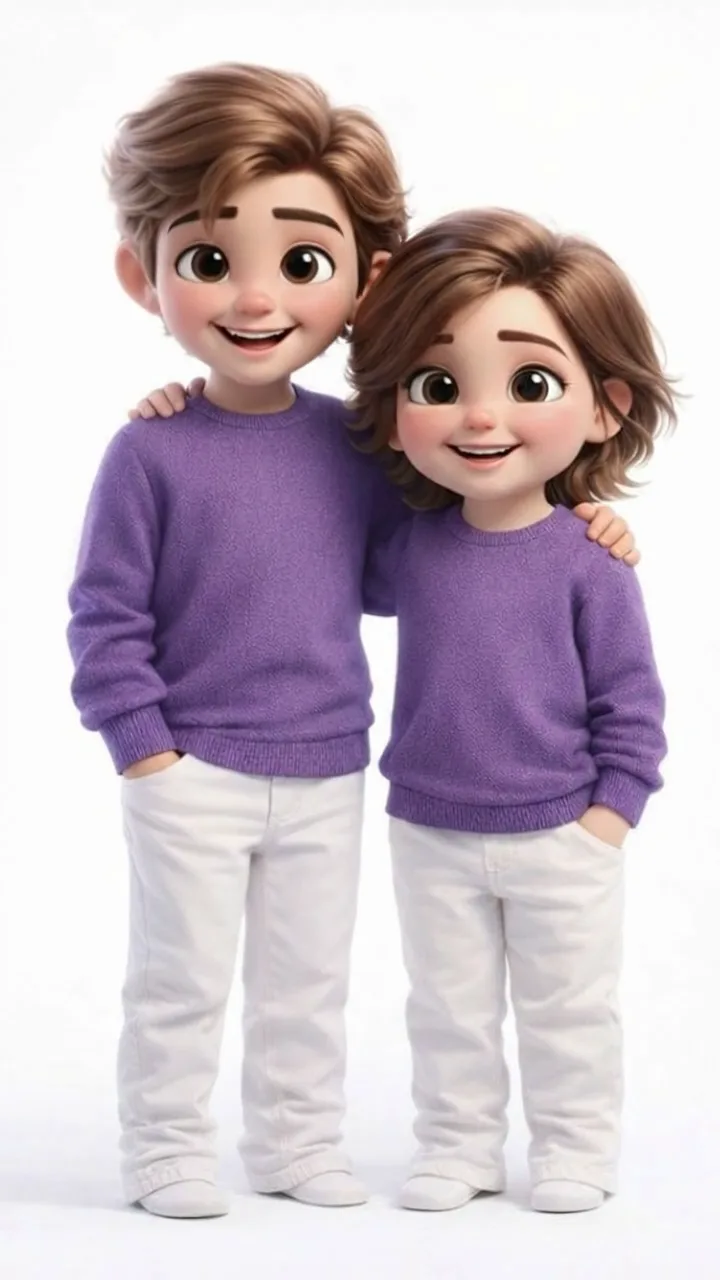
静止画に映画的カメラワーク:ゆっくりしたプッシュインと視差で背景は不変——平面写真を縦型ショートに。
出力設定
クレジットは選択した長さと解像度に応じて更新されます。
画像をアップロード
サンプル動画
写真+カメラワーク
静止画に映画的カメラワーク:ゆっくりしたプッシュインと視差で背景は不変——平面写真を縦型ショートに。
フォーマットとスタイル
画角:生成前に選択(9:16 / 16:9 / 1:1 など)長さと解像度:生成前に選択、クレジットは設定に応じて変動
このワークフローの使い方
- 1.Open this workflow page and review the example video above.
- 2.Upload a clear photo (face or product visible, good lighting).
- 3.Click Generate. Credits are reserved when the job starts.
- 4.Wait for generation to finish — you can keep this tab open while we poll for your result.
- 5.Download the MP4 or share directly to TikTok, Reels, or Shorts.
より良い結果のためのヒント
- Keep subjects centered for 9:16 vertical framing.
- Use a sharp, well-lit source image without heavy filters.
- Single-shot workflows are fastest for daily posting.
よくある質問