
Van Gogh Studio 로고
Van Gogh Studio
20%

창작 워크플로를 이어가세요

지금 작업에 맞는 다음 단계 도구를 추천합니다.

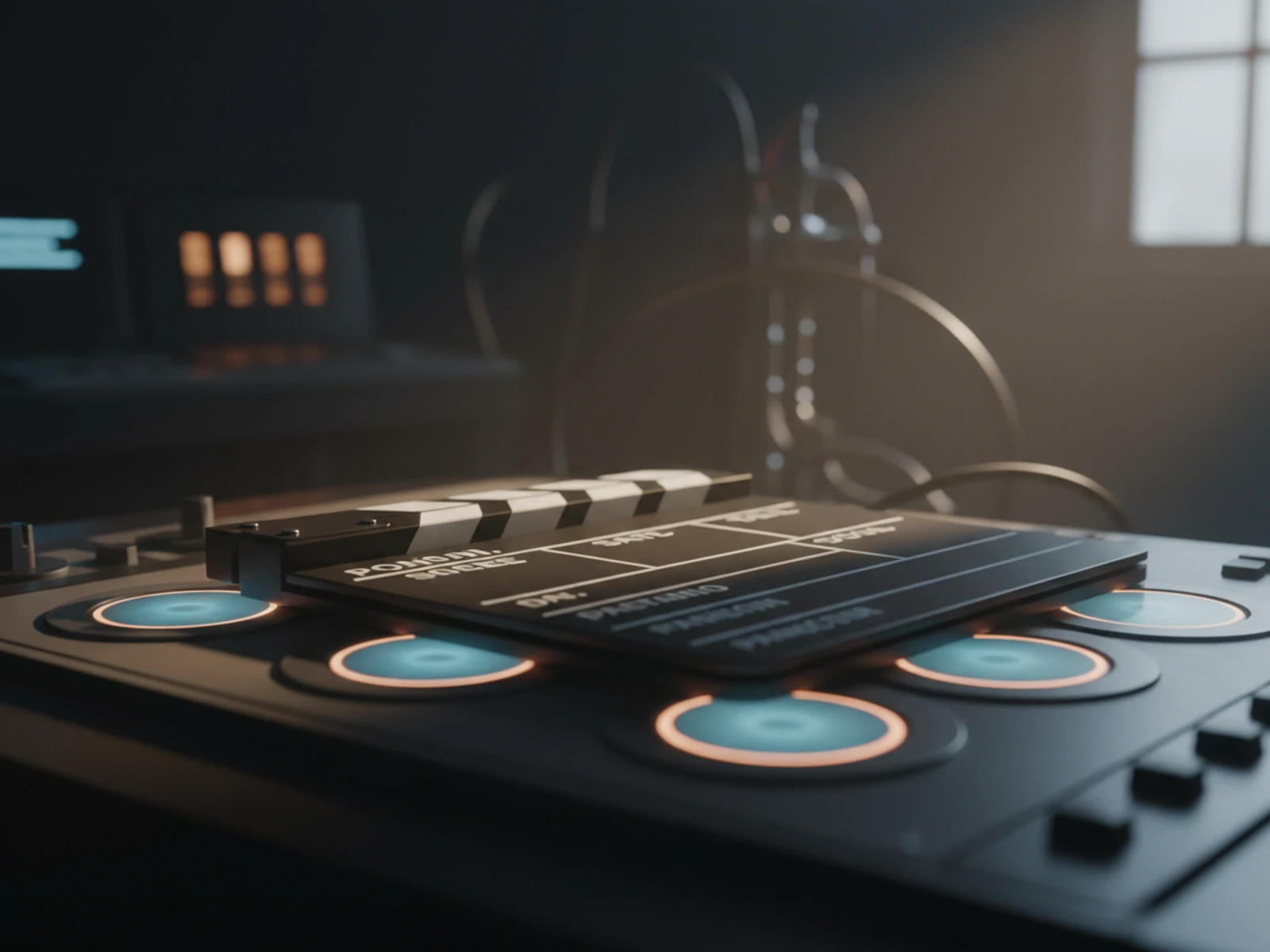
  • AI 비디오 스튜디오

    스크립트, 내레이션, 내보내기를 한 곳에서 완성하세요.

    텍스트나 이미지로 AI 영상 생성

    열기

    AI 비디오 스튜디오

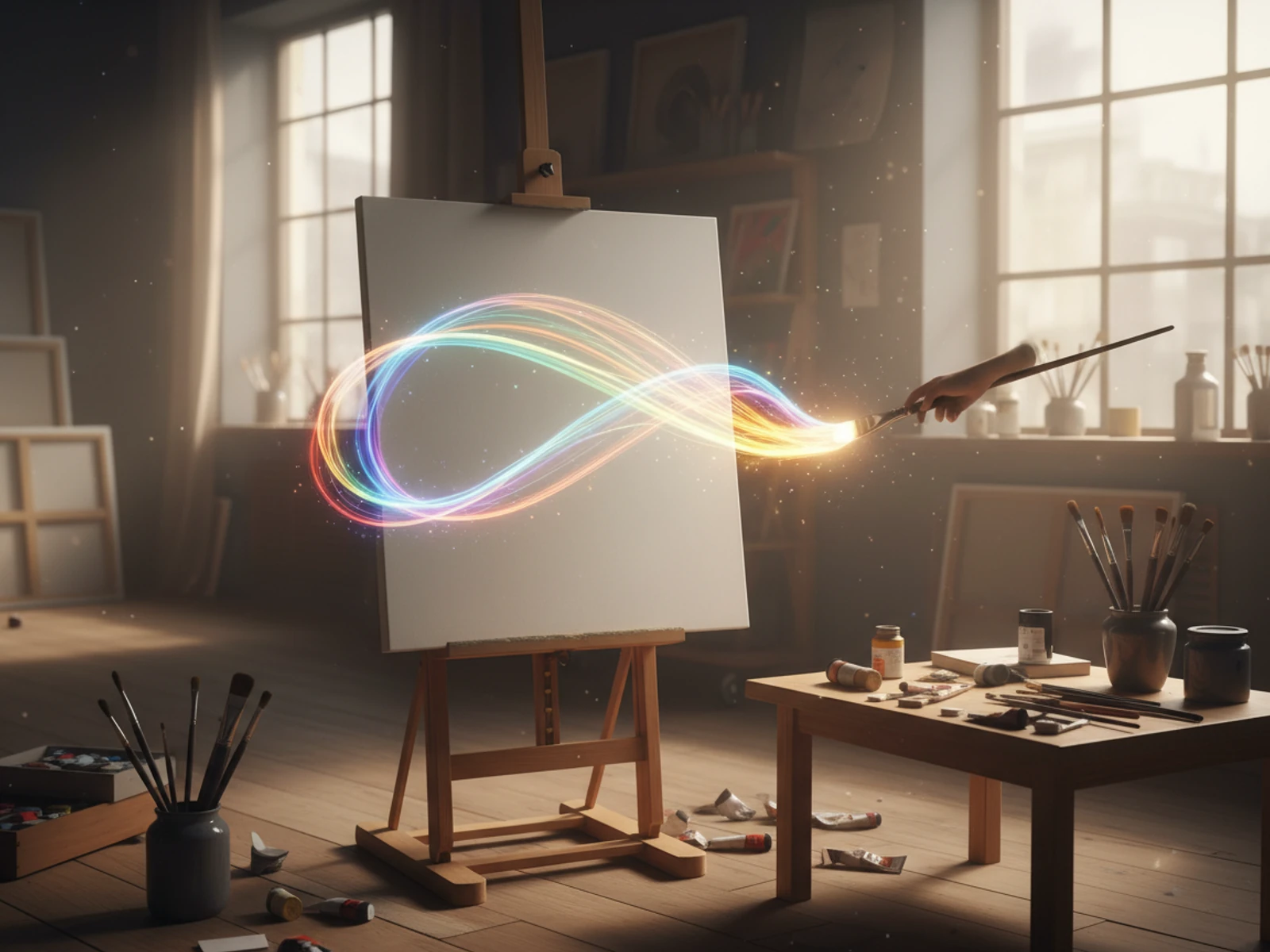
  • AI 이미지 생성

    아이디어를 묘사하면 선명한 아트·썸네일·소셜 이미지를 생성.

    설명으로 새로운 AI 이미지 생성

    열기

    AI 이미지 생성

  • 이미지 → 동영상

    정지 이미지를 업로드하면 AI가 자연스러운 동작을 부여합니다.

    정지 이미지를 영화 같은 영상으로

    열기

    이미지 → 동영상

  • 비디오 압축기

    서버에 다시 업로드하지 않고 파일 크기를 줄이세요

    압축 최적화로 업로드 가속

    열기

    비디오 압축기

모든 무료 도구 둘러보기

광고 없는 경험을 원하시나요? 플랜을 업그레이드하세요.

Van Gogh Studio
Van Gogh Studio

크레딧 및 무료 이용: Most one-click video effects default to about 80 credits per clip (5s 720p Pixverse-style preset). That is not zero-cost unlimited usage — it is the credit price for one effect render. Sign in to see your balance; earn more credits with check-in and referrals.

London Elite Vibe AI Video Effect

London Elite Vibe is a dedicated AI video effect on Van Gogh Studio. Style and scene templates that re-light, re-grade, or re-stage your photo without a full manual edit pass. Upload one clear photo, sign in to load the studio prompt, and generate a short clip you can download or share.

Creators use London Elite Vibe for YouTube Shorts intros when they need a recognizable visual hook without rebuilding the scene in a traditional editor.

Typical output is a few seconds at social resolution. Most one-click video effects default to about 80 credits per clip (5s 720p Pixverse-style preset). That is not zero-cost unlimited usage — it is the credit price for one effect render. Sign in to see your balance; earn more credits with check-in and referrals.

이전

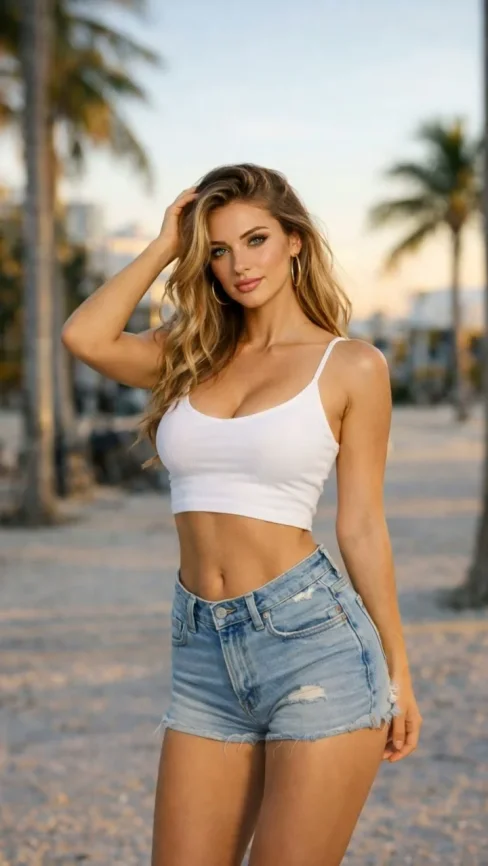
A static portrait or product photo with neutral lighting.

이후

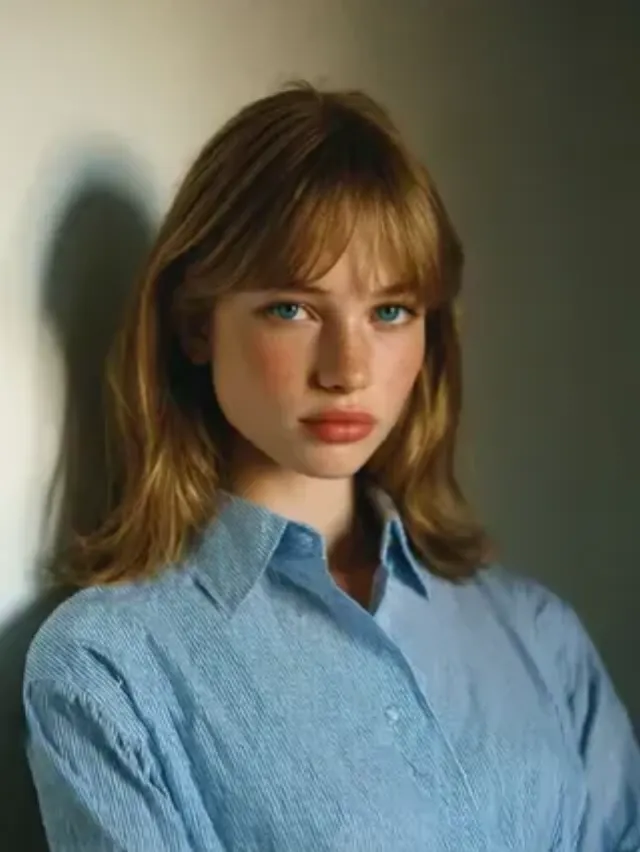
A London Elite Vibe stylized clip with motion, VFX, and pacing matched to the template.
입력

  • One subject photo (JPEG/PNG/WebP)
  • Signed-in session to load the protected effect prompt
  • Aspect ratio chosen in the video studio before export
Try this effect

자주 묻는 질문

What does London Elite Vibe do on Van Gogh Studio?
London Elite Vibe is a focused workflow on Van Gogh Studio: upload or describe your input, preview settings, then generate. Output is optimized for newsletter embeds. Most one-click video effects default to about 80 credits per clip (5s 720p Pixverse-style preset). That is not zero-cost unlimited usage — it is the credit price for one effect render. Sign in to see your balance; earn more credits with check-in and referrals.
Is Van Gogh Studio free to use?
No. Van Gogh Studio uses credits — free accounts start with 0 signup credits and can earn more via check-in, spin, and referrals. Each generation spends credits; the price is shown before you confirm.
How do I try it once?
Sign in (or create a free account), open the tool on this page, and run one generation. Free accounts are limited to one combined video/image generation per UTC day, but you still see credit cost upfront.
What file formats are supported?
Most image workflows accept JPEG, PNG, or WebP up to the limit shown in the uploader. Video exports depend on the model you pick; common outputs include MP4 suitable for social platforms.
Can I use results commercially?
Commercial use requires a paid plan. You keep ownership of outputs you generate; upgrade when you need watermark-free exports, higher volume, or client delivery rights.
Why do effects show about 80 credits?
The default Pixverse-style effect preset (about 5 seconds at 720p) is priced around 80 credits per render. Heavier models or longer clips cost more; the UI always shows credits before you generate.
Do I need editing experience?
No timeline skills are required. Describe the scene or upload a photo, adjust a few controls, and download the result. Advanced users can chain outputs into longer projects elsewhere.
How long does generation take?
Most clips finish in a few minutes depending on queue and model load. Progress is shown in the studio; you can leave the tab open while rendering completes.
비디오 효과
런던 엘리트

런던 엘리트

클릭하여 변경

클릭하여 업로드

JPG, PNG, WebP (Max 10MB)

이미지를 업로드하고 생성을 클릭하여 비디오를 만드세요