AI वीडियो वर्कफ़्लो टेम्पलेट
सिंगल-शॉट जनरेशन
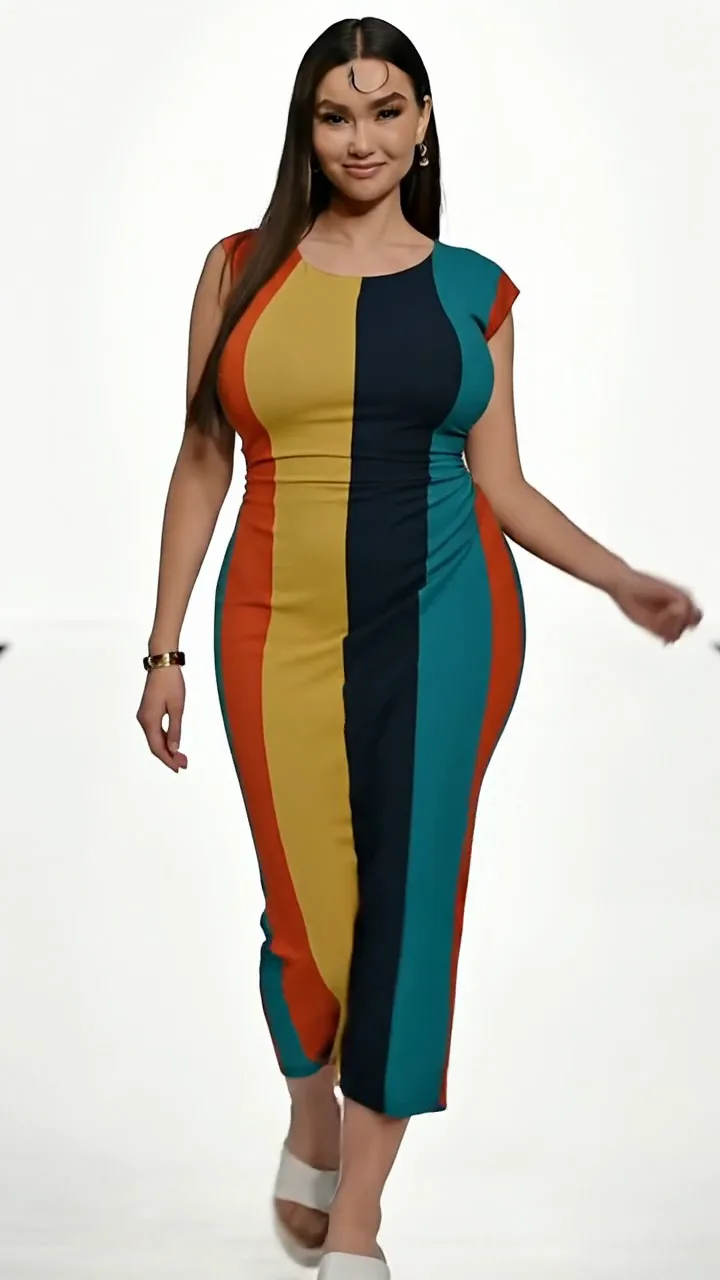
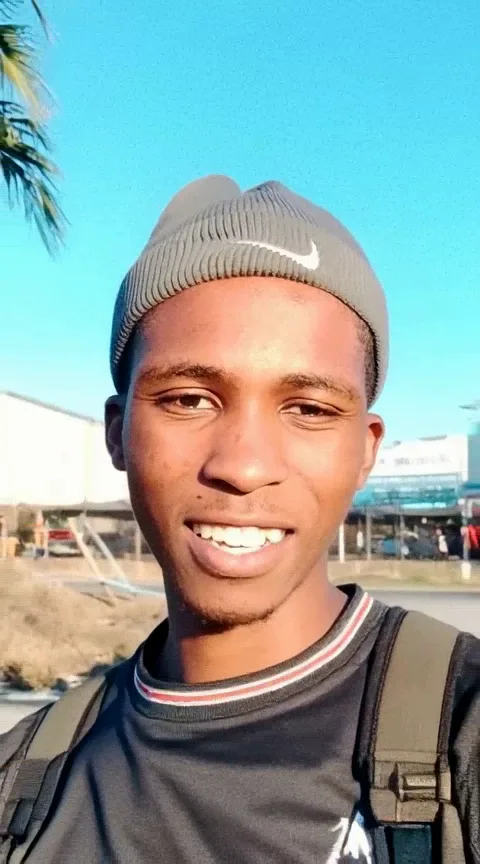
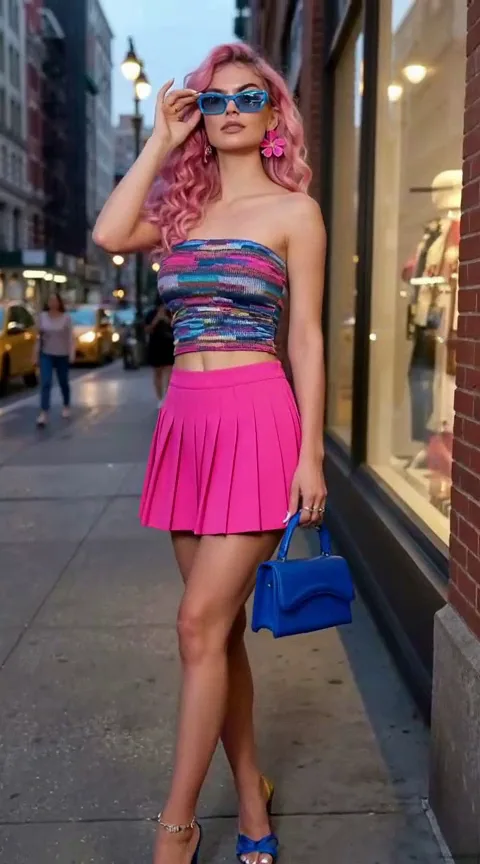
ग्लैमर पोर्ट्रेट
रेफरेंस इमेज से पॉलिश 9:16 पोर्ट्रेट एनिमेशन — कम डेप्थ, ग्लैम लाइट, सूक्ष्म एडिटोरियल मोशन।
पोर्ट्रेट के विषय का वर्णन करें
आउटपुट सेटिंग्स
क्रेडिट अवधि और रिज़ॉल्यूशन के अनुसार बदलते हैं।
उदाहरण आउटपुट
ग्लैमर पोर्ट्रेट
रेफरेंस इमेज से पॉलिश 9:16 पोर्ट्रेट एनिमेशन — कम डेप्थ, ग्लैम लाइट, सूक्ष्म एडिटोरियल मोशन।
फ़ॉर्मेट और स्टाइल
आस्पेक्ट रेशियो: जनरेट से पहले चुनें (9:16, 16:9, 1:1…)अवधि और रिज़ॉल्यूशन: जनरेट से पहले चुनने योग्य
इस वर्कफ़्लो का उपयोग कैसे करें
- 1.Open this workflow page and review the example video above.
- 2.Fill in the template fields — scene, style, and mood.
- 3.Click Generate. Credits are reserved when the job starts.
- 4.Wait for generation to finish — you can keep this tab open while we poll for your result.
- 5.Download the MP4 or share directly to TikTok, Reels, or Shorts.
बेहतर परिणामों के लिए सुझाव
- Keep subjects centered for 9:16 vertical framing.
- Pick concrete scene words instead of vague adjectives.
- Single-shot workflows are fastest for daily posting.
FAQ