Van Gogh Logo du générateur de vidéo gratuit
Van Gogh Studio
-20%

Poursuivez votre flux créatif

Étapes suivantes recommandées selon votre travail en cours.

  • Studio vidéo IA

    Script, voix off et export au même endroit — livrez vite.

    Générez des vidéos IA depuis texte ou images

    Ouvrir

    Studio vidéo IA

  • Générateur d'images IA

    Décrivez votre vision, obtenez des visuels nets pour les réseaux.

    Générez de nouvelles images à partir de votre description

    Ouvrir

    Générateur d'images IA

  • Image → Vidéo

    Téléversez une photo fixe, l'IA l'anime naturellement.

    Transformez des images en vidéo cinématique

    Ouvrir

    Image → Vidéo

  • Compresseur vidéo

    Réduisez la taille du fichier sans le recharger sur un serveur.

    Compressez pour un upload rapide

    Ouvrir

    Compresseur vidéo

Parcourir tous les outils gratuits

Envie d'une expérience sans publicité ? Passez à un forfait supérieur.

Van Gogh Studio
Van Gogh Studio

Crédits et offre gratuite: Most one-click video effects default to about 80 credits per clip (5s 720p Pixverse-style preset). That is not zero-cost unlimited usage — it is the credit price for one effect render. Sign in to see your balance; earn more credits with check-in and referrals.

Xmas Poster AI Video Effect

Xmas Poster is a dedicated AI video effect on Van Gogh Studio. Style and scene templates that re-light, re-grade, or re-stage your photo without a full manual edit pass. Upload one clear photo, sign in to load the studio prompt, and generate a short clip you can download or share.

The effect is tuned for portrait-friendly framing — keep the face or product centered, avoid heavy motion blur in the source photo, and write a short note if you need a specific mood.

Typical output is a few seconds at social resolution. Most one-click video effects default to about 80 credits per clip (5s 720p Pixverse-style preset). That is not zero-cost unlimited usage — it is the credit price for one effect render. Sign in to see your balance; earn more credits with check-in and referrals.

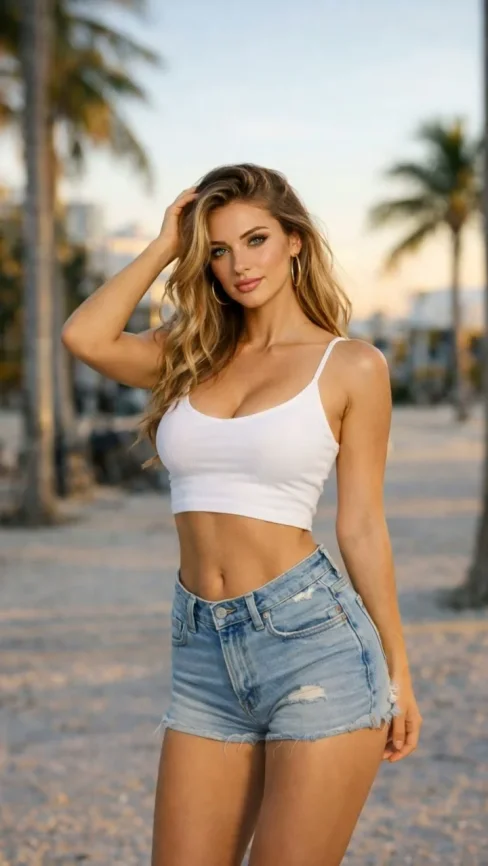
Avant

A static portrait or product photo with neutral lighting.

Après

A Xmas Poster stylized clip with motion, VFX, and pacing matched to the template.

Données requises

  • One subject photo (JPEG/PNG/WebP)
  • Signed-in session to load the protected effect prompt
  • Aspect ratio chosen in the video studio before export
Try this effect

Questions fréquentes

What does Xmas Poster do on Van Gogh Studio?
Xmas Poster is a focused workflow on Van Gogh Studio: upload or describe your input, preview settings, then generate. Output is optimized for newsletter embeds. Most one-click video effects default to about 80 credits per clip (5s 720p Pixverse-style preset). That is not zero-cost unlimited usage — it is the credit price for one effect render. Sign in to see your balance; earn more credits with check-in and referrals.
Is Van Gogh Studio free to use?
No. Van Gogh Studio uses credits — free accounts start with 0 signup credits and can earn more via check-in, spin, and referrals. Each generation spends credits; the price is shown before you confirm.
How do I try it once?
Sign in (or create a free account), open the tool on this page, and run one generation. Free accounts are limited to one combined video/image generation per UTC day, but you still see credit cost upfront.
What file formats are supported?
Most image workflows accept JPEG, PNG, or WebP up to the limit shown in the uploader. Video exports depend on the model you pick; common outputs include MP4 suitable for social platforms.
Can I use results commercially?
Commercial use requires a paid plan. You keep ownership of outputs you generate; upgrade when you need watermark-free exports, higher volume, or client delivery rights.
Why do effects show about 80 credits?
The default Pixverse-style effect preset (about 5 seconds at 720p) is priced around 80 credits per render. Heavier models or longer clips cost more; the UI always shows credits before you generate.
Do I need editing experience?
No timeline skills are required. Describe the scene or upload a photo, adjust a few controls, and download the result. Advanced users can chain outputs into longer projects elsewhere.
How long does generation take?
Most clips finish in a few minutes depending on queue and model load. Progress is shown in the studio; you can leave the tab open while rendering completes.
Effets Vidéo
Affiche de Noël

Affiche de Noël

Cliquez pour changer

Cliquez pour télécharger

JPG, PNG, WebP (Max 10MB)

Téléchargez une image et cliquez sur Générer pour créer votre vidéo