- What makes AI Video Studio different from other video generators?
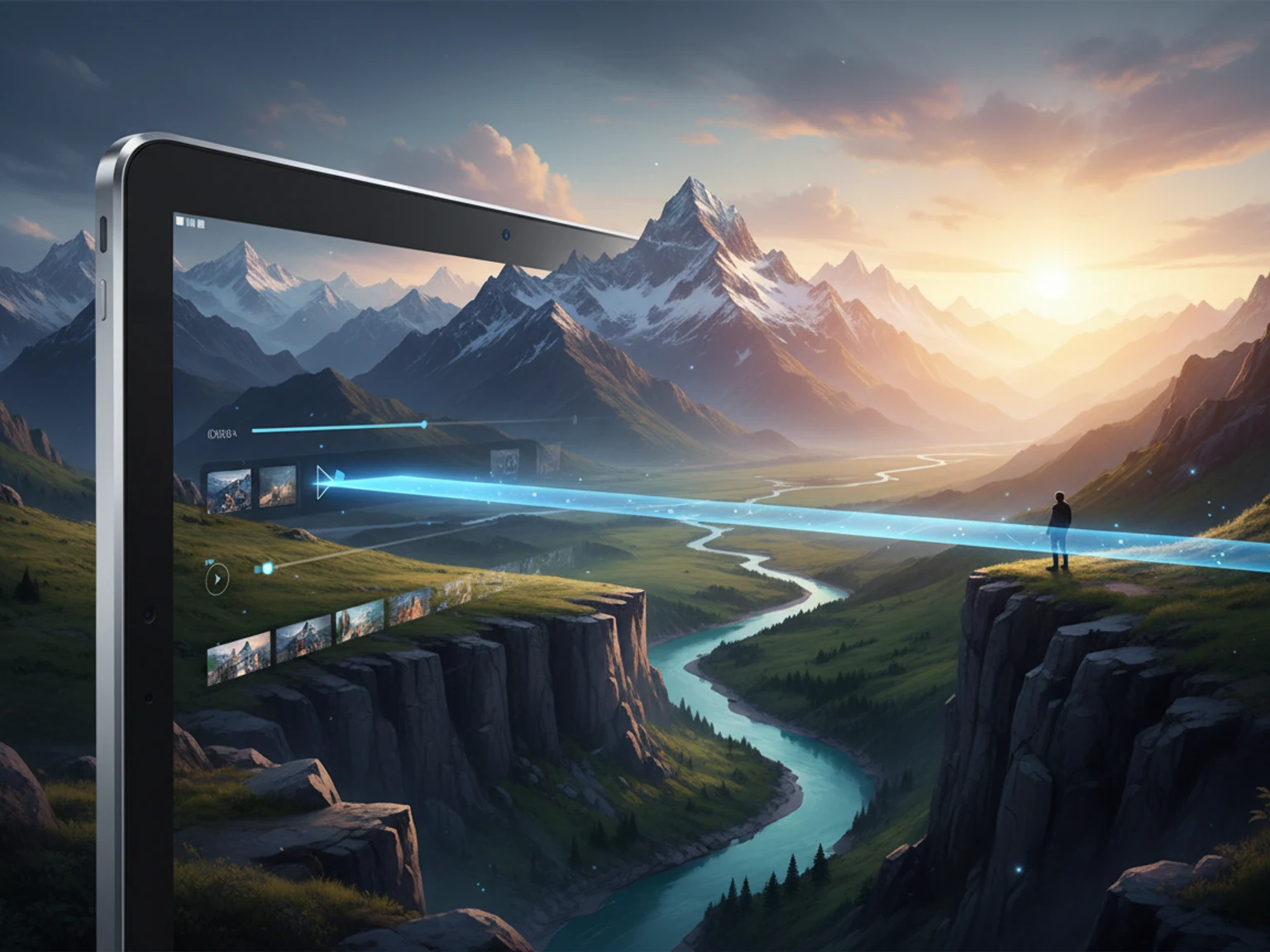
- AI Video Studio gives you a professional creative control panel with 6 visual style presets, 9 camera motion types, and 20+ fine-grained visual categories (lighting, mood, composition, VFX, etc.) — all with preview thumbnails. It's the most complete AI video creation experience in one page.
- Which AI models are available?
- We support 10+ leading models including Sora 2, Kling 3, Google Veo 3, Seedance, Wan, and more. New models are added regularly. Each model has unique strengths — Veo 3 for photorealism, Kling for motion quality, Sora for creative scenes.
- Can I control camera movement?
- Yes! Choose from 9 camera motion types: Static, Pan Left/Right, Tilt Up/Down, Zoom In/Out, Dolly Forward, and Orbit. Then adjust intensity from subtle to dramatic with the slider.
- Can I upload my own images to animate?
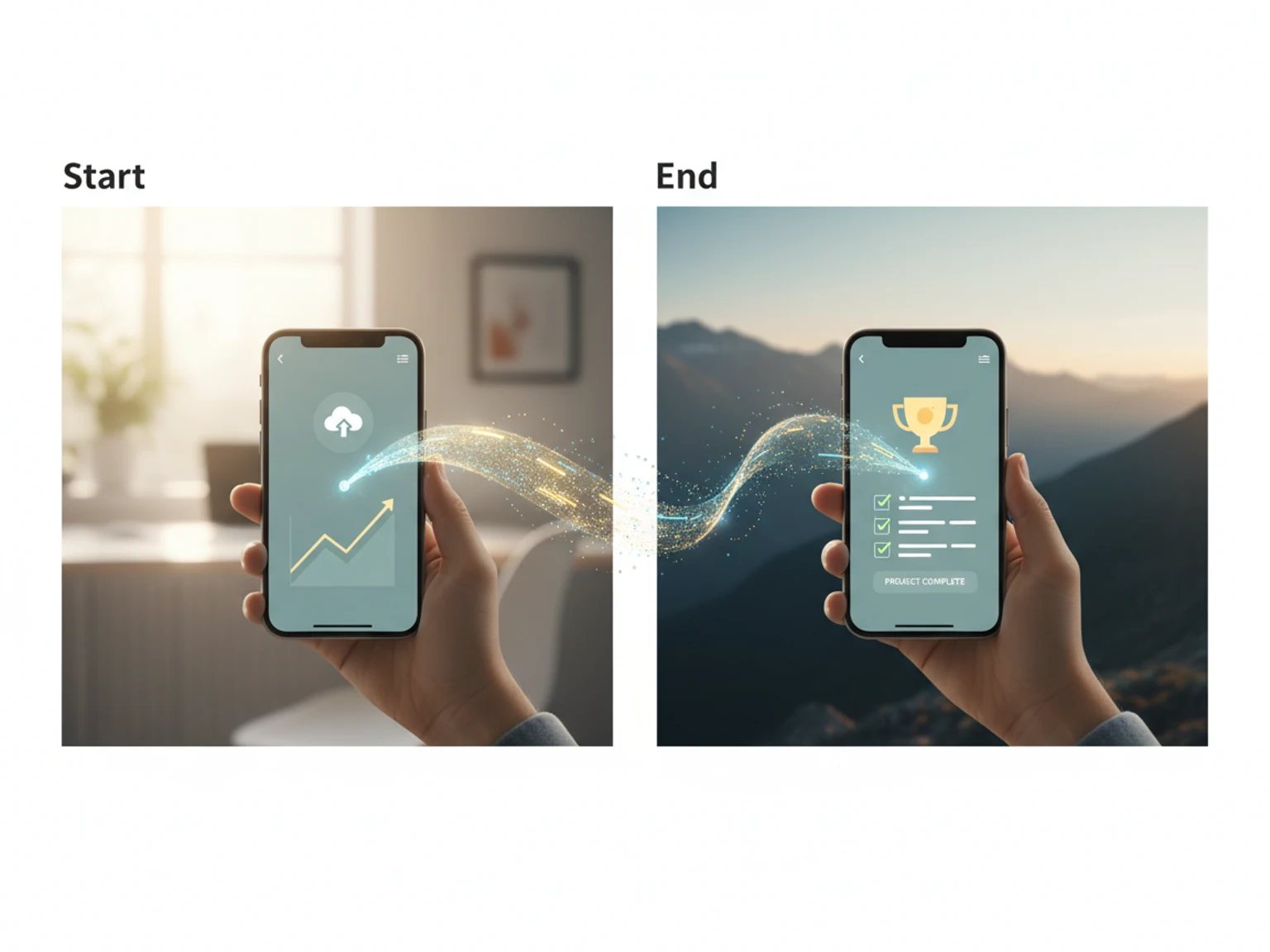
- Yes! Upload JPG, PNG, or WEBP images (up to 10MB) to use as the starting frame for image-to-video generation. The AI will animate your image into a video based on your prompt and settings.
- Is AI Video Studio free to use?
- Yes! Sign up to receive free credits — no credit card required. The free plan includes a watermark on generated videos. Upgrade to a paid plan to remove the watermark, unlock 1080p and 4K resolutions, and get more monthly credits.